
Blonde woman in neon yellow sequins posing in an interior doorway
Prompt
A young woman with long blonde hair stands in a doorway posing confidently.

Subject: A fair-skinned woman with long wavy blonde hair and light makeup featuring pink lips.

Clothing: She wears a bright neon yellow oversized t-shirt covered in colorful sequins, black patterned shorts, and shiny red high-heeled shoes.

Action: She leans back against the doorframe with one arm raised holding the top of the frame and the other hand resting on the door handle, looking directly at the camera.

Environment: The setting is an interior hallway featuring a vibrant blue wall to the right, a dark wooden door, and a patterned rug visible inside the room behind her.

Camera: A medium full-body shot framed vertically with a straight-on angle capturing the subject from head to toe.

Lighting: Bright artificial lighting illuminates the scene evenly, creating soft shadows and highlighting the reflective texture of her sequined shirt.

Style Details: The image has a polished commercial photography aesthetic with high color saturation and sharp focus on the subject.
Description
This prompt is useful for creating vibrant music video stills, themed costume editorials, and retro-inspired fashion advertisements. The combination of 'bright neon yellow oversized t-shirt covered in colorful sequins' against a 'vibrant blue wall' maximizes chromatic contrast, ensuring the subject pops out from the background rather than blending into it under the specified 'Bright artificial lighting'.
Suggestions
- Change 'neon yellow' to 'electric lime' for an even more aggressive pop.
- Replace 'black patterned shorts' with 'vinyl mini skirt' for a tougher edge.
- Adjust 'medium full-body shot framed vertically' to 'full body, low angle' to make her appear taller.
Category
Tags
BlondeFair SkinFemaleFull BodyIndoorsMedium ShotRealistic
Date added
June 19, 2026
Added by
PromptDexter Team
Related Prompts
More prompts with similar categories and tags.

Woman in orange mini dress walking down sunlit corridor
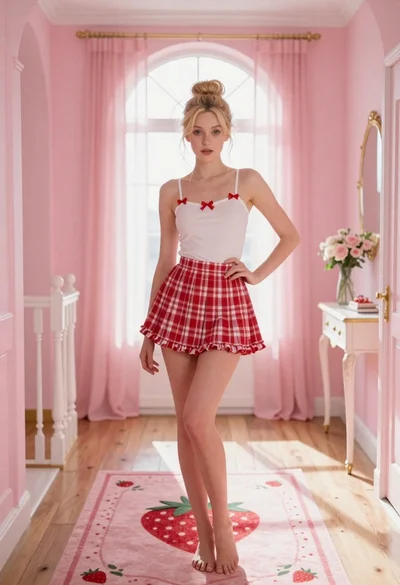
Young blonde woman in pink hallway posing with hand on hip
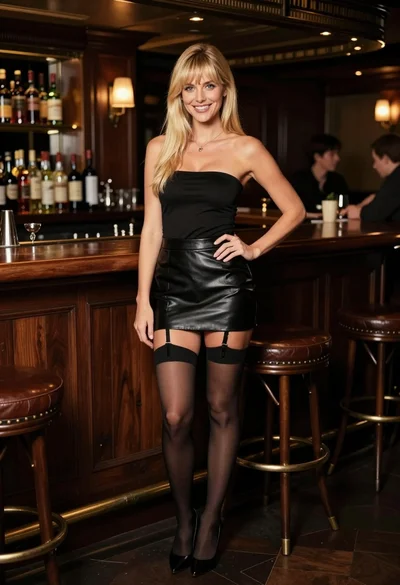
Smiling blonde woman posing confidently in an upscale dimly lit bar setting

Blonde woman taking mirror selfie on beige carpet near anime display
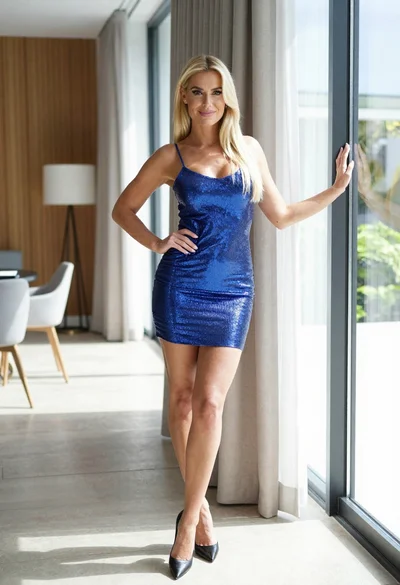
Blonde woman in blue mini dress standing indoors near glass windows

Blonde woman in black lace gown standing in opulent room setting
Blonde woman in jogger pants standing in modern hallway

Blonde woman in bikini shorts inside rustic wooden boat house setting

Blonde woman in black gown seated on white stool in bright room
Young woman in elaborate red and pink traditional indian attire indoors