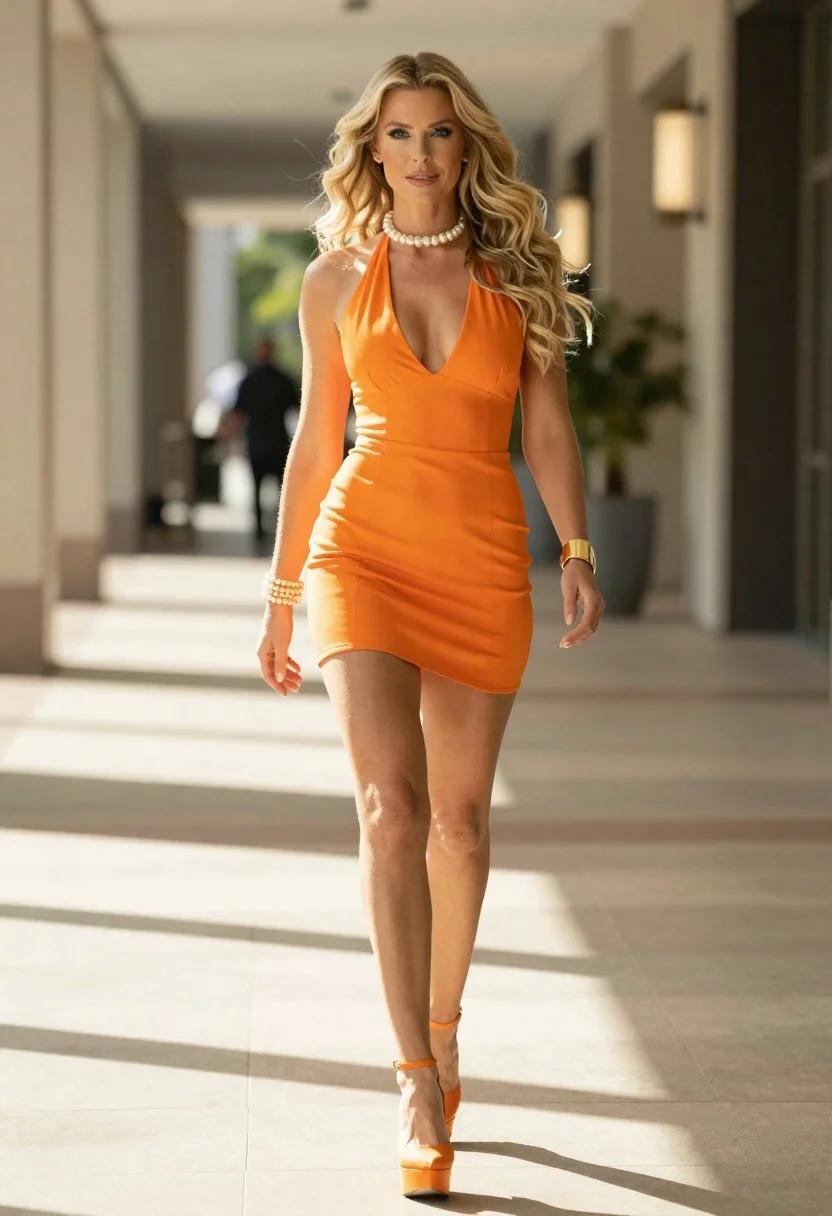
Woman in orange mini dress walking down sunlit corridor
Prompt
A photorealistic full-body shot of a confident woman with long wavy blonde hair walking toward the camera in an indoor corridor setting

Subject: A fair-skinned woman with striking blue eyes and voluminous, sun-kissed blonde waves flowing over her shoulders.

Clothing: She wears a vibrant orange halter-neck mini dress featuring a plunging V-front design that reveals part of her chest, paired with matching high platform heels in the same bright hue; she accessorizes with pearl choker necklace, pearl bangle bracelet on one wrist and gold cuff on the other.

Action: Walking forward with poised stride, arms slightly relaxed at sides, direct gaze meeting viewer's eye.

Environment: Sunlit indoor walkway or mall corridor with blurred architectural columns and warm ambient lighting in background suggesting depth and movement.

Camera: Eye-level medium-full shot capturing entire figure from head to toe, shallow depth of field blurring distant elements for focus on subject; slight motion blur hints at forward momentum.

Lighting: Bright natural sunlight streaming through overhead windows casting soft shadows across polished floor and highlighting skin tones with warm golden highlights.

Style Details: Cinematic fashion photography aesthetic emphasizing elegance, color harmony between dress/shoes/skin tone, high-resolution realism with subtle lens flare effects enhancing luminous atmosphere.
Description
This prompt is useful for creating vibrant editorial fashion spreads, commercial lifestyle advertising featuring bold colors, and magazine feature editorials showcasing movement. The combination of 'vibrant orange halter-neck mini dress' against the 'sunlit indoor walkway' ensures the subject pops while the 'shallow depth of field blurring distant elements' keeps the viewer focused on her confident stride.
Suggestions
- Change 'vibrant orange' to 'deep emerald green' for a more dramatic contrast.
- Replace 'polished floor' with 'terrazzo tile' for a different architectural texture.
- Adjust 'slight motion blur' to 'crisp focus' if you want a completely static, posed shot.
Category
Tags
BlondeCasual WearFair SkinFemaleFull BodyIndoorsMedium ShotRealisticStreetwearStudio
Date added
June 19, 2026
Added by
PromptDexter Team
Related Prompts
More prompts with similar categories and tags.

Fair blonde woman in black corset and denim shorts studio portrait

Blonde woman in cream sweater sitting on beige couch
Woman in sheer crystal gown looking over shoulder at event backdrop
High fashion studio portrait of woman in crimson blazer
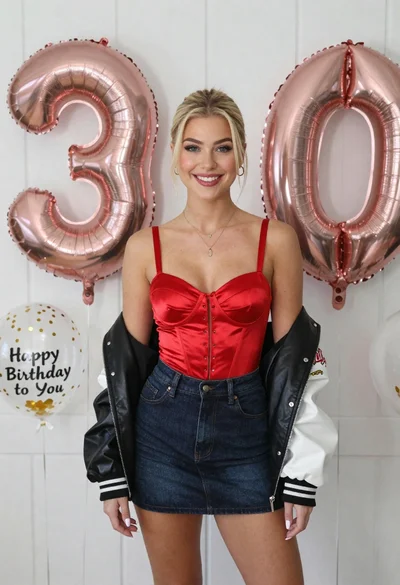
Smiling blonde woman in red corset by white paneled wall balloons
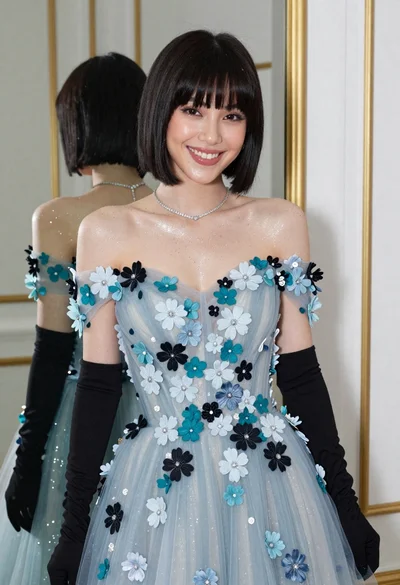
Smiling woman in blue floral dress posing before a mirror indoors
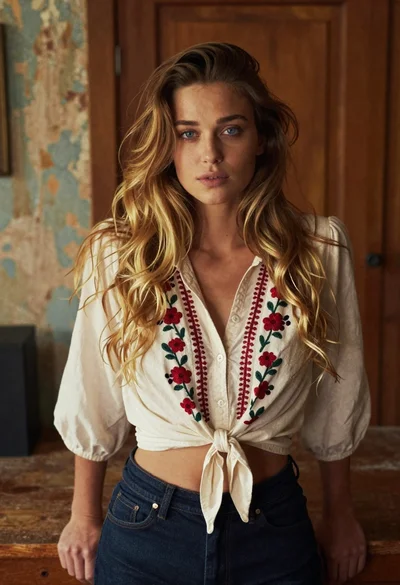
Young woman in cream blouse leaning against rustic wood
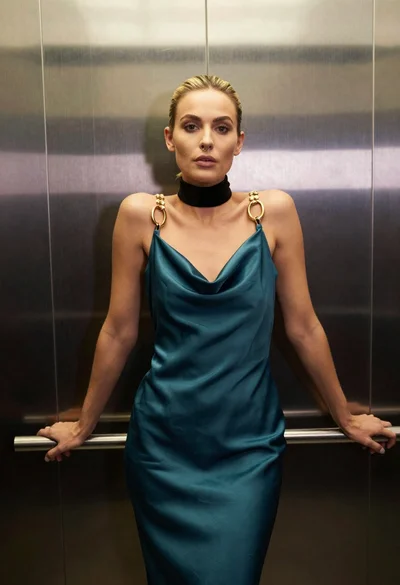
Blonde woman in teal slip dress leaning on elevator handrail