
Blonde woman in orange top and denim skirt stands smiling by shopping
Prompt
A young woman stands smiling confidently in a brightly lit grocery store aisle next to a shopping cart filled with fresh produce.

Subject: A blonde woman with shoulder-length hair wearing an orange tube top and a blue denim mini skirt, paired with white socks and bright orange sneakers.

Clothing: She wears a strapless orange crop top and a fitted blue denim skirt, accessorized with white ankle socks and vibrant orange shoes.

Action: She leans casually against a metal shopping cart with one hand on her hip and the other resting on the cart handle, smiling directly at the camera.

Environment: The setting is a modern grocery store aisle featuring wooden shelves stocked with colorful fruits and vegetables, including apples, oranges, and leafy greens.

Camera: The shot is taken from a medium distance with a slight low angle to emphasize the subject, using a shallow depth of field that keeps the woman sharp while softly blurring the background produce.

Lighting: Bright, even overhead fluorescent lighting illuminates the scene evenly, creating a clean and commercial look with minimal harsh shadows.

Objects: A silver wire shopping cart filled with red peppers, yellow squash, and oranges sits in the foreground next to the subject.

Text/Graphics: A glowing white neon sign reading "DexterPrompt" is visible on the wall in the background above the produce displays.
Description
This prompt is useful for creating lifestyle advertisements, seasonal retail campaigns, and casual fashion editorials set indoors. The combination of 'bright, even overhead fluorescent lighting' with a 'shallow depth of field' ensures the subject remains crisp against the softly blurred background produce, which is ideal for commercial visibility while maintaining an approachable feel.
Suggestions
- Change 'orange tube top' to 'mustard yellow crop top' for a different seasonal pop.
- Swap 'blue denim mini skirt' for 'high-waisted khaki shorts' to change the silhouette.
- Adjust 'low angle' to 'eye level' for a more direct, less imposing portrait.
Category
Tags
BlondeCasual WearFemaleIndoorsLow AngleMedium ShotRealistic
Date added
June 26, 2026
Added by
PromptDexter Team
Related Prompts
More prompts with similar categories and tags.

Blonde woman seated sideways in black mini dress by window
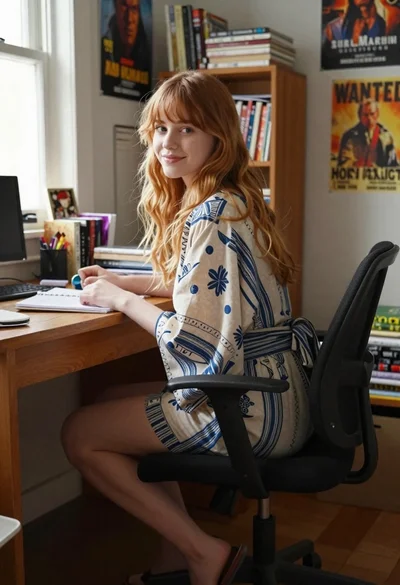
Young woman with strawberry blonde hair at wooden desk in cozy study
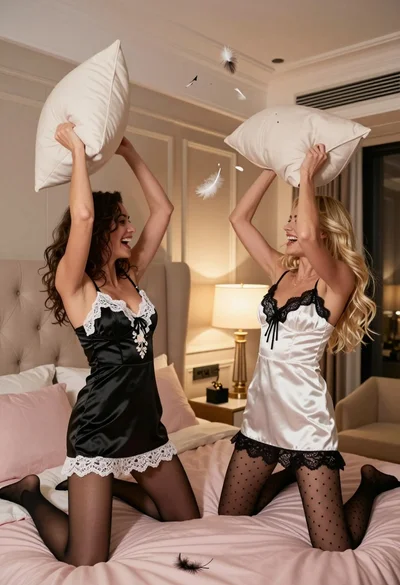
Two women playfully fighting with pillows in a luxurious bedroom setting

Smiling woman with dark hair at wooden table wearing blue ribbed outfit
Blonde woman sitting on kitchen counter with watermelon slice

Young blonde woman in brown top seated in modern living room setting

Fair blonde woman sitting on white ledge by window with green foliage

Blonde woman in black suit leaning on ladder studio portrait