

Smiling blonde woman in boutique wearing navy blouse and black skirt
Prompt
A full-length portrait of a smiling woman with long blonde hair standing in a jewelry boutique.

Subject: A fair-skinned woman with long, wavy blonde hair falling over her shoulders, wearing a warm smile and looking directly at the camera.

Clothing: She wears a dark navy blue high-neck blouse with long sleeves and a black leather midi skirt that falls to mid-calf, paired with black pointed-toe heels.

Environment: The setting is a retail store interior featuring light pink walls, a marble-patterned counter base, and glass display cases containing jewelry. A white shelving unit behind her displays gold lettering reading "JENNIER MEYER" along with small decorative items like flowers and framed pictures.

Lighting: Bright, soft studio lighting illuminates the scene evenly from the front, creating a clean and polished look with minimal harsh shadows.

Camera: The shot is taken at eye level in a medium-full frame composition that captures the subject's entire body from head to toe.

Style Details: High-resolution commercial photography with a smooth color palette emphasizing pink, navy, and gold tones.
Description
This prompt is useful for creating e-commerce product showcases, lifestyle advertising campaigns, and high-end catalog editorials. The combination of 'bright, soft studio lighting' ensures that the 'dark navy blue high-neck blouse' maintains rich color saturation without harsh reflections, while the specified 'marble-patterned counter base' provides a sophisticated, neutral grounding element for displaying jewelry.
Suggestions
- Change 'light pink walls' to 'pale blush walls' for a warmer overall tone.
- Swap 'black leather midi skirt' for 'navy wool midi skirt' to change the material feel.
- Add 'shallow depth of field' to blur the background and focus on the subject.
Category
Tags
BlondeCasual WearFair SkinFemaleFull BodyIndoorsMedium ShotRealisticStudio
Date added
June 19, 2026
Added by
PromptDexter Team
Related Prompts
More prompts with similar categories and tags.
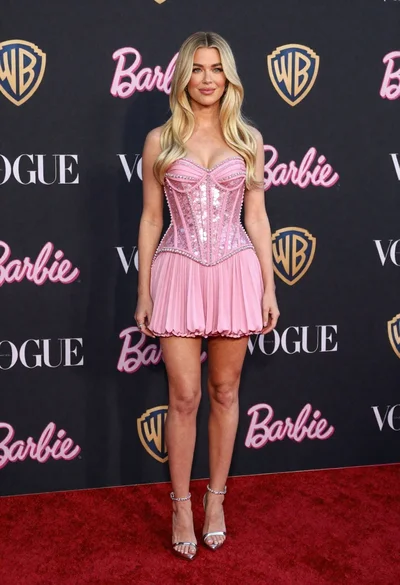
Full length portrait of blonde woman in sparkly pink mini dress on

Blonde woman seated sideways in black mini dress by window
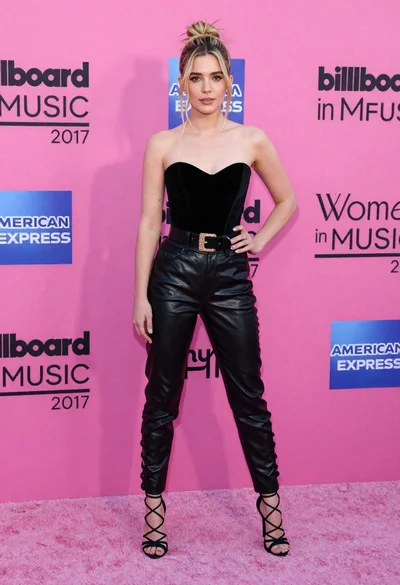
Blonde woman in black leather bodysuit on a bright pink red carpet
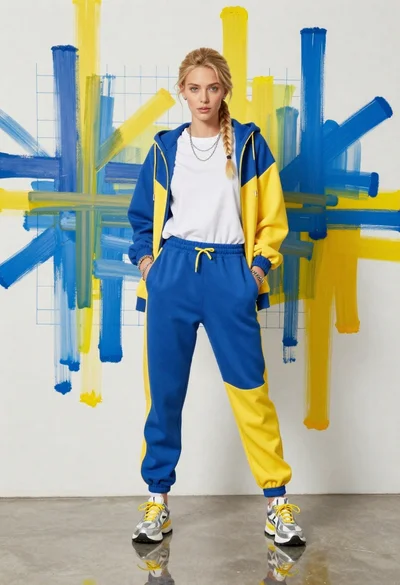
Young woman in color blocked tracksuit against abstract art wall
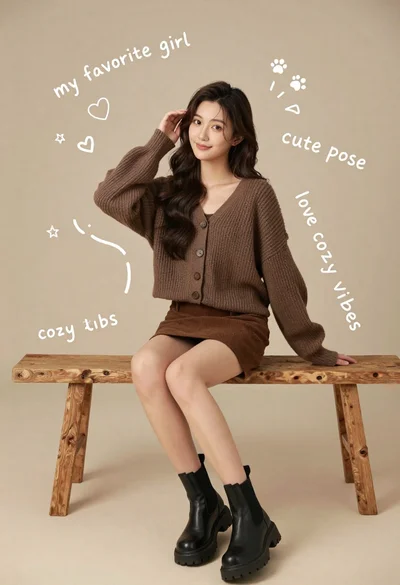
Young woman in brown knit cardigan sitting on bench in studio
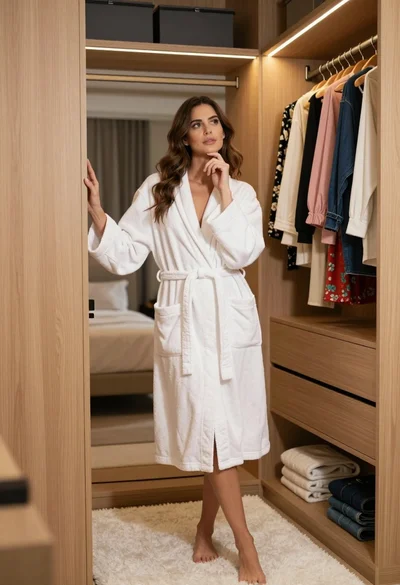
Woman in white bathrobe standing thoughtfully inside spacious walkin closet
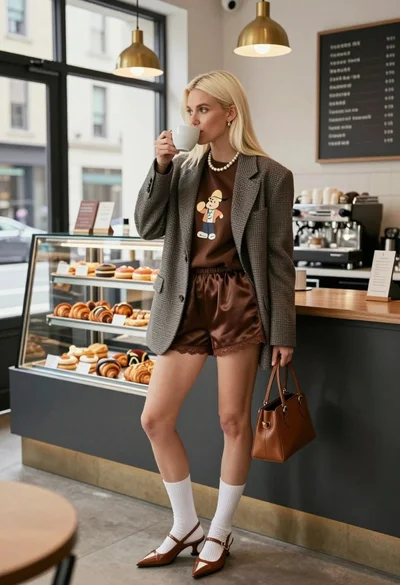
Blonde woman in houndstooth blazer at bright modern coffee shop interior

Blonde woman in burgundy velvet gown holding flower in white studio
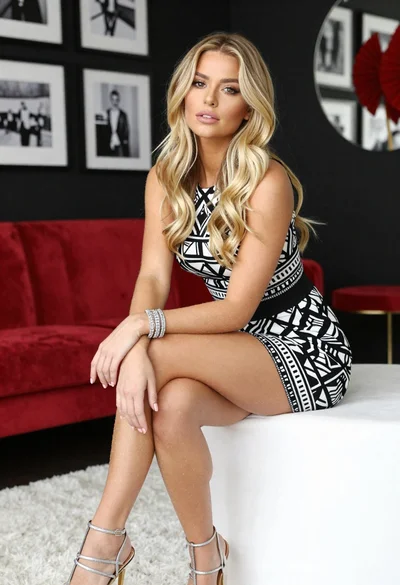
Blonde woman in geometric dress seated in modern stylish interior setting

Blonde woman in black slip dress posing on red carpet at formal
