

Blonde woman leaning against stone archway in tailored blazer outfit
Prompt
A woman with blonde hair pulled back stands leaning against a weathered stone wall in an outdoor setting.

Subject: A fair-skinned woman with blonde hair tied back, wearing a structured dark green double-breasted blazer over a patterned blouse and a brown plaid skirt that features an asymmetrical hemline. She wears tall brown leather boots that reach her knees.

Clothing: The outfit consists of a tailored dark green wool-blend blazer with large black buttons and drawstrings at the waist, layered over a high-necked blouse with a small geometric print. A matching plaid skirt in shades of brown and beige sits below the jacket, and she wears smooth brown leather boots.

Action: She leans casually against the stone structure with her hands tucked into the blazer pockets, looking directly forward with a calm and composed expression.

Environment: The setting is an outdoor stone archway or tunnel with rough-hewn blocks forming the wall behind her. Green foliage and trees are visible in the background through the dark opening of the arch.

Lighting: Soft natural light illuminates the scene from the left, casting gentle shadows on the stone and highlighting the texture of the fabric while maintaining a moody atmosphere.

Camera: The shot is taken at eye level with a medium framing that captures the subject from head to mid-calf, utilizing a shallow depth of field to keep the focus sharp on her while blurring the background slightly.

Style Details: The image has a high-fashion editorial aesthetic with a muted color palette dominated by earth tones and greens, featuring a cinematic quality and soft film grain.
Description
This prompt is useful for creating sophisticated fashion editorials, character concept art for period dramas, and mood boards requiring an autumnal, grounded atmosphere. The combination of 'tailored dark green wool-blend blazer' against the 'weathered stone wall' grounds the image in a specific, tactile reality, while the 'soft natural light...
Suggestions
- Change 'dark green wool-blend blazer' to 'navy tweed blazer' for a different seasonal feel.
- Swap 'brown plaid skirt' for 'charcoal houndstooth skirt' to increase pattern contrast.
- Adjust 'soft natural light' to 'overcast daylight' for more uniform illumination.
Category
Tags
BlondeBrown HairCasual WearFair SkinFemaleForestMedium ShotRealistic
Date added
June 19, 2026
Added by
PromptDexter Team
Related Prompts
More prompts with similar categories and tags.

Blonde woman in turtleneck and swim bottoms on a beach

Two women in red mini dresses posing indoors at an opulent setting

Blonde woman in black leather jacket standing in modern marble bathroom

Smiling blonde woman in sports bra sitting on outdoor lounge chair

Blonde woman in cream sweater sitting on beige couch

Blonde woman in black sweater standing in modern purple living room
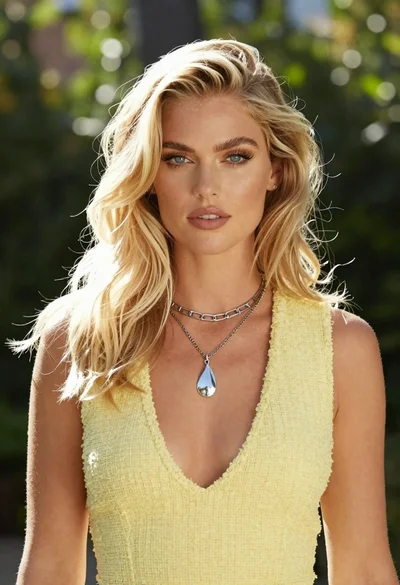
Medium close up portrait of blonde woman in yellow top outdoors

Smiling blonde woman in cowboy hat standing outdoors with green foliage

Blonde woman in denim sitting on ledge overlooking green hills
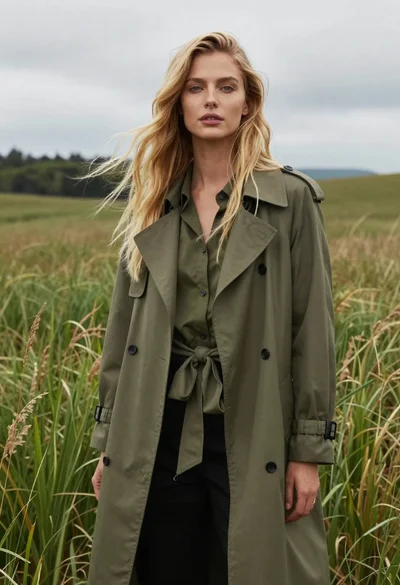
Woman in trench coat standing in tall green grass
