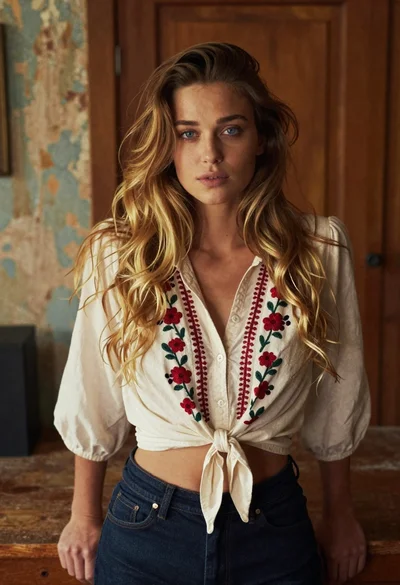
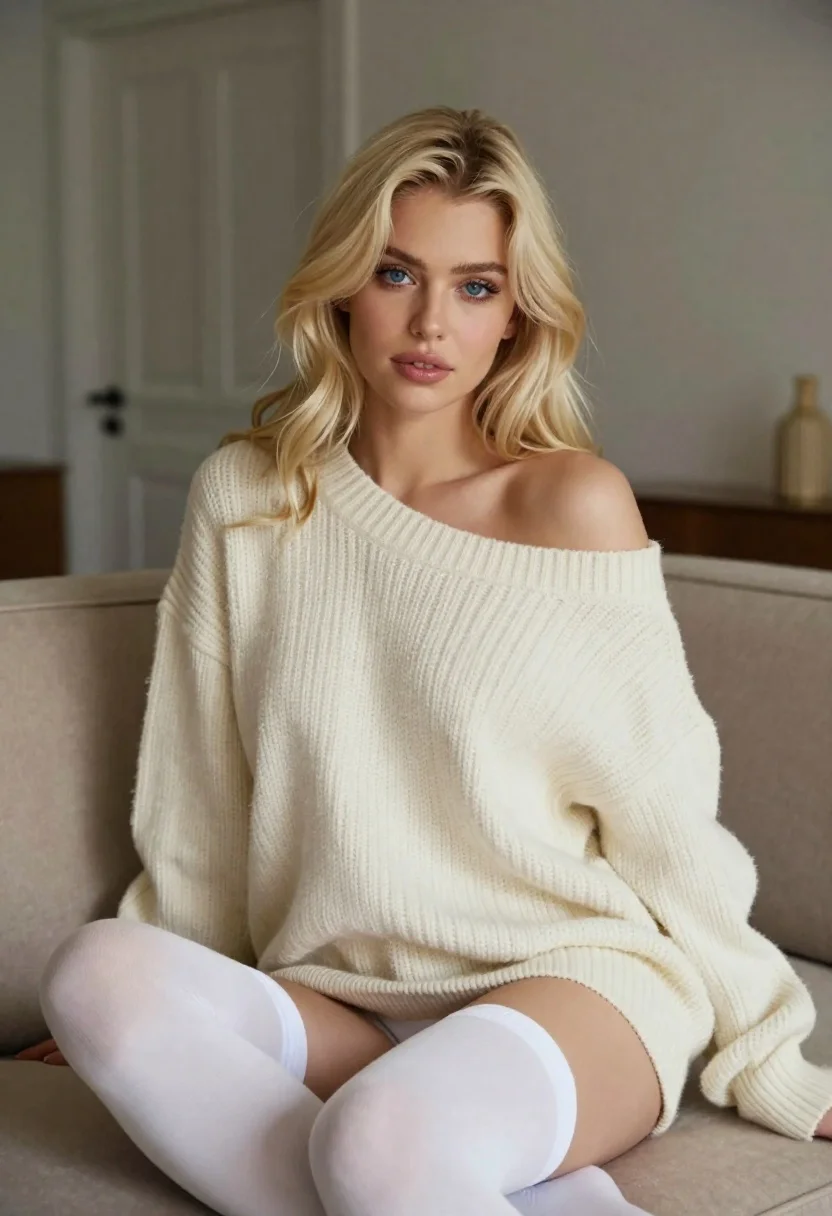
Blonde woman in cream sweater sitting on beige couch
Prompt
Photorealistic portrait of a blonde woman with blue eyes sitting on a beige couch indoors

Subject: Fair-skinned young woman wearing shoulder-length wavy platinum blonde hair and soft makeup including defined eyebrows, subtle blush, glossy lips, and visible eyeliner enhancing her gaze.

Clothing: She wears an oversized cream-colored chunky knit sweater draped off one shoulder revealing the collarbone, paired with opaque white thigh-high stockings featuring ribbed elastic tops; no shoes or jewelry are visible on limbs.

Lighting: Soft directional indoor light illuminates her face and upper body from the side-left creating gentle shadows that emphasize facial contours and texture of fabric without harsh contrast.

Environment: Interior setting with neutral-toned walls, a closed door in background slightly out-of-focus, and plush beige upholstered sofa framing her seated form; minimal decor visible beyond architectural elements like molding at top edge suggesting refined domestic space.

Camera: Medium close-up shot capturing head through mid-thighs emphasizing facial expression and clothing details; shallow depth of field blurs background while keeping subject sharply in focus with natural perspective compression typical of portrait photography using 50mm-85mm lens equivalent.

Style Details: Hyper-realistic digital rendering mimicking high-end fashion editorial photography with lifelike skin textures, realistic fabric drape, and atmospheric lighting reminiscent of commercial beauty campaigns; clean composition centered on subject's direct gaze conveying quiet confidence and intimacy.
Description
This prompt is useful for creating intimate portrait editorials, high-end lifestyle branding materials, and catalog shots emphasizing texture. The combination of 'soft directional indoor light' casting gentle shadows and the focus on 'oversized cream-colored chunky knit sweater' ensures that the fabric drape and skin textures are detailed without harsh contrast, which is crucial for conveying quiet confidence in a refined domestic space.
Suggestions
- Change 'beige couch' to 'velvet sofa' for richer color saturation.
- Swap 'platinum blonde hair' for 'honey blonde hair' for a warmer tone.
- Adjust the lighting by adding 'rim light from the back-right' to separate the subject more dramatically.
Category
Tags
BlondeBrown HairCasual WearFair SkinFemaleIndoorsMedium ShotPortrait ShotRealisticStudio
Date added
June 19, 2026
Added by
PromptDexter Team
Related Prompts
More prompts with similar categories and tags.

Blonde woman in striped swimsuit seated on sofa indoors studio shot

Young woman in black graphic tshirt against white paneled wall
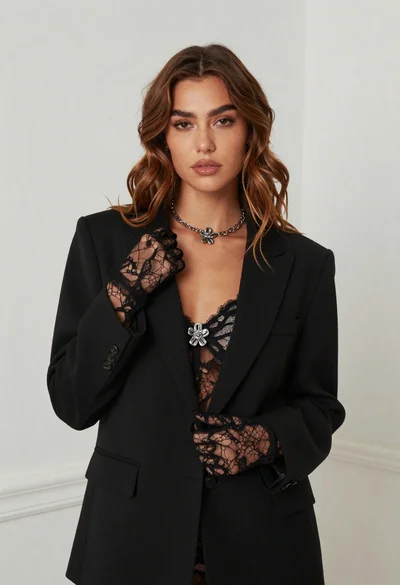
Fair skinned woman in black blazer against white studio wall
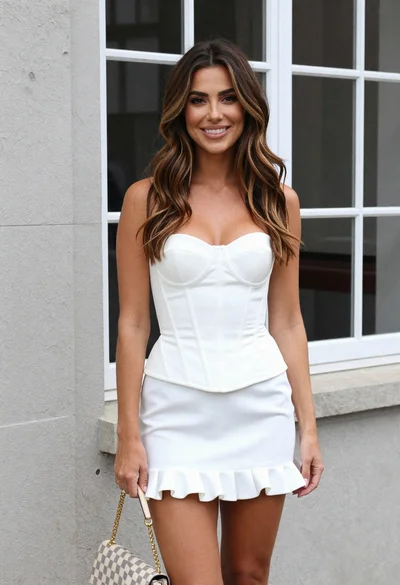
Woman in white corset top standing by grey wall and large window

Smiling young woman in pink dress seated indoors with glowing backlight
Smiling blonde woman in red corset by white paneled wall balloons
Young woman with braids sitting cross legged in green sweatshirt studio portrait

Smiling blonde woman in black leather outfit at an indoor evening event
