Blonde woman looking back over shoulder in an elegant floral garden setting
Prompt
A young woman with long blonde hair stands in a garden, looking back over her shoulder at the camera.

Subject: A fair-skinned woman with long, straight blonde hair parted in the middle and styled down past her shoulders. She has a slender build and is shown from the waist up to mid-thigh. Her expression is neutral and calm as she turns her head slightly away from the camera while looking back.

Clothing: She wears an elegant, strapless white mini dress with a low-cut open back. The fabric appears textured and voluminous, heavily embellished with 3D floral embroidery featuring pink blossoms and dark branches that extend across the skirt and bodice.

Action: The woman is captured in a dynamic pose, twisting her torso slightly to look back over her left shoulder while her right hand gently touches the hem of her dress. Her left arm hangs relaxed by her side.

Environment: The setting is an outdoor garden featuring green ground cover, large grey rocks, and trees with sparse branches and pink blossoms. A modern building with large windows is visible in the blurred background.

Lighting: Soft, diffused natural daylight illuminates the scene evenly, creating gentle shadows that highlight the texture of the dress without harsh contrast.

Camera: The shot is a medium-full length view taken from behind the subject at a slight angle, utilizing a shallow depth of field to keep the woman in sharp focus while blurring the garden background.

Style Details: High-resolution photography with a soft, cinematic aesthetic and natural color grading that emphasizes the pastel tones of the dress against the greenery.
Description
This prompt is useful for creating bridal editorial spreads, romantic lifestyle advertising, and high-end portrait galleries. The combination of 'soft, diffused natural daylight' and a 'shallow depth of field' ensures that the intricate details of the '3D floral embroidery' remain visible while the background elements—like the 'large grey rocks'—are softened enough to keep focus squarely on the subject’s elegant pose.
Suggestions
- Change 'pink blossoms' to 'ivory peonies' for a more muted palette.
- Adjust 'strapless white mini dress' to 'flowing chiffon gown' for less structure.
- Swap 'medium-full length view' for 'waist shot' to emphasize the embroidery detail.
Category
Tags
BlondeCasual WearFair SkinFemaleMedium ShotOutdoorsRealistic
Date added
June 19, 2026
Added by
PromptDexter Team
Related Prompts
More prompts with similar categories and tags.

Blonde woman in black top on balcony overlooking beige stone street

Blonde woman in purple polo shirt on an urban street setting
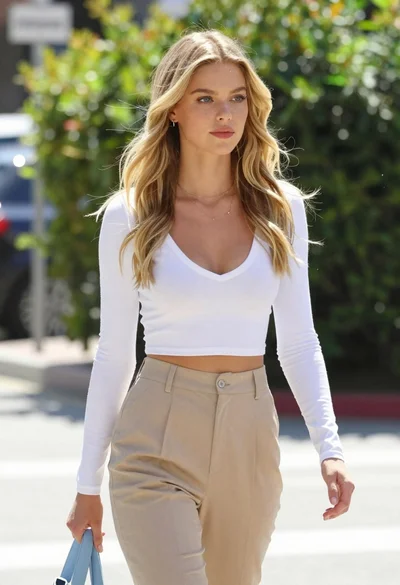
Fair blonde woman walking outdoors in white top and beige trousers
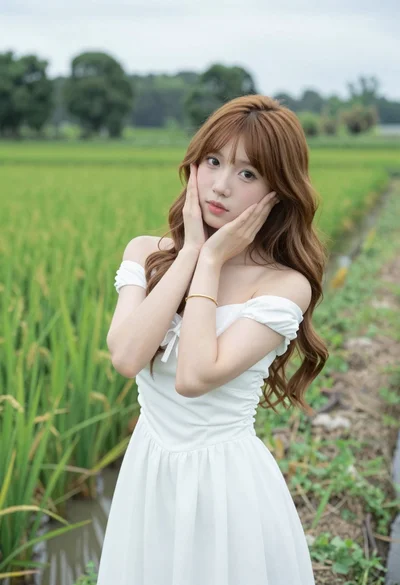
Young woman in white dress posing in lush green rice paddy field

Blonde woman holding white roses against a dark textured wall

Fair blonde woman sitting on sandy beach looking at camera
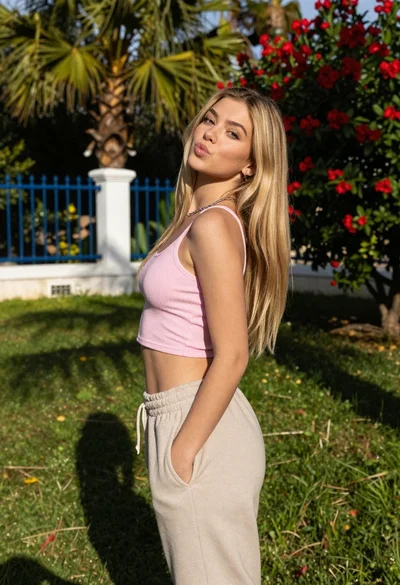
Young blonde woman in pink crop top posing in a lush garden
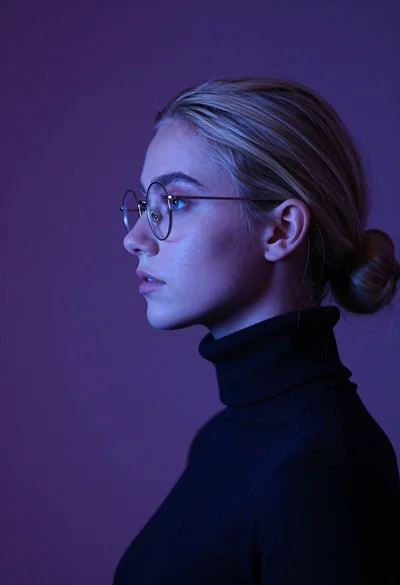
Young woman with blonde hair in low bun wearing glasses and dark

Blonde woman preparing pizza in a bright kitchen with natural sunlight
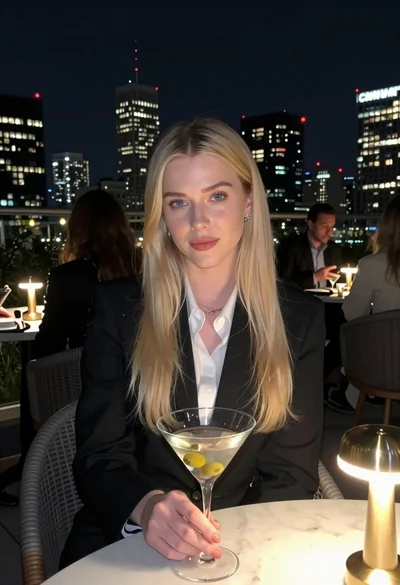
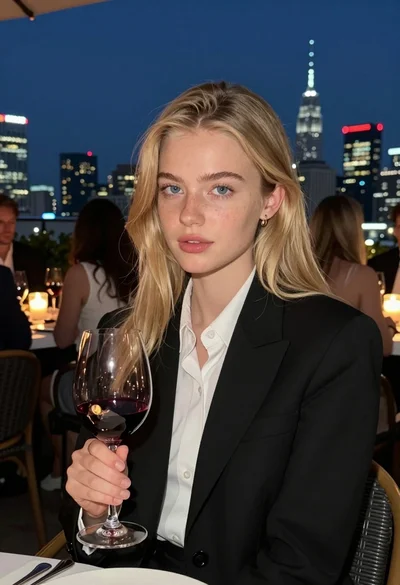
Blonde woman in blazer holding martini glass on rooftop overlooking city skyline