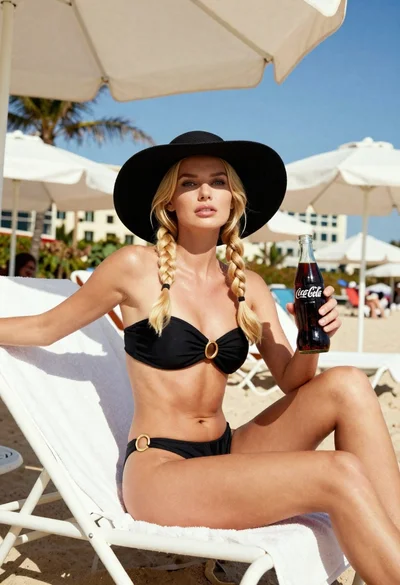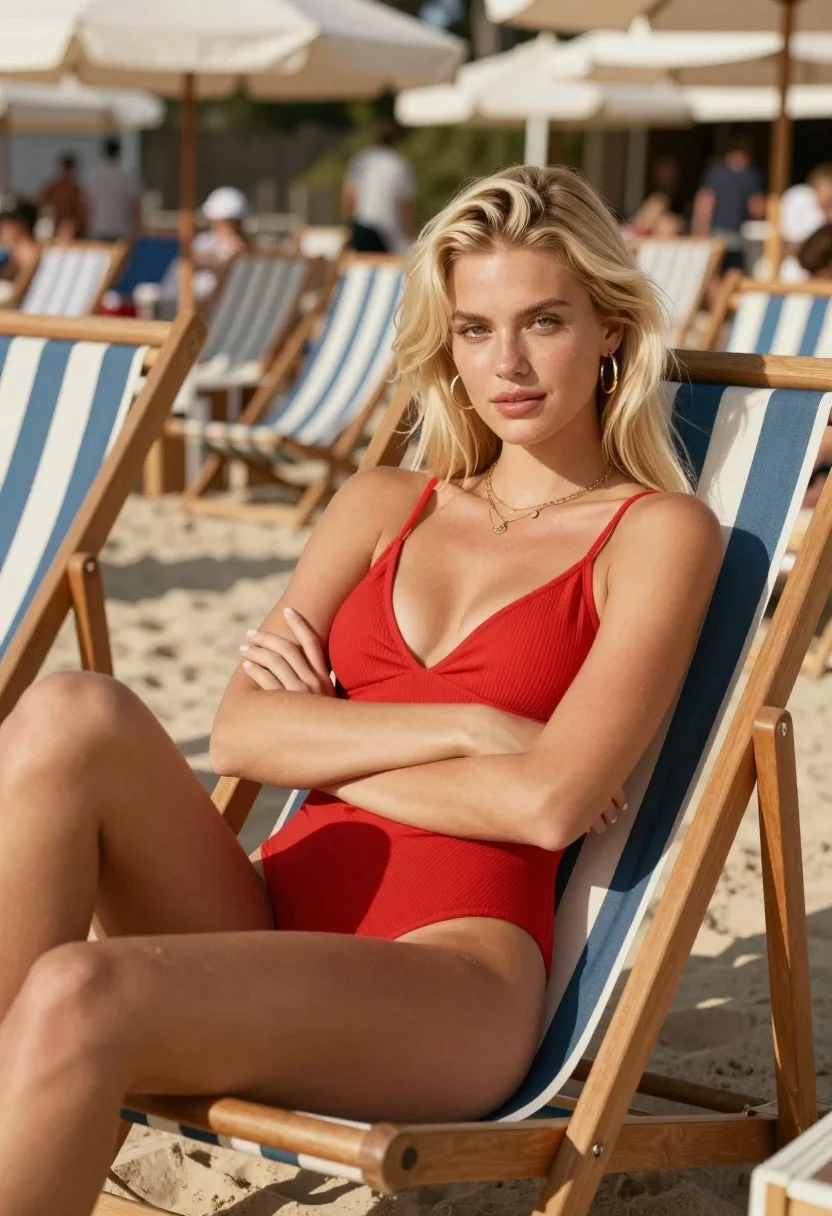
Blonde woman lounging on beach chair at sundrenched resort club setting
Prompt
A confident blonde woman lounges on a striped wooden beach chair in a sun-drenched outdoor setting.

Subject: A young woman with long straight platinum blonde hair and fair skin, featuring defined eyebrows, green eyes, and a soft, confident expression looking directly at the camera.

Clothing: She wears a vibrant red ribbed one-piece swimsuit with thin spaghetti straps and a deep V-neckline, accessorized with gold hoop earrings and a delicate layered gold necklace with small charms.

Action: She is reclining on her side with her legs extended and crossed at the ankles, her arms folded gracefully across her midsection, exuding a relaxed yet poised demeanor.

Environment: The scene takes place at a crowded beach club or resort, indicated by rows of similar striped lounge chairs and blurred figures in the background under large umbrellas.

Camera: Shot with a shallow depth of field that keeps the subject in sharp focus while rendering the busy background as a soft, impressionistic blur to emphasize her presence.

Lighting: Bright natural sunlight illuminates the scene from above, casting distinct shadows on her legs and creating a warm, summery atmosphere with high contrast between light and dark areas.

Style Details: The image features a cinematic color palette with rich reds and warm skin tones, rendered in a photorealistic style that mimics high-end fashion photography with a slight film grain texture.
Description
This prompt is useful for creating resort lifestyle advertisements, swimwear lookbooks, and aspirational travel blog features. The combination of 'vibrant red ribbed one-piece swimsuit' against the 'striped wooden beach chair' anchors the composition while the 'shallow depth of field' ensures that the subject remains sharply defined despite the implied activity in the background.
Suggestions
- Change 'platinum blonde hair' to 'sun-kissed waves' for a more natural look.
- Swap 'vibrant red ribbed one-piece swimsuit' for 'terracotta high-waisted bikini' to shift the color focus.
- Add 'golden hour backlighting' to soften the harsh shadows from 'bright natural sunlight'.
Category
Tags
BeachBlondeFair SkinFemaleMedium ShotOutdoorsRealisticSwimwear
Date added
August 5, 2026
Added by
PromptDexter Team
Related Prompts
More prompts with similar categories and tags.

Blonde woman in swimsuit by yacht window overlooking blue sea
Young blonde woman in turquoise swimsuit on luxury yacht by mountains
Young woman in lavender swimsuit standing in clear turquoise ocean water

Blonde woman in white bikini under thatched roof on sunny tropical beach
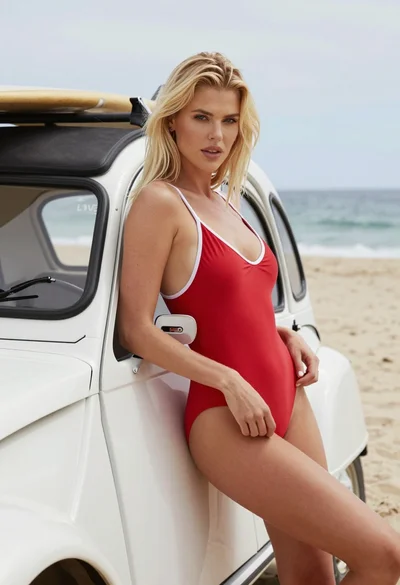
Blonde woman in red swimsuit leaning on vintage white car at sunny
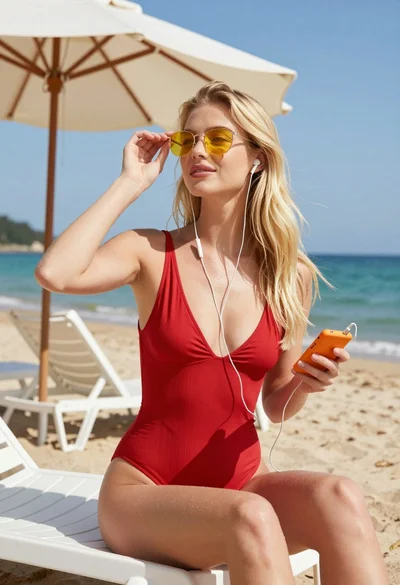
Blonde woman in red swimsuit sitting on beach chair by turquoise water
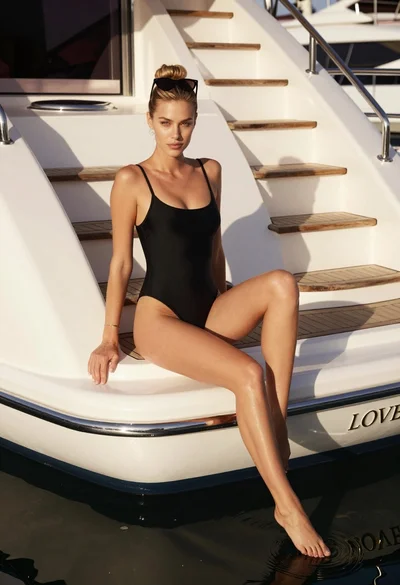
Blonde woman in black swimsuit on luxury yacht deck at golden hour
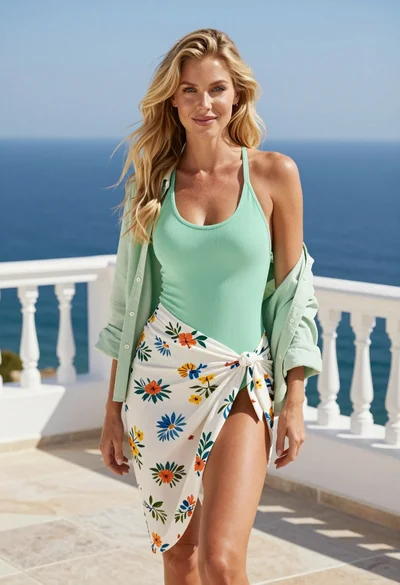
Blonde woman in swimsuit standing on white terrace overlooking deep blue ocean
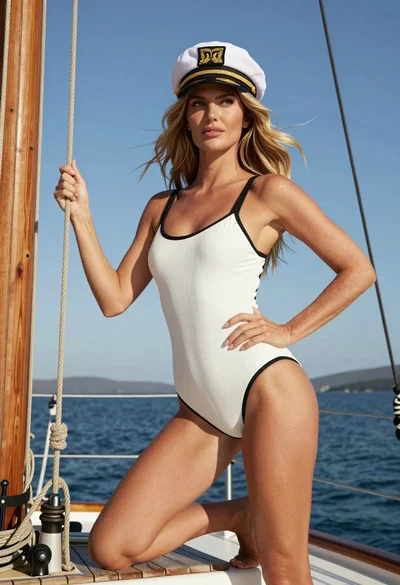
Blonde woman in swimsuit crouching on sailboat deck against blue sky
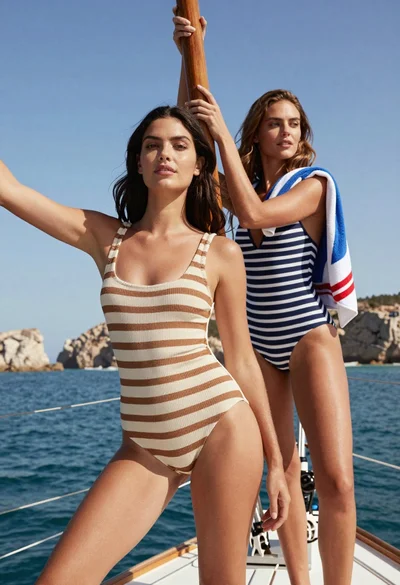
Two women posing elegantly on sailboat deck under bright blue sky