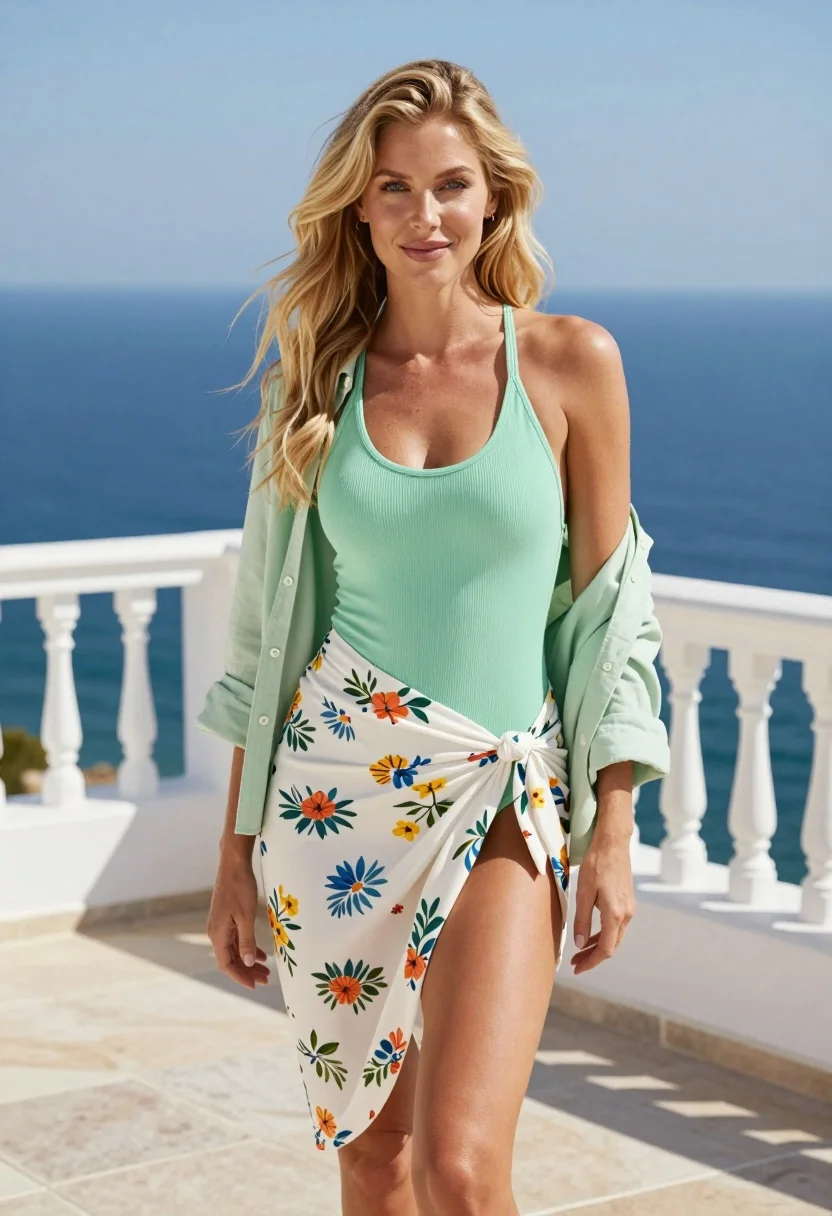
Blonde woman in swimsuit standing on white terrace overlooking deep blue ocean
Prompt
A blonde woman stands confidently on a sunlit terrace with the ocean in the background.

Subject: A fair-skinned woman with long, wavy blonde hair and blue eyes looking directly at the camera with a soft smile.

Clothing: She wears a mint green ribbed halter-neck swimsuit, an open light green button-down shirt draped over her shoulders, and a white floral wrap skirt tied at the waist revealing one leg.

Action: Standing upright with a relaxed posture, hands resting gently by her sides.

Environment: A white stone terrace with a white railing behind her, overlooking a vast expanse of deep blue ocean under a clear sky.

Camera: Medium shot capturing the subject from the thighs up, framed vertically with a shallow depth of field blurring the background slightly.

Lighting: Bright natural sunlight illuminating the scene from above and the side, casting soft shadows on the stone floor and highlighting the texture of her clothing.

Style Details: High-resolution photography with vibrant colors, crisp details, and a clean, commercial aesthetic.
Description
This prompt is useful for creating resort advertising campaigns, swimwear lookbooks, and aspirational travel blog features. The combination of 'mint green ribbed halter-neck swimsuit' against the 'deep blue ocean' under 'bright natural sunlight' ensures that the subject remains the focal point while the shallow depth of field prevents the background from becoming a distracting visual element.
Suggestions
- Change 'mint green ribbed halter-neck swimsuit' to 'navy one-piece swimsuit' for higher contrast.
- Swap 'white floral wrap skirt' for 'solid white sarong' to simplify the lower half.
- Adjust 'bright natural sunlight' to 'late afternoon sun' for warmer tones.
Category
Tags
BlondeCasual WearFair SkinFemaleFull BodyMedium ShotOutdoorsRealisticSwimwear
Date added
August 5, 2026
Added by
PromptDexter Team
Related Prompts
More prompts with similar categories and tags.

Blonde woman in swimsuit by yacht window overlooking blue sea
Blonde woman in black swimsuit on luxury yacht deck at golden hour

Blonde woman in sports bra standing before red rock desert formations
Young blonde woman in swimsuit on yacht deck under strong sunlight

Woman on beach daybed under beige umbrella

Young woman in green dress on rooftop by water feature under cloudy
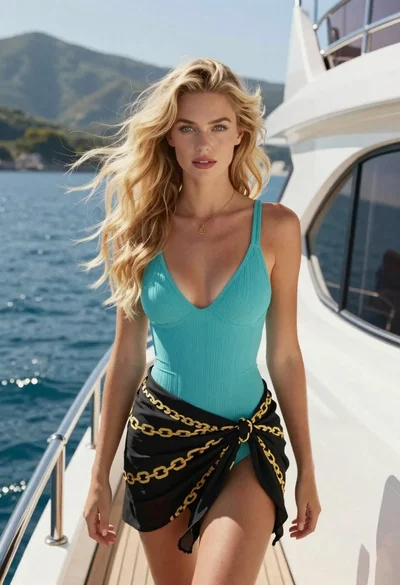
Young blonde woman in turquoise swimsuit on luxury yacht by mountains

Young woman in green jacket holding plush toy at festive carousel
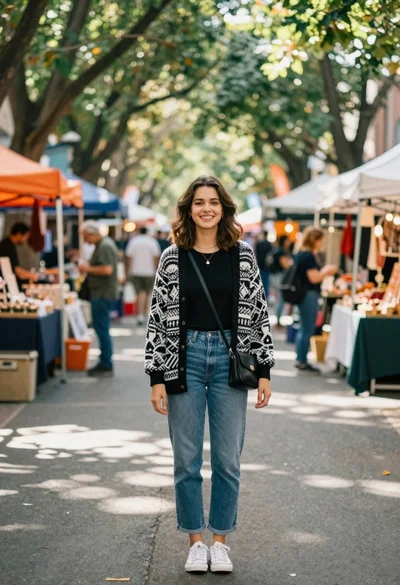
Smiling young woman in knit cardigan standing in an outdoor market
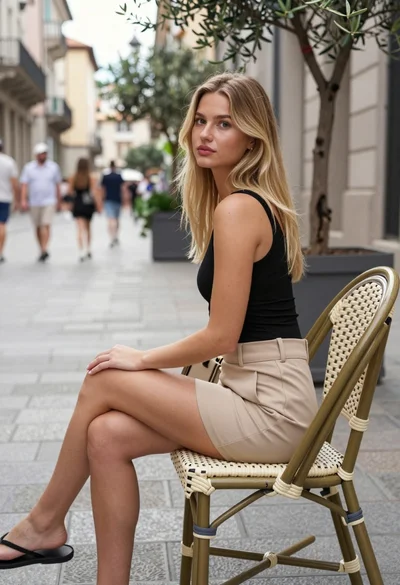
Blonde woman seated in european city square with classical architecture background