
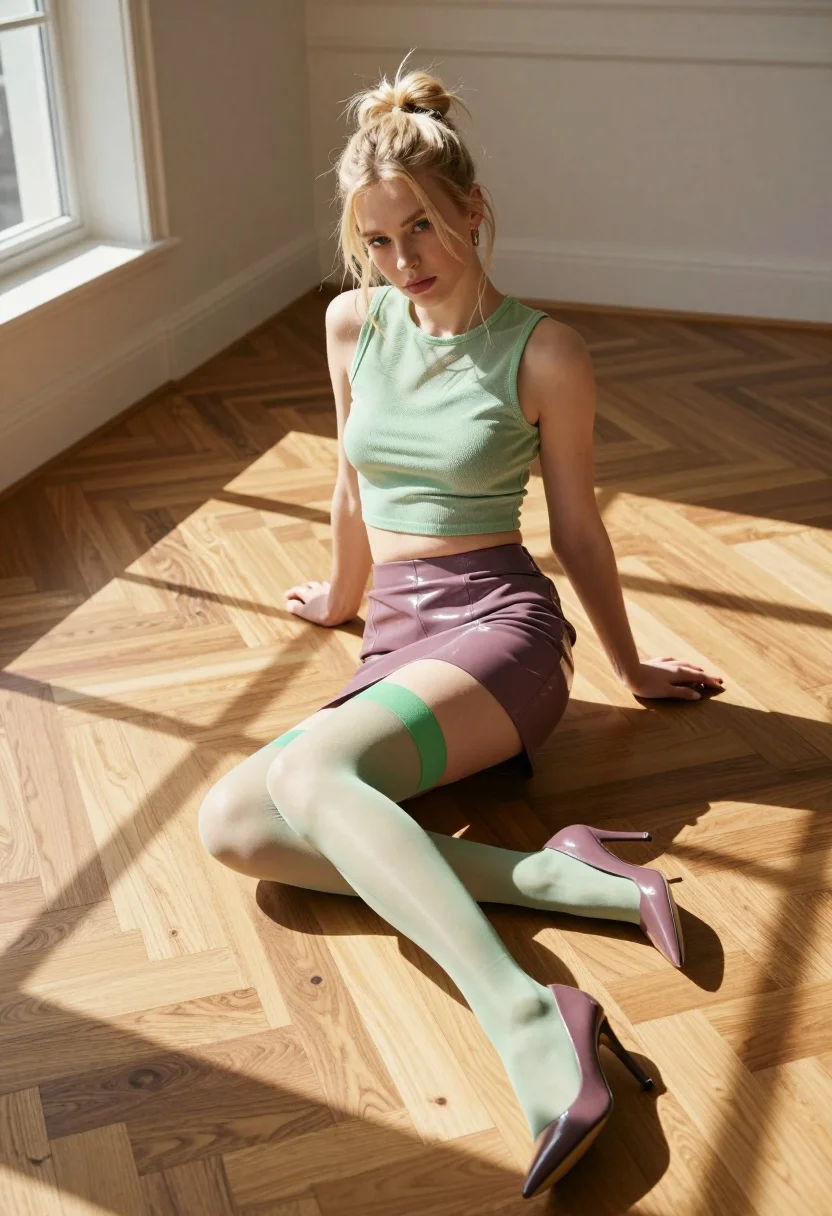
Blonde woman sitting cross legged in sunlit room with wooden floor
Prompt
A woman sits cross-legged on a wooden floor in a sunlit room.

Subject: A young woman with blonde hair styled in a messy high bun and loose tendrils framing her face. She has fair skin and is looking directly at the camera with a neutral, confident expression.

Clothing: She wears a light green sleeveless mesh crop top and a shiny mauve vinyl mini skirt. She is wearing sheer pale green thigh-high stockings with a matching green band at the top, paired with pointed-toe high heels in a dark mauve color that match her skirt.

Action: She sits on the floor with her legs crossed, leaning slightly forward. Her hands are positioned near her waist, gently holding the hem of her crop top.

Environment: The setting is an interior room featuring warm-toned wooden parquet flooring and white walls with classic molding. Strong beams of sunlight stream in from the left, casting distinct geometric shadows across the floor and the subject.

Lighting: The scene is lit by bright natural sunlight coming from a window on the left, creating high contrast between the illuminated areas and deep, sharp shadows. The light highlights the texture of the mesh top and the sheen of the vinyl skirt.

Camera: Shot from a high angle looking down at the subject, utilizing a wide-angle perspective that captures the expanse of the floor and the geometric pattern of the sunlight.

Style Details: High-resolution photography with a focus on fashion textures, vibrant color contrast between the green and mauve elements, and a cinematic composition defined by dramatic lighting patterns.
Description
This prompt is useful for creating editorial fashion moodboards, interior design concept visuals, and lifestyle catalog spreads showcasing modern textiles. The combination of 'strong beams of sunlight' casting 'distinct geometric shadows' across the 'wooden parquet flooring' grounds the subject within a specific architectural context, while the high angle emphasizes both the outfit's silhouette and the room's geometry.
Suggestions
- Change 'light green sleeveless mesh crop top' to 'ivory knit tank top' for a softer contrast.
- Swap 'shiny mauve vinyl mini skirt' for 'matte black wool skirt' to reduce reflectivity.
- Adjust 'high angle looking down at the subject' to 'eye-level medium shot' for more direct engagement.
Category
Tags
BlondeBrunetteCasual WearFair SkinFemaleHigh AngleRealisticWide Shot
Date added
August 5, 2026
Added by
PromptDexter Team
Related Prompts
More prompts with similar categories and tags.

Portrait of woman with red hair in navy blouse and green skirt
Fit woman in houndstooth strapless dress sitting on a draped ledge

Blonde woman posing in black lingerie against pink purple gradient studio backdrop
Confident woman in blue denim shirt and distressed shorts against white background

Blonde woman in striped swimsuit seated on sofa indoors studio shot

Two women in red mini dresses posing indoors at an opulent setting

Fair blonde woman in black corset and denim shorts studio portrait
Blonde woman in dark green velvet dress against white studio background

Blonde woman in bikini on patio overlooking green hills under blue sky
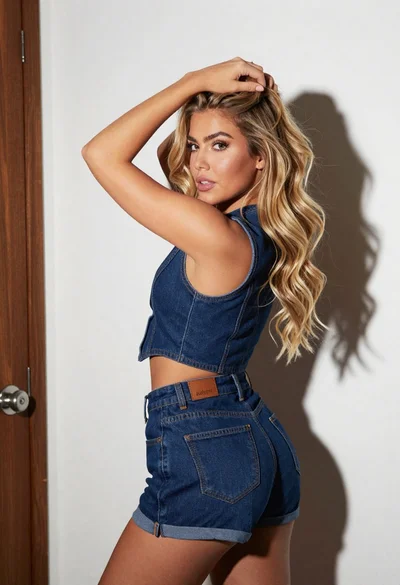
Blonde woman in denim vest looking back over shoulder by white door
