

Blonde woman in striped swimsuit seated on sofa indoors studio shot
Prompt
A confident blonde woman with voluminous wavy hair sits on a sofa holding a glass of water in her right hand.

Subject: A fit woman with fair skin and striking blue eyes looking directly at the camera with a neutral, confident expression.

Clothing: She wears a retro-style one-piece swimsuit featuring horizontal stripes in white, black, yellow, orange, and red, with a peplum hemline that flares out over her hips.

Action: She is seated on a grey sofa, leaning slightly forward with her legs spread apart, holding a clear glass of water in her right hand while her left arm rests by her side.

Environment: The setting appears to be an indoor room with neutral beige walls and a dark brown leather or fabric sofa.

Objects: A framed map of the Americas hangs on the wall behind her to the right, and a dark lamp is visible in the background to the left.

Lighting: Soft, warm studio lighting illuminates her from the front, creating gentle highlights on her skin and hair while casting soft shadows that define her form.

Camera: The shot is taken at eye level with a medium close-up framing that captures her from the thighs up, emphasizing her pose against the background.

Style Details: The image has a polished magazine editorial quality with high color saturation and smooth skin texture reminiscent of 2010s fashion photography.
Description
This prompt is useful for creating retro swimwear editorials, lifestyle catalog shots, and personal branding portraits that require a curated vintage feel. The combination of 'retro-style one-piece swimsuit featuring horizontal stripes' against the 'grey sofa' grounds the image in a specific era, while the 'soft, warm studio lighting' prevents harsh shadows that would distract from the intended polished magazine editorial quality.
Suggestions
- Change 'horizontal stripes in white, black, yellow, orange, and red' to 'vertical stripes in navy and cream' for a more nautical feel.
- Swap 'dark brown leather or fabric sofa' for 'velvet emerald green sofa' to increase color contrast.
- Adjust the lighting by adding 'rim light from the upper left' to separate her hair from the background.
Category
Tags
BlondeBrunetteCasual WearFair SkinFemaleIndoorsMedium ShotPortrait ShotRealisticStudioSwimwear
Date added
June 19, 2026
Added by
PromptDexter Team
Related Prompts
More prompts with similar categories and tags.

Young woman in black graphic tshirt against white paneled wall

Blonde woman in cream sweater sitting on beige couch

Fair skinned woman in black blazer against white studio wall

Woman in sheer crystal gown looking over shoulder at event backdrop

Young woman in cream blouse leaning against rustic wood

Young woman in blue denim jacket posing against pale pink seamless background

Fair blonde woman in black corset and denim shorts studio portrait
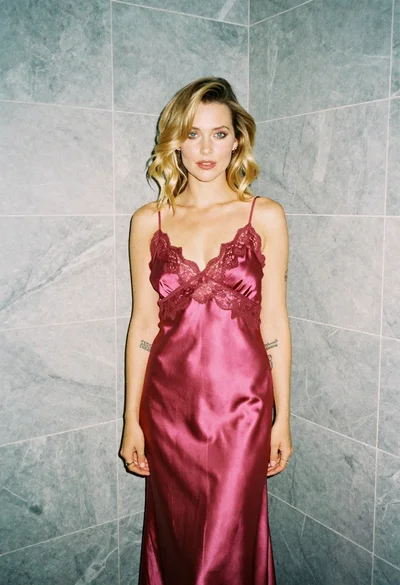
Blonde woman in pink satin slip dress against grey marble tile background

Glamorous woman posing in shimmering two piece outfit against green backdrop

Woman in orange mini dress walking down sunlit corridor
