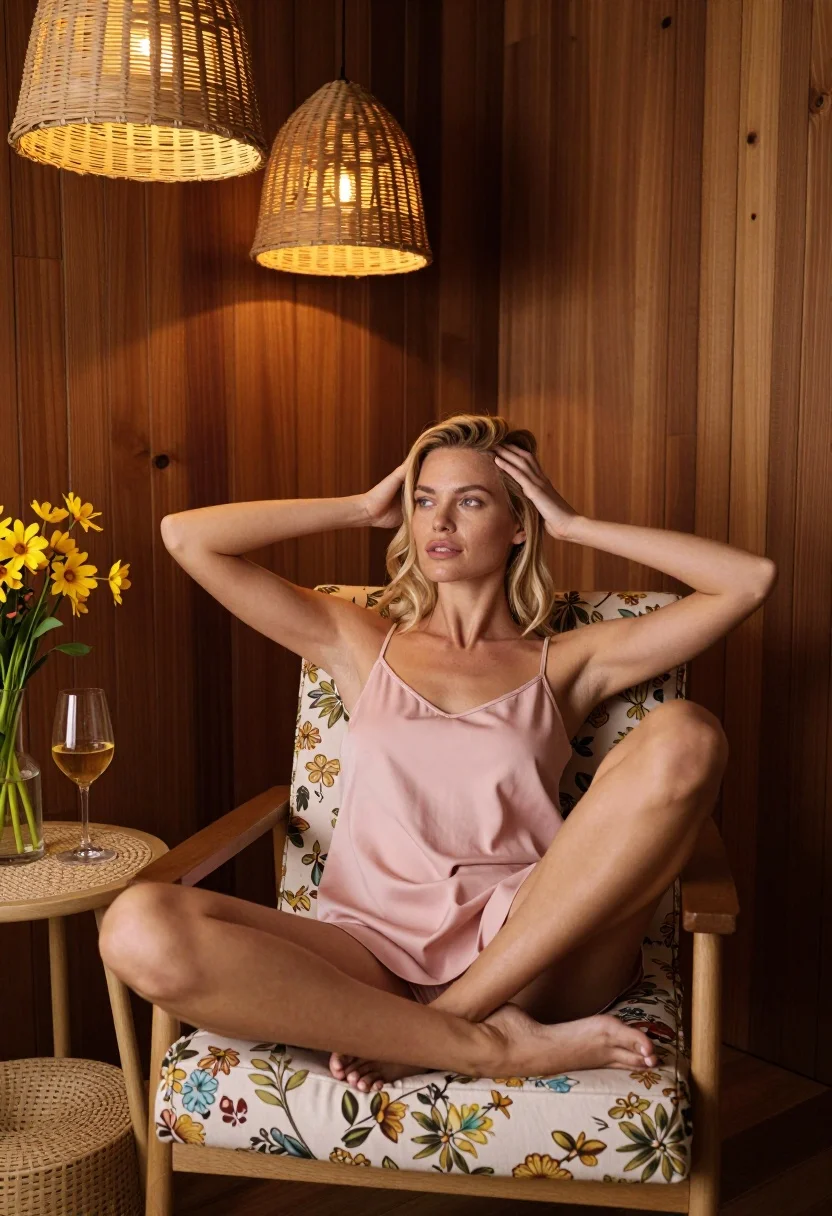
Blonde woman sitting in floral armchair inside warm wood paneled room
Prompt
A woman sits comfortably in a floral-patterned armchair within a warm, wood-paneled room.

Subject: A blonde woman with fair skin is seated in a relaxed pose, her legs crossed and resting on the chair's seat cushion. She has her hands raised to the sides of her head, fingers gently touching her hair near her ears. Her expression is calm and contemplative as she gazes off to the side.

Clothing: She wears a simple, light pink camisole or slip dress with thin spaghetti straps.

Action: The subject is seated in a relaxed posture, leaning back slightly into the chair while holding her hands up to frame her head. Her gaze is directed away from the camera towards the left.

Environment: The setting is an interior room featuring rich, dark wood paneling on the walls. To the left, there is a small round side table made of woven material, upon which sits a glass vase with tall yellow flowers and a wine glass containing white wine. Above, two woven rattan pendant lights hang from the ceiling.

Camera: The shot is taken at eye level with a medium framing that captures the subject from the mid-thigh up, emphasizing her posture within the cozy interior space.

Lighting: The scene is illuminated by warm, ambient light emanating from the hanging rattan lamps above, casting soft highlights on the wood and creating a golden glow throughout the room.

Style Details: The image has a polished, high-end aesthetic with a focus on natural textures like wood grain and woven fibers, rendered in a realistic style with a warm color palette dominated by browns and soft pinks.
Description
This prompt is useful for creating intimate lifestyle editorial spreads, interior design mood boards featuring human elements, and high-end catalog imagery for home goods. The combination of 'warm, wood-paneled room' with the 'soft highlights on the wood' ensures that the setting feels enveloping rather than merely decorative, while the 'light pink camisole' provides a delicate focal point against the rich, dark backdrop.
Suggestions
- Change 'floral-patterned armchair' to 'velvet wingback chair' for a more luxurious feel.
- Swap 'yellow flowers' for 'deep red peonies' to increase color contrast.
- Adjust 'warm ambient light' to 'directional window light' for stronger shadows.
Category
Tags
BlondeCasual WearFair SkinFemaleIndoorsMedium ShotRealistic
Date added
July 12, 2026
Added by
PromptDexter Team
Related Prompts
More prompts with similar categories and tags.

Young blonde woman in brown top seated in modern living room setting
Woman with freckles sitting on brown leather sofa
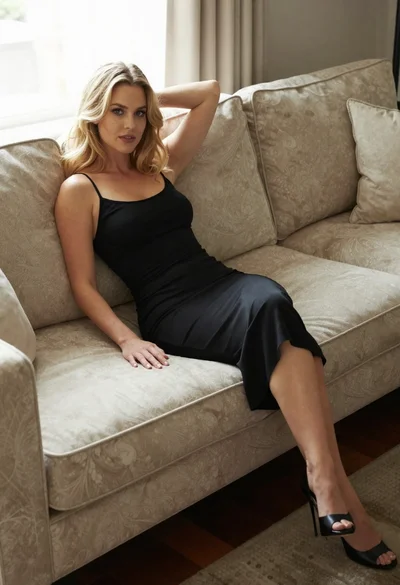
Blonde woman in black slip dress reclining on beige sofa indoors

Smiling blonde woman in boutique wearing navy blouse and black skirt
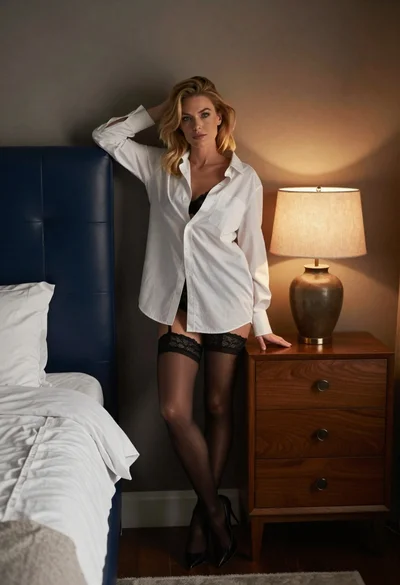
Blonde woman leaning on blue leather headboard in dimly lit bedroom

Blonde woman in black dress seated indoors holding glass with soft light
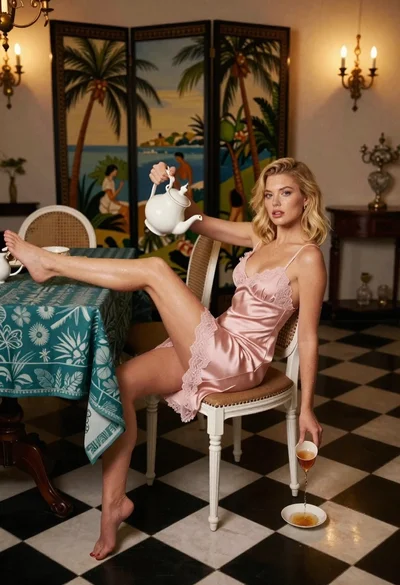
Blonde woman in pink slip dress pouring tea in ornate dining room

Blonde woman sitting on coffee table in modern living room setting

Blonde woman in black coat leaning against white wall by window

Blonde woman seated sideways in black mini dress by window