Blonde woman smiling in black blazer indoors with soft foliage
Prompt
A confident blonde woman with green eyes smiles gently at the camera while seated in a sophisticated indoor setting.

Subject: A fair-skinned woman with blonde hair pulled back into an elegant updo, featuring loose strands framing her face and soft makeup highlighting her features.

Clothing: She wears a structured black blazer over a white button-down shirt with thin vertical stripes, paired with dark leather trousers, accessorized with a gold chain necklace, pearl stud earrings, and multiple gold rings on her fingers.

Action: The woman sits in a relaxed yet poised posture, leaning back slightly with one hand resting on the armrest of a chair and the other on her lap, offering a warm, engaging smile.

Environment: The setting is an elegant room with soft beige walls featuring white decorative molding, accented by blurred green foliage in the foreground adding depth to the composition.

Camera: Shot from a medium close-up angle with a shallow depth of field that keeps the subject sharp while softly blurring the background and foreground elements for a cinematic portrait effect.

Lighting: Soft, diffused lighting illuminates the scene evenly, creating gentle highlights on her face and clothing without harsh shadows, establishing a polished and high-end editorial mood.

Style Details: The image exhibits a clean, high-fashion aesthetic with a focus on texture and elegance, rendered in warm tones with a professional studio quality finish.
Description
This prompt is useful for creating sophisticated magazine editorials, character portraits for lifestyle branding, and high-end catalog imagery. The combination of 'soft, diffused lighting' and the 'shallow depth of field' ensures that the subject remains perfectly illuminated while the 'blurred green foliage' provides contextual visual interest without distracting from the sharp focus on her face and structured black blazer.
Suggestions
- Change 'gold chain necklace' to a 'silver torque necklace' for a cooler metallic contrast.
- Swap 'soft beige walls' for 'deep emerald velvet' to increase color saturation.
- Adjust 'medium close-up angle' to 'headshot' for an even tighter focus on the expression.
Category
Tags
BlondeBrown HairCasual WearFair SkinFemaleIndoorsPortrait ShotRealisticStudio
Date added
June 19, 2026
Added by
PromptDexter Team
Related Prompts
More prompts with similar categories and tags.

Portrait of woman in white satin dress near sheer curtains
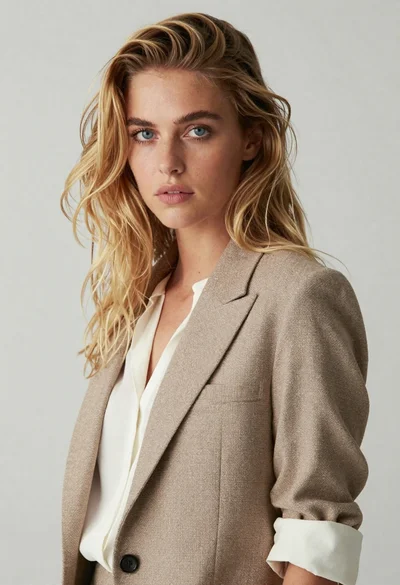
Medium close up portrait of blonde woman in beige blazer studio setting

Smiling blonde woman in black leather outfit at an indoor evening event

Soft portrait of young woman with platinum blonde bob

Blonde woman in black coat leaning against white wall by window

Studio portrait of woman with brown hair and green eyes
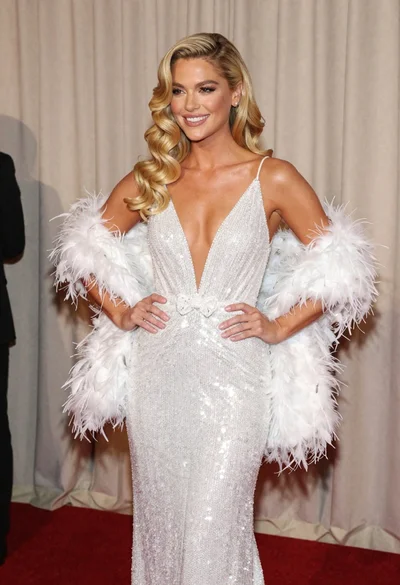
Glamorous blonde woman in white sequin gown holding feather boa indoors
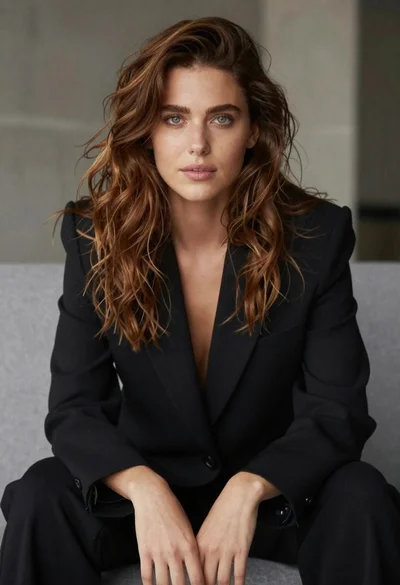
Studio portrait of woman in black blazer
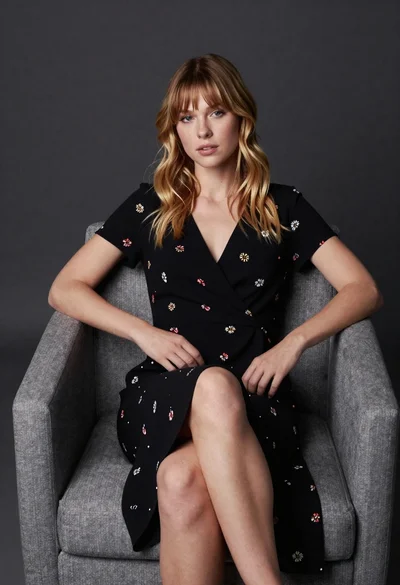
Young blonde woman in floral dress seated on grey armchair studio portrait

Smiling blonde woman in pink satin dress against dark branded backdrop