
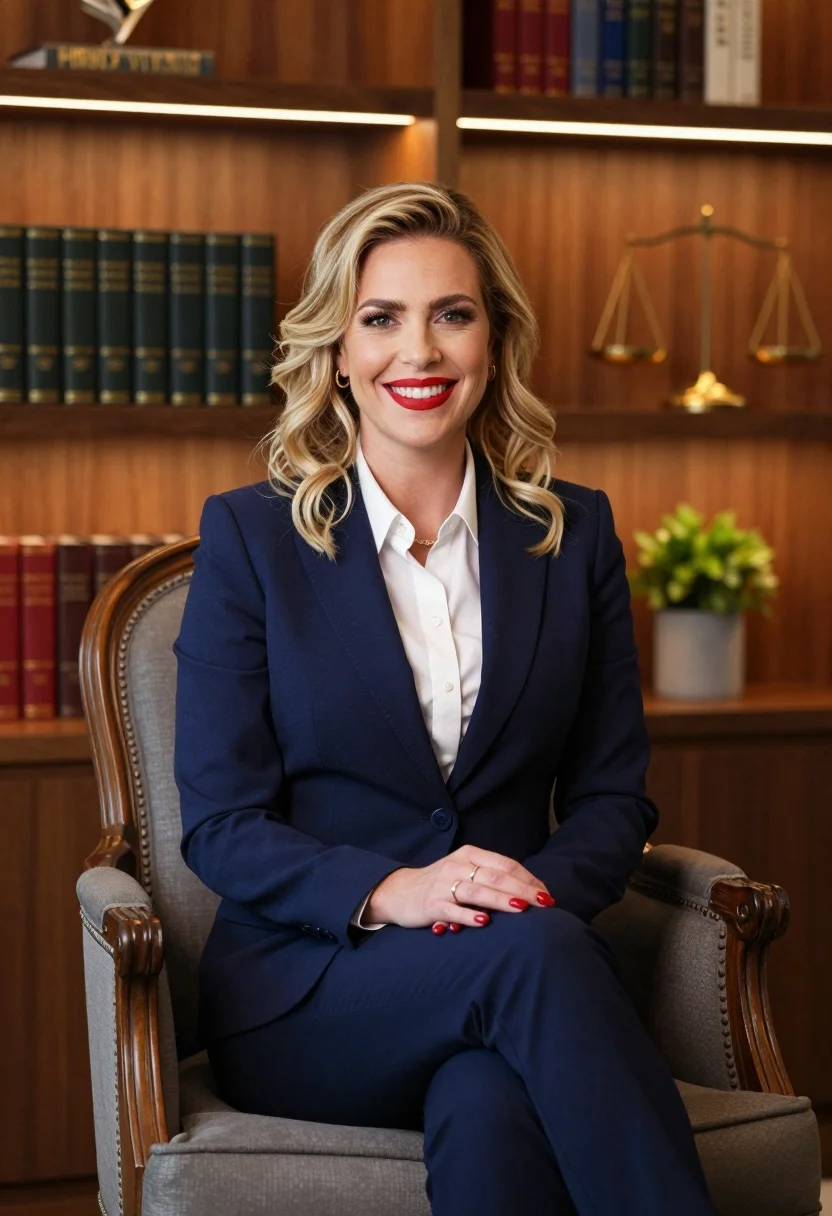
Professional portrait of smiling blonde woman in navy suit sitting in armchair
Prompt
A professional portrait of a smiling woman with blonde wavy hair sitting in an armchair.

Subject: A confident woman with shoulder-length blonde wavy hair and bright red lipstick, looking directly at the camera with a warm smile.

Clothing: She wears a tailored navy blue business suit with a crisp white collared shirt underneath, accessorized with rings on her fingers and red nail polish.

Action: She sits upright in a relaxed pose with her hands clasped gently over her knees, exuding professionalism and approachability.

Environment: The background features a warm wooden wall lined with built-in shelves filled with dark leather-bound books and decorative items like a golden scale of justice and a small plant.

Camera: A medium shot framed to capture the subject from the thighs up, utilizing a shallow depth of field that keeps the woman sharp while softly blurring the bookshelves behind her.

Lighting: Soft, warm ambient light emanates from under-cabinet strips on the shelves, creating a cozy atmosphere with gentle highlights on her face and hair.

Objects: A classic wooden armchair with grey upholstery serves as the seat, featuring curved carved arms and a high backrest.

Style Details: The image has a polished corporate photography aesthetic with rich warm tones, smooth skin textures, and a clean composition typical of professional headshots.
Description
This prompt is useful for creating executive profile pictures, corporate website 'About Us' sections, and high-end branding materials requiring approachability. The combination of the 'tailored navy blue business suit' against a background featuring 'dark leather-bound books' establishes immediate authority, while the 'soft, warm ambient light' prevents the scene from feeling sterile, ensuring the subject appears both polished and warmly engaging.
Suggestions
- Change 'navy blue business suit' to 'charcoal grey blazer' for a more modern feel.
- Swap 'golden scale of justice' for 'minimalist abstract sculpture' to update the decor.
- Adjust 'soft, warm ambient light' to 'directional key light' to add more dramatic structure.
Category
Tags
BlondeBrown HairCasual WearFemaleIndoorsMedium ShotPortrait ShotRealisticStudio
Date added
July 12, 2026
Added by
PromptDexter Team
Related Prompts
More prompts with similar categories and tags.

Woman seated in armchair near large windows with greenery

Young blonde woman in brown top seated in modern living room setting
Medium close up portrait of blonde woman in beige blazer studio setting

Blonde woman in sequined black dress looking back over shoulder
Smiling woman in navy top sitting on black chair against white wall

Blonde woman in black coat leaning against white wall by window
Studio portrait of woman in black blazer
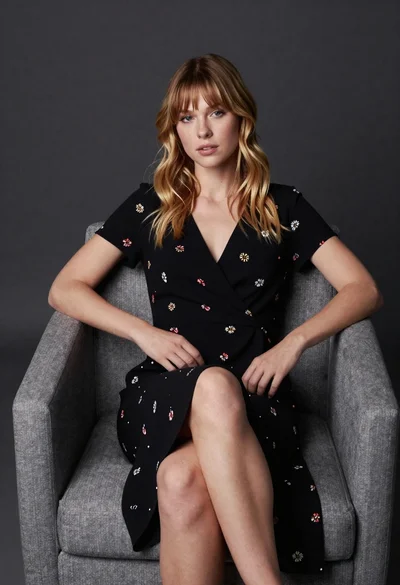
Young blonde woman in floral dress seated on grey armchair studio portrait

Smiling blonde woman in pink satin dress against dark branded backdrop
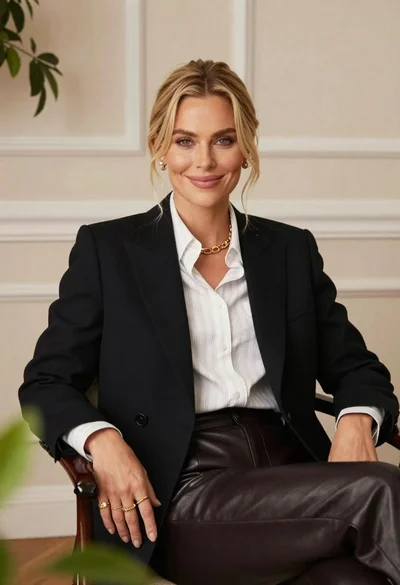
Blonde woman smiling in black blazer indoors with soft foliage
