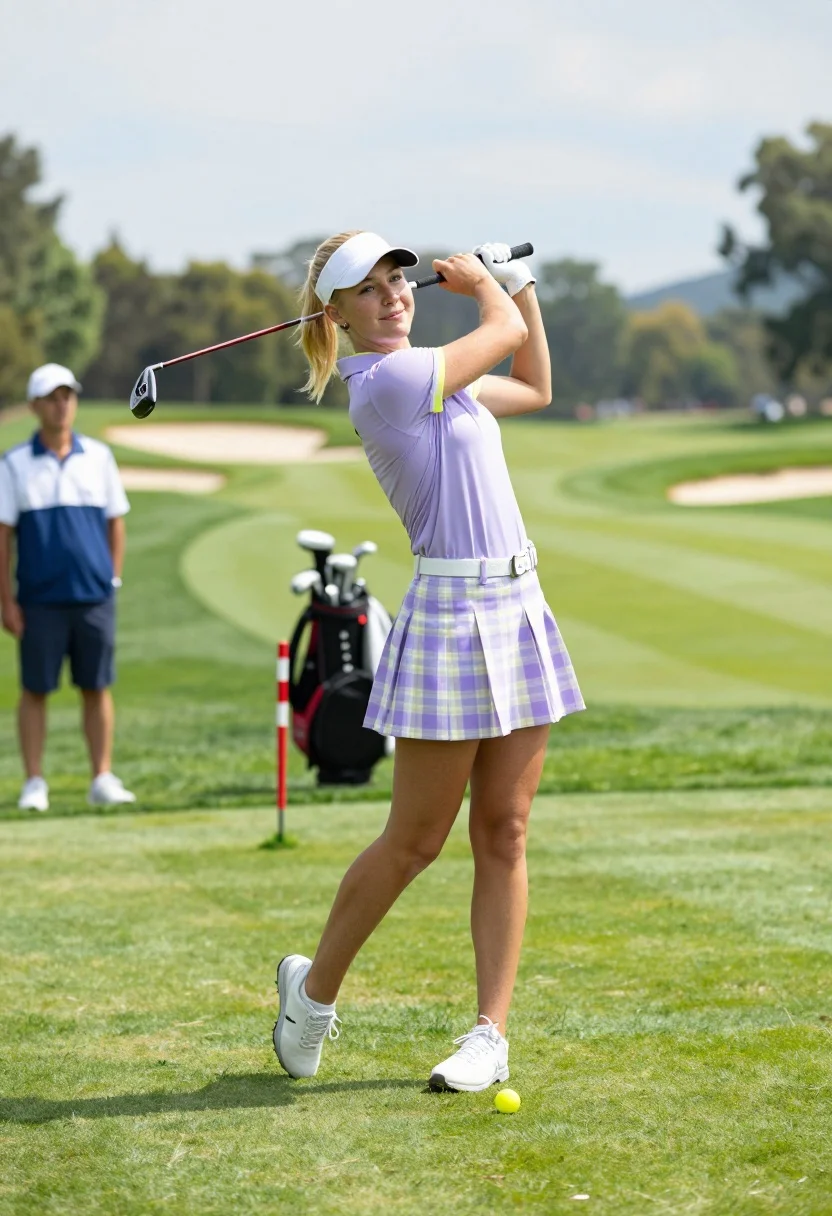
Blonde woman swinging golf club on lush green course outdoors
Prompt
A woman in mid-swing with a golf club on a lush green course.

Subject: A blonde woman with her hair tied back in a ponytail, wearing a white visor and smiling slightly at the camera while holding a golf driver.

Clothing: She wears a lavender short-sleeved polo shirt with yellow trim on the collar and sleeves, a white belt, and a pleated skirt featuring a pastel purple and yellow plaid pattern. She is also wearing white athletic shoes.

Action: The woman is captured in a dynamic follow-through pose after swinging a golf club, her body twisted toward the target line with her arms extended holding the club shaft.

Environment: A manicured golf course with rolling green fairways, sand bunkers, and distant tree-lined hills under a partly cloudy sky.

Camera: Medium shot capturing the subject from the knees up, positioned slightly to the side to emphasize the swing motion.

Lighting: Bright natural daylight illuminating the scene evenly with soft shadows on the grass.

Subject: A male caddie or spectator stands in the background wearing a blue and white vest and shorts.

Objects: A golf bag is visible behind the main subject, along with a red and white striped marker and a tee with a yellow ball near her feet.

Interaction: The woman is actively engaged in playing golf while looking toward the viewer.

Text/Graphics: No readable text or logos are present on clothing or accessories.

Style Details: High-resolution photography with vibrant colors and sharp focus on the subject against a slightly blurred background.
Description
This prompt is useful for creating fitness lifestyle advertisements, golf course promotional materials, and athletic portraiture for sportswear brands. The combination of 'dynamic follow-through pose' and 'bright natural daylight illuminating the scene evenly with soft shadows on the grass' ensures the subject appears mid-action without harsh contrast, which keeps the focus sharp on her form while allowing the background elements like the 'rolling green fairways' to provide context.
Suggestions
- Change 'lavender short-sleeved polo shirt' to a solid color for more brand versatility.
- Swap 'yellow trim' for white trim to unify the outfit palette.
- Adjust 'Medium shot capturing the subject from the knees up' to 'full body shot' to better show the swing arc.
Category
Tags
BlondeCasual WearFemaleMedium ShotNatureOutdoorsRealisticSportswear
Date added
July 3, 2026
Added by
PromptDexter Team
Related Prompts
More prompts with similar categories and tags.

Close up selfie of young woman in argentina jersey at football stadium
Smiling woman in white ski gear on snowy mountain slope under blue
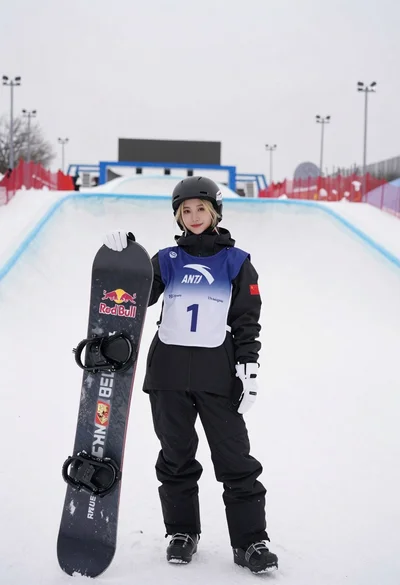
Blonde snowboarder in winter gear standing by halfpipe arena
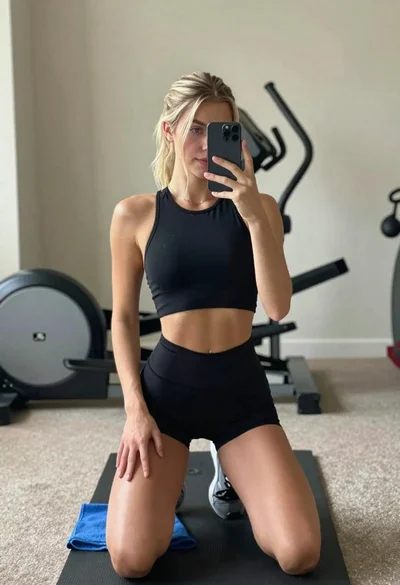
Young woman taking mirror selfie in athletic wear at home gym
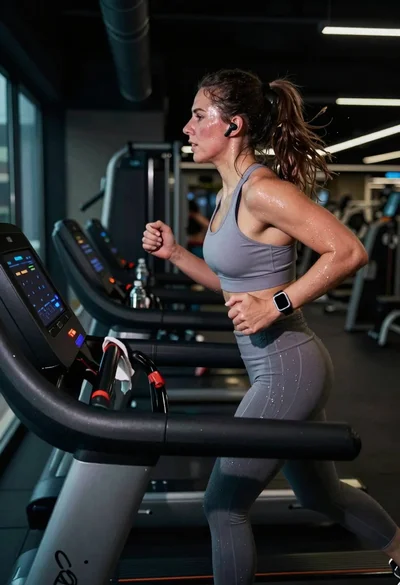
Exhausted female athlete sprinting on treadmill in dim modern gym
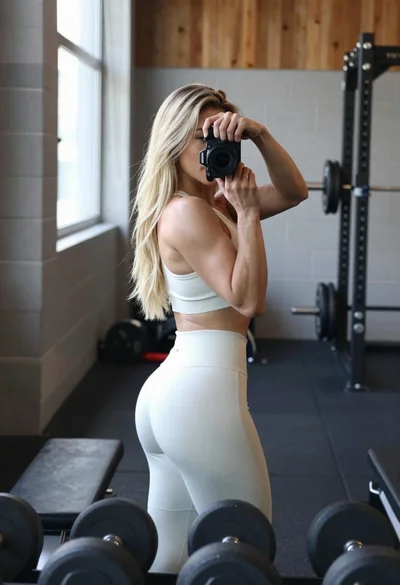
Fit blonde woman taking mirror selfie in bright gym setting
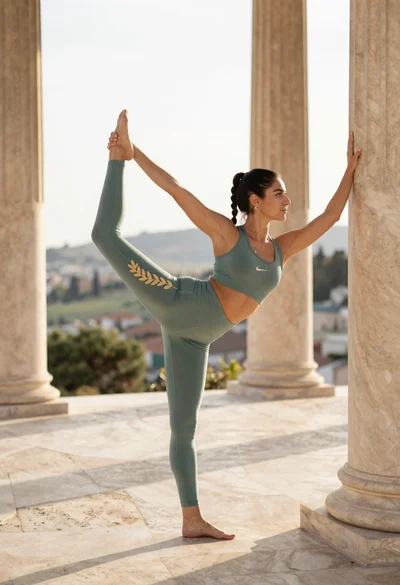
Fit woman in sage green sportswear doing yoga pose on stone terrace
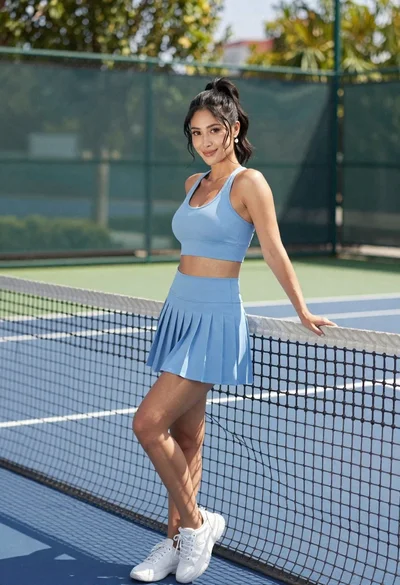
Fit woman in light blue athletic set leaning against tennis net outdoors
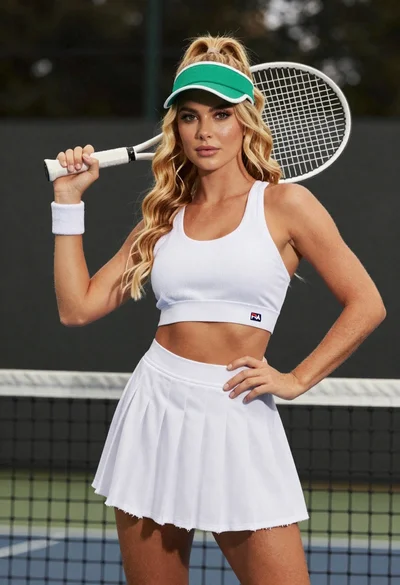
Fair skinned woman in white tennis outfit holding racket at studio
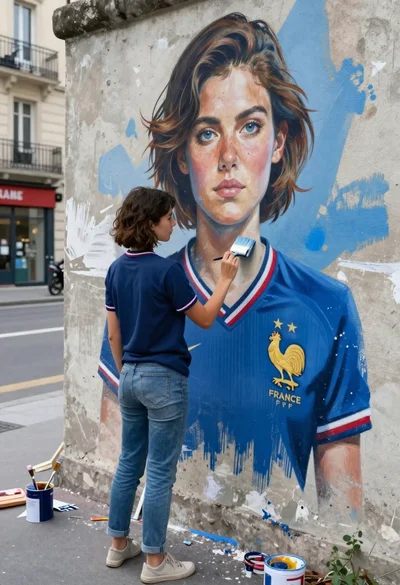
Young woman painting giant mural of herself on weathered concrete wall outdoors