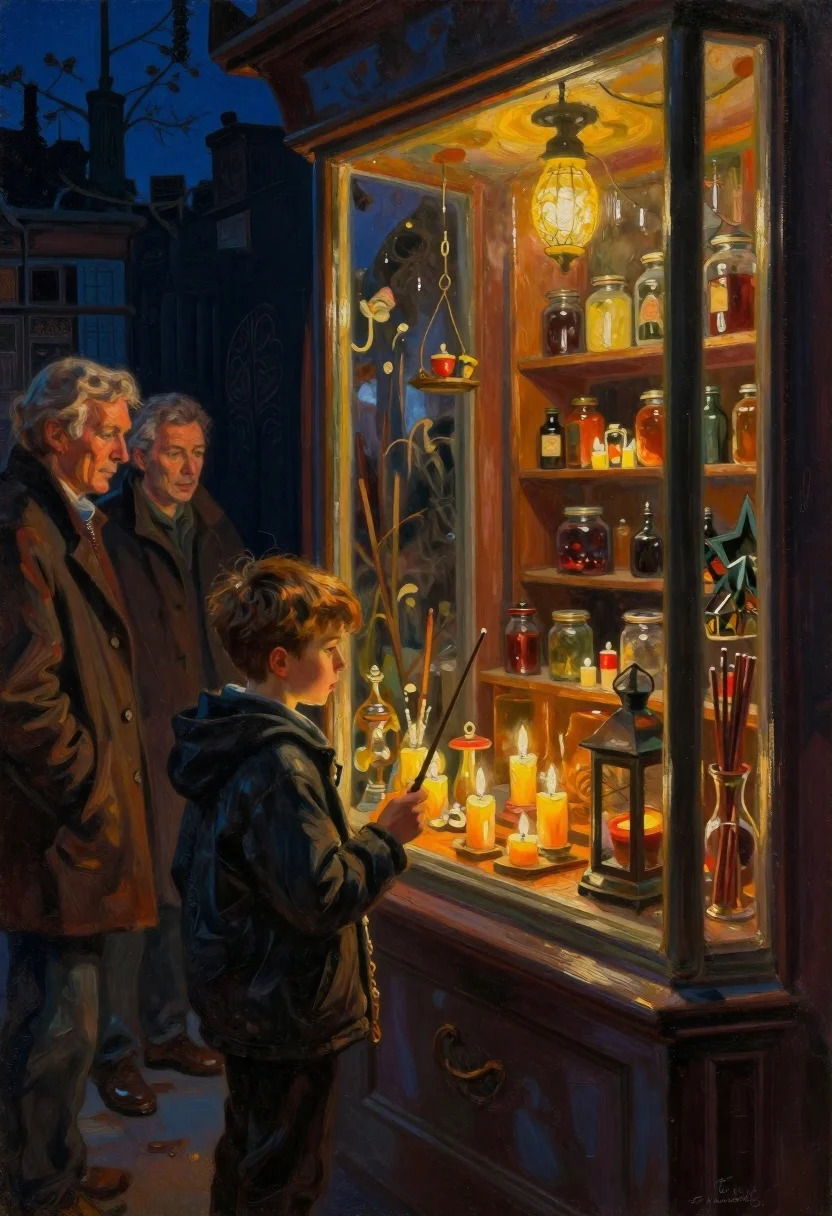
Boy looking into a candlelit antique shop window
Prompt
Oil painting of a cozy candlelit shop window at night

Subject: young boy holding a wand in profile looking down inside the glass case with two older men watching him from behind on one side and another man visible through reflection

Clothing: dark jacket worn by the boy, textured coats for the adults standing near the frame

Objects: shelves lined with jars bottles candles hanging lanterns incense sticks resting outside window sill

Environment: warmly lit interior of antique shop filled with mystical artifacts against cool blue exterior darkness

Lighting: glowing warm light emanating from ceiling fixture and numerous burning candle flames creating soft shadows inside while deep contrast between bright display area and shadowed surroundings.
Description
This prompt is useful for creating narrative concept art, moody character portraits, and atmospheric scene illustrations for historical fiction. The combination of 'glowing warm light' from the interior against the 'cool blue exterior darkness' establishes a dramatic chiaroscuro effect that focuses attention on the boy's profile while allowing the visible reflections to deepen the mystery inherent in the antique setting.
Suggestions
- Change 'dark jacket worn by the boy' to 'velvet jacket' for richer texture.
- Add 'oil paint brushstrokes, impasto technique' to emphasize the painting medium.
- Swap 'candle flames' for 'single oil lamp glow' to narrow the light source.
Category
Tags
IndoorsLow AngleMaleOutdoorsPortrait ShotSide ProfileTraditional Art
Date added
June 19, 2026
Added by
PromptDexter Team
Related Prompts
More prompts with similar categories and tags.
Oil painting portrait of woman with raven on shoulder
Oil painting of market vendors arranging colorful flowers
Woman holding wine glass seated against green wall oil painting

Woman in black kimono profile with freckles and dark hair

Watercolor portrait of man in dark suit against blue wash
Glitch art portrait mounted on a beige gallery wall
Oil painting of woman holding child with patchwork robes
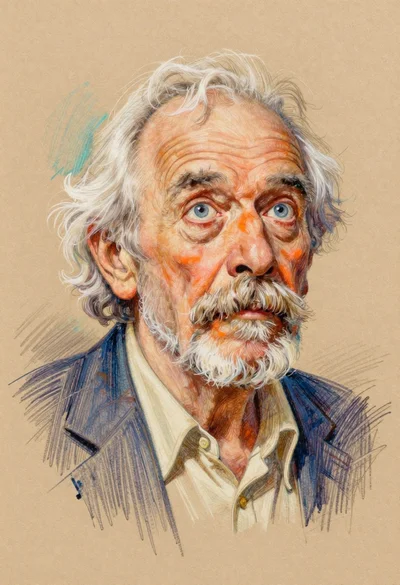
Colored pencil portrait of elderly man with white hair