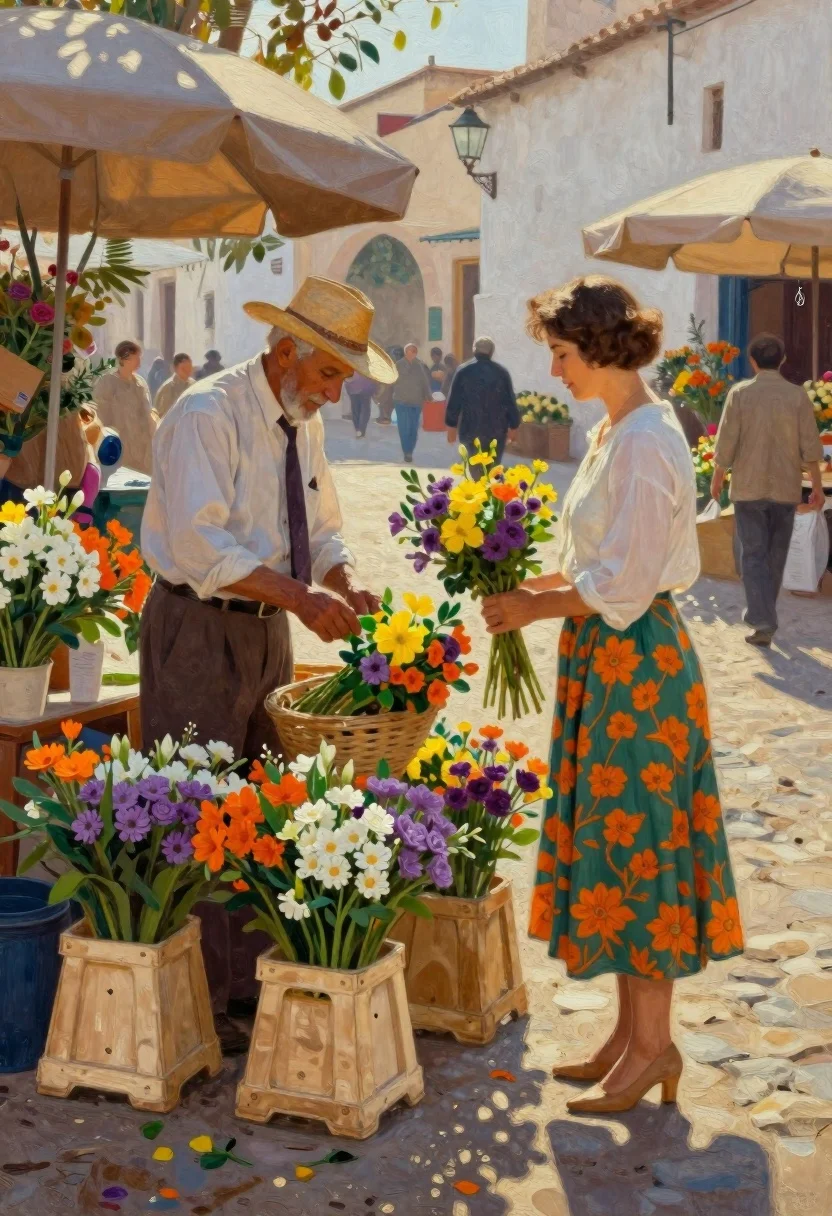
Oil painting of market vendors arranging colorful flowers
Prompt
Oil painting of a vibrant street market scene with an older man arranging flowers and a woman in a white blouse holding her own bouquet

Subject: elderly florist wearing straw hat, crisp shirt, dark tie, brown trousers, focused on his arrangement; elegant woman with short hair standing profile looking down at flowers she holds.

Clothing: floral green skirt patterned with orange blossoms, tan high heels for the woman; neutral-toned attire and traditional hat for the man.

Action: florist arranging blooms in baskets while the woman gently cradles her bouquet of yellow and purple flowers, both engaged quietly amidst market bustle.

Environment: sun-drenched cobblestone plaza with white-washed walls under open sky, umbrellas overhead providing shade; background figures blurred into impressionistic forms suggesting movement through space.

Camera: medium shot capturing full bodies from waist up to knees or thighs depending on frame height, slightly low angle emphasizing presence against architectural backdrop; shallow depth of field keeping foreground sharp while dissolving distant elements softly.

Lighting: warm golden sunlight filtering down creating dappled shadows across pavement and fabric folds; bright highlights accentuating petals and skin tones with soft transitions between light and dark areas enhancing texture richness.

Objects: wooden crates filled with colorful flowers in shades of orange, purple, white surrounding the florist's station; scattered blooms spilling onto ground adding organic vibrancy to composition.
Description
This prompt is useful for creating historical genre scenes, rustic market stall illustrations, and narrative concept art depicting daily life. The combination of 'oil painting' style with 'dappled shadows across pavement and fabric folds' grounds the scene in a tangible, textured reality, while the 'shallow depth of field' ensures that the focused subjects remain crisp against the suggested movement of background figures.
Suggestions
- Change 'yellow and purple flowers' to 'deep crimson and gold blooms' for richer contrast.
- Swap 'white-washed walls' for 'terracotta stucco' to warm up the environment.
- Adjust 'medium shot capturing full bodies from waist up' to 'full body portrait' to better utilize the low angle.
Category
Tags
Brown HairFemaleFull BodyLow AngleMedium ShotOutdoorsSide ProfileStreetTraditional WearTraditional Art
Date added
June 19, 2026
Added by
PromptDexter Team
Related Prompts
More prompts with similar categories and tags.
Woman in white dress on rocky shoreline by ocean
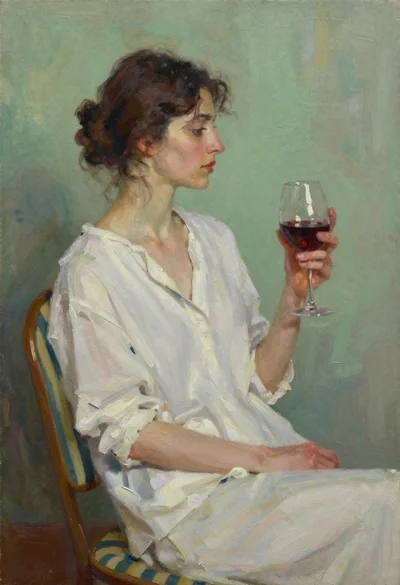
Woman holding wine glass seated against green wall oil painting
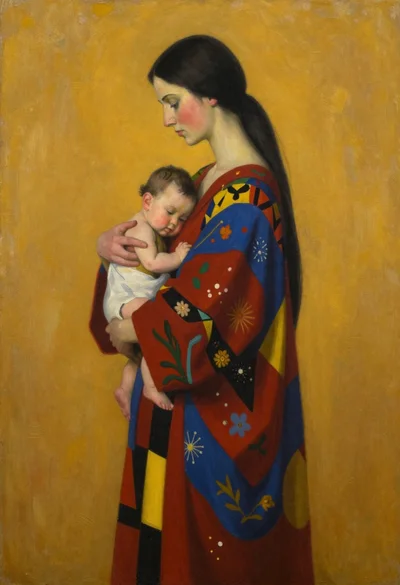
Oil painting of woman holding child with patchwork robes
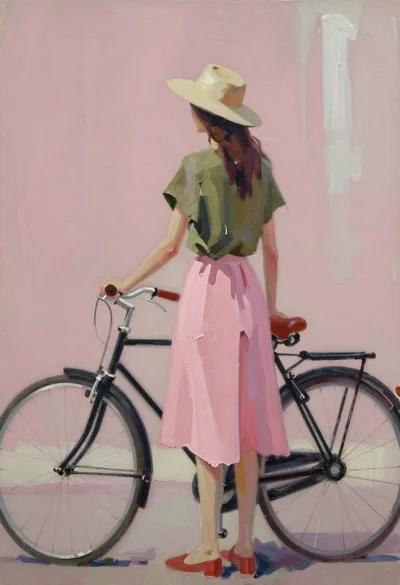
Woman standing beside bicycle in abstract oil painting
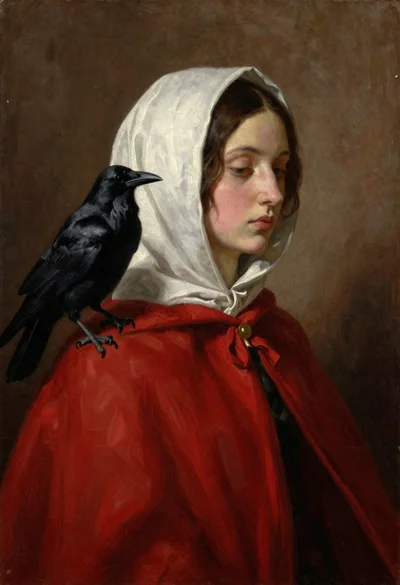
Oil painting portrait of woman with raven on shoulder
Boy looking into a candlelit antique shop window
Surfer riding massive wave near mount fuji woodblock style
Young woman with long dark hair holding white board with pencil sketch