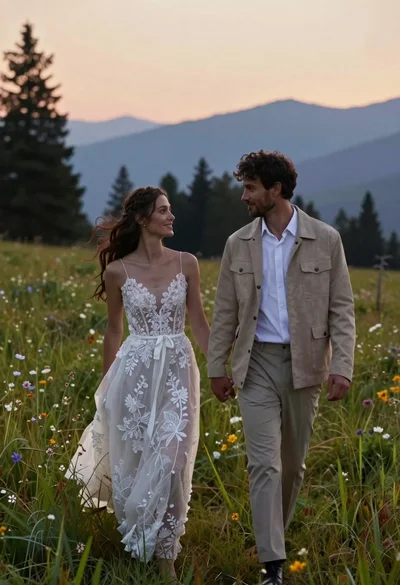
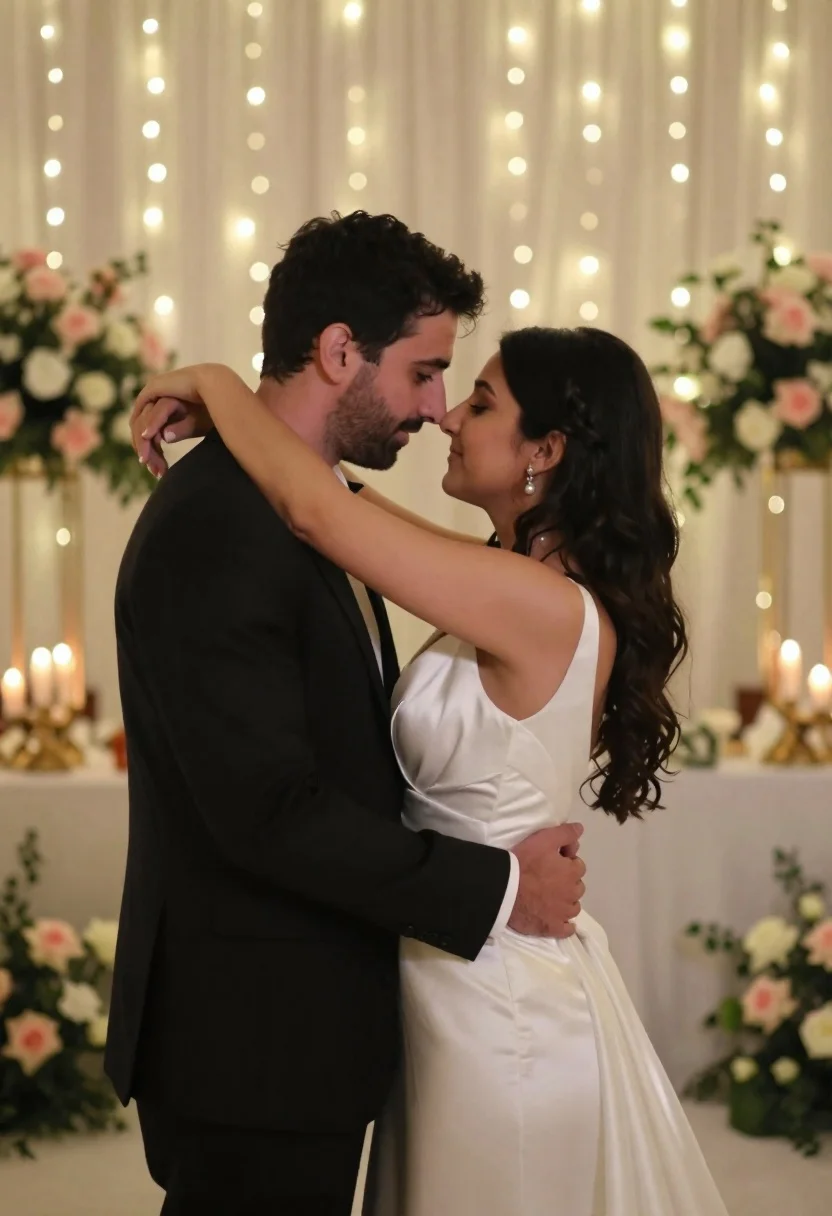
Bride and groom embracing intimately at a wedding reception indoors
Prompt
A romantic close-up of a bride and groom embracing intimately with their foreheads touching.

Subject: A woman with long dark wavy hair wearing a white wedding dress and pearl earrings, and a man with short dark hair and stubble wearing a black suit jacket and white shirt.

Clothing: The woman wears a satin-finish white gown with a draped neckline; the man wears a formal black suit with a white pocket square.

Action: They stand face-to-face in an intimate embrace, her arms wrapped around his neck and his hands holding her waist, their foreheads pressed together as they gaze into each other's eyes.

Environment: A soft-focus indoor wedding reception setting featuring draped white fabric walls adorned with warm fairy lights and tall floral arrangements of pink and white roses.

Camera: Medium shot capturing the couple from the waist up with a shallow depth of field that blurs the background lights and flowers to emphasize their connection.

Lighting: Warm ambient lighting created by string lights in the background casting a soft glow on the subjects, creating a romantic and dreamy atmosphere.

Style Details: Cinematic photography style with high contrast between the dark suit and white dress, featuring a shallow depth of field and a warm color palette.
Description
This prompt is useful for generating intimate wedding portraiture, sentimental anniversary announcements, or romantic fine art prints. The combination of 'satin-finish white gown' against the 'formal black suit' establishes high contrast that prevents the couple from blending into the background, while the 'shallow depth of field' ensures the viewer's focus remains tightly locked on their foreheads touching.
Suggestions
- Change 'pink and white roses' to 'deep burgundy peonies' for a moodier tone.
- Adjust 'warm ambient lighting' to 'soft spotlighting' to increase drama.
- Swap 'medium shot' for 'close-up portrait' to emphasize facial expressions.
Category
Tags
FemaleFormal WearIndoorsMaleMedium ShotOutdoorsRealistic
Date added
June 23, 2026
Added by
PromptDexter Team
Related Prompts
More prompts with similar categories and tags.
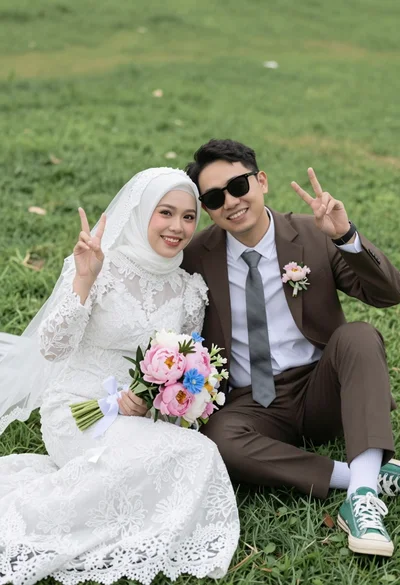
Joyful wedding couple posing together on a lush green grassy lawn
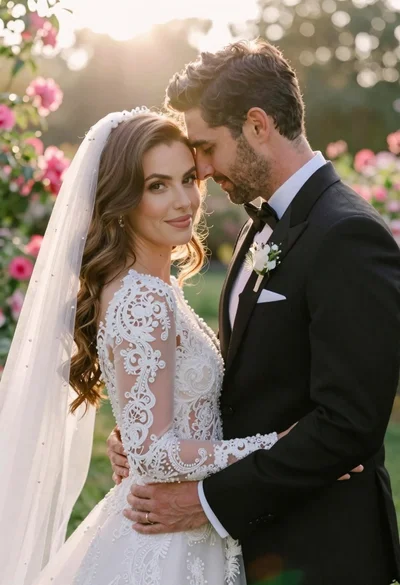
Bride and groom embracing in a sunlit garden during golden hour
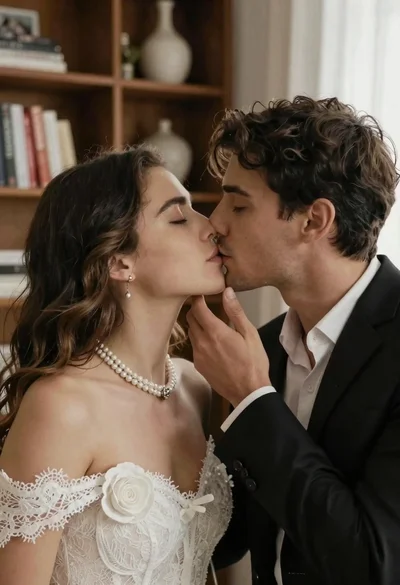
Romantic close up of a couple sharing an intimate kiss indoors
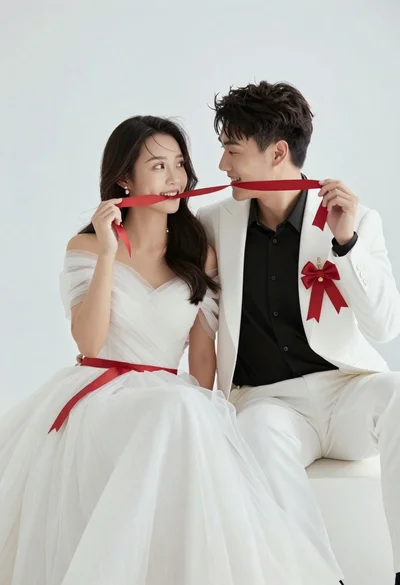
Romantic portrait of young couple in white formal wear against white background
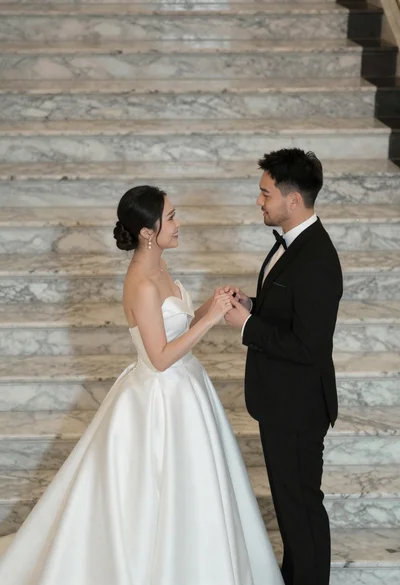
Bride and groom holding hands on wide marble stairs in grand interior
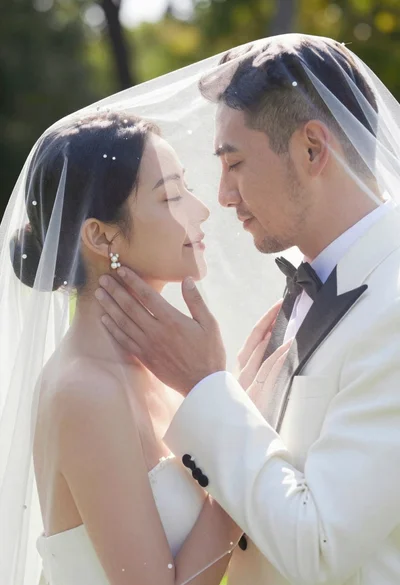
Bride and groom sharing intimate moment under sheer veil in garden

Smiling couple embracing warmly at a crowded party venue
Bride and groom kissing under fireworks in a dark garden at night
