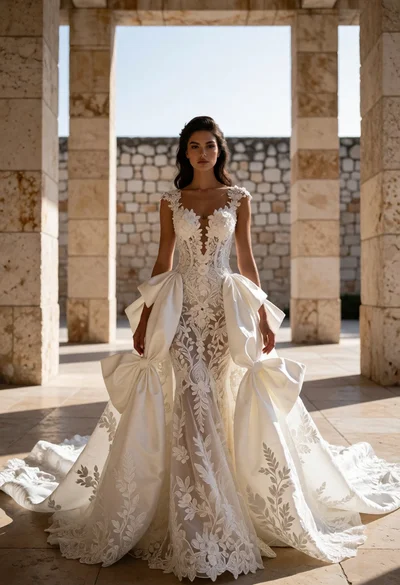
Woman in elaborate white wedding gown within grand stone corridor architecture
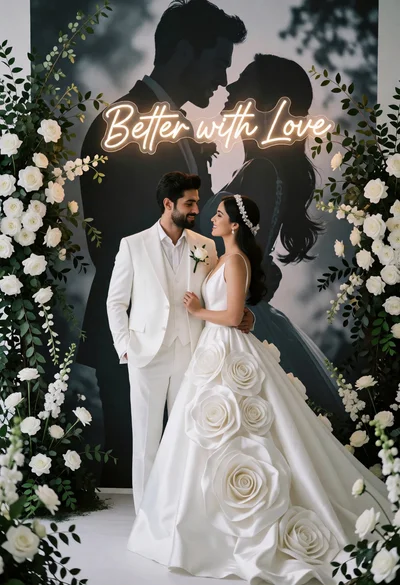
Couple in white wedding attire framed by greenery against neon love sign
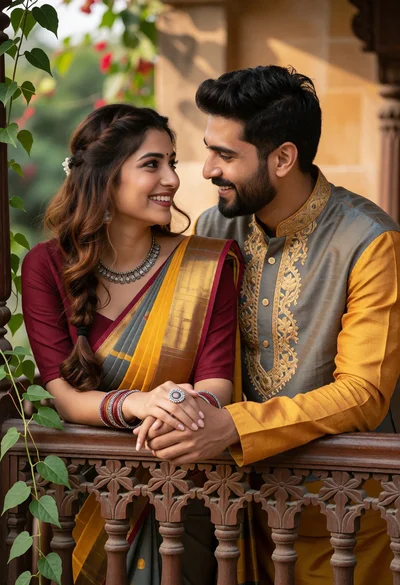
Romantic couple gazing at each other on an ornate wooden balcony railing
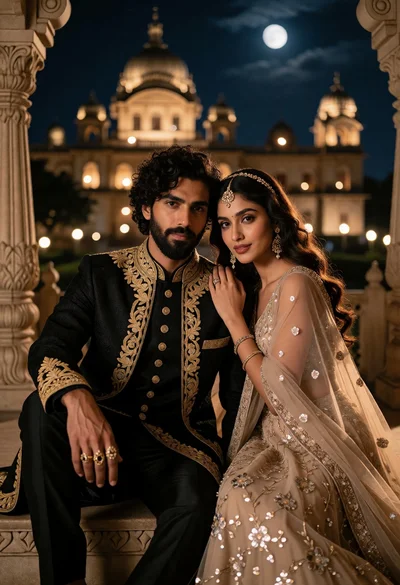
Romantic couple portrait on balcony before illuminated palace at moonlight
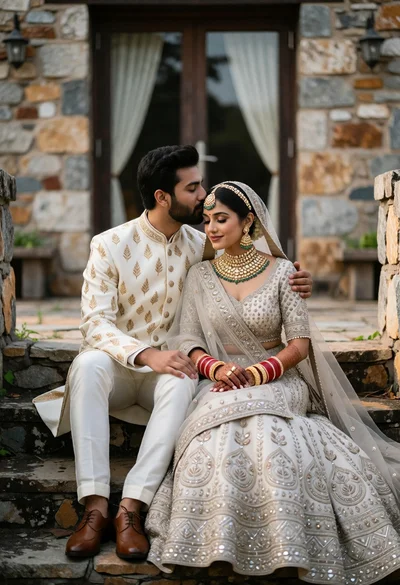
Couple in traditional indian wedding attire seated on weathered stone steps
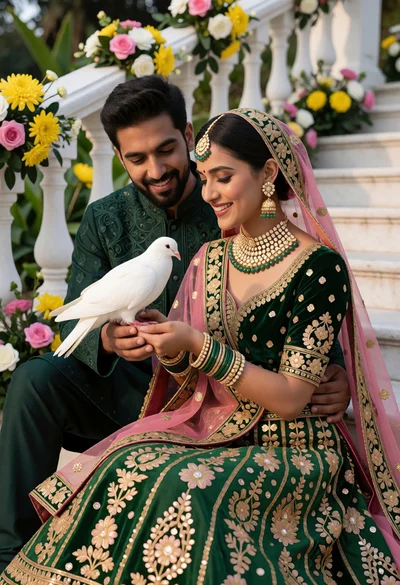
South asian couple in traditional wedding attire holding dove on white stone
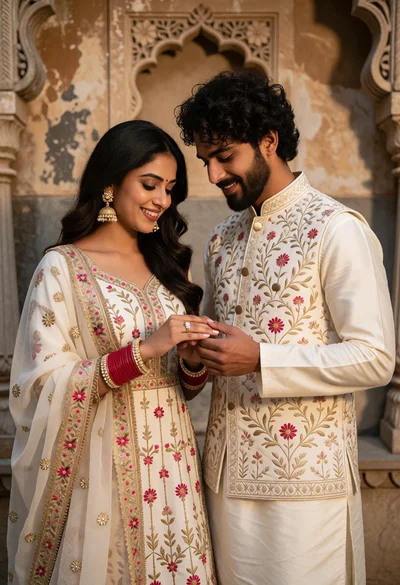
Romantic portrait of couple exchanging rings before ornate stone wall
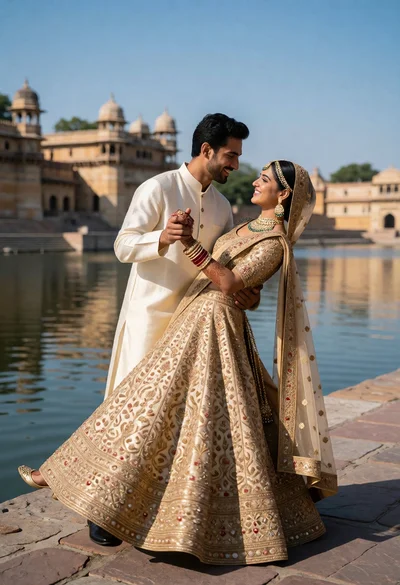
Couple dancing in traditional indian wedding attire by sandstone waterfront architecture
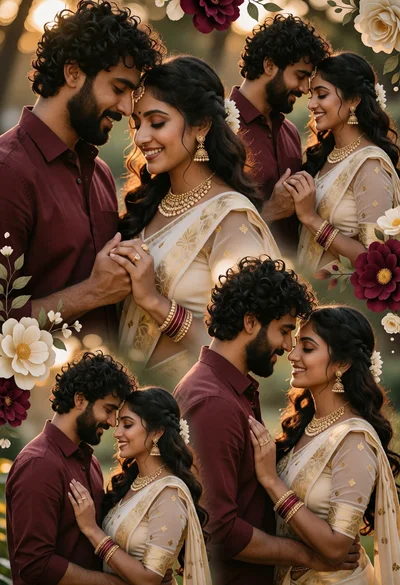
Romantic collage of couple in saree and maroon shirt in garden setting
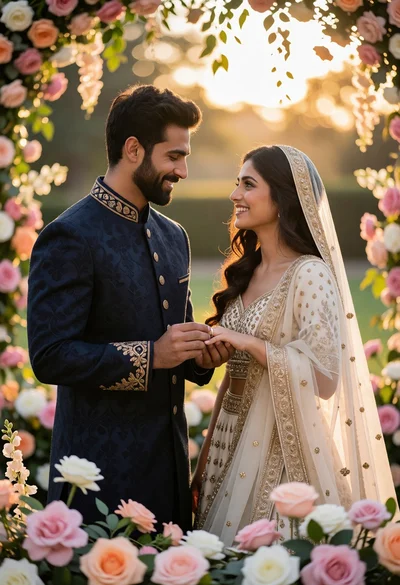
Romantic wedding portrait of groom placing ring on brides finger outdoors
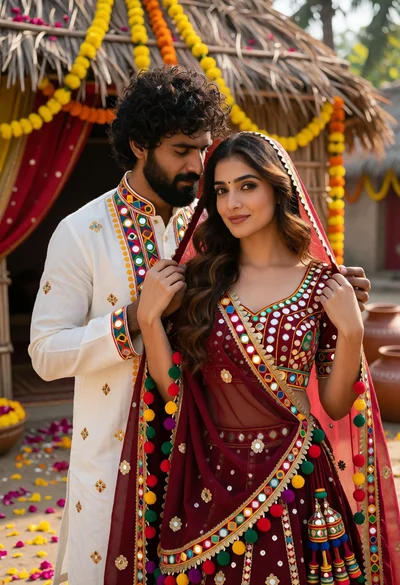
Romantic portrait of couple in indian wedding attire outdoors
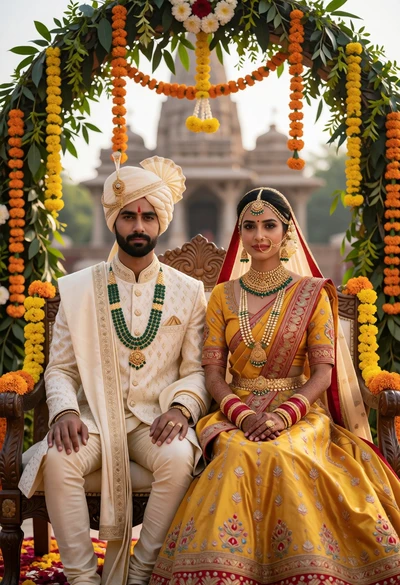
Indian wedding couple seated under floral archway with marigolds and greenery
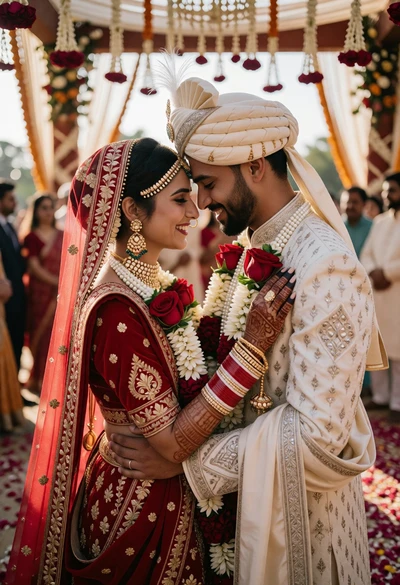
Indian bride and groom forehead touch during wedding ceremony under mandap
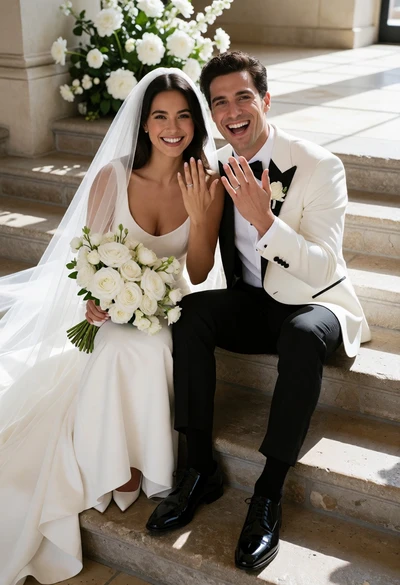
Smiling bride and groom seated on stone steps with white flowers indoors
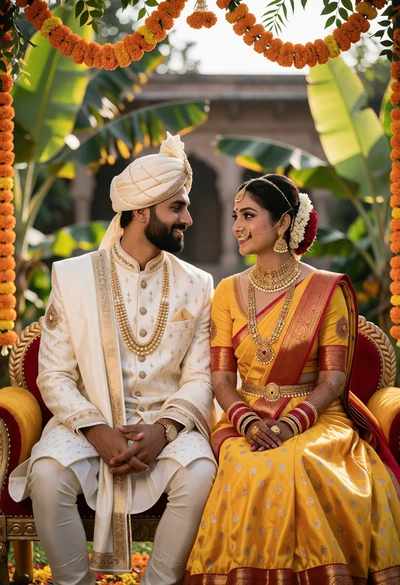
Traditional indian wedding couple seated under floral archway with yellow lehenga
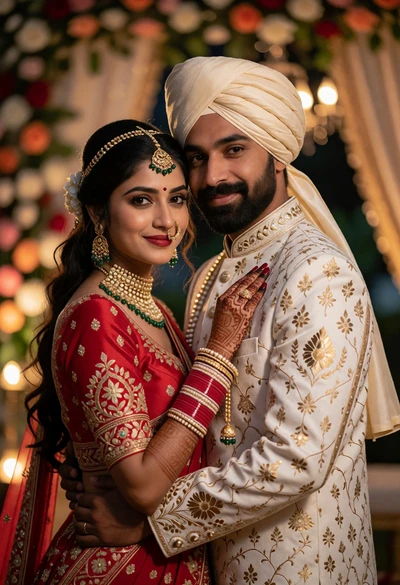
Romantic portrait of indian wedding couple embracing in traditional attire
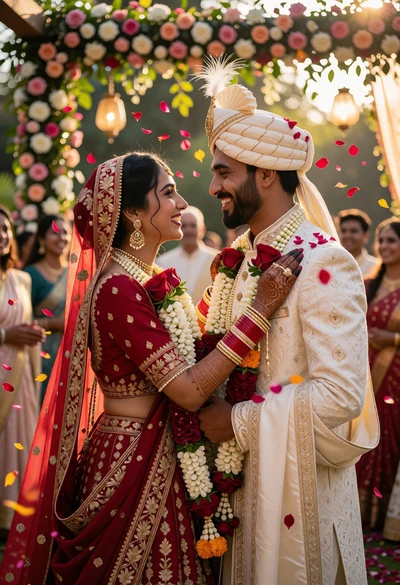
Indian bride and groom sharing gaze under floral arches at golden hour
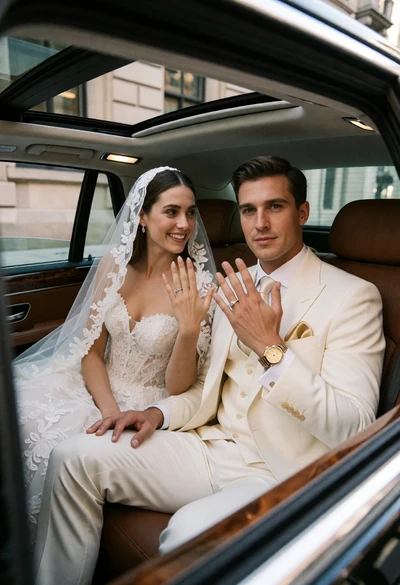
Bride and groom seated in luxury car showing diamond rings through sunroof
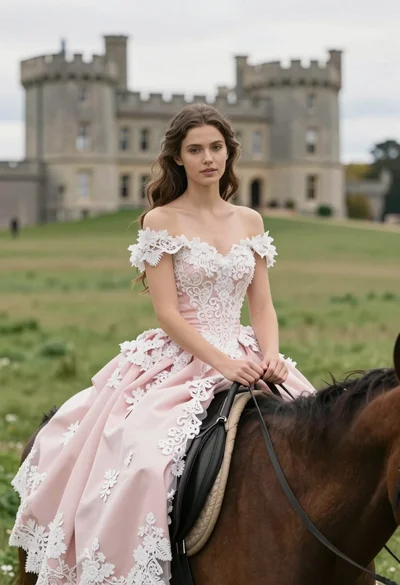
Young woman on brown horse before historic castle in lush green meadow
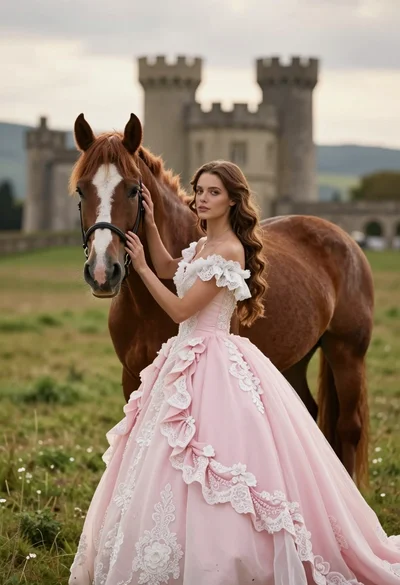
Woman in pink ballgown standing by brown horse near stone castle in
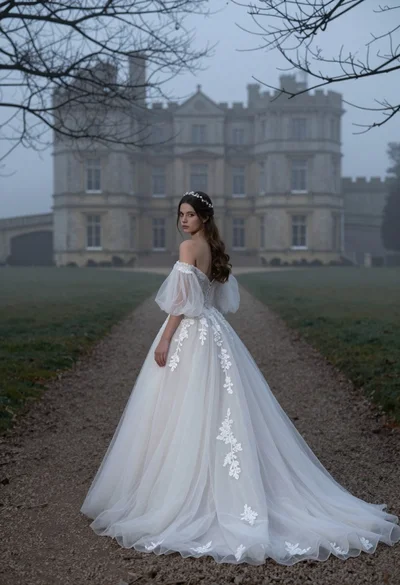
Woman in white wedding gown on gravel path before misty castle
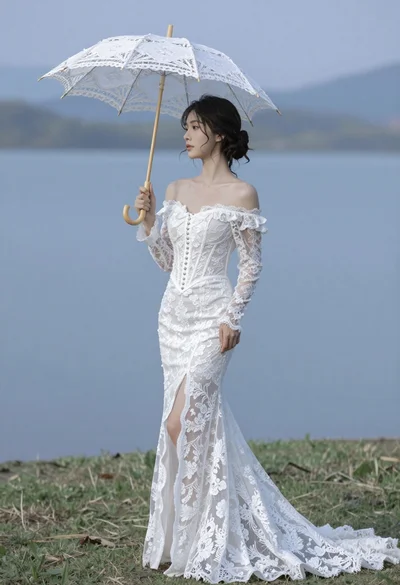
Woman in white lace gown holding parasol by serene lakeside mountains

Man in black suit standing on dark volcanic beach at twilight
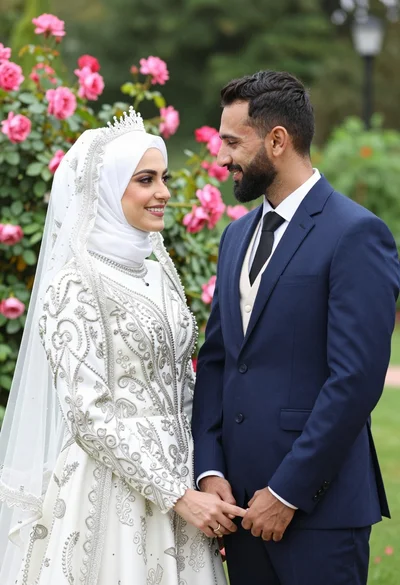
Smiling bride in white hijab and groom in navy suit holding hands
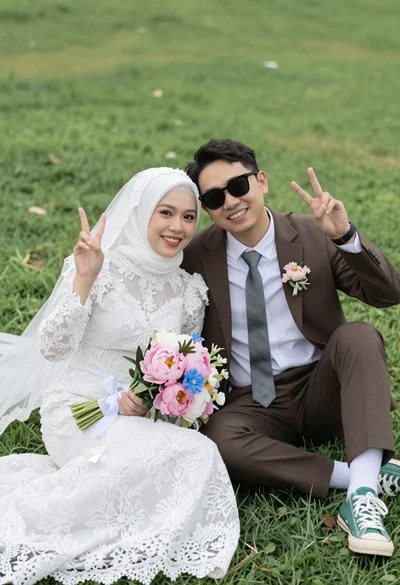
Joyful wedding couple posing together on a lush green grassy lawn
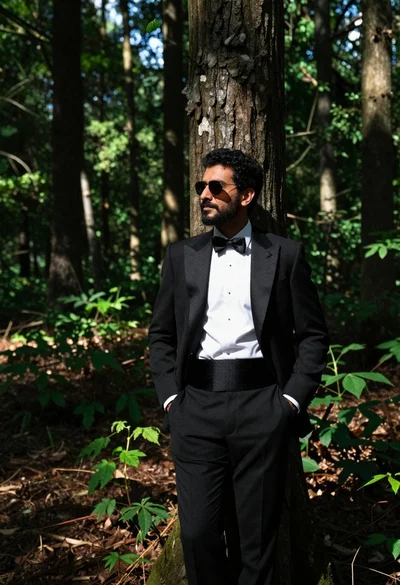
Man in black tuxedo leaning against tree trunk in lush green forest

Smiling woman in white offtheshoulder wedding gown with tiara

Bride and groom sharing an intimate kiss at a wedding reception

Woman modeling an elegant offtheshoulder wedding gown in studio
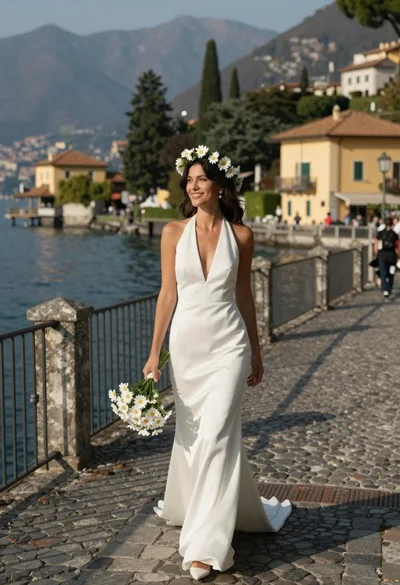
Smiling woman in white wedding dress walking on stone bridge over water

Woman in white wedding gown holding bouquet on terrace overlooking lake

Joyful wedding couple celebrating with spraying champagne in studio
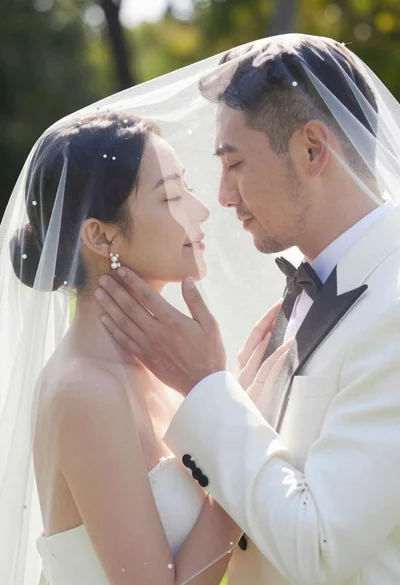
Bride and groom sharing intimate moment under sheer veil in garden
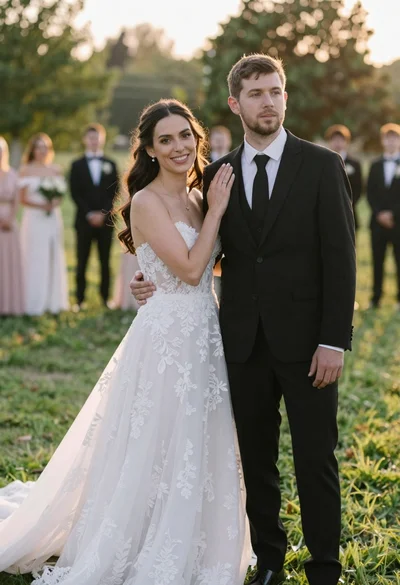
Romantic outdoor wedding portrait of bride and groom in grassy field
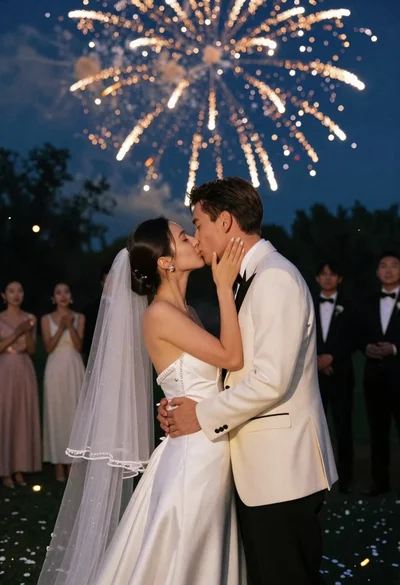
Bride and groom kissing under fireworks in a dark garden at night
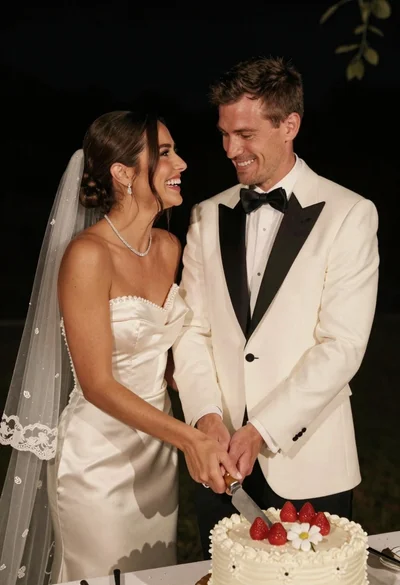
Joyful bride and groom cutting wedding cake at night reception
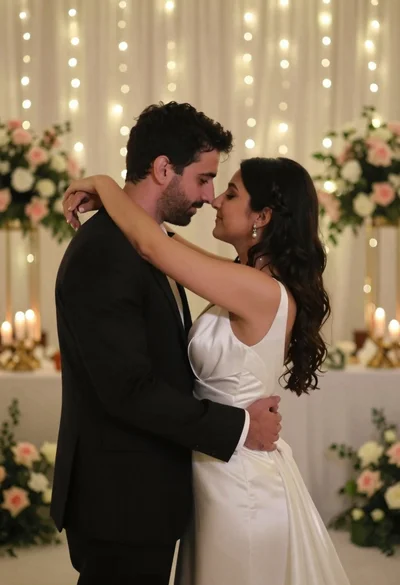
Bride and groom embracing intimately at a wedding reception indoors
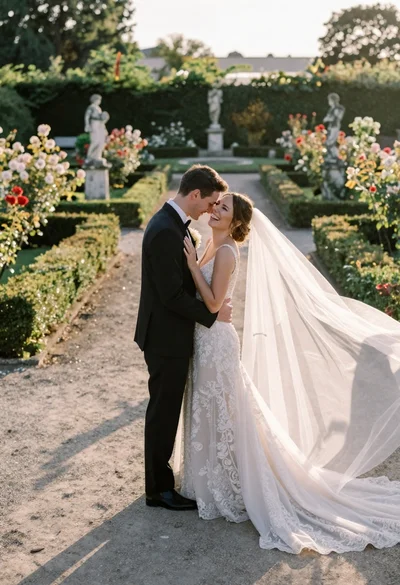
Wedding couple embracing in formal garden at golden hour
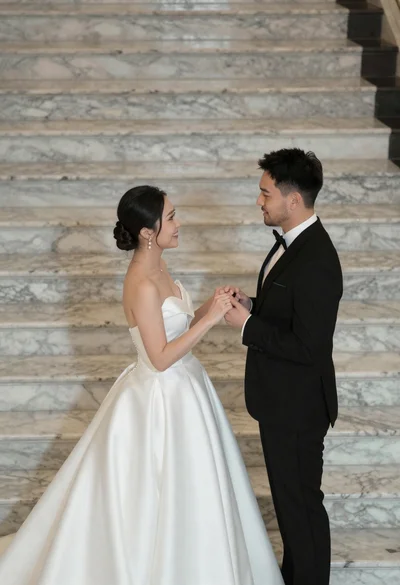
Bride and groom holding hands on wide marble stairs in grand interior

Romantic portrait of young couple in white formal wear against white background
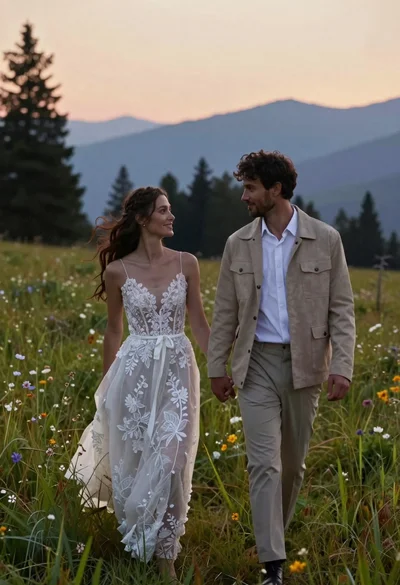
Romantic couple in wedding dress and suede jacket walking through grassy meadow
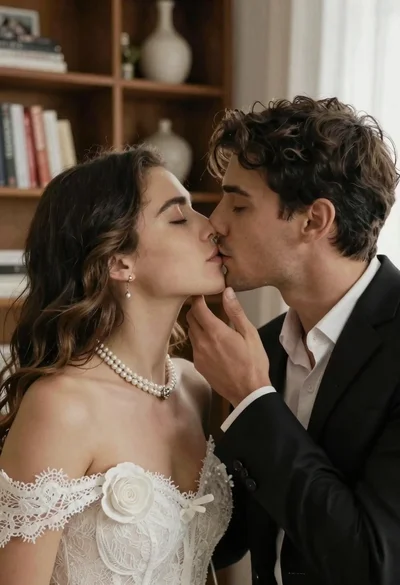
Romantic close up of a couple sharing an intimate kiss indoors
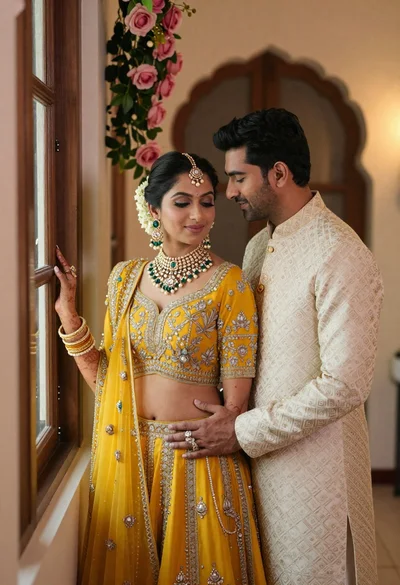
Indian couple in traditional wedding attire posing near a wooden window
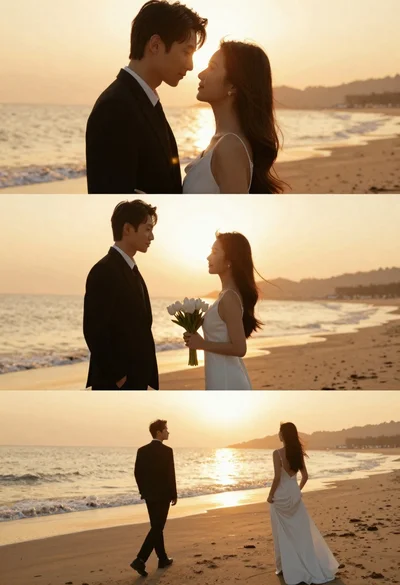
Romantic wedding couple on beach at sunset in three vertical panels
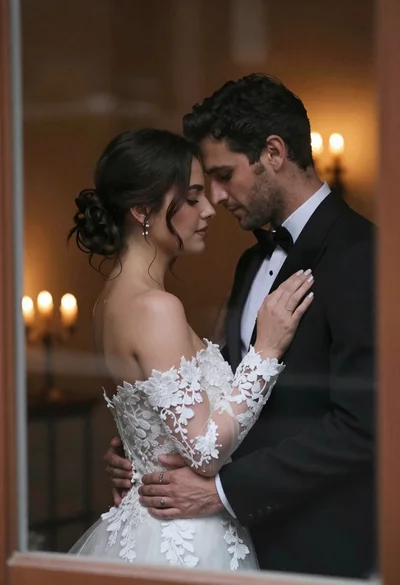
Bride and groom embracing intimately behind a glass window pane
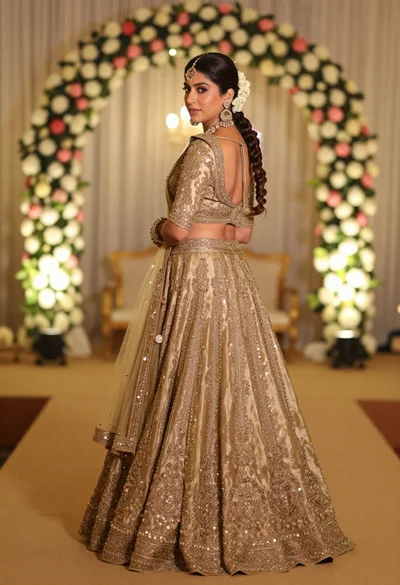
Woman in embroidered gold lehenga standing in floral archway interior

Smiling bride in white lace dress standing in a sunlit field
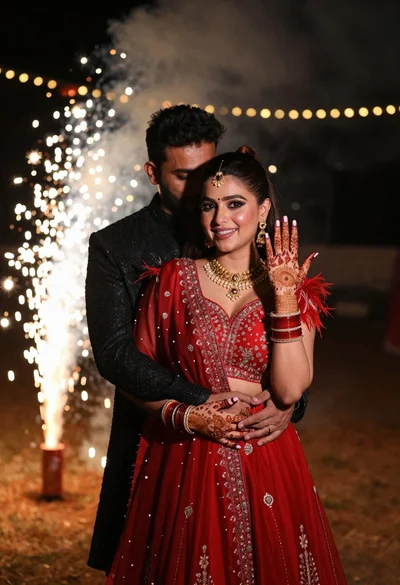
Smiling woman in red gown and man embracing at night fireworks