
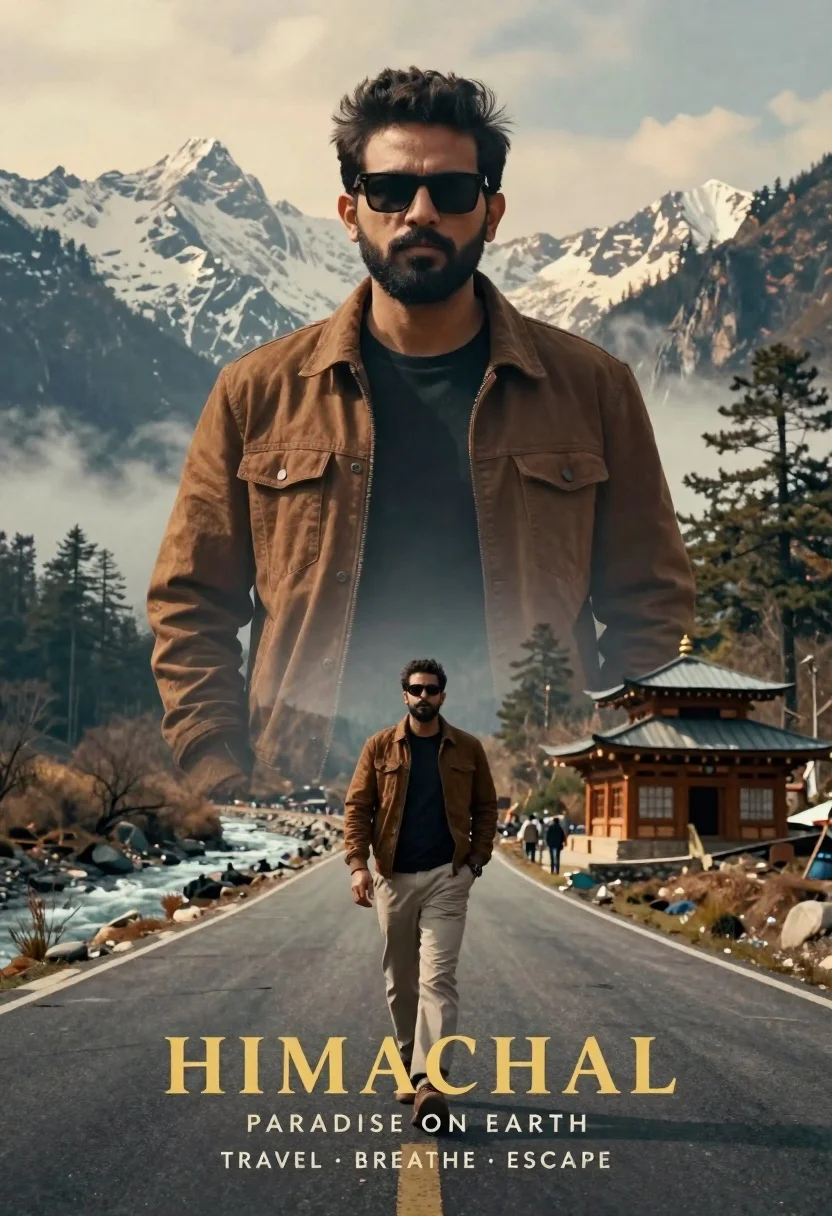
Cinematic travel poster of man with beard and sunglasses on mountain road
Prompt
A cinematic double-exposure travel poster featuring a man with dark hair and beard wearing sunglasses, layered over a majestic mountain landscape.

Subject: A man with short dark hair, a full beard, and dark sunglasses stands as the central figure, appearing both as a large translucent overlay and walking along a road in the foreground.

Clothing: The man wears a brown jacket over a black t-shirt paired with light-colored trousers, hands casually tucked into his pockets.

Action: The man gazes directly forward with a serious expression, while the smaller version of him walks confidently down a winding paved road.

Environment: A dramatic mountain valley setting with snow-capped peaks, misty forests, and a flowing river alongside the road, featuring a traditional wooden temple structure on the right side.

Camera: Wide-angle composition that captures both the full landscape and the layered subject, creating a sense of depth and scale.

Lighting: Soft natural daylight with warm golden tones in the sky, casting gentle shadows and highlighting the misty atmosphere.
Second

Subject: None.

Objects: A traditional wooden temple structure stands on the right side of the road, surrounded by tall pine trees.

Interaction: The man is visually integrated into the landscape through a double-exposure effect, blending his silhouette with the mountain scenery.

Text/Graphics: Large gold lettering at the bottom reads "HIMACHAL", followed by smaller text including "PARADISE ON EARTH" and "TRAVEL • BREATHE • ESCAPE".

Style Details: High-quality cinematic poster style with a blend of realism and artistic double-exposure effects, warm color grading, and atmospheric depth.
Description
This prompt is useful for creating destination travel posters, editorial adventure spreads, and concept art for film pitches. The combination of 'double-exposure effect' with a 'wide-angle composition' ensures the subject feels intrinsically part of the environment rather than simply placed upon it, while the 'warm golden tones in the sky' unify the disparate elements into a cohesive, aspirational visual narrative.
Suggestions
- Change 'brown jacket' to 'olive green field jacket' for a more rugged feel.
- Replace 'traditional wooden temple structure' with 'stone ruins' to alter the cultural focus.
- Adjust 'soft natural daylight' to 'overcast diffused light' for a moodier, less saturated palette.
Category
Tags
Casual WearMaleMountainsNatureOutdoorsRealisticWide Shot
Date added
June 26, 2026
Added by
PromptDexter Team
Related Prompts
More prompts with similar categories and tags.
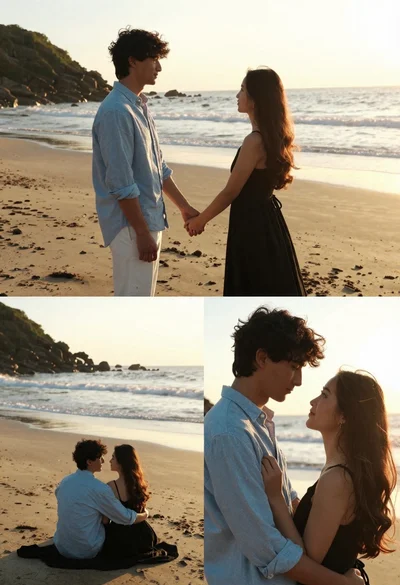
Romantic collage of couple embracing on beach at golden hour sunset
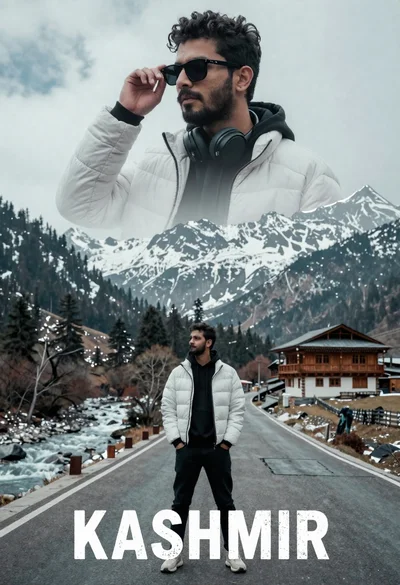
Cinematic travel poster of man on winding mountain road near traditional wooden
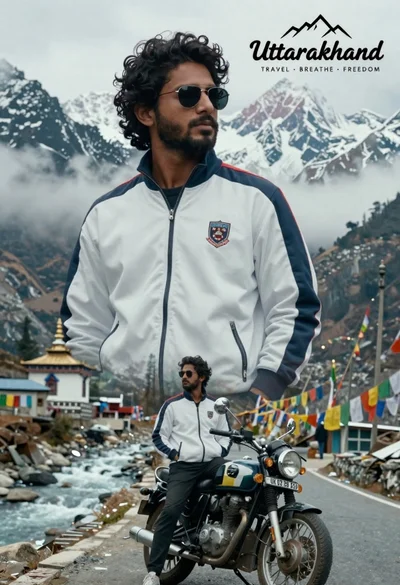
Cinematic travel poster of man on motorcycle against himalayan mountains

Handsome young man leaning on great wall overlooking green mountains at sunset

Man crouching in dry field looking at hazy blue mountains backdrop

Romantic portrait of couple embracing on wet beach at sunset
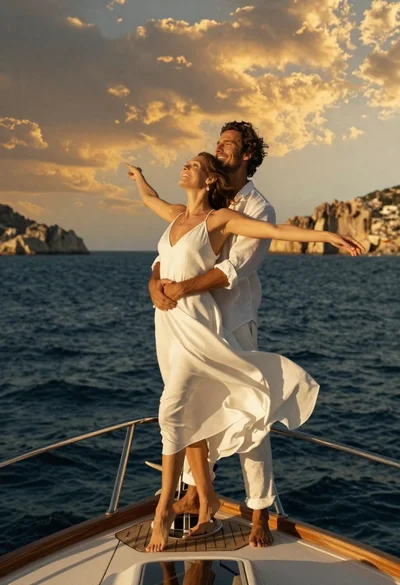
Romantic couple in white linen clothes on yacht bow at sunset
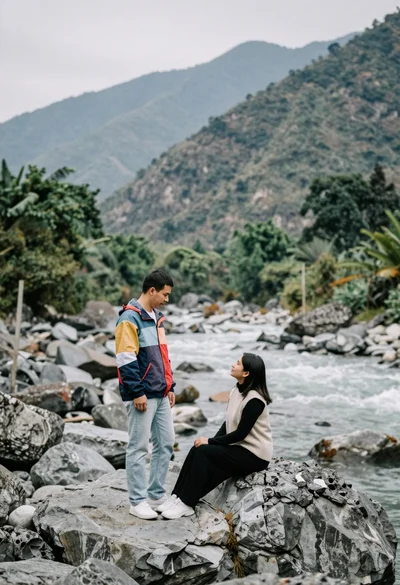
Romantic couple portrait on boulders in a rocky mountain riverbed
