Romantic couple embracing in lush green rice paddy under rainy sky
Silhouette of young man in profile holding white flower against sepia background
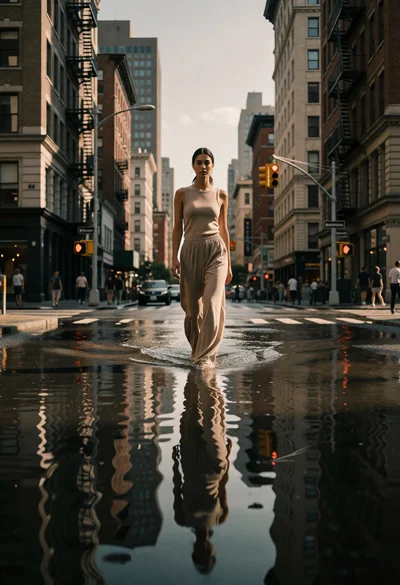
Woman walking through flooded city street reflecting in water at low angle
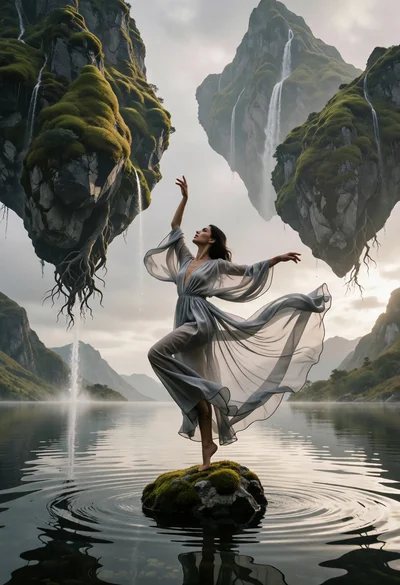
Woman dancing on mossy rock beneath floating inverted mountains in calm lake

Close up portrait of woman with dark hair in sheer saree against
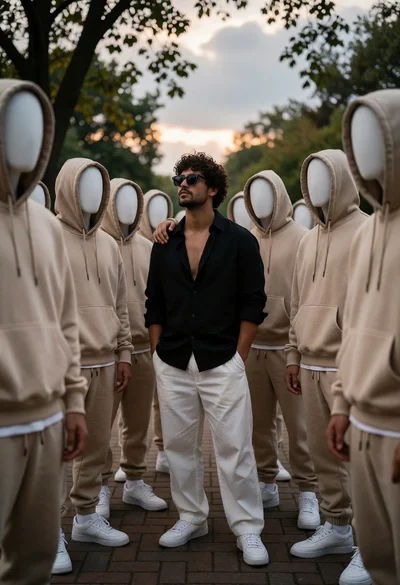
Man with curly hair surrounded by faceless figures on a brick walkway
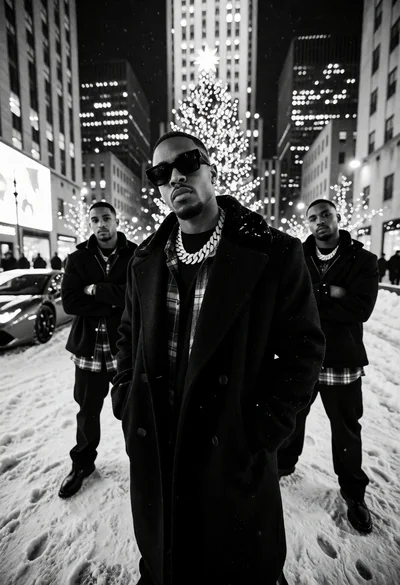
Low angle black and white photograph of men in coats on snowy
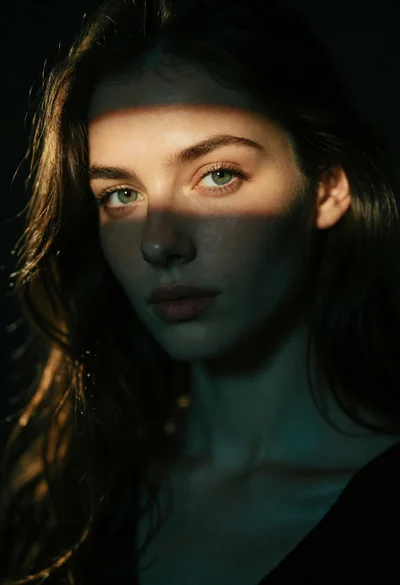
Extreme close up portrait of fair woman with dark hair under dramatic
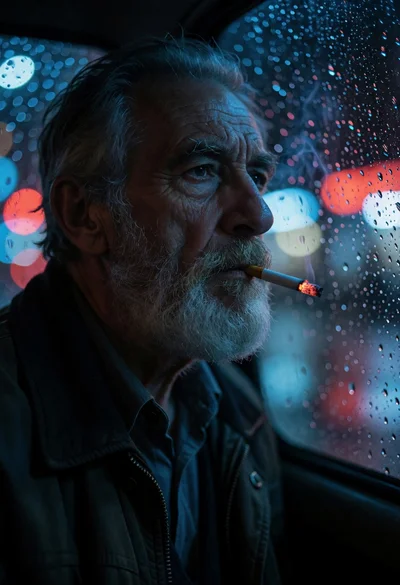
Elderly man smoking by rainstreaked window at night with bokeh lights
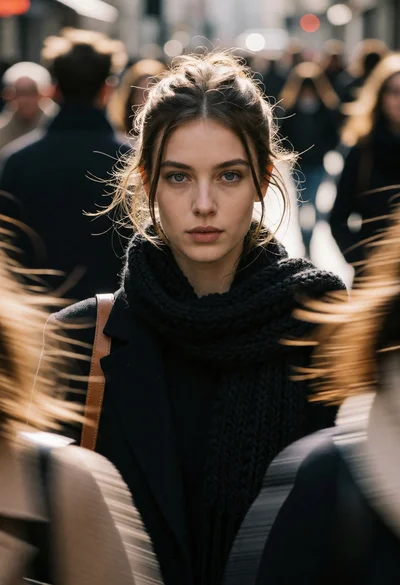
Portrait of young woman on busy urban street with motion blur background

Man in white suit holding flaming red roses against dark brick wall
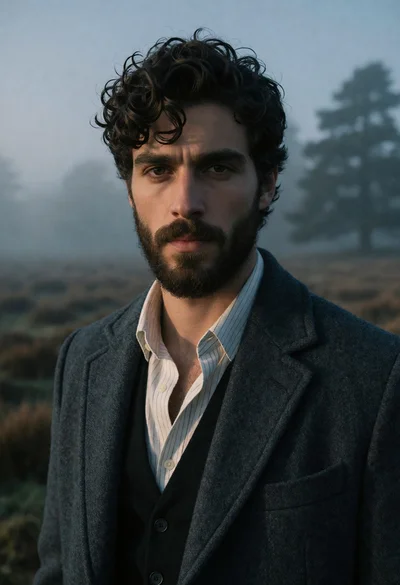
Serious young man in charcoal coat standing in a misty open field
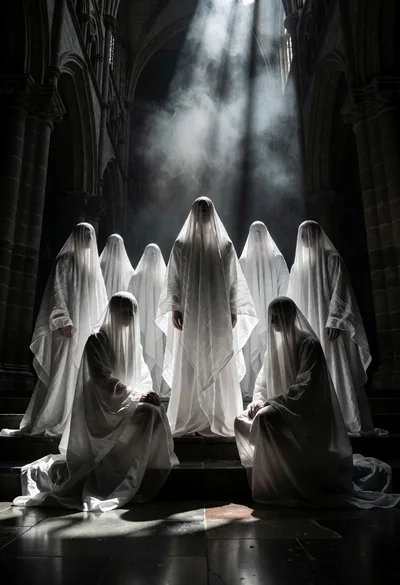
Seven hooded figures in white shrouds within a dark stone cathedral nave
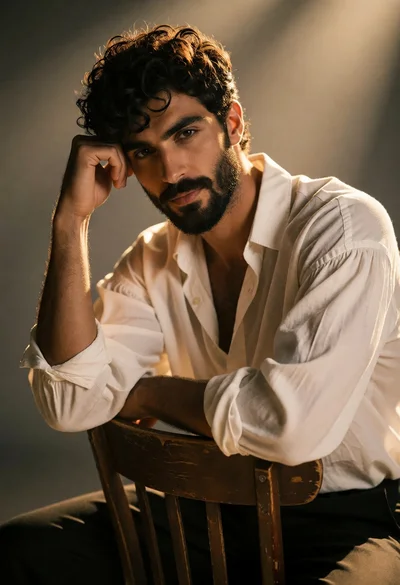
Handsome man with dark curly hair seated in a studio with golden
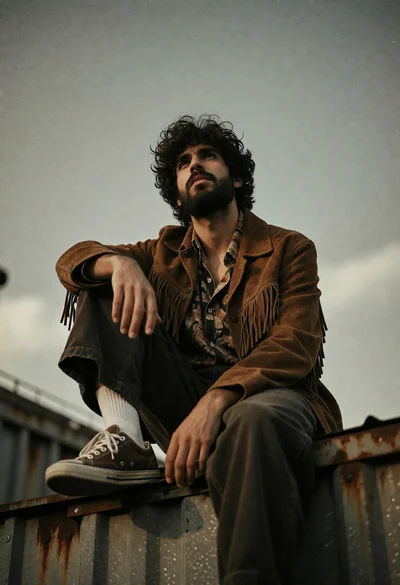
Young man sitting contemplatively on metal structure under overcast sky
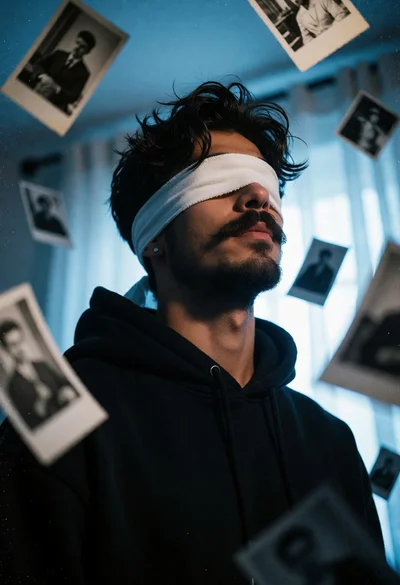
Young man blindfolded surrounded by floating black and white photographs indoors
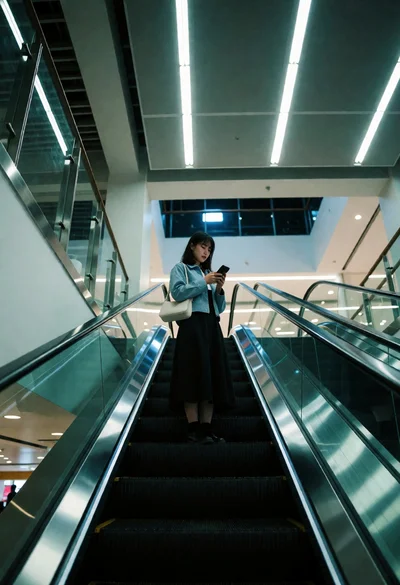
Woman looking at phone while riding escalator in modern indoor transit hub

Young person with red hair reading book in narrow wooden library aisle
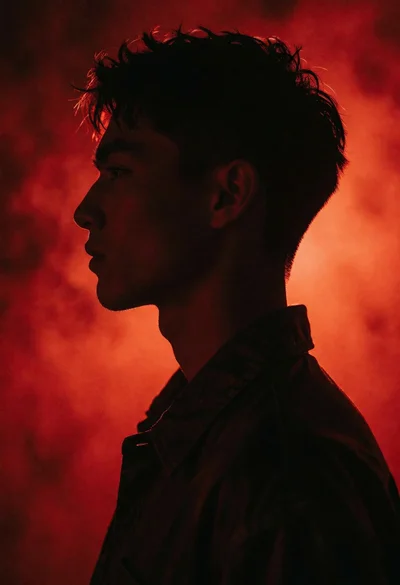
Dramatic male profile silhouette against saturated deep red atmospheric background
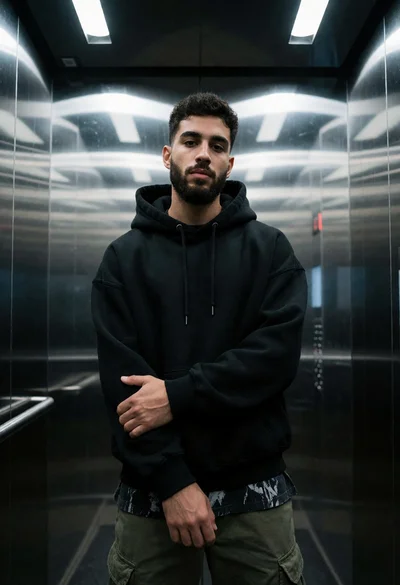
Young man standing inside modern elevator with reflective stainless steel walls
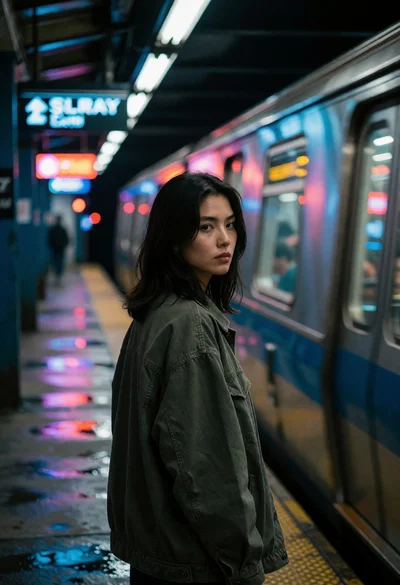
Young woman on subway platform watching moving blue silver train at night
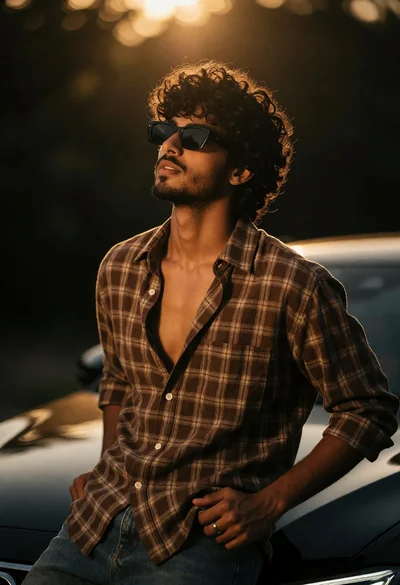
Young man with curly dark hair leaning against sleek car at golden
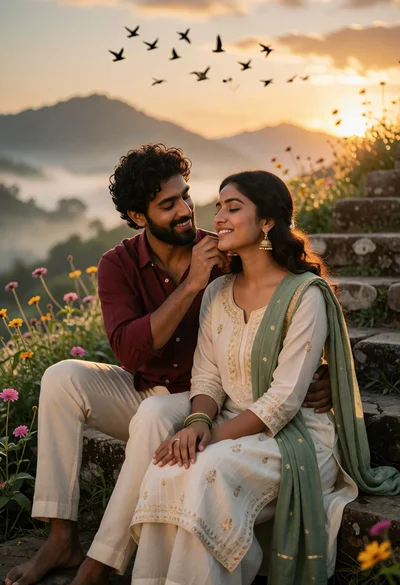
Romantic couple on stone steps at sunset with misty mountains background
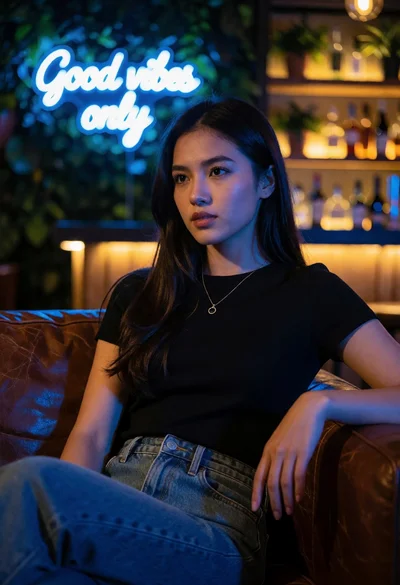
Young woman in black top and denim jeans on leather sofa lounge
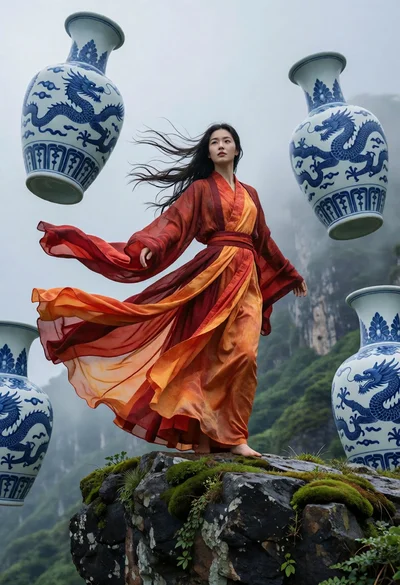
Woman on mossy cliff edge near floating blue porcelain vases
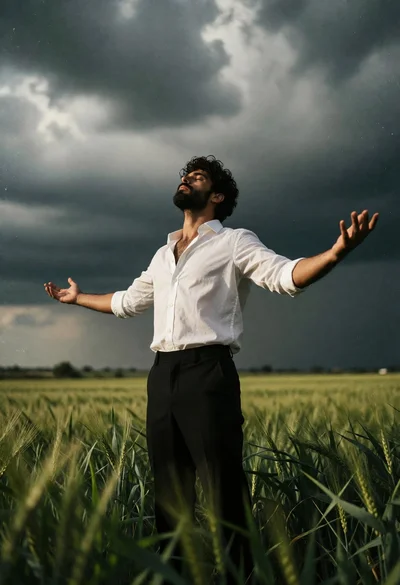
Bearded man standing in vast green field under dramatic stormy sky
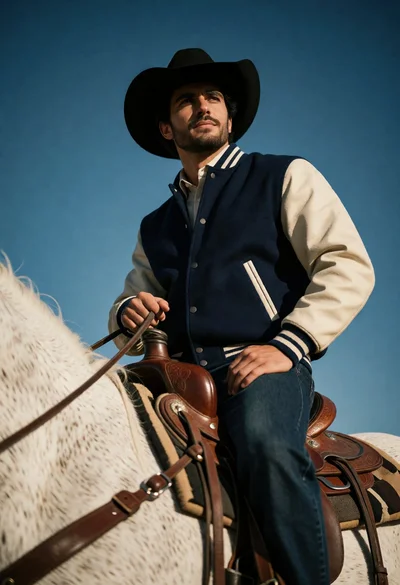
Man on white horse against deep blue sky low angle shot
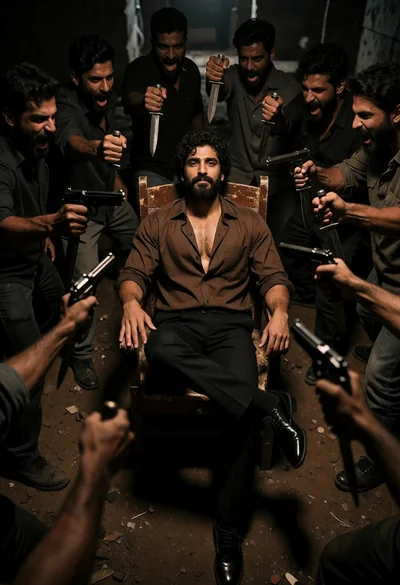
Muscular man seated calmly amid aggressive crowd with weapons in underground setting
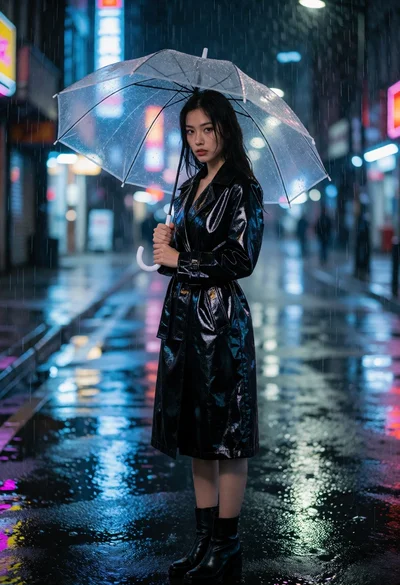
Woman in vinyl trench coat standing on wet city street during heavy
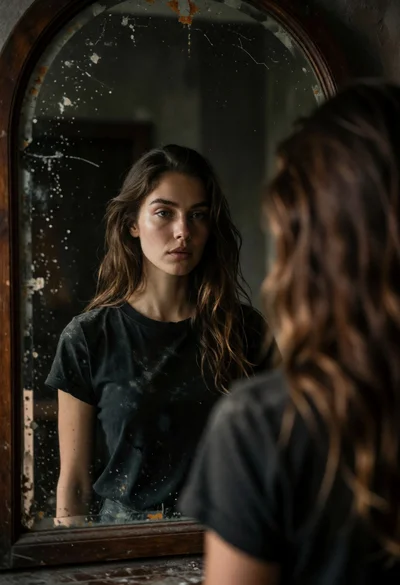
Woman gazing into an aged arched mirror with dark wood frame
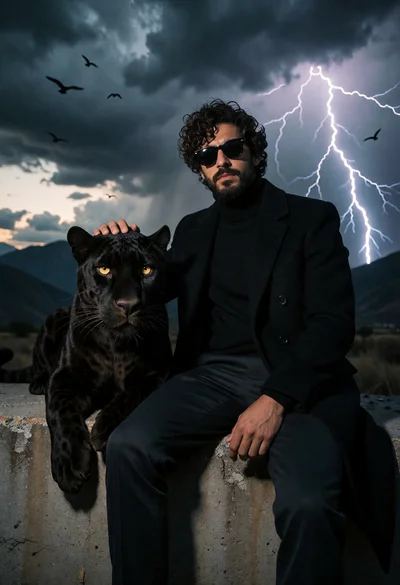
Man in black coat resting hand on panther near stormy mountains

Woman swimming underwater engulfed by flames with dark leather attire
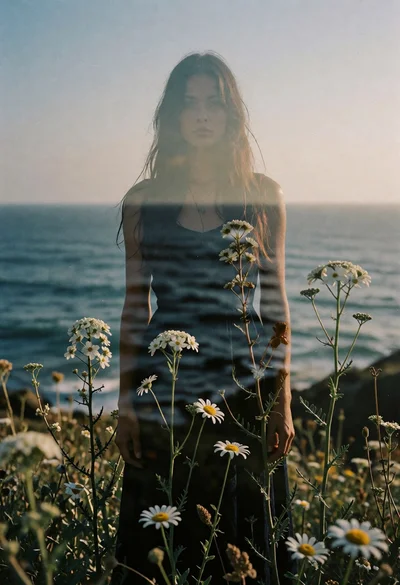
Double exposure portrait of woman merging with wildflowers by the ocean horizon
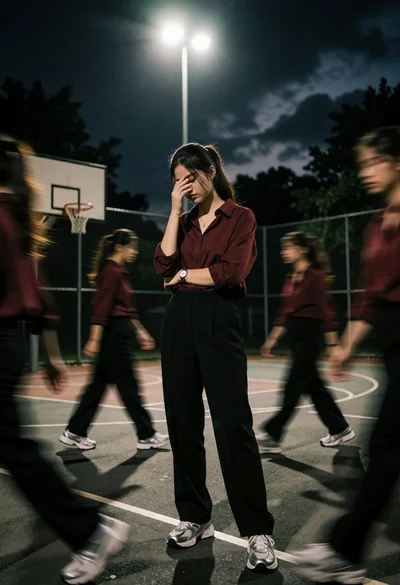
Young woman standing alone on basketball court surrounded by blurred figures at
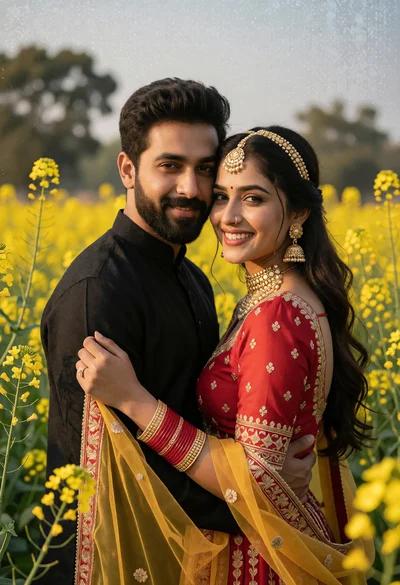
Romantic portrait of couple embracing in yellow flower field under soft daylight
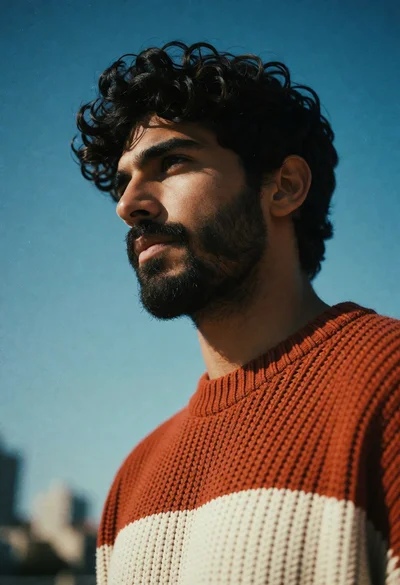
Low angle portrait of man in knit sweater against clear blue sky
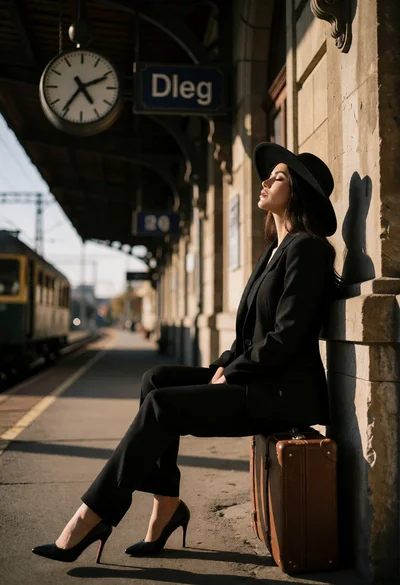
Woman in black suit seated on suitcase at old train station platform
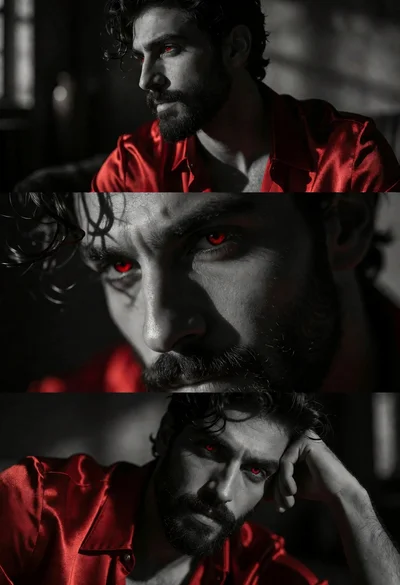
Triptych portrait of man with dark hair wearing red satin shirt
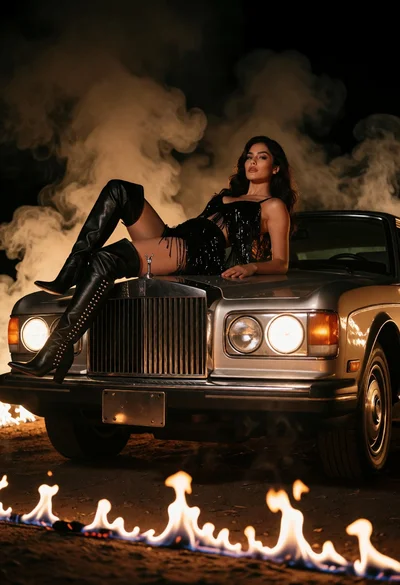
Woman reclining on vintage car hood amidst smoky firelit dramatic scene
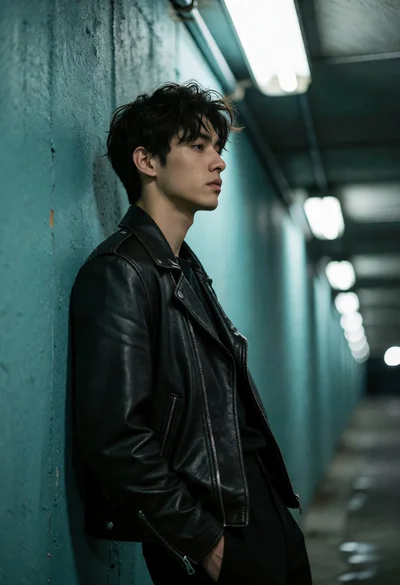
Young man in biker jacket leaning against teal concrete wall underpass
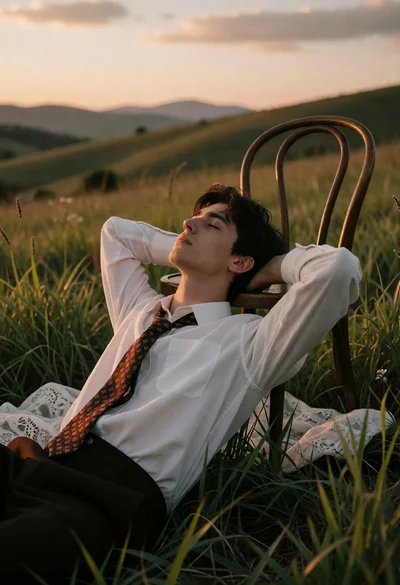
Young man resting on chair in grassy field during golden hour sunset
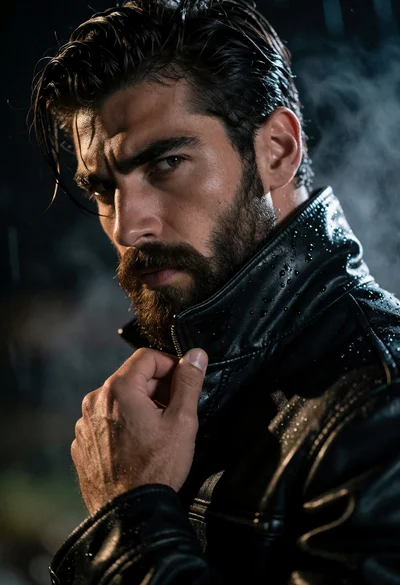
Close up portrait of rugged man in wet leather jacket under dramatic
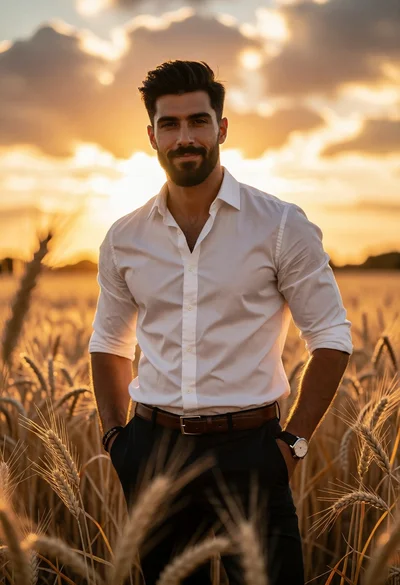
Handsome man in white shirt standing in golden wheat field at sunset
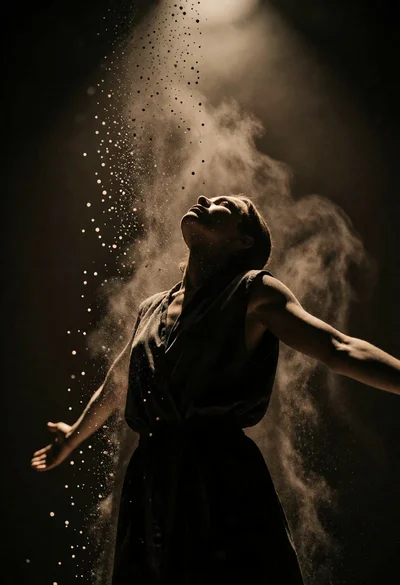
Low angle silhouette of person with outstretched arms under falling dust spotlight
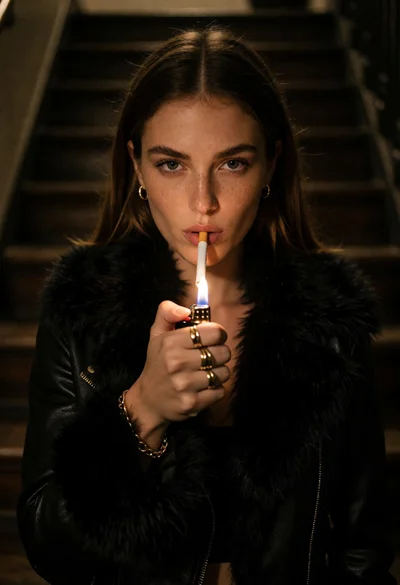
Woman in black fur jacket lighting cigarette on dark wooden staircase
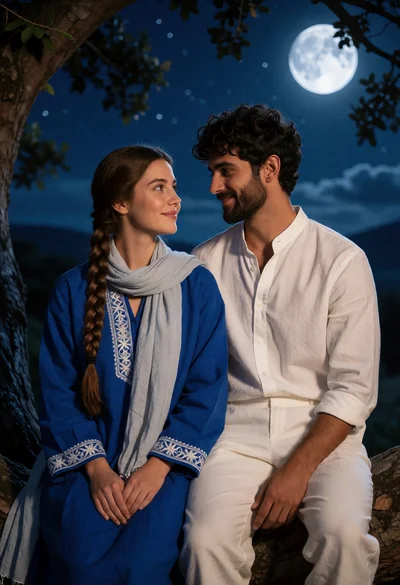
Romantic portrait of couple on tree branch under full moon night sky

Majestic female warrior in ornate armor standing on a fiery battlefield
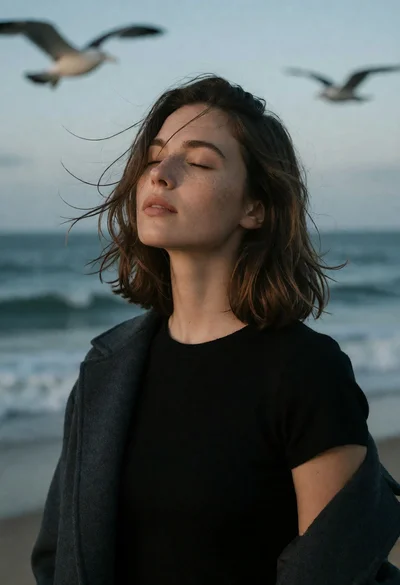
Young woman in black top on coast with gulls under muted sky