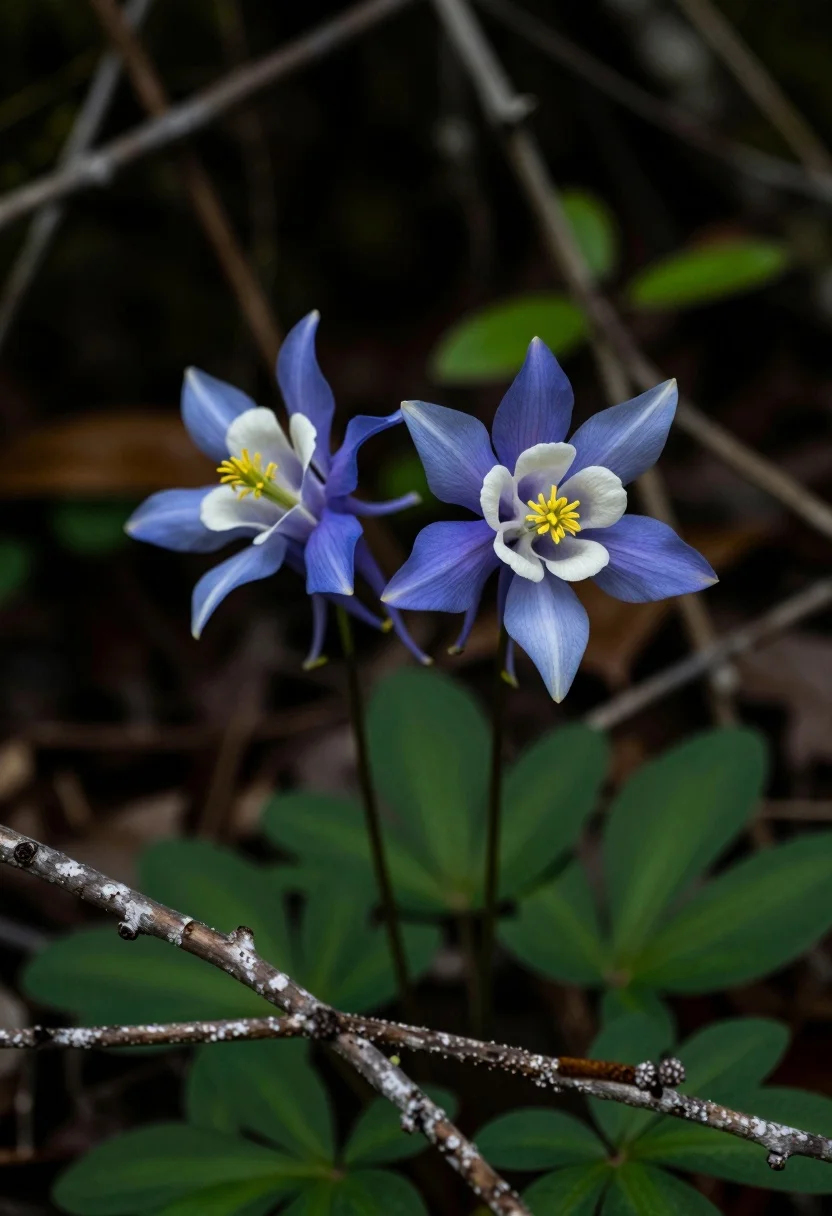
Close up macro photograph of blue and white columbine flowers on forest
Prompt
Two delicate blue and white columbine flowers bloom amidst a dark forest floor with gnarled branches.

Subject: Two vibrant columbine flowers featuring five-pointed star-shaped petals in shades of periwinkle blue and creamy white centers, each displaying clusters of bright yellow stamens.

Action: The flowers stand still in a quiet natural setting without any visible movement or wind disturbance.

Environment: A dense woodland floor with deep green foliage and scattered dry branches creating a textured foreground against a dark, blurred background.

Camera: Close-up macro perspective with shallow depth of field that keeps the flowers sharp while softly blurring the surrounding forest elements.

Lighting: Soft natural light filtering through the canopy creates gentle highlights on the petals while maintaining a moody, low-contrast atmosphere with deep shadows in the background.

Style Details: Naturalistic botanical photography with rich color saturation and smooth bokeh rendering typical of professional nature photography.
Description
This prompt is useful for creating detailed botanical illustrations, high-end stationery designs, and moody nature editorial spreads. The combination of 'soft natural light filtering through the canopy' and a 'shallow depth of field' ensures the focus remains intensely on the flowers while the deep shadows prevent the image from looking flat, perfectly complementing the 'naturalistic botanical photography' style.
Suggestions
- Change 'periwinkle blue' to 'indigo' for deeper tones.
- Add 'dew drops' to enhance the macro detail.
- Swap 'deep green foliage' for 'moss-covered stones' to change the foreground texture.
Category
Tags
Close UpForestMacro ShotNatureRealistic
Date added
July 12, 2026
Added by
PromptDexter Team
Related Prompts
More prompts with similar categories and tags.
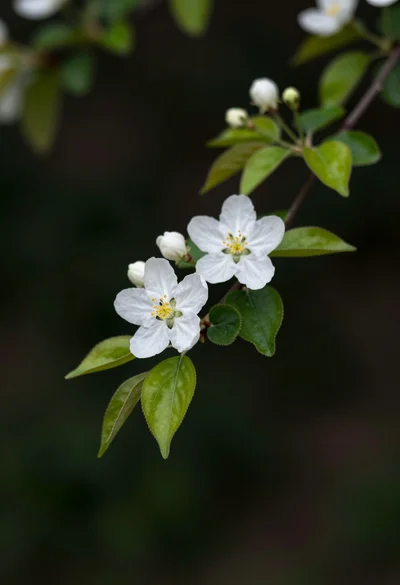
Close up of white blossoms on a branch against a dark blurred
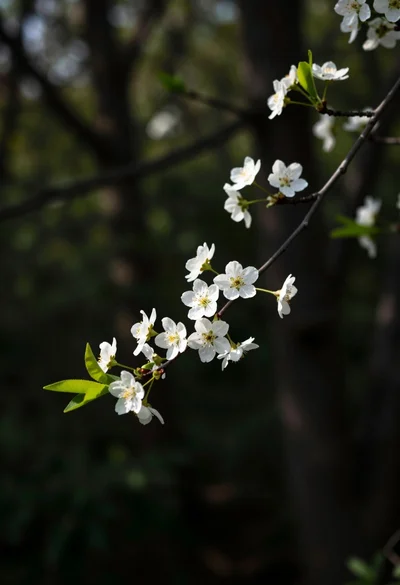
Close up view of slender branch with white blossoms against dark forest
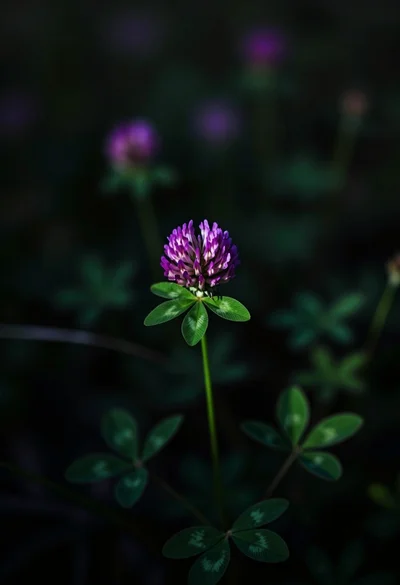
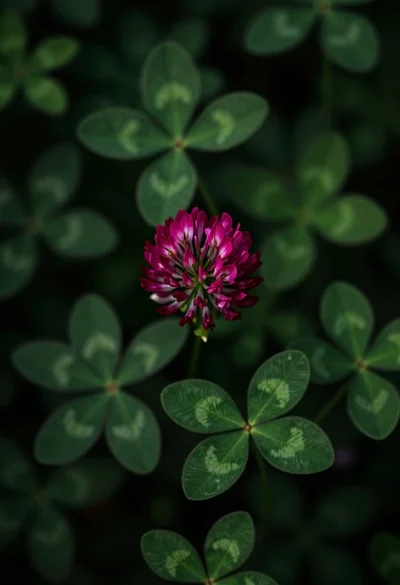
Close up photograph of vibrant purple clover flower on dark moody background

Hands cupped in clear water under sunlight
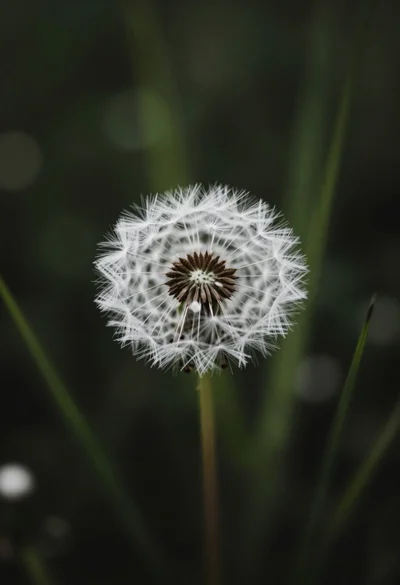
Close up macro shot of solitary white dandelion seed head against dark
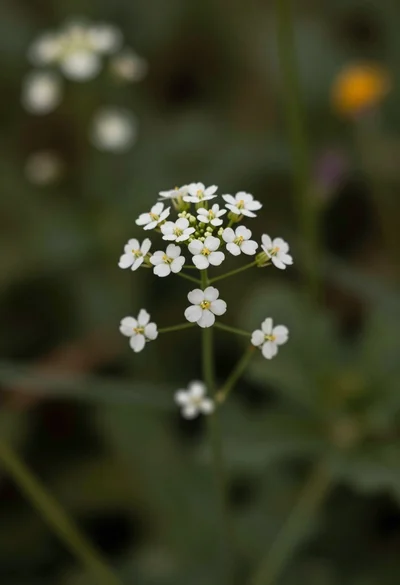
Macro photograph of delicate white wildflowers with yellow centers on dark green
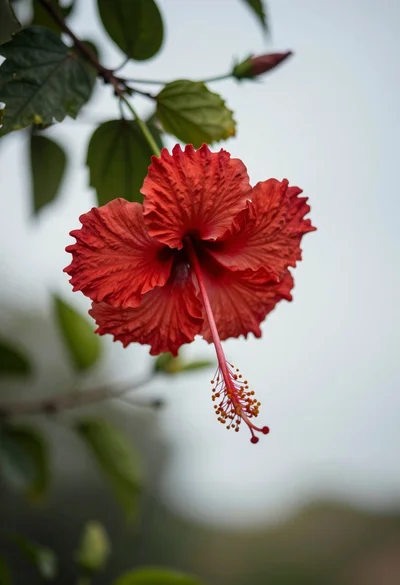
Close up photograph of vibrant red hibiscus flower against soft green bokeh
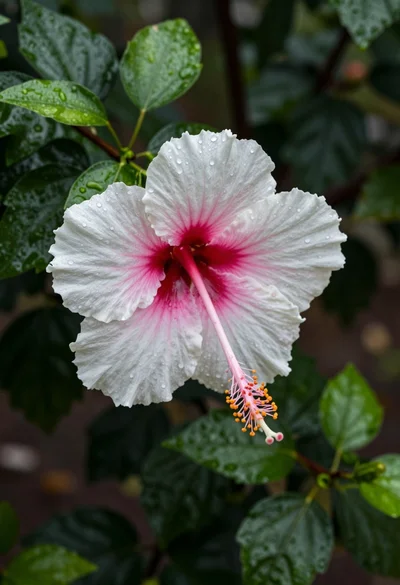
Close up photograph of hibiscus flower with raindrops on green foliage
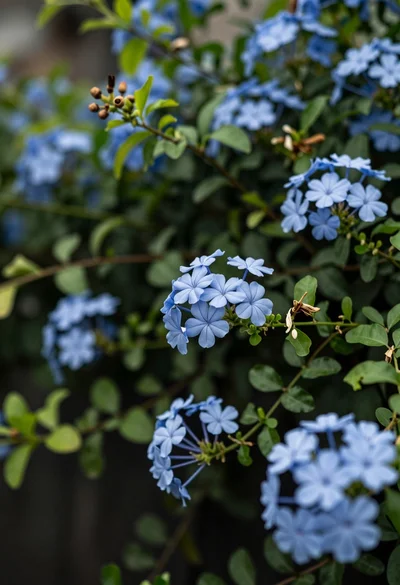
Close up of delicate light blue flowers blooming among dark green foliage
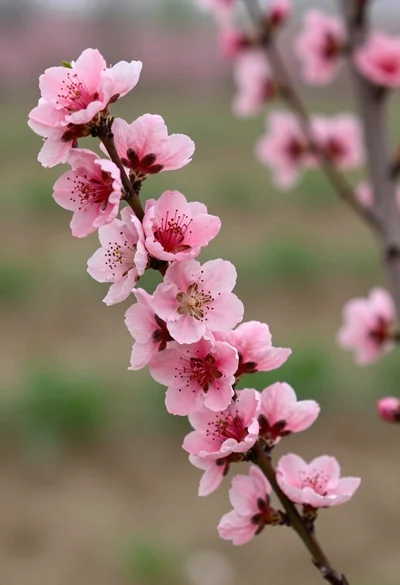
Close up view of vibrant pink peach blossoms on dark branches in