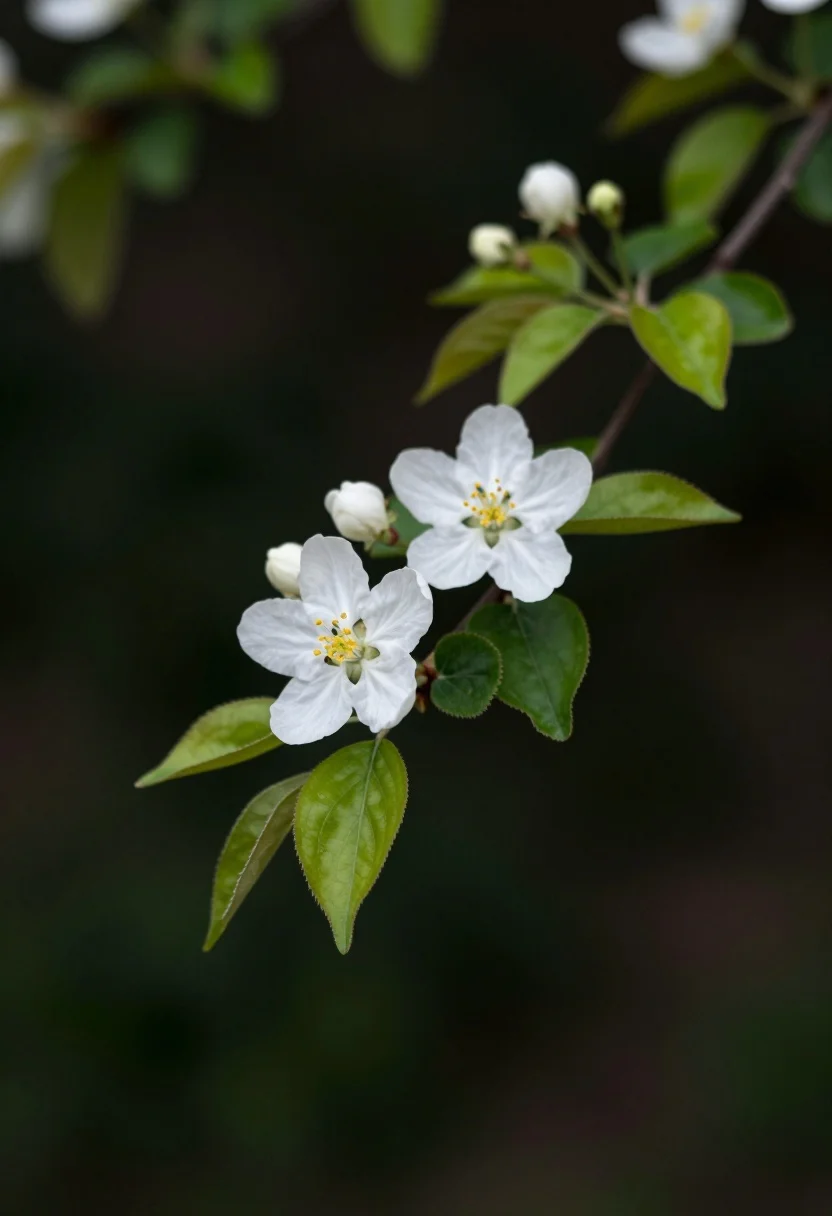
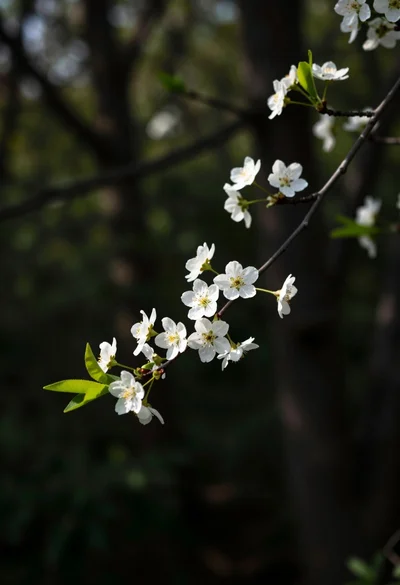
Close up of white blossoms on a branch against a dark blurred
Prompt
A delicate branch of white blossoms with vibrant green leaves and small buds extends diagonally across the frame against a dark background.

Subject: A slender tree branch featuring two fully bloomed white flowers with visible yellow stamens, surrounded by bright green serrated leaves and several unopened flower buds.

Action: The branch is static, gently curving through the air in a natural pose.

Environment: The setting is an outdoor garden or forest edge, characterized by a deep, dark, and heavily blurred background that isolates the branch.

Camera: A close-up shot with a shallow depth of field creates a soft bokeh effect in the background, emphasizing the sharp details of the flowers and leaves in the foreground.

Lighting: Soft, diffused natural light illuminates the scene from above, highlighting the delicate texture of the petals and creating gentle shadows within the foliage.

Style Details: The image has a serene, high-quality botanical photography aesthetic with rich color contrast between the white flowers and the dark background.
Description
This prompt is useful for creating detailed botanical illustrations, macro nature studies for scientific journals, and elegant seasonal greeting cards. The combination of 'soft, diffused natural light' and a 'shallow depth of field' ensures that the sharp details of the white flowers and bright green serrated leaves are maximally visible while the dark background prevents visual competition, which is crucial for isolating botanical subjects.
Suggestions
- Change 'white blossoms' to 'pale pink blossoms' for a different color palette.
- Add 'macro lens perspective' to enhance the sense of closeness.
- Replace 'dark background' with 'deep emerald green bokeh' for more color contrast.
Category
Tags
Close UpForestMacro ShotNatureRealistic
Date added
July 12, 2026
Added by
PromptDexter Team
Related Prompts
More prompts with similar categories and tags.
Close up view of vibrant magenta clover flowers in dense green foliage
Close up view of slender branch with white blossoms against dark forest
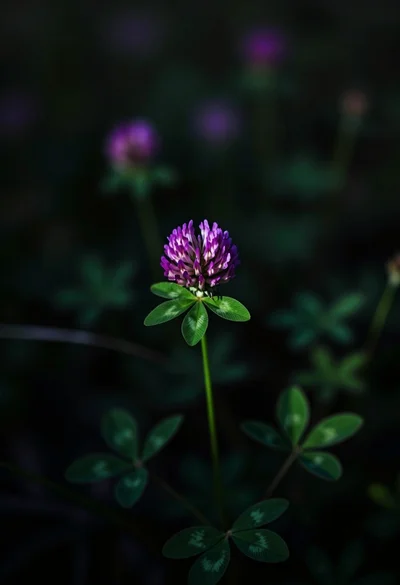
Close up photograph of vibrant purple clover flower on dark moody background

Hands cupped in clear water under sunlight
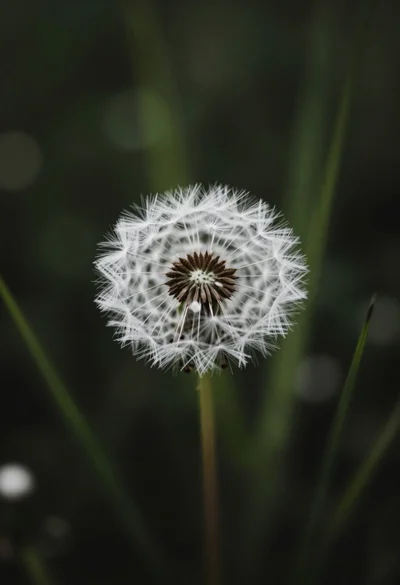
Close up macro shot of solitary white dandelion seed head against dark
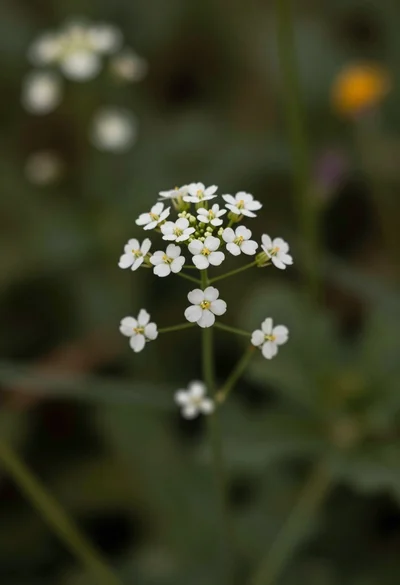
Macro photograph of delicate white wildflowers with yellow centers on dark green
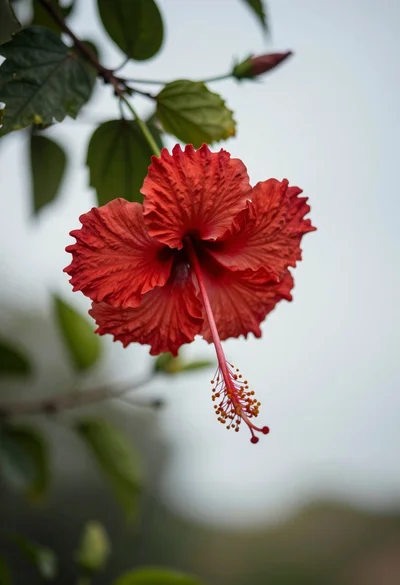
Close up photograph of vibrant red hibiscus flower against soft green bokeh
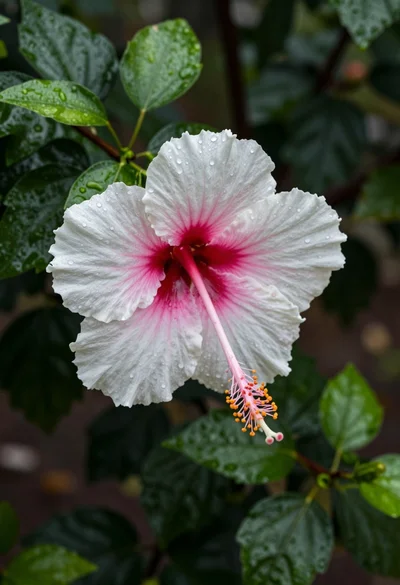
Close up photograph of hibiscus flower with raindrops on green foliage
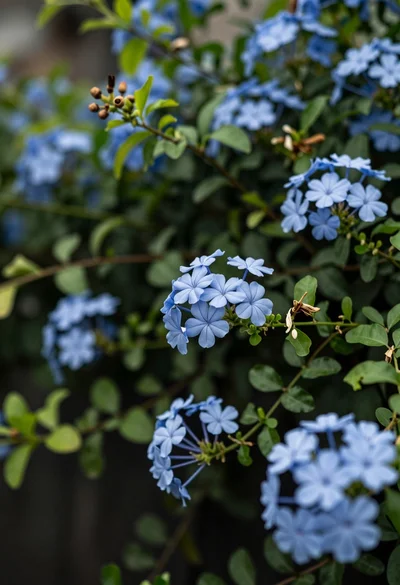
Close up of delicate light blue flowers blooming among dark green foliage
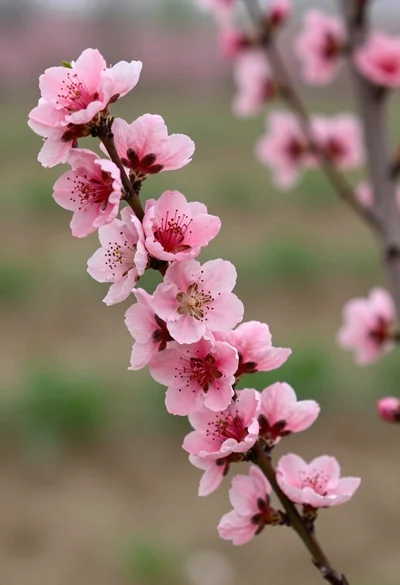
Close up view of vibrant pink peach blossoms on dark branches in