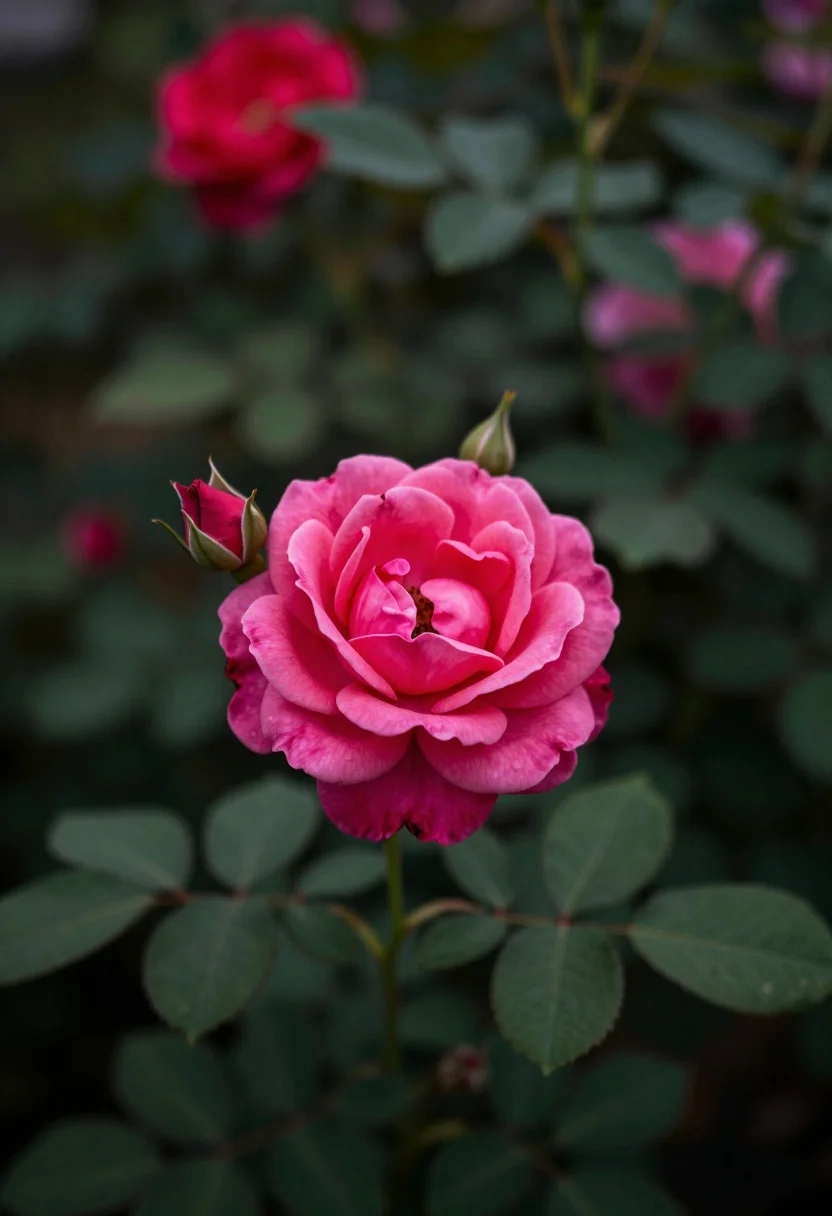
Close up photograph of vibrant pink rose bloom surrounded by lush green
Prompt
A close-up shot of a vibrant pink rose in full bloom surrounded by lush green foliage and blurred background flowers.

Subject: A single bright pink rose with delicate petals and visible texture at the center, accompanied by smaller buds and surrounding green leaves.

Action: The flower is static, resting naturally on its stem amidst the garden setting.

Environment: A dense garden or bush filled with dark green leaves and out-of-focus red flowers in the background creating a soft bokeh effect.

Camera: Shallow depth of field focusing sharply on the main bloom while blurring the foreground and background elements to isolate the subject.

Lighting: Soft, diffused natural light that highlights the texture of the petals without harsh shadows, casting a gentle glow on the flower.

Style Details: Naturalistic photography with a muted color palette emphasizing the contrast between the vivid pink rose and the deep green surroundings.
Description
This prompt is useful for creating botanical illustration mockups, high-end perfume advertising visuals, and detailed nature documentary stills. The combination of 'shallow depth of field' focusing sharply on the main bloom while blurring the background elements ensures that the vivid pink rose remains the undeniable focal point, preventing visual competition from the surrounding foliage.
Suggestions
- Change 'vibrant pink rose' to 'deep magenta rose' for a richer tone.
- Add 'macro lens perspective' to emphasize texture further.
- Swap 'muted color palette' for 'jewel-toned contrast' to boost saturation.
Category
Tags
Close UpMacro ShotNatureOutdoorsRealistic
Date added
July 12, 2026
Added by
PromptDexter Team
Related Prompts
More prompts with similar categories and tags.
Macro photograph of delicate white wildflowers with yellow centers on dark green
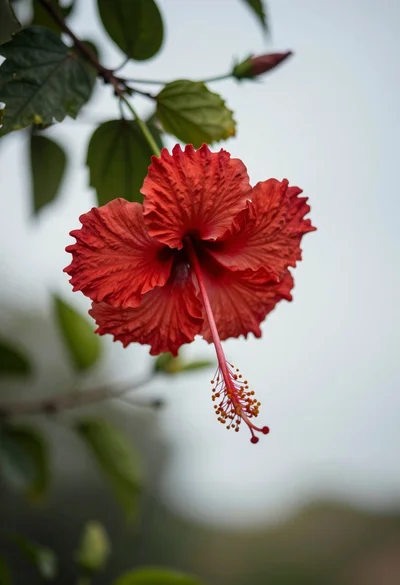
Close up photograph of vibrant red hibiscus flower against soft green bokeh
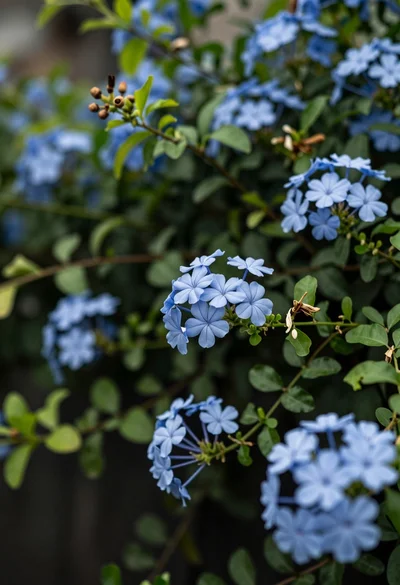
Close up of delicate light blue flowers blooming among dark green foliage
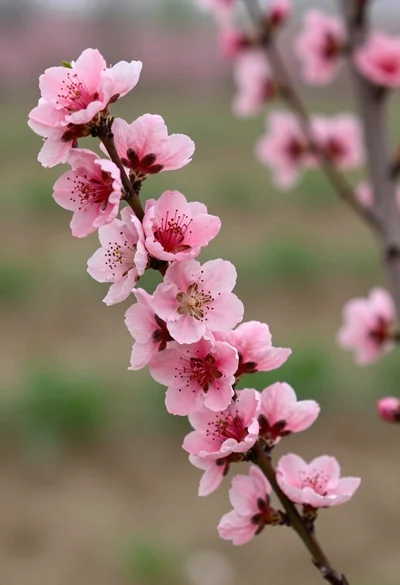
Close up view of vibrant pink peach blossoms on dark branches in
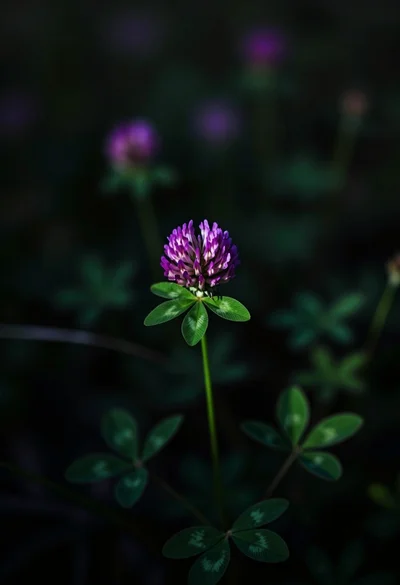
Close up photograph of vibrant purple clover flower on dark moody background
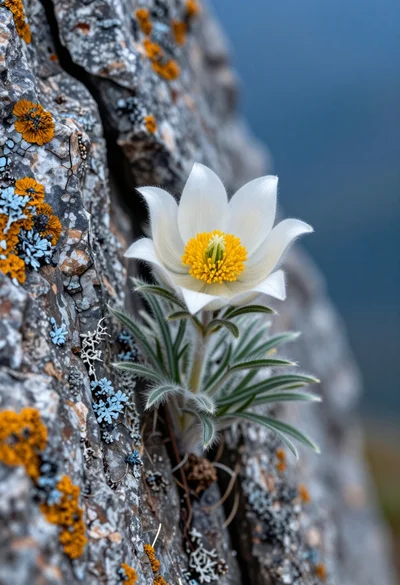
Close up macro shot of white edelweiss flower growing from a rugged
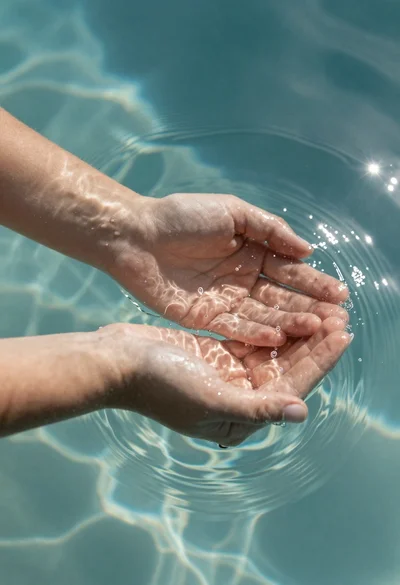
Hands cupped in clear water under sunlight
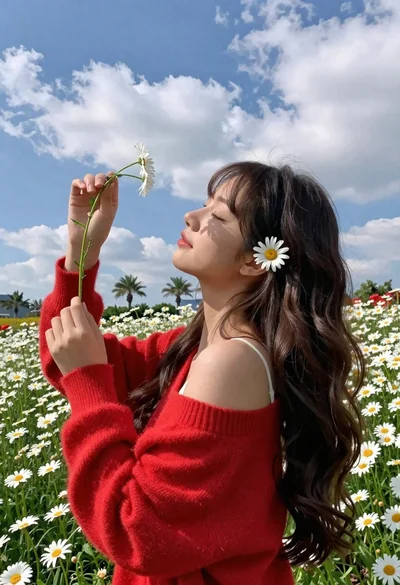
Young woman in red sweater holding flowers in daisy field
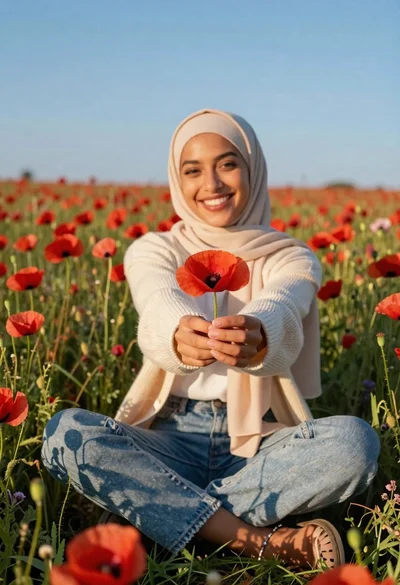
Smiling woman in beige hijab holding red poppy in a vast meadow
Young woman holding glowing blue flower bouquet at twilight sunset