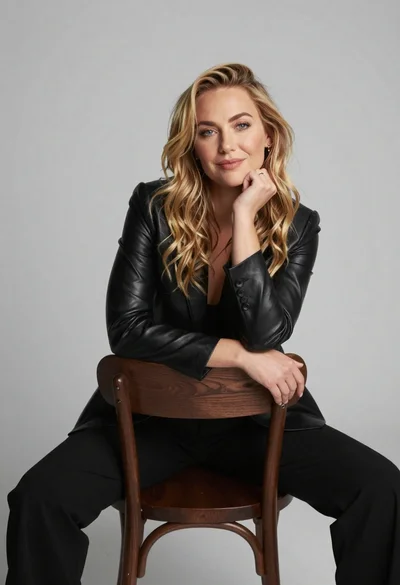
Close up portrait of blonde woman in black top at outdoor event
Prompt
A close-up portrait of a woman with fair skin and blonde hair parted in the center and pulled back from her face.

Subject: A woman with fair skin, blue eyes, and blonde hair styled in a sleek half-updo with loose strands framing her face. She has defined eyebrows, subtle blush on her cheeks, and glossy pink lips.

Clothing: She wears a black ribbed sleeveless top with a rounded neckline.

Action: Her head is facing forward with a calm, neutral expression and soft smile; she looks directly at the camera.

Environment: The background is out of focus, showing dark tones and blurred vertical structures suggesting an outdoor event or red carpet setting.

Camera: Tight close-up framing focusing on the face and upper shoulders, shallow depth of field blurring the background to emphasize the subject.

Lighting: Soft, even lighting illuminating the face with gentle shadows under the chin and nose, creating a polished and professional look.

Style Details: High-resolution photographic realism with natural skin texture, subtle makeup finish, and clean composition typical of celebrity event photography.
Description
This prompt is useful for creating high-end magazine editorials, red carpet gallery submissions, and beauty advertisement campaigns requiring a polished subject focus. The combination of 'soft, even lighting' with 'shallow depth of field' ensures the face remains perfectly illuminated while the blurred background prevents distracting details from pulling attention away from the subject’s 'glossy pink lips' and direct gaze.
Suggestions
- Change 'black ribbed sleeveless top' to 'velvet black bodice' for a richer texture.
- Add 'rim lighting on hair' to separate the blonde strands more dramatically.
- Swap 'neutral expression' for 'slight, knowing smirk' to add personality.
Category
Tags
Black HairBlondeClose UpFair SkinFemaleRealisticStudio
Date added
June 19, 2026
Added by
PromptDexter Team
Related Prompts
More prompts with similar categories and tags.
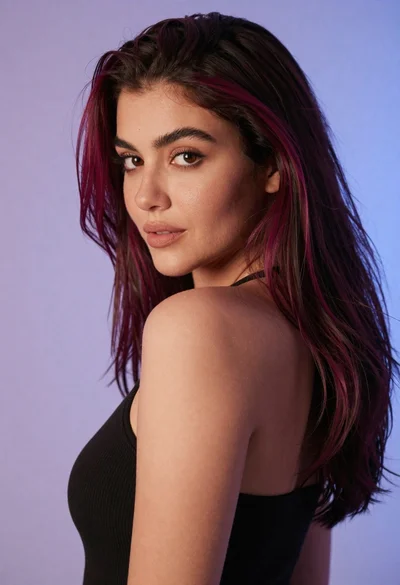
Close up portrait of woman with dark magenta highlighted hair looking over

Smiling young woman in black leather jacket holding award at red carpet

Blonde woman looking back over shoulder against white wall
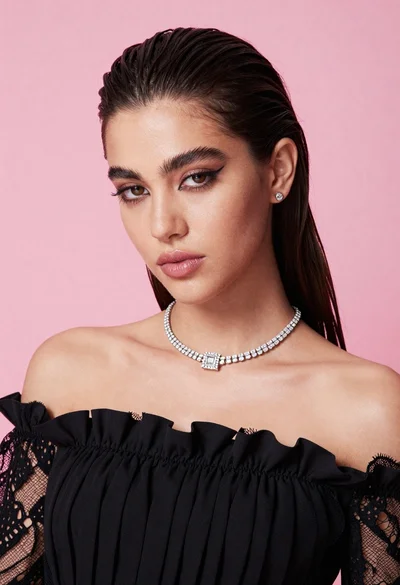
Glamorous portrait of young woman in black ruffled top against pink background

Fair skinned woman in black velvet dress at white step and repeat

Smiling blonde woman in sheer black gown at a dark event backdrop
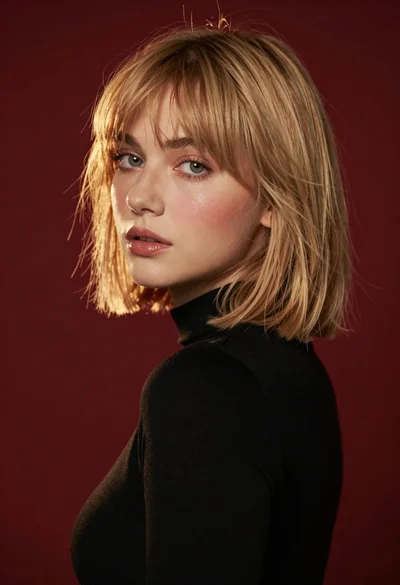
Studio portrait of blonde woman looking over shoulder
Portrait of young woman with blonde hair and freckles

Medium close up portrait of blonde woman in black floral velvet dress
Smiling blonde woman in black crop top posing against light studio background