Close up portrait of blonde woman in champagne gown at gala
Prompt
A glamorous close-up portrait of a woman with long wavy blonde hair styled in a half-updo and striking blue eyes looking directly at the camera.

Subject: A fair-skinned woman with voluminous blonde hair swept back from her forehead, featuring defined eyebrows, winged eyeliner, mascara, and glossy deep red lipstick.

Clothing: She wears a champagne-colored satin halter-neck gown that drapes softly over her shoulders, complemented by a delicate diamond choker necklace and a long thin gold chain with a small pendant.

Action: Her head is turned slightly to the side while maintaining direct eye contact, with a calm and composed facial expression.

Environment: The background is a blurred indoor event space with indistinct figures in formal wear, suggesting a red carpet or gala atmosphere.

Camera: Shot as a tight close-up portrait with a shallow depth of field that keeps the face in sharp focus while rendering the background into a soft bokeh.

Lighting: Bright and even studio lighting illuminates her face from the front, creating a polished look with soft highlights on her skin and hair.

Style Details: High-fashion editorial photography style with high resolution, vibrant colors, and a clean, professional aesthetic typical of celebrity event coverage.
Description
This prompt is useful for creating high-end magazine editorials, celebrity red carpet features, and formal portrait branding materials. The combination of 'bright and even studio lighting' with the 'shallow depth of field' ensures that the focus remains intensely on the subject's face and the texture of the 'champagne-colored satin halter-neck gown', preventing distracting background elements from pulling attention away from her direct gaze.
Suggestions
- Change 'deep red lipstick' to 'nude pink lipstick' for a softer overall look.
- Swap 'diamond choker necklace' for 'pearl drop earrings' to vary the jewelry focus.
- Adjust 'bright and even studio lighting' to 'soft box key light' for more directional sculpting.
Category
Tags
BlondeBrown HairClose UpFair SkinFemaleFormal WearPortrait ShotRealisticStudio
Date added
June 19, 2026
Added by
PromptDexter Team
Related Prompts
More prompts with similar categories and tags.

Close up portrait of woman in champagne gown with brown hair

Woman in rust gown posing on white step and repeat backdrop
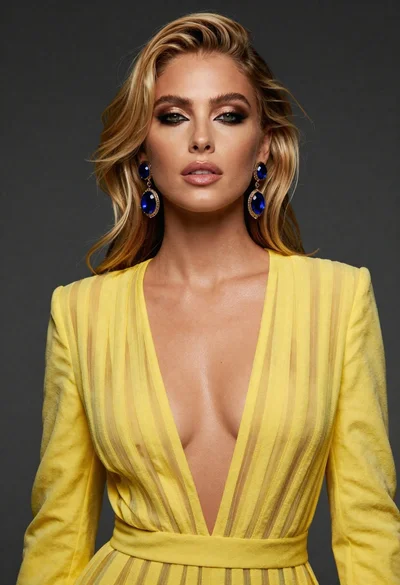
Close up portrait of blonde woman in yellow striped dress against dark
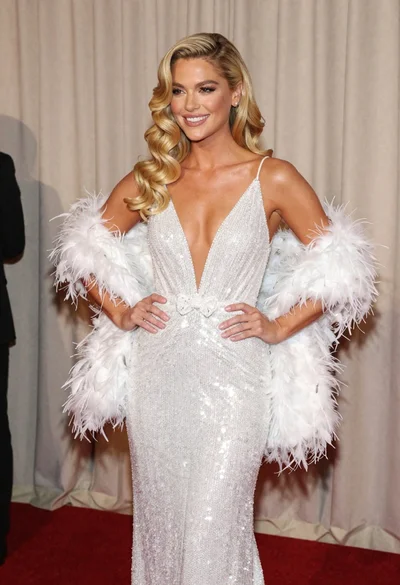
Glamorous blonde woman in white sequin gown holding feather boa indoors
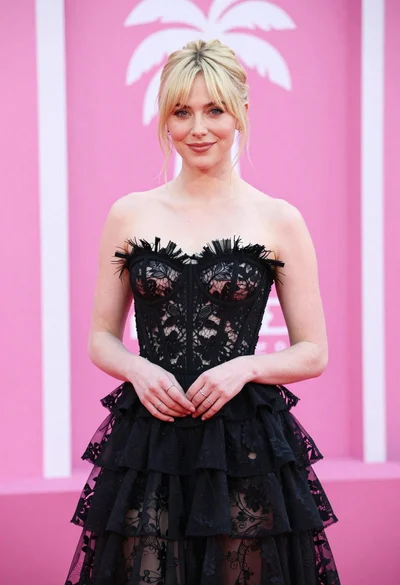
Blonde woman in black lace gown against a vibrant pink striped backdrop

Smiling blonde woman in pink satin dress against dark branded backdrop
Young woman in black gown against white curtain backdrop studio portrait

Woman seated on mid century chair wearing beige suit
Close up portrait of fair woman with platinum blonde hair and blue

Blonde woman looking back over shoulder against white wall