Smiling blonde woman in black dress at sports illustrated event backdrop
Prompt
A smiling woman with long wavy blonde hair and blue eyes posing in a formal setting.

Subject: A fair-skinned woman with voluminous shoulder-length wavy blonde hair featuring darker roots and bright blue eyes.

Clothing: She wears a sleeveless black dress with a deep plunging neckline and vertical gold zipper details on the bodice.

Action: She is smiling broadly, showing her teeth, with her head turned slightly to the right while looking at the camera.

Environment: The background is a white step-and-repeat wall featuring repeating logos for "Sports Illustrated 50 Years of Beauty" in gold and black text.

Camera: A medium close-up shot taken from a slightly low angle that emphasizes the subject's face and upper torso.

Lighting: Bright, soft studio lighting illuminates the scene evenly with minimal shadows on her skin.

Style Details: High-resolution photography with sharp focus on the subject and a clean, polished aesthetic typical of red carpet event coverage.
Description
This prompt is useful for creating editorial fashion features, celebrity profile shots, and promotional event coverage materials. The combination of 'bright, soft studio lighting' ensuring even illumination across her skin, paired with the specific backdrop featuring repeating logos, guarantees a polished aesthetic suitable for high-visibility media placements.
Suggestions
- Change 'deep plunging neckline' to 'structured sweetheart neckline' for a more conservative look.
- Swap 'Sports Illustrated 50 Years of Beauty' for a generic brand name like 'Major Sports Gala' to increase versatility.
- Adjust the lighting by adding 'rim light from the left' to separate her hair from the background.
Category
Tags
BlondeBrown HairFair SkinFemaleFormal WearLow AnglePortrait ShotRealisticStudio
Date added
June 19, 2026
Added by
PromptDexter Team
Related Prompts
More prompts with similar categories and tags.

Close up portrait of woman in champagne gown with brown hair

Woman in rust gown posing on white step and repeat backdrop
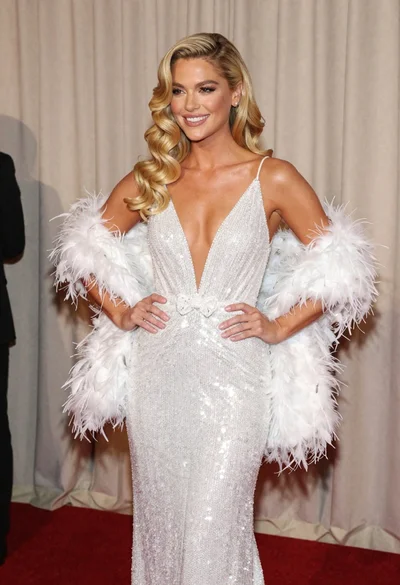
Glamorous blonde woman in white sequin gown holding feather boa indoors
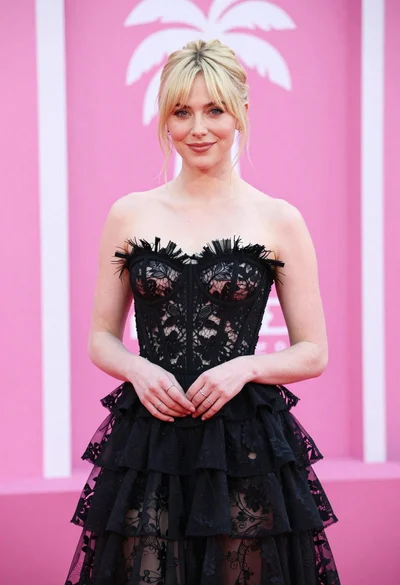
Blonde woman in black lace gown against a vibrant pink striped backdrop

Smiling blonde woman in pink satin dress against dark branded backdrop
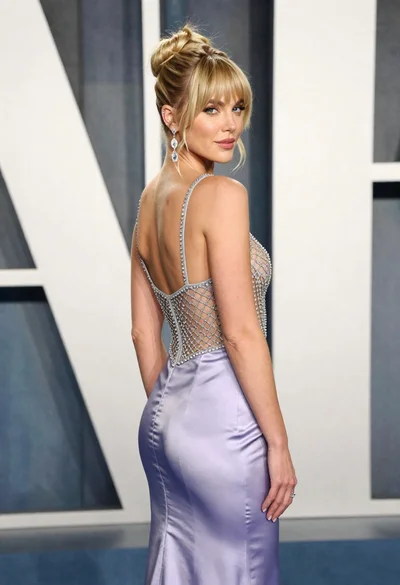
Blonde woman in lavender gown posing at a formal gala event
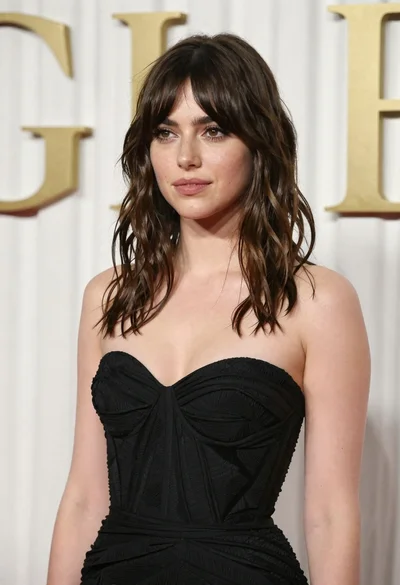
Young woman in black gown against white curtain backdrop studio portrait

Fair blonde woman in metallic corset mini dress against light blue studio

Woman seated on mid century chair wearing beige suit

Blonde woman looking back over shoulder against white wall