
Close up portrait of blonde woman touching hair indoors low angle selfie
Prompt
A close-up portrait of a young woman with long blonde hair looking directly at the camera.

Subject: A young woman with fair skin and long, wavy blonde hair that falls over her shoulders. She has defined eyebrows, subtle eye makeup, and glossy pink lips. Her expression is calm and confident as she gazes forward.

Clothing: She wears a tight-fitting, dark grey or black ribbed long-sleeved top that exposes a small portion of her midriff. The fabric clings to her torso, highlighting her figure.

Action: Her head is tilted slightly to the side, and her right hand is raised with fingers gently touching the hair on her left shoulder.

Environment: An indoor setting with neutral-toned walls and ceiling fixtures visible in the background, including recessed lighting and an air conditioning vent.

Camera: A low-angle selfie-style shot taken from below, emphasizing the subject's face and upper body against a slightly blurred interior background.

Lighting: Soft, warm artificial light illuminates her face from above and slightly behind, creating gentle shadows that define her features while keeping the overall mood intimate.

Style Details: High-resolution photography with natural skin texture, realistic lighting effects, and a modern aesthetic typical of contemporary social media imagery.
Description
This prompt is useful for generating intimate influencer content, personal branding headshots, and fashion lookbook snippets designed for immediate digital consumption. The combination of 'low-angle selfie-style shot' and 'soft, warm artificial light' directs the viewer's gaze upward toward the subject's face while the specified 'natural skin texture' prevents the overly airbrushed look common in social media imagery.
Suggestions
- Change 'dark grey or black ribbed long-sleeved top' to a silk slip dress for more luxury.
- Adjust 'recessed lighting and an air conditioning vent' to include visible bookshelves for context.
- Swap 'glossy pink lips' for matte nude lipstick to achieve a more editorial feel.
Category
Tags
BlondeBrown HairClose UpFair SkinFemaleLow AnglePortrait ShotRealisticSelfie
Date added
June 19, 2026
Added by
PromptDexter Team
Related Prompts
More prompts with similar categories and tags.

Young woman with brown hair under pink umbrella at outdoor cafe setting
Young blonde woman taking a playful mirror selfie indoors
Close up selfie portrait of woman with brown hair outdoors
Young woman in maroon tank top sitting inside car looking at camera
Close up portrait of woman with wine glass
Close up selfie of woman in white top inside car with natural
Young woman smiling in a modern cozy living room
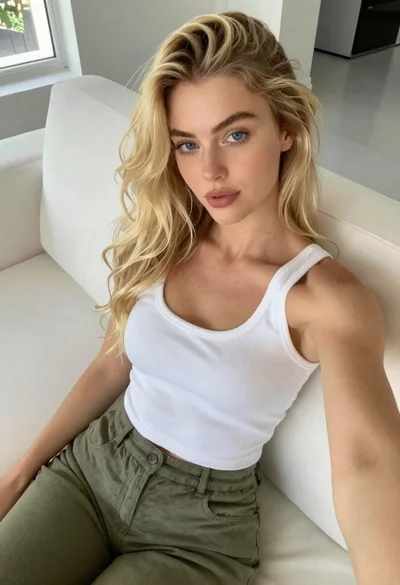
Fair blonde woman seated on white sofa in bright modern living room
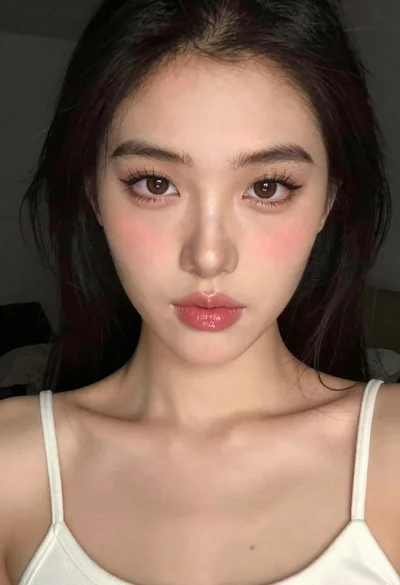
Close up portrait of young woman with white top
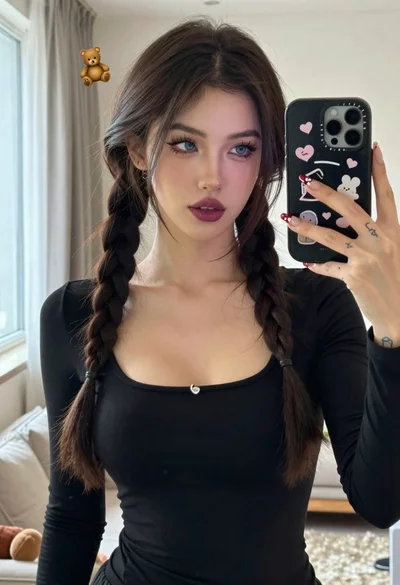
Young woman taking mirror selfie with braided hair indoors