
Close up portrait of young woman in car with brown hair
Prompt
A close-up portrait of a young woman with brown hair styled in a half-updo with bangs, sitting inside a car and looking directly at the camera.

Subject: A young woman with fair skin, large dark eyes with prominent eyeliner, and soft pink lips. She has a small beauty mark on her left cheek. Her brown hair is pulled back partially with loose strands framing her face.

Clothing: She wears a pale yellow top featuring gathered fabric details around the neckline and shoulders.

Action: She holds her right hand up near her chin in a relaxed pose, displaying long nails painted with a dark metallic design.

Environment: The interior of a car is visible behind her, showing black leather seats and a window that reveals a bright blue sky with white clouds outside.

Lighting: Bright natural sunlight streams from the left side, illuminating her face and hair while casting soft shadows on the right side of her features.

Camera: A close-up selfie-style shot taken from a low angle inside the vehicle, focusing tightly on the subject's face and upper torso.

Style Details: High-definition photography with vibrant colors and sharp focus on the skin texture and makeup details.
Description
This prompt is useful for creating intimate social media selfies, character concept art for film stills, and lifestyle blog features focusing on personal moments. The combination of 'low angle' selfie-style framing with 'bright natural sunlight streams from the left side' sculpts the face by highlighting the skin texture and makeup details while ensuring the visible car interior grounds the portrait in a specific, relatable environment.
Suggestions
- Change 'pale yellow top' to 'cream knit sweater' for a more muted palette.
- Add 'bokeh effect on window' to soften the background sky.
- Swap 'dark metallic design' nail polish for 'nude sheer polish' for a softer look.
Category
Tags
Brown HairCasual WearClose UpFair SkinFemaleIndoorsLow AnglePortrait ShotRealisticSelfie
Date added
June 19, 2026
Added by
PromptDexter Team
Related Prompts
More prompts with similar categories and tags.
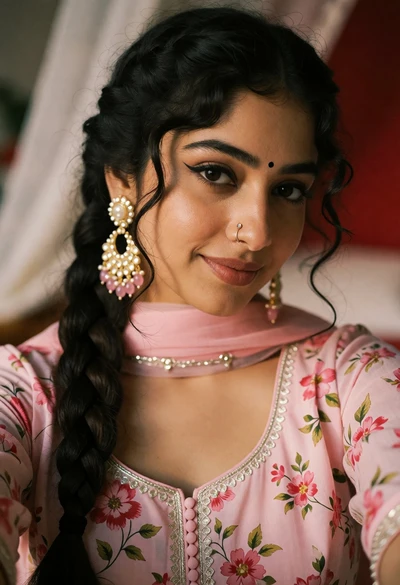
Close up portrait of young woman in pink traditional top with ornate

Young woman with brown hair under pink umbrella at outdoor cafe setting

Selfie portrait of woman in cozy living room
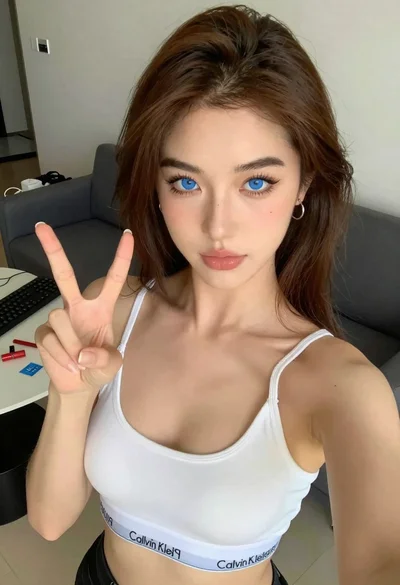
Close up selfie of young woman making peace sign indoors

Young woman taking a selfie seated in a car interior during daylight

Young woman taking a selfie on bed with white floral sheets
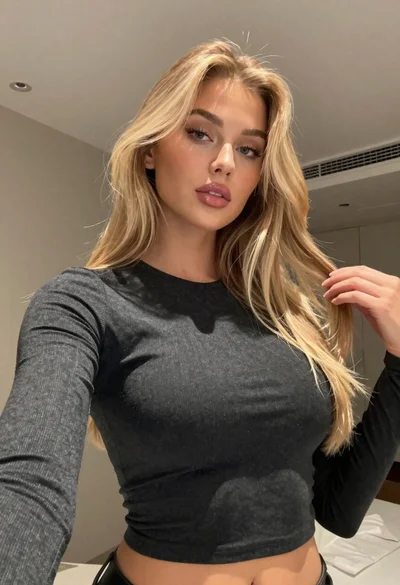
Close up portrait of blonde woman touching hair indoors low angle selfie

Young woman smiling in a modern cozy living room

Young woman taking a mirror selfie in a modern bedroom setting
Young woman taking a selfie in a bedroom with white linens