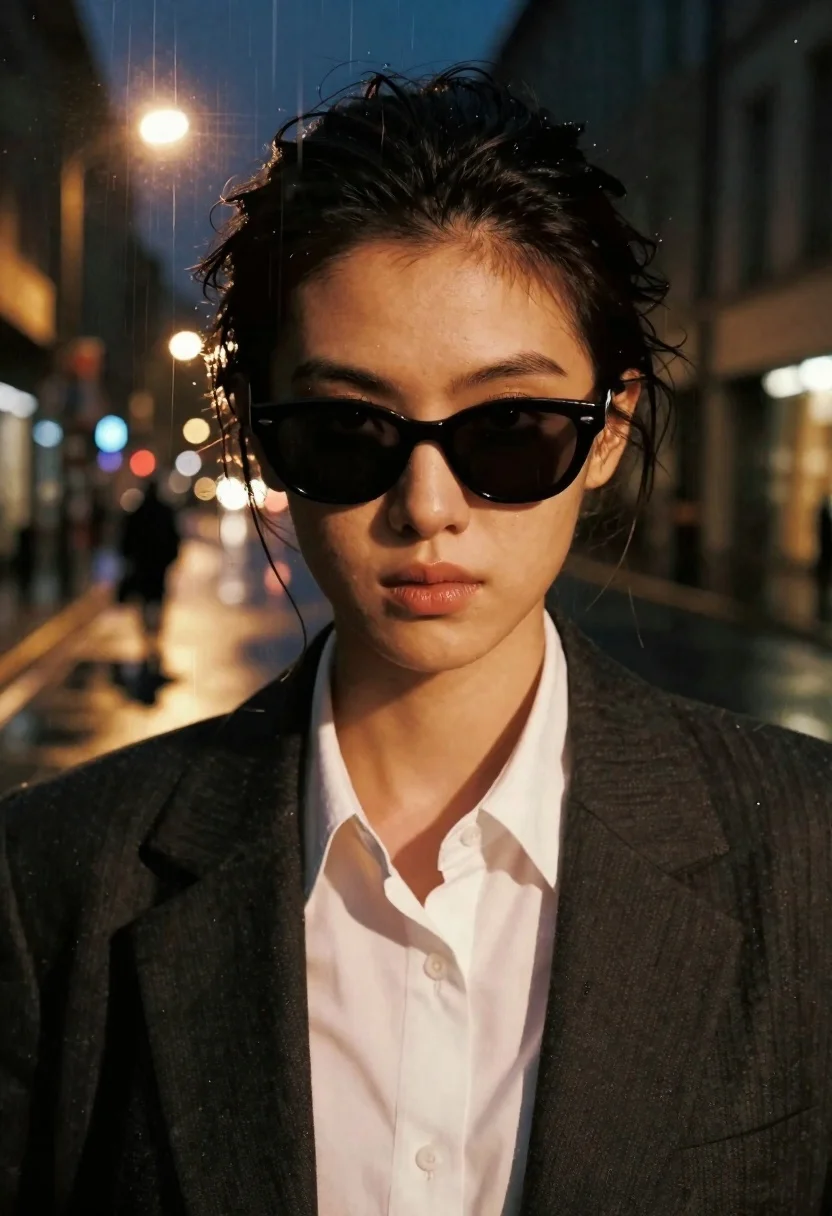
Close up portrait of woman with dark hair and sunglasses against rainy
Prompt
A cinematic portrait of a woman with dark hair pulled back, wearing dark sunglasses and a white collared shirt under a dark jacket, her expression serious and focused.

Subject: A close-up portrait of a young woman with dark hair tied up in a messy bun, featuring prominent eyebrows and glossy lips, looking directly forward with an intense gaze.

Clothing: She wears a crisp white button-down shirt underneath a structured dark blazer or suit jacket.

Action: The subject is posed in a static, direct-to-camera portrait stance with a confident and slightly mysterious demeanor.

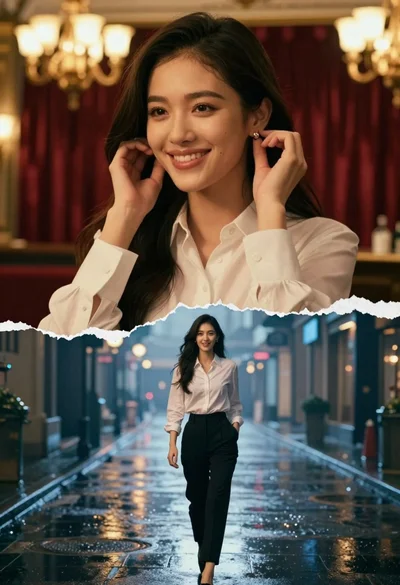
Environment: The background features a surreal double-exposure effect where the woman's face is overlaid with a vertical strip of a rainy city street at night, complete with glowing streetlights reflecting on wet pavement and a solitary figure walking away into the distance.

Camera: A tight close-up shot emphasizing facial details, utilizing a shallow depth of field that blurs the background elements while keeping the subject sharp.

Lighting: Dramatic and moody lighting highlights the contours of her face, contrasting with the warm, golden glow of the streetlights from the double-exposed background scene.

Style Details: The image has a gritty, textured aesthetic resembling aged paper or film grain, enhanced by vertical streaks that separate the portrait from the background scene, creating a noir-inspired artistic style.
Description
This prompt is useful for creating cinematic character portraits, neo-noir album art, and moody editorial spreads depicting urban mystery. The combination of 'dramatic and moody lighting' contrasting with the 'warm, golden glow of the streetlights' ensures the subject remains grounded while the double-exposure background provides narrative depth, all contained within a 'tight close-up shot' that forces focus on the intense gaze.
Suggestions
- Change 'messy bun' to 'slicked back ponytail' for a more severe look.
- Swap 'dark blazer or suit jacket' for 'trench coat' to enhance the rainy feel.
- Adjust 'film grain' to 'chromatic aberration' for a more digital, sci-fi edge.
Category
Tags
BrunetteClose UpDigital ArtFemaleRealisticStreetUrban
Date added
June 19, 2026
Added by
PromptDexter Team
Related Prompts
More prompts with similar categories and tags.
Young woman in neon lit city street at night

Young woman with brown hair holding mug on snowy european street
Young woman posing against vibrant graffiti wall in bright daylight
Brunette woman leaning on a brick wall in alleyway
Close up portrait of young woman in ornate pink gown with gold
Smiling young woman in white top and denim shorts on city street
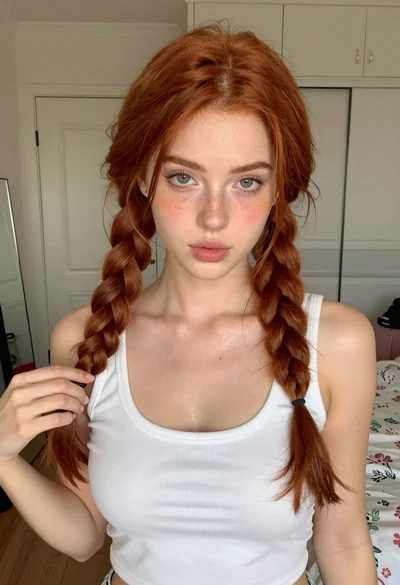
Close up portrait of young woman with red braids in white tank
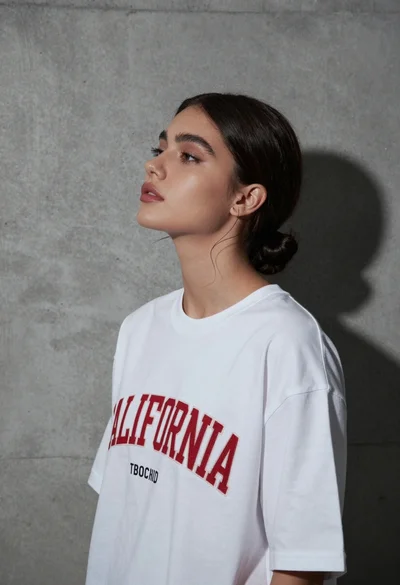
Young woman in white t shirt against grey concrete wall dramatic side
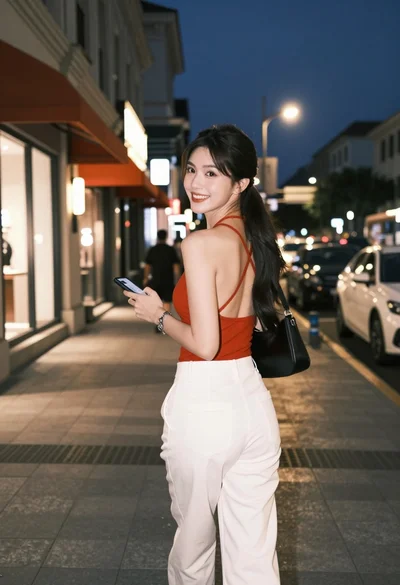
Young woman in red top and white trousers on city sidewalk at
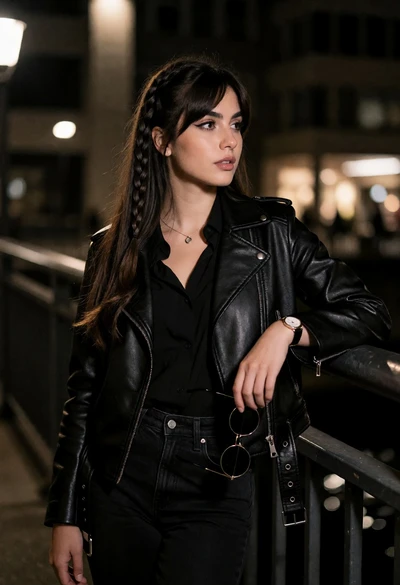
Young woman in black leather outfit leaning on metal railing at night