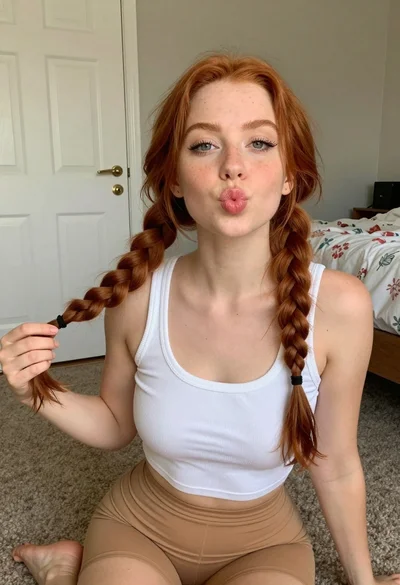
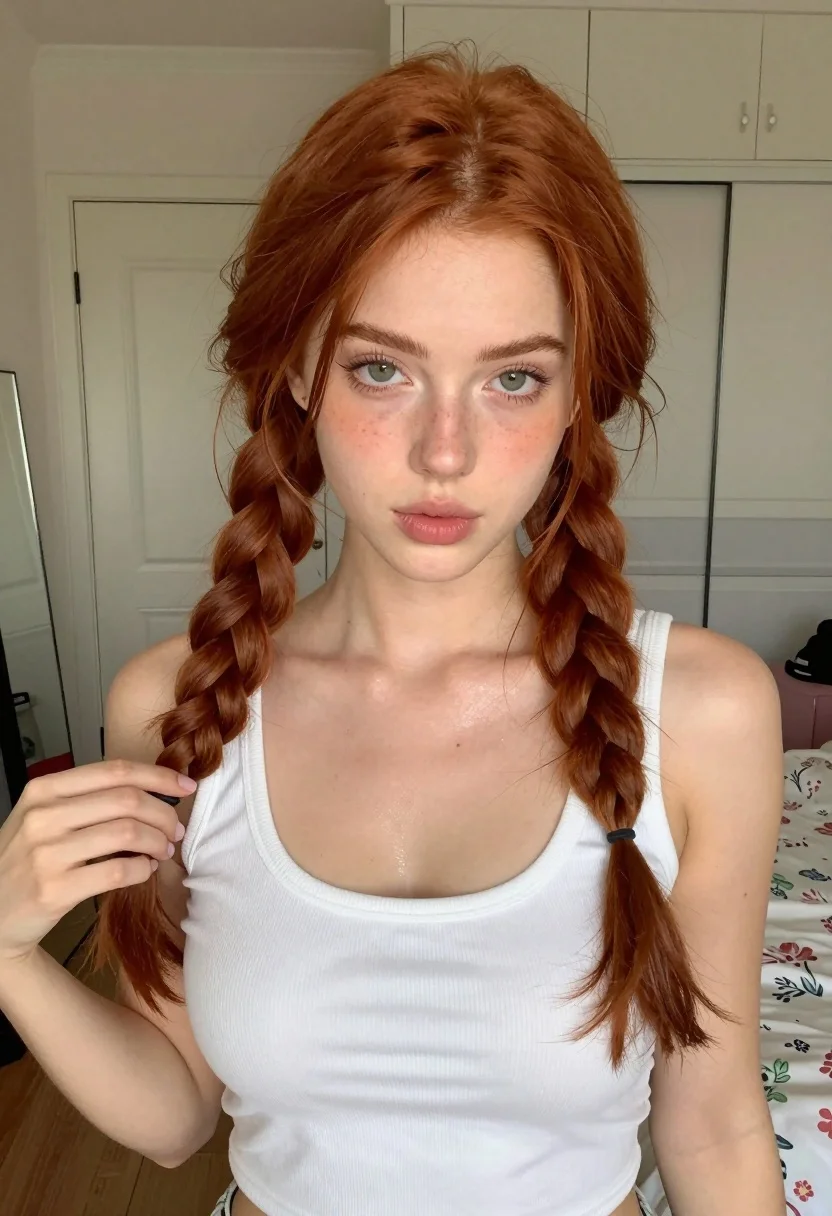
Close up portrait of young woman with red braids in white tank
Prompt
A young woman with long red hair styled into two thick braids framing her face looks directly at the camera while holding one braid in her hand.

Subject: A fair-skinned young woman with vibrant red hair parted in the center and styled into two distinct, thick braids that hang over her shoulders. She has prominent eyebrows, pale green eyes, and full lips pursed slightly forward. Her skin appears smooth with a subtle sheen on the chest area.

Clothing: She wears a white ribbed tank top with a scoop neckline and light-colored bottoms visible at the waist.

Action: The subject is posing for a selfie-style portrait, holding one of her braids with her left hand near her shoulder while looking straight ahead.

Environment: An indoor bedroom setting featuring a closed white door in the background, a mirror reflecting part of the room, and a bed with floral-patterned bedding to the right.

Lighting: Soft, frontal lighting illuminates the subject's face and upper body evenly, creating gentle shadows and highlighting the texture of her skin and hair.

Camera: A close-up selfie perspective with a shallow depth of field that keeps the subject sharp while slightly blurring the background elements.

Style Details: High-resolution digital photography with realistic skin textures and natural color grading.
Description
This prompt is useful for creating intimate self-portraits, character concept art for romance media, and lifestyle blog imagery focusing on personal moments. The combination of 'soft, frontal lighting' and a 'close-up selfie perspective' ensures the viewer feels immediately connected to the subject, while specifying 'realistic skin textures' prevents the digital art from looking overly airbrushed or plastic.
Suggestions
- Change 'white ribbed tank top' to 'silk camisole' for a different material feel.
- Adjust 'pale green eyes' to 'hazel eyes' if you want a warmer tone.
- Replace 'floral-patterned bedding' with 'solid grey duvet' to simplify the background.
Category
Tags
BedroomBlondeBrunetteClose UpDigital ArtFair SkinFemaleRealisticRed HairSelfie
Date added
July 12, 2026
Added by
PromptDexter Team
Related Prompts
More prompts with similar categories and tags.
Close up portrait of woman with red hair in floral dress
Blonde woman blowing a kiss in a tropical outdoor courtyard setting
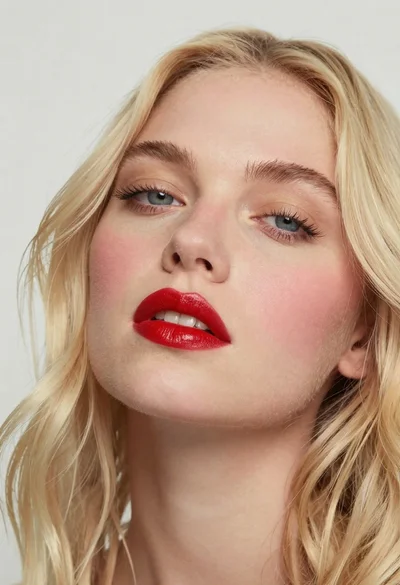
Close up portrait of woman with blonde hair and blue eyes
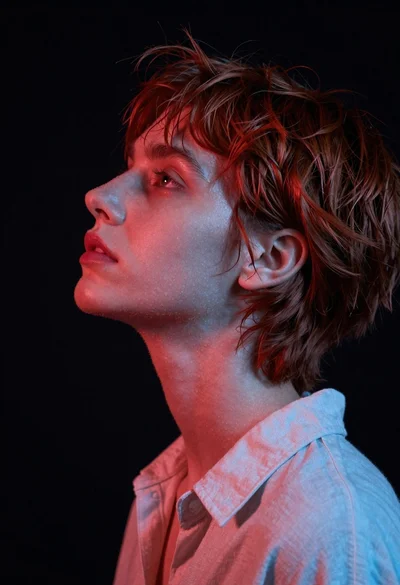
Close up profile portrait of woman with reddish brown hair looking upward
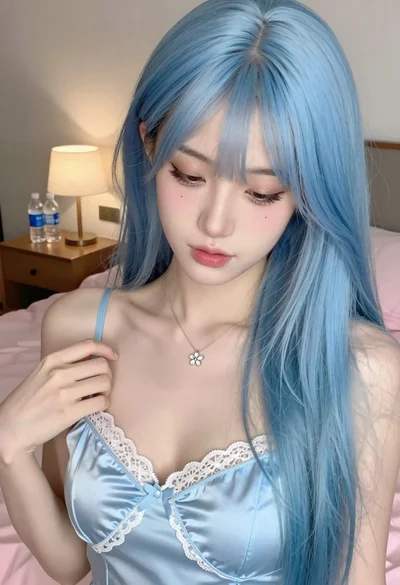
Close up portrait of young woman with blue hair in satin camisole
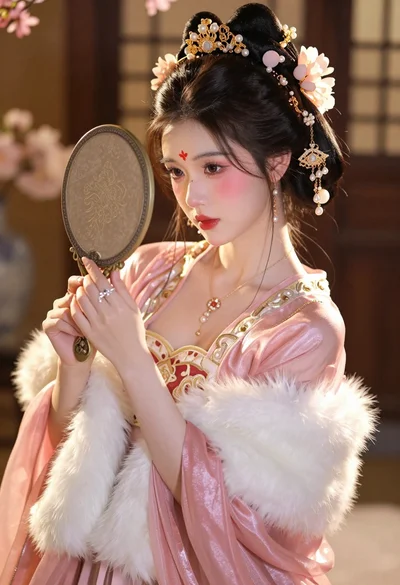
Close up portrait of young woman in ornate pink gown with gold
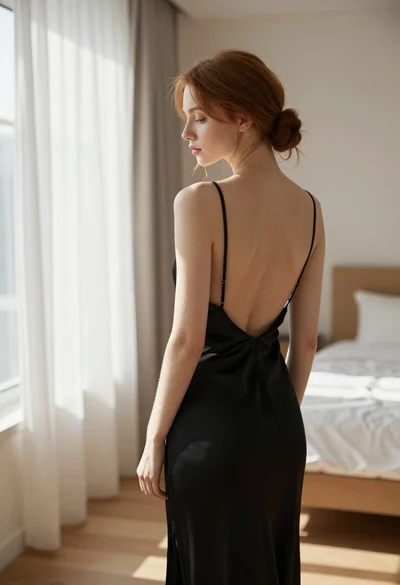
Young woman in black slip dress standing by window in bright bedroom
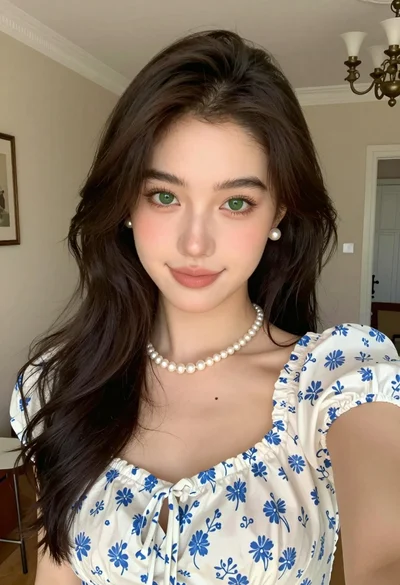
Close up portrait of young woman with brown hair in white blouse
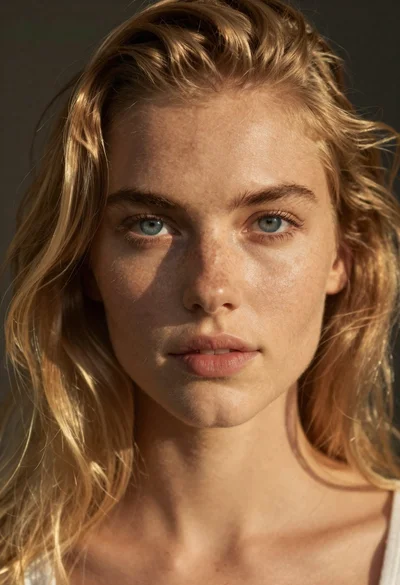
Portrait of young woman with blue eyes and blonde hair
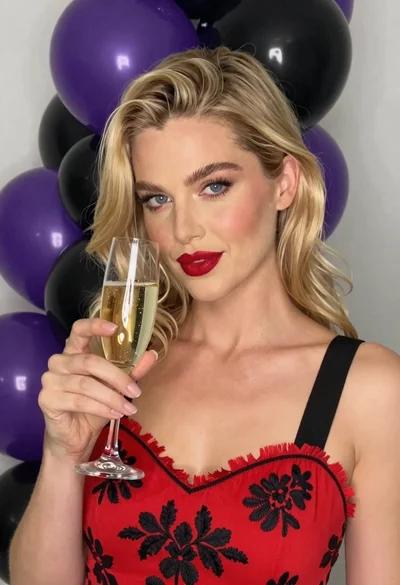
Close up portrait of blonde woman with champagne against purple balloons
