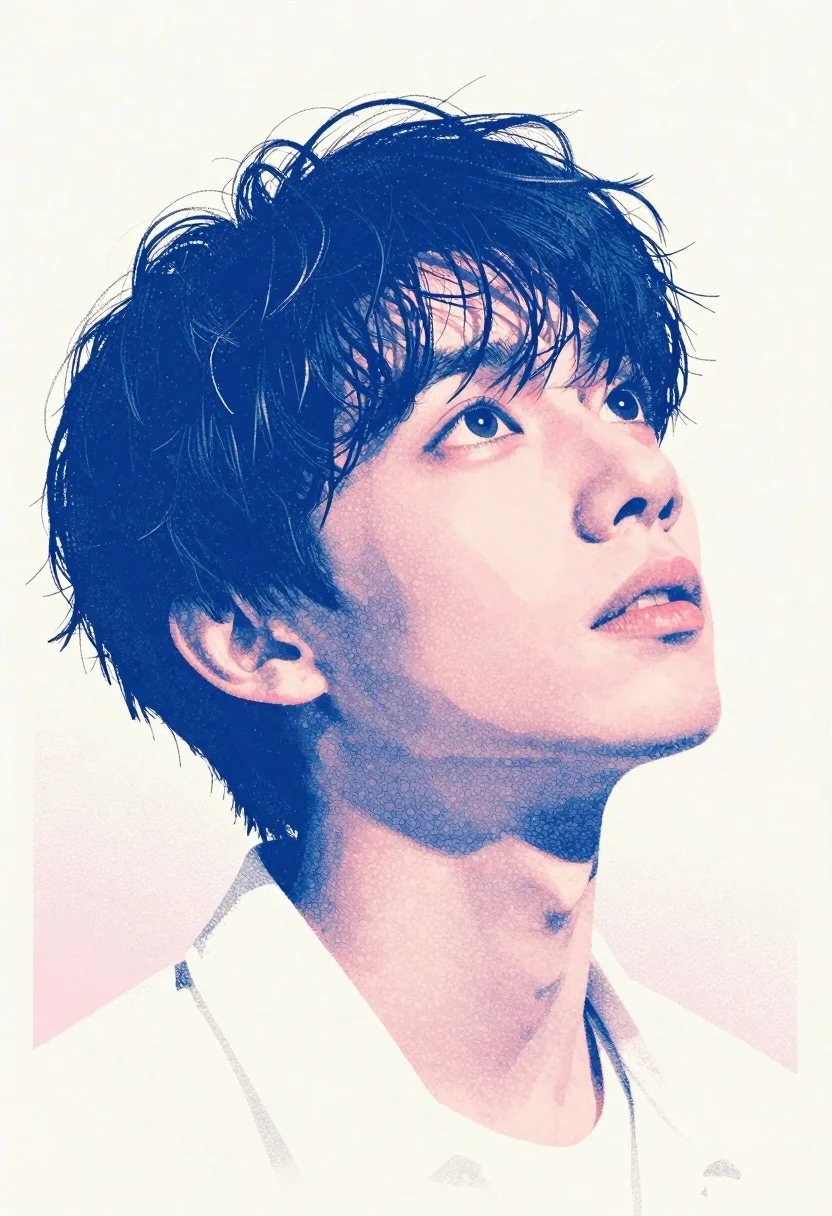
Close up portrait of young man with blue ink stippling
Prompt
A close-up portrait of a young man with tousled dark hair and wide eyes looking upward in wonder; his face is rendered in fine dot-matrix texture using vivid blue ink outlines and soft pink washes for shadows and skin tones against an off-white paper background.

Subject: A youthful male figure, slightly angled to the side, head tilted back as if gazing at something above him.

Clothing: The collar of a white shirt or jacket is faintly visible beneath his chin; no other clothing details are shown.

Environment: Minimalist composition with negative space surrounding the subject on all sides except where subtle pink shading suggests depth behind his neck and shoulder area.

Lighting: Soft directional light from below casting gentle blue shadows under his jawline, nose bridge, eye sockets creating a dreamy glow effect typical of screen-printed or stippled illustrations.

Style Details: Distinct dot-work technique reminiscent of Ben-Day dots in pop art style; high contrast between cool blues and warm pinks creates visual tension while maintaining delicate balance through controlled density and placement.
Description
This prompt is useful for creating conceptual character studies, tattoo flash sheets, and fine art book illustrations exploring emotional states. The combination of 'vivid blue ink outlines' with 'soft pink washes' against an off-white paper background establishes a high contrast that visually mimics the delicate tension found in stippling techniques, while the 'Soft directional light from below' accentuates the jawline and eye sockets to achieve that desired dreamy glow.
Suggestions
- Change 'tousled dark hair' to 'slicked back wet hair' for a different mood.
- Swap 'vivid blue ink outlines' for 'charcoal pointillism' for a more muted palette.
- Adjust 'soft pink washes' to 'pale lavender washes' to shift the emotional tone.
Category
Tags
Close UpDigital ArtMalePortrait ShotStudio
Date added
June 19, 2026
Added by
PromptDexter Team
Related Prompts
More prompts with similar categories and tags.
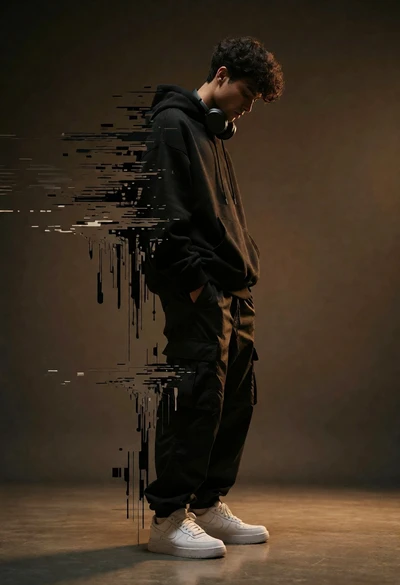
Young man dissolving into glitch artifacts against a brown studio backdrop
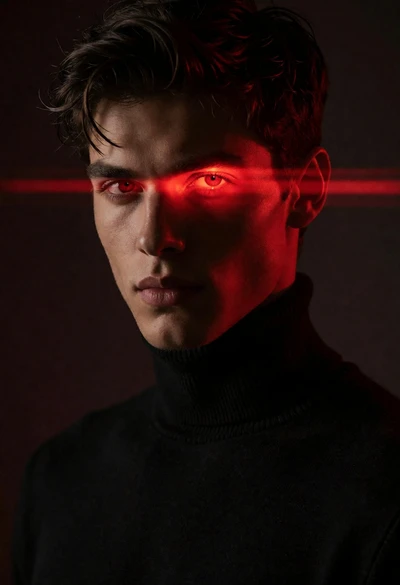
Close up portrait of young man with glowing red eyes and laser
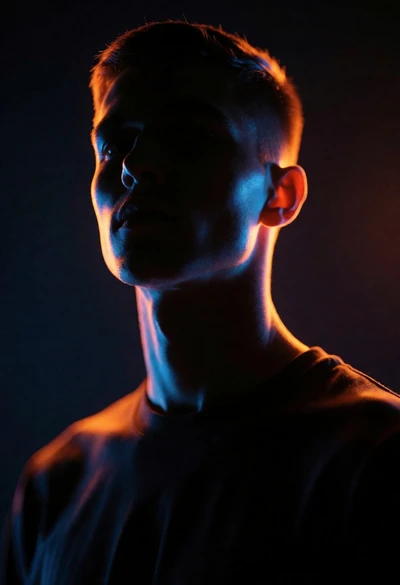
Dramatic portrait silhouette lit by contrasting orange and blue neon glow
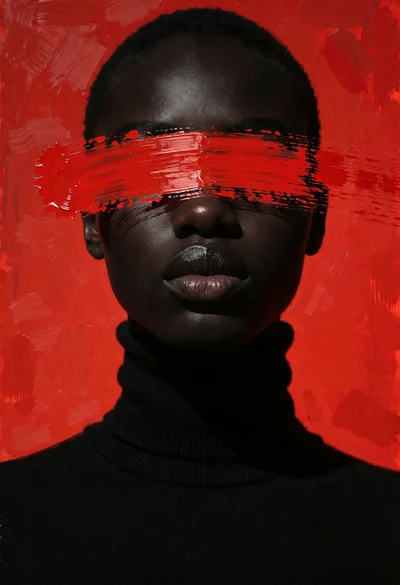
Close up portrait of dark skinned person with black turtleneck against vivid
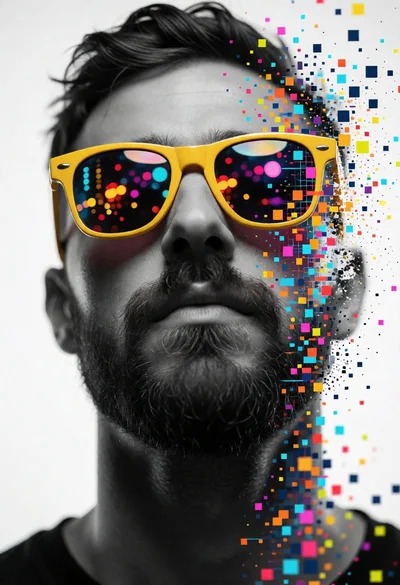
Close up portrait of bearded man wearing yellow sunglasses dissolving into digital
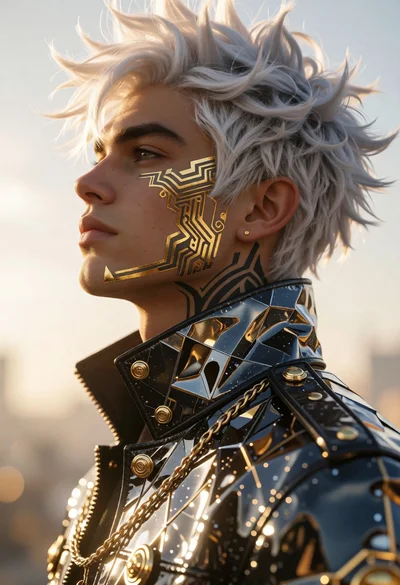
Cinematic profile portrait of man with white hair and golden tattoos
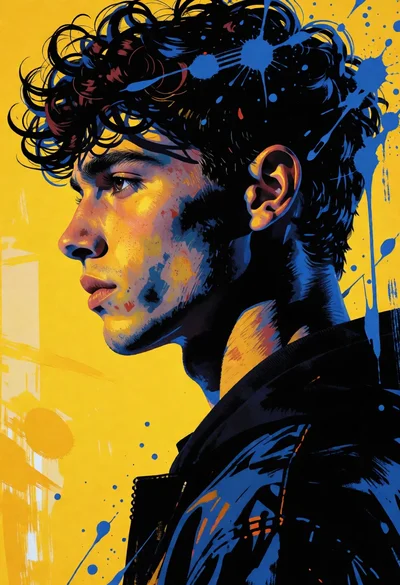
High contrast portrait of young man in profile against vivid yellow background
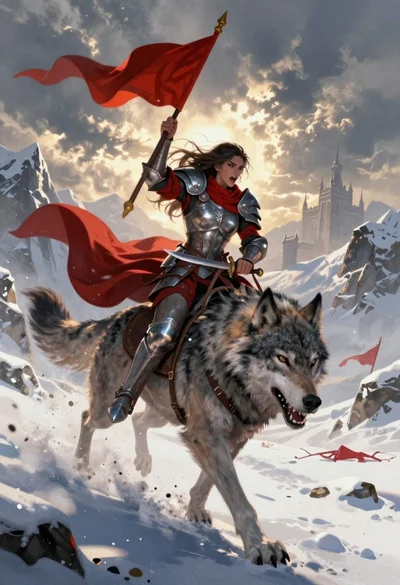
Warrior woman riding wolf through snowy mountains
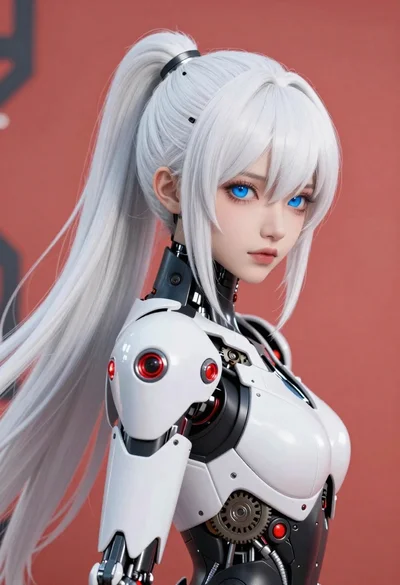
Cybernetic android portrait in red scifi setting
Stylized portrait of man with headphones in black void