
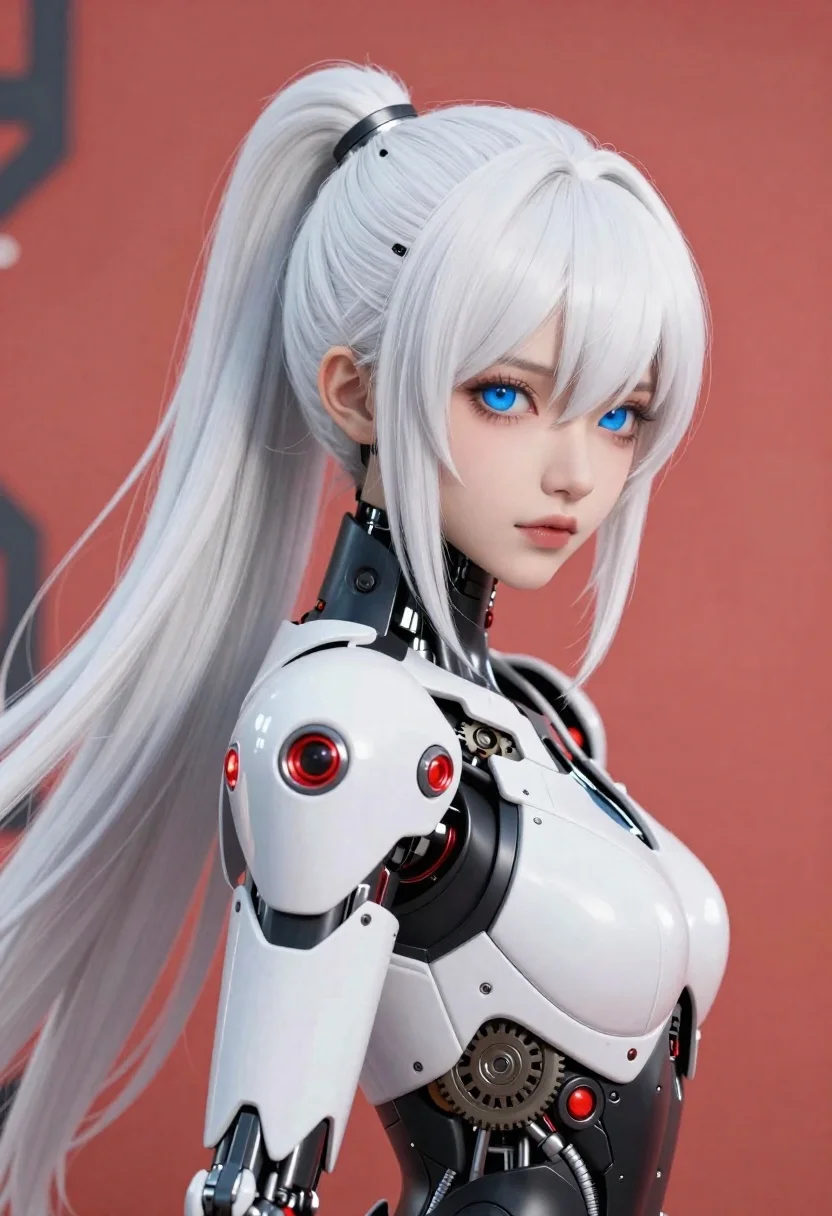
Cybernetic android portrait in red scifi setting
Prompt
Subject: Cybernetic female android with pale skin and long white hair styled in a high ponytail; piercing blue eyes looking over her shoulder toward the viewer.

Clothing: Sleek, segmented mechanical armor covering torso and shoulders featuring red glowing accents on joints and helmet-like headpiece; glossy black plating contrasts with matte white segments showing exposed internal gears and wiring along side of body where outer shell is thin or missing.

Environment: Minimalist background dominated by bold flat coral-red hue suggesting stylized sci-fi setting rather than natural location.

Camera: Close-up portrait shot from slightly elevated angle emphasizing facial features, upper torso mechanics; shallow depth implied with soft focus on distant elements like blurred mechanical structures in corner left frame.

Lighting: Soft directional lighting coming primarily from front-right casting gentle shadows across face and armor plates enhancing three-dimensional form without harsh contrasts.

Style Details: Clean digital art style blending anime-inspired character design with realistic material rendering especially visible reflections, subsurface scattering under eyes cheeks nose mouth areas giving organic feel alongside mechanical components; detailed line work around hair strands highlights movement flow while maintaining polished aesthetic typical of high-end concept illustration or game asset production.
Description
This prompt is useful for creating character concept art, video game promotional materials, and futuristic editorial portraits. The combination of 'soft directional lighting' with the specified 'subsurface scattering under eyes cheeks nose mouth areas' ensures that despite the mechanical elements, the android retains an organic vulnerability, which grounds the high-tech subject matter for both gameplay immersion and artistic contemplation.
Suggestions
- Change 'coral-red hue' to 'deep crimson' for a more menacing atmosphere.
- Swap 'long white hair' for 'electric blue hair' to match the glowing accents.
- Adjust 'soft directional lighting' to 'rim lighting only' for maximum silhouette effect.
Category
Tags
AnimeArmorClose UpDigital ArtFemaleFictional CharacterHigh AnglePortrait ShotRealisticRed HairRobotSide ProfileStudioWide Shot
Date added
June 19, 2026
Added by
PromptDexter Team
Related Prompts
More prompts with similar categories and tags.
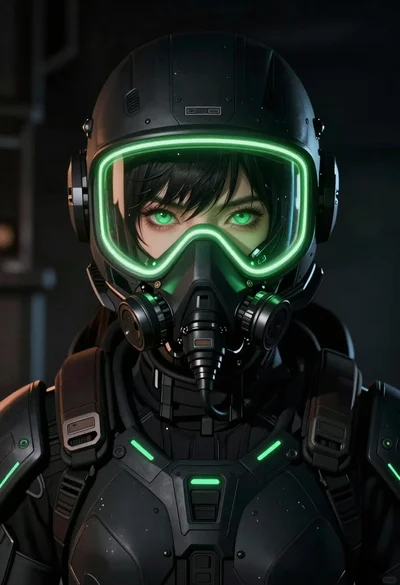
Anime portrait of woman in scifi gear with neon accents
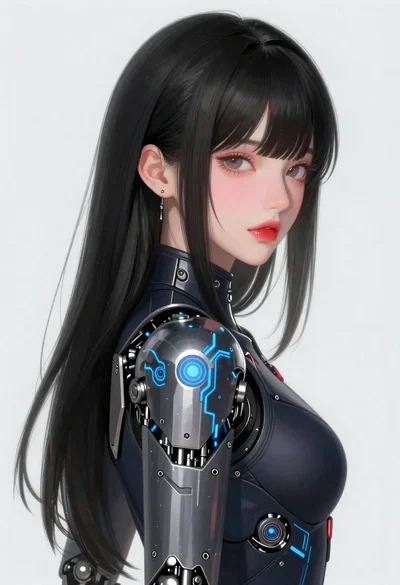
Young woman in futuristic bodysuit with mechanical armor

Warrior woman riding wolf through snowy mountains
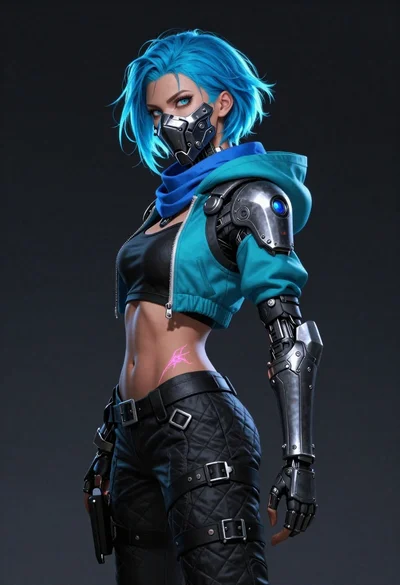
Bluehaired cyborg warrior in futuristic tactical gear
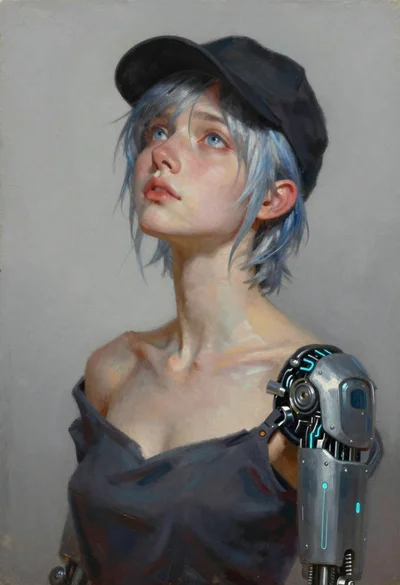
Oil painting portrait of woman with cybernetic arm
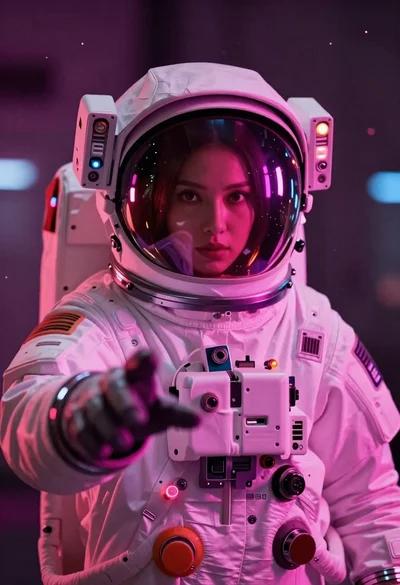
Astronaut portrait reflecting neon city lights
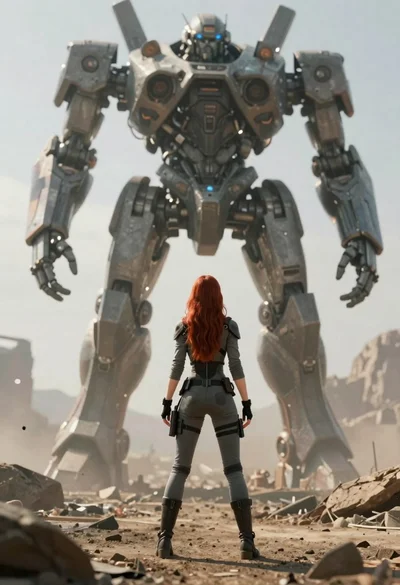
Woman standing before enormous mech walker in alien landscape
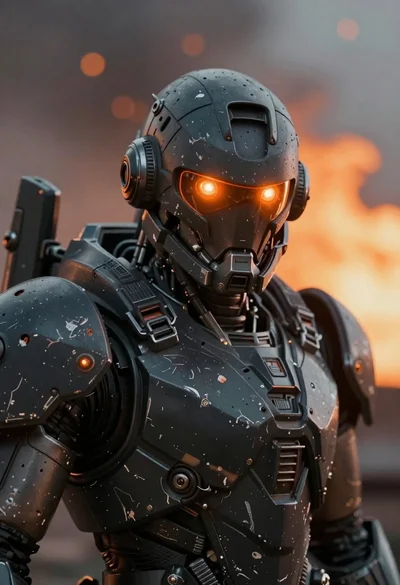
Close up of weathered mecha warrior in a battlefield setting
