
Close up portrait of young woman with blue hair in satin camisole
Prompt
A close-up portrait of a young woman with long, pastel blue hair looking downward with a soft expression.

Subject: A young woman with fair skin and long, straight pastel blue hair that falls over her shoulders. She has subtle makeup including eyelashes and a small beauty mark on her cheek.

Clothing: She wears a light blue satin camisole top featuring delicate white lace trim along the neckline and thin spaghetti straps. A silver necklace with a small flower pendant rests at her collarbone.

Action: Her head is tilted slightly down, and her right hand gently touches the strap of her top near her shoulder.

Environment: The setting appears to be a bedroom with a wooden bedside table visible in the background holding water bottles and a lamp emitting warm light. A bed with pink bedding is partially visible behind her.

Lighting: Soft, natural lighting illuminates her face from the front, creating gentle highlights on her skin and hair while maintaining a calm atmosphere.

Camera: The shot is framed as an intimate close-up focusing on her upper body and face, capturing fine details of her features and clothing texture.

Style Details: The image has a soft-focus aesthetic with smooth skin tones and a dreamy color palette emphasizing pastel blues and warm ambient light.
Description
This prompt is useful for creating intimate character concept art, soft editorial beauty shots, and dreamlike personal portraiture. The combination of 'soft, natural lighting' and the 'pastel blue hair' ensures that highlights appear gentle rather than harsh, which supports the desired dreamy aesthetic while the focus on 'delicate white lace trim' provides necessary textural contrast against the smooth skin tones.
Suggestions
- Change 'pastel blue hair' to 'iridescent blue hair' for more visual complexity.
- Swap 'pink bedding' for 'dusty rose velvet' to enhance the luxurious feel.
- Add 'bokeh background' to soften the visible bedside table elements.
Category
Tags
BedroomBlondeCasual WearClose UpFair SkinFemaleIndoorsRealistic
Date added
July 3, 2026
Added by
PromptDexter Team
Related Prompts
More prompts with similar categories and tags.
Fair blonde woman in beige loungewear standing in a softly lit bedroom
Blonde woman at a bar counter in dimly lit pub
Young woman in white crop top sitting on bed by window light
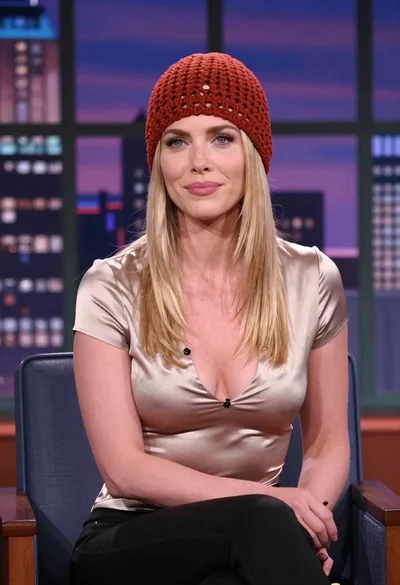
Blonde woman in red hat seated in studio overlooking city skyline
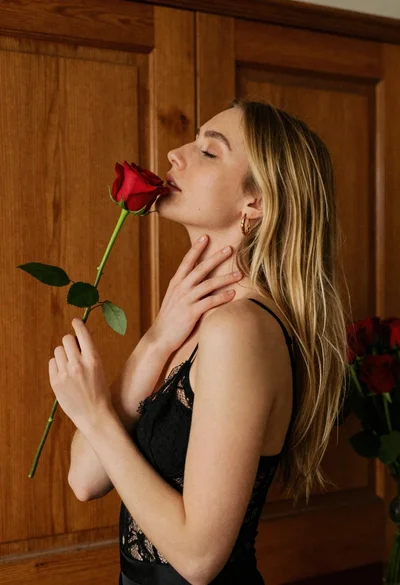
Young blonde woman in black lace camisole holding red rose indoors
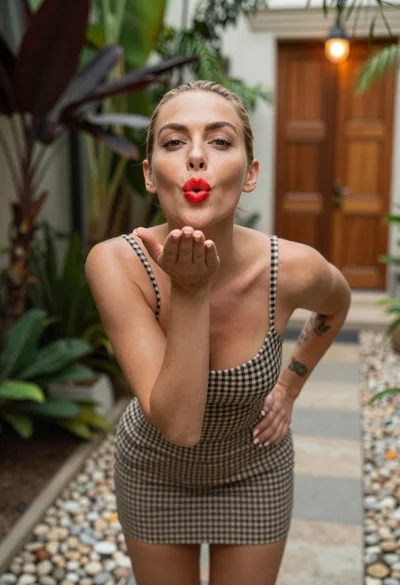
Blonde woman blowing a kiss in a tropical outdoor courtyard setting
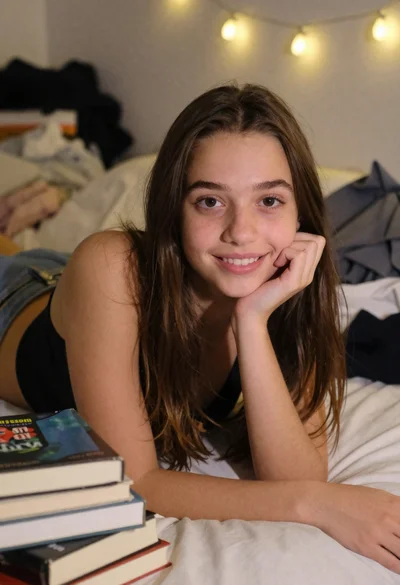
Young girl smiling in messy bedroom with string lights
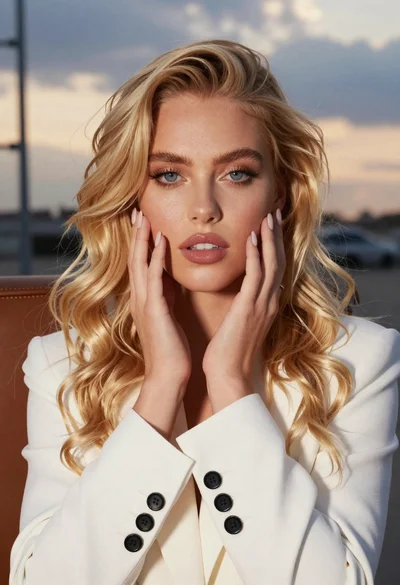
Close up portrait of blonde woman touching face at golden hour

Happy blonde woman making peace signs in sunlit bedroom
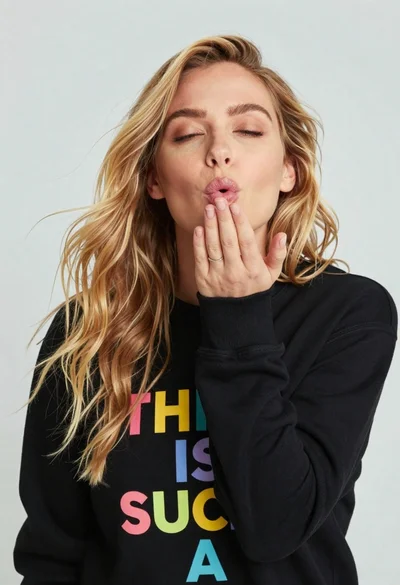
Close up portrait of blonde woman blowing kiss in black sweatshirt