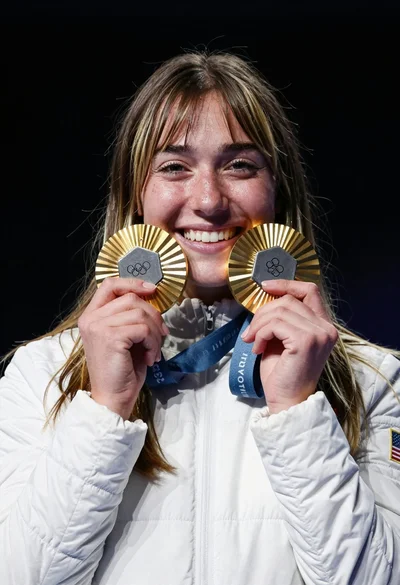
Close up portrait of blonde woman touching face at golden hour
Prompt
A close-up portrait of a young woman with long wavy blonde hair and blue eyes looking directly at the camera.

Subject: A fair-skinned young woman with voluminous wavy blonde hair cascading over her shoulders, featuring defined eyebrows, winged eyeliner, and glossy nude lipstick.

Clothing: She wears a white blazer with black buttons on the cuffs, revealing long manicured nails painted in a light neutral shade.

Action: Her hands are raised to frame her face, fingers gently touching her cheeks and chin in a soft pose.

Environment: The background features a blurred sky with clouds during sunset or sunrise, with a tall metal structure visible in the distance and a brown leather surface on the left side.

Lighting: Warm golden hour sunlight illuminates her face from the front, creating soft highlights and gentle shadows that enhance the texture of her skin and hair.

Camera: Shot with a shallow depth of field to blur the background, using a medium close-up framing that emphasizes facial details and hand placement.

Style Details: High-resolution fashion photography style with vibrant colors, smooth skin texture, and a polished aesthetic typical of modern portrait shoots.
Description
This prompt is useful for creating editorial beauty campaigns, intimate lifestyle portraits, and high-end advertising visuals requiring soft natural light. The combination of 'warm golden hour sunlight' providing 'soft highlights and gentle shadows' sculpts the face beautifully, while the 'shallow depth of field' ensures that the focus remains tightly on the subject's expression and the delicate placement of her hands.
Suggestions
- Change 'white blazer with black buttons' to 'cream silk blouse' for a softer contrast.
- Add 'rim lighting from the side' to separate the hair more dramatically.
- Swap 'glossy nude lipstick' for 'matte berry stain' to add depth.
Category
Tags
BlondeBrown HairCasual WearClose UpFair SkinFemaleMedium ShotPortrait ShotRealistic
Date added
June 19, 2026
Added by
PromptDexter Team
Related Prompts
More prompts with similar categories and tags.

Woman with brown hair forming heart shape in white strapless dress
Beautiful woman with dark hair in pale pink flowers garden at golden

Photorealistic portrait of woman in red gold armor holding shield studio shot
Portrait of young woman in striped sweater against dark background

Blonde woman in black hat standing in misty green rolling hills

Blonde woman in black top on balcony overlooking beige stone street

Young woman in olive saree leaning on railing outdoors during golden hour

Blonde woman at a bar counter in dimly lit pub

Young woman with dark hair at wooden table in open air setting

Blonde woman smiling with green lollipop in brightly lit candy store