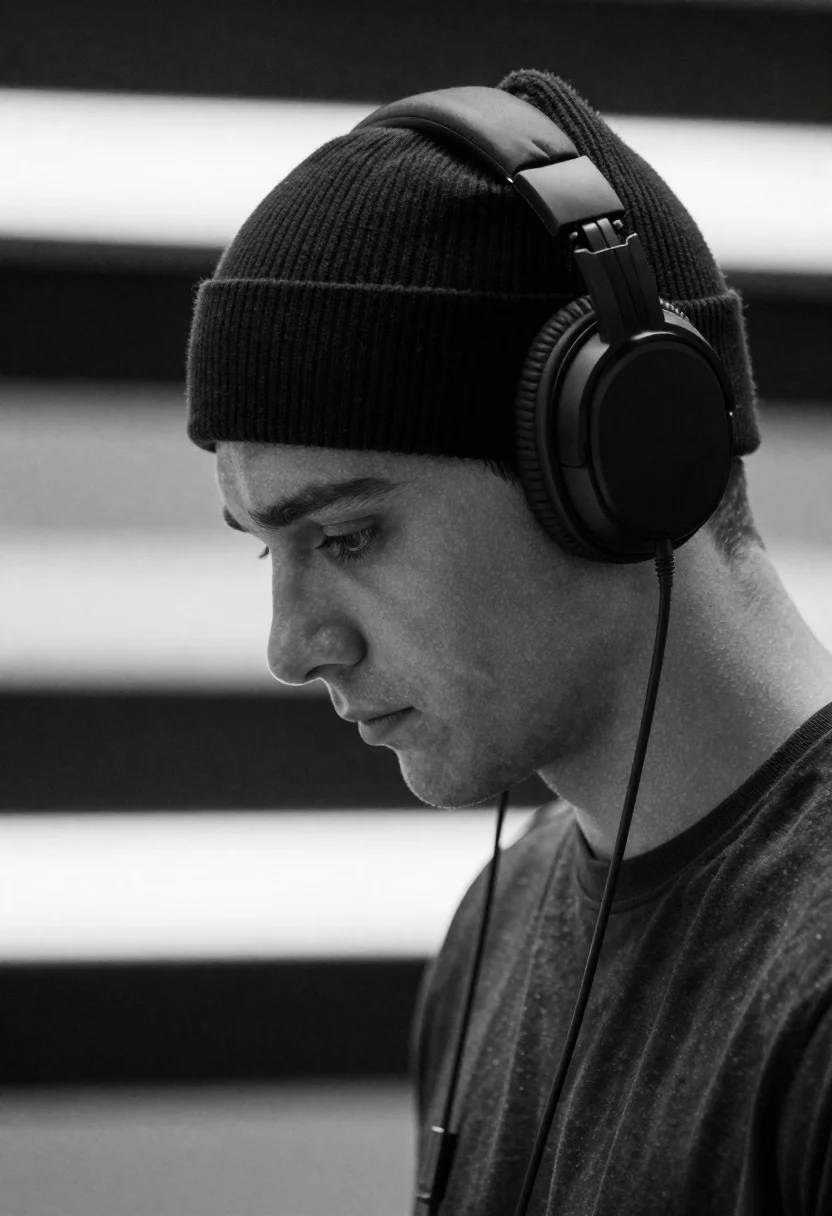
Close up profile portrait of young man wearing headphones in studio
Prompt
A young man in profile wearing large over-ear headphones and a beanie looks downward with a contemplative expression.

Subject: A young male with short hair visible at the nape of his neck, clean-shaven face, and a focused, downward gaze.

Clothing: He wears a dark ribbed knit beanie pulled down over his forehead and a simple dark crew-neck t-shirt.

Action: His head is tilted slightly forward as he looks down, suggesting deep concentration or listening intently to audio.

Environment: The background consists of blurred horizontal bands of light and dark tones, creating a minimalist studio setting.

Camera: A close-up profile shot with a shallow depth of field that keeps the subject sharp while blurring the background lines.

Lighting: Soft, directional lighting illuminates the side of his face and the headphones, creating gentle shadows that define his features.

Style Details: High-contrast black and white photography with a cinematic mood and smooth texture rendering.
Description
This prompt is useful for creating album art concepts, editorial music feature spreads, and moody character studies. The combination of 'soft, directional lighting' defining the side of his face against the 'high-contrast black and white photography' ensures that the subtle contours visible in a profile shot remain distinct rather than being lost in flat tones, while the 'blurred horizontal bands of light and dark tones' prevent the background from distracting from the subject's contemplative gaze.
Suggestions
- Change 'dark ribbed knit beanie' to 'black wool beanie' for a different texture.
- Add 'anamorphic lens flare' to enhance the cinematic mood.
- Swap 'soft, directional lighting' for 'hard side lighting' for more dramatic shadows.
Category
Tags
3/4 AngleB&wBlack HairCasual WearClose UpMaleRealisticStudio
Date added
June 19, 2026
Added by
PromptDexter Team
Related Prompts
More prompts with similar categories and tags.
Black and white portrait of man in profile with rim light and
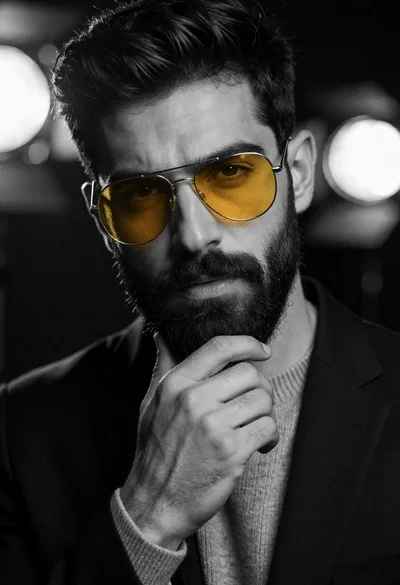
Close up portrait of handsome man in black suit with yellow sunglasses
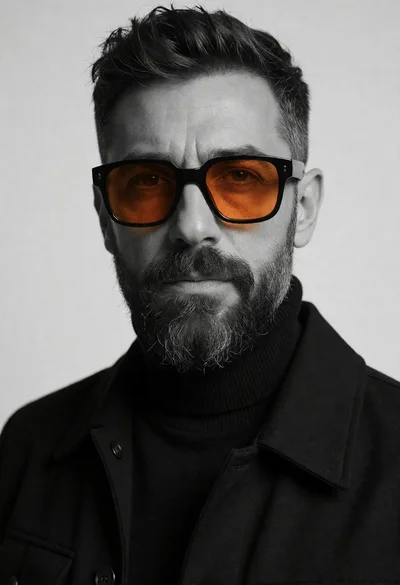
Close up portrait of a bearded man wearing large orange sunglasses studio
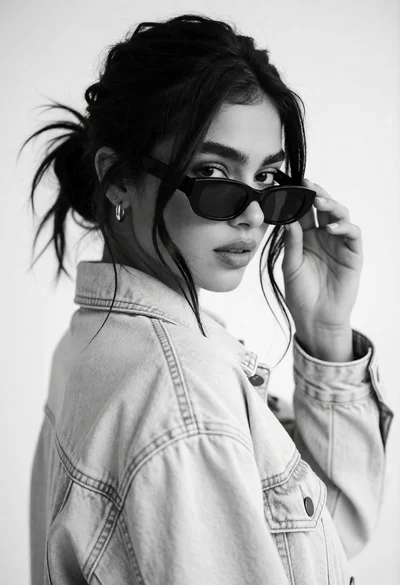
Medium closeup black and white portrait of woman adjusting sunglasses in studio
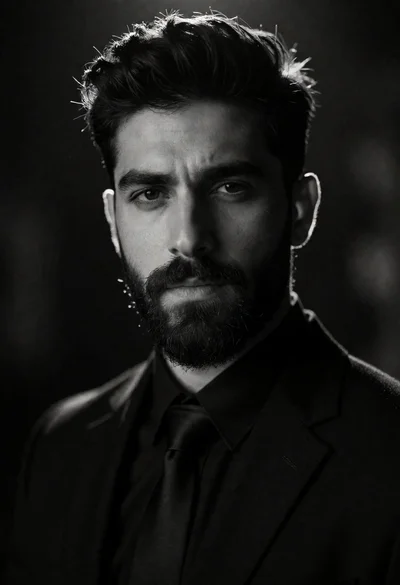
High contrast black and white portrait of man with beard and suit
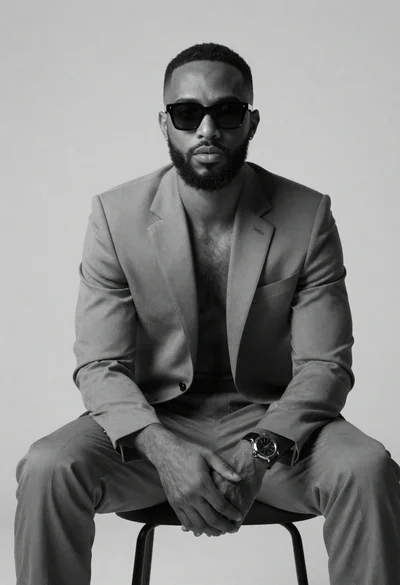
Black and white portrait of confident man in studio

Black and white portrait of young man in turtleneck sweater
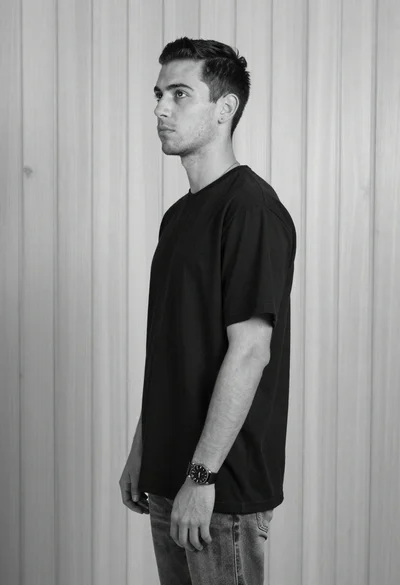
Black and white studio portrait of young man against wood wall

Black and white studio portrait of man with beard
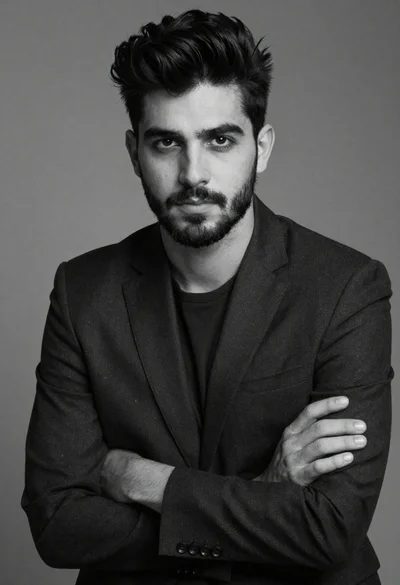
Black and white portrait of a young man in suit