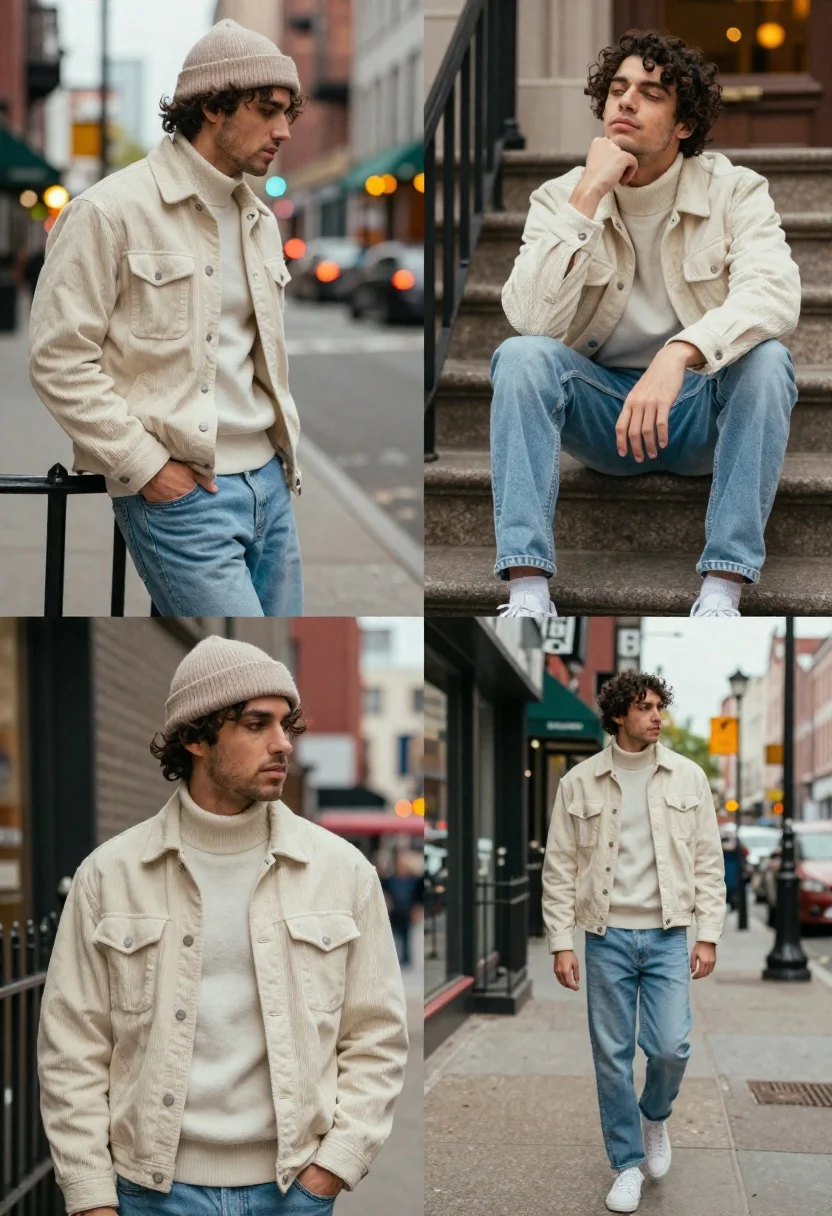
Collage of four portraits of young man in urban street setting
Prompt
A collage of four fashion photography portraits featuring a young man in an urban street setting.

Subject: A handsome young man with dark curly hair and light stubble, appearing clean-shaven except for facial hair.

Clothing: He wears a cream-colored corduroy jacket over a matching turtleneck sweater, paired with light-wash blue jeans and white sneakers; in the bottom-left panel he also wears a beige ribbed beanie.

Action: The man is shown in various relaxed poses—leaning on a railing, sitting on stone steps with his hand to his chin, looking upward with eyes closed, and walking down a sidewalk while glancing back over his shoulder.

Environment: An urban city street scene with brick buildings, metal railings, stone stairs, storefronts, and blurred background traffic lights creating bokeh effects.

Camera: The shots use a mix of medium close-ups and full-body frames with shallow depth of field to blur the background, emphasizing the subject against the city backdrop.

Lighting: Soft natural daylight with diffused shadows, warm ambient tones from streetlights in the distance, and a gentle glow on the subject’s face.

Style Details: High-end fashion editorial aesthetic with muted earthy color palette, crisp textures, cinematic composition, and polished post-processing typical of modern streetwear photography.
Description
This prompt is useful for creating cohesive lookbooks showcasing seasonal menswear collections, mood boards for urban lifestyle branding, and portfolio pieces emphasizing narrative portraiture. The combination of 'muted earthy color palette' with 'soft natural daylight' ensures the focus remains on the subject's textures—like the corduroy jacket and jeans—while the specified 'bokeh effects' in the background keep the busy city backdrop from becoming distracting.
Suggestions
- Change 'cream-colored corduroy jacket' to 'olive green waxed jacket' for a different seasonal feel.
- Adjust 'light-wash blue jeans' to 'charcoal grey denim' for higher contrast.
- Swap 'soft natural daylight' for 'overcast daylight' to minimize harsh shadows.
Category
Tags
Casual WearFull BodyMaleMedium ShotPortrait ShotRealisticStreetUrban
Date added
June 19, 2026
Added by
PromptDexter Team
Related Prompts
More prompts with similar categories and tags.

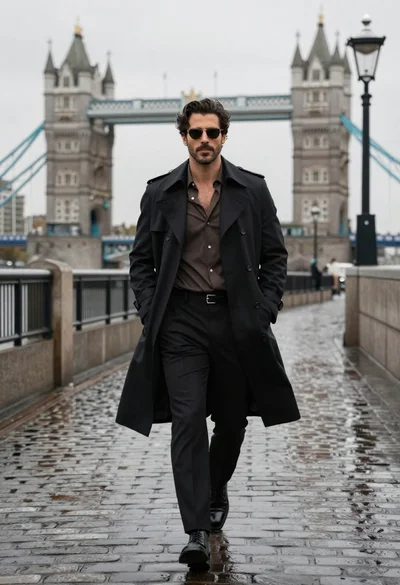
Model walking down rainy city street at night
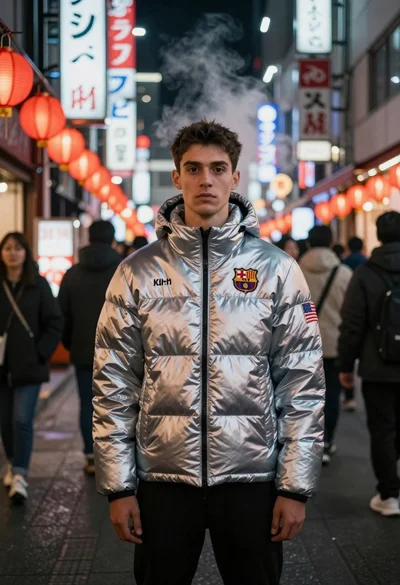
Man in silver jacket on busy asian street at night
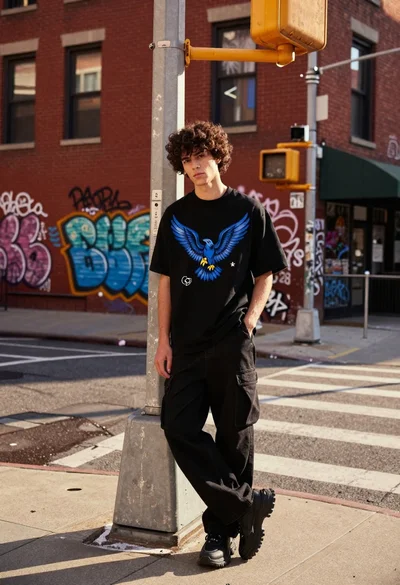
Young man leaning against utility pole in graffiti covered urban street
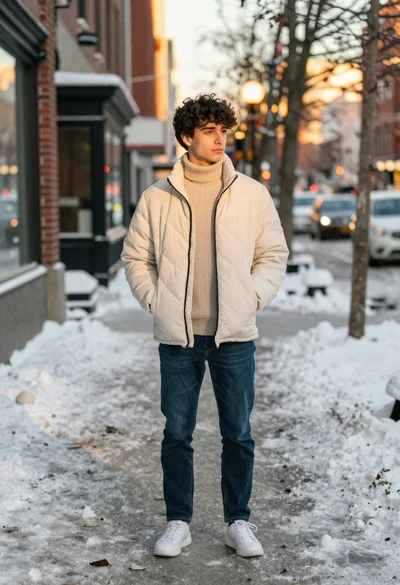
Young man in puffer jacket standing on snowy city sidewalk during winter
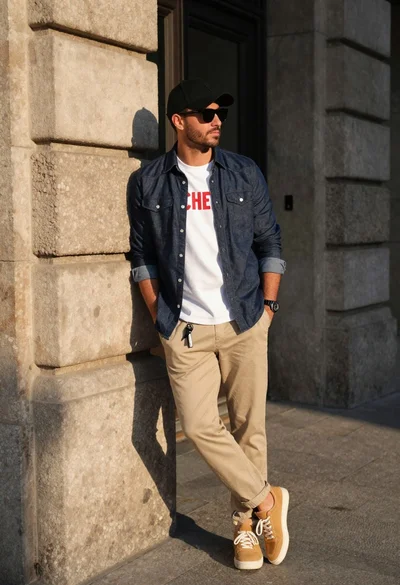
Stylish man leaning against stone wall in sunlight
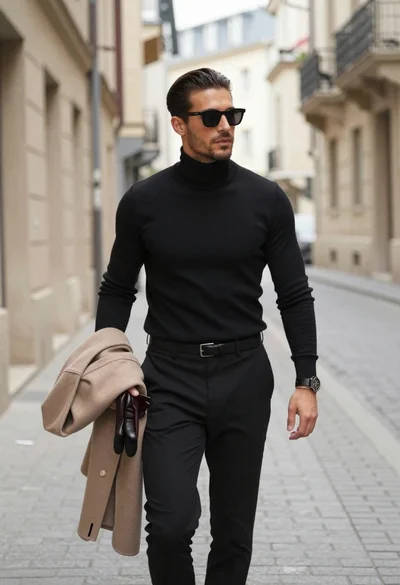
Man walking down european cobblestone street
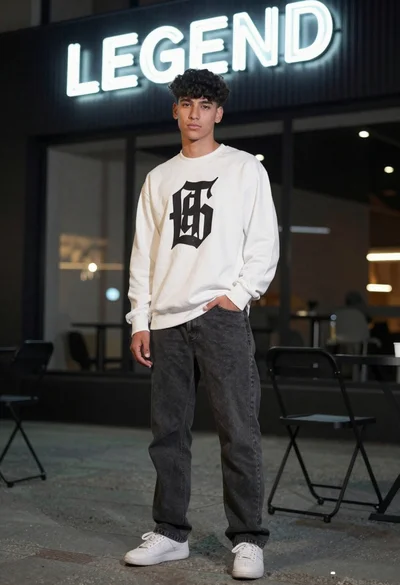
Young man in white sweatshirt standing near neon sign in urban setting

Young woman in green jacket holding plush toy at festive carousel
Collage portrait of a woman with curly hair in an urban setting
Stylish man in leather jacket leaning against red brick wall