
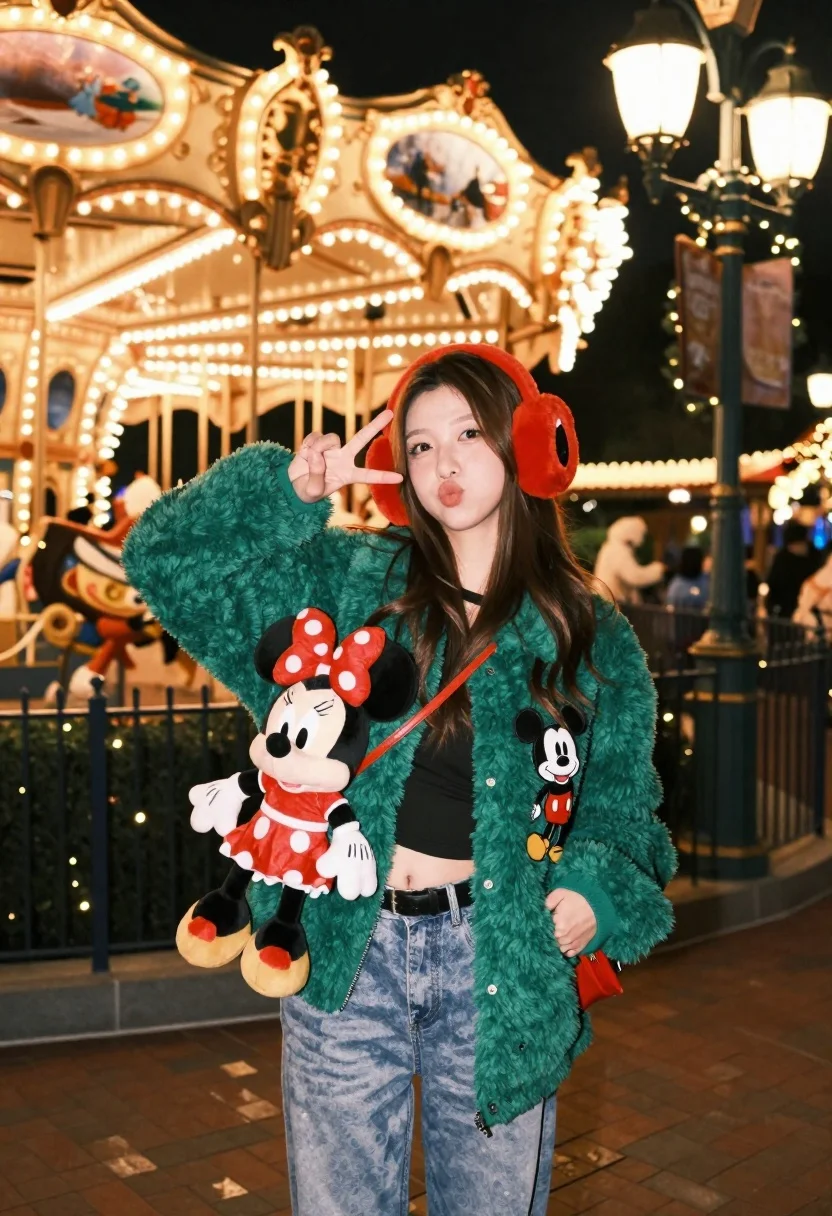
Young woman in green jacket holding plush toy at festive carousel
Prompt
A young woman stands in a festive nighttime setting, posing with a playful expression and holding a plush Minnie Mouse toy.

Subject: A young woman with long brown hair, wearing red earmuffs, making a peace sign with her right hand while puckering her lips.

Clothing: She wears a green fuzzy jacket featuring Mickey Mouse patches on the chest and lower front, layered over a black crop top, light blue jeans, and a black belt. She carries a small red crossbody bag.

Action: The woman strikes a cheerful pose with one hand raised in a peace sign and the other clutching a Minnie Mouse plush toy close to her chest.

Environment: A brightly lit carousel with warm golden lights and holiday decorations forms the background, while a decorated lamppost with garlands stands nearby on a brick-paved walkway.

Camera: The shot is taken at eye level with a shallow depth of field that blurs the background slightly to emphasize the subject.

Lighting: Warm ambient lighting from street lamps and carousel lights creates a cozy holiday atmosphere with soft highlights on the subject’s face and clothing.

Style Details: The image has a vibrant, high-contrast look with rich colors and a polished, commercial photography aesthetic typical of theme park promotional content.
Description
This prompt is useful for creating themed holiday marketing materials, seasonal lifestyle editorials, and playful portraiture for brand campaigns. The combination of 'warm ambient lighting' and the 'vibrant, high-contrast look' ensures that the subject pops against the detailed background elements like the carousel lights, preventing the scene from becoming muddy or overly dark.
Suggestions
- Change 'green fuzzy jacket' to 'velvet green jacket' for a richer texture.
- Swap 'Minnie Mouse plush toy' for 'vintage teddy bear' to alter the nostalgic feel.
- Adjust 'shallow depth of field' to 'bokeh effect' for more pronounced background separation.
Category
Tags
Brown HairCasual WearFair SkinFemaleFull BodyMedium ShotOutdoorsPortrait ShotRealisticStreetUrban
Date added
June 21, 2026
Added by
PromptDexter Team
Related Prompts
More prompts with similar categories and tags.

Young woman leaning against white wall with beige handbag under bright sunlight

Young woman in pink cardigan holding camera in front of castle
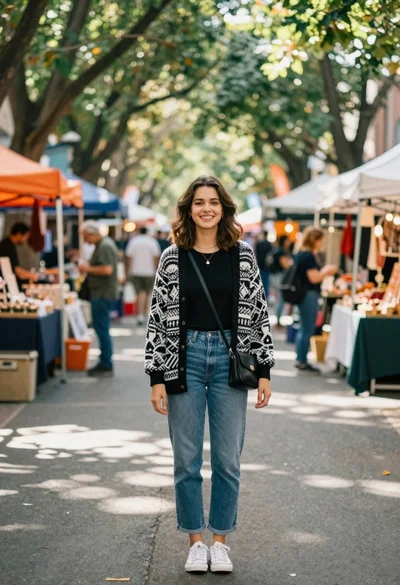
Smiling young woman in knit cardigan standing in an outdoor market

Woman on beach daybed under beige umbrella
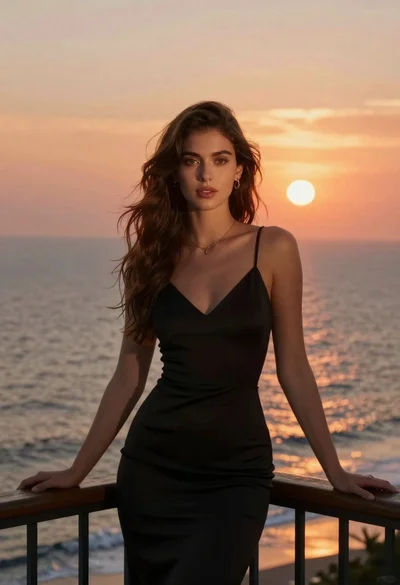
Woman in black dress on balcony overlooking sunset ocean

Smiling young woman in pink top and white skirt before sandstone palace
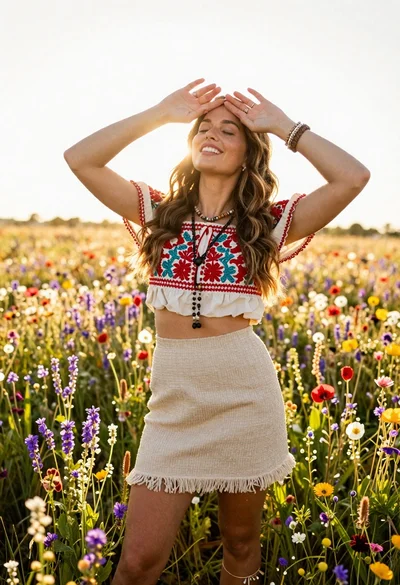
Smiling woman in embroidered top standing in field of wildflowers

Woman in black dress by window overlooking ocean at golden hour
