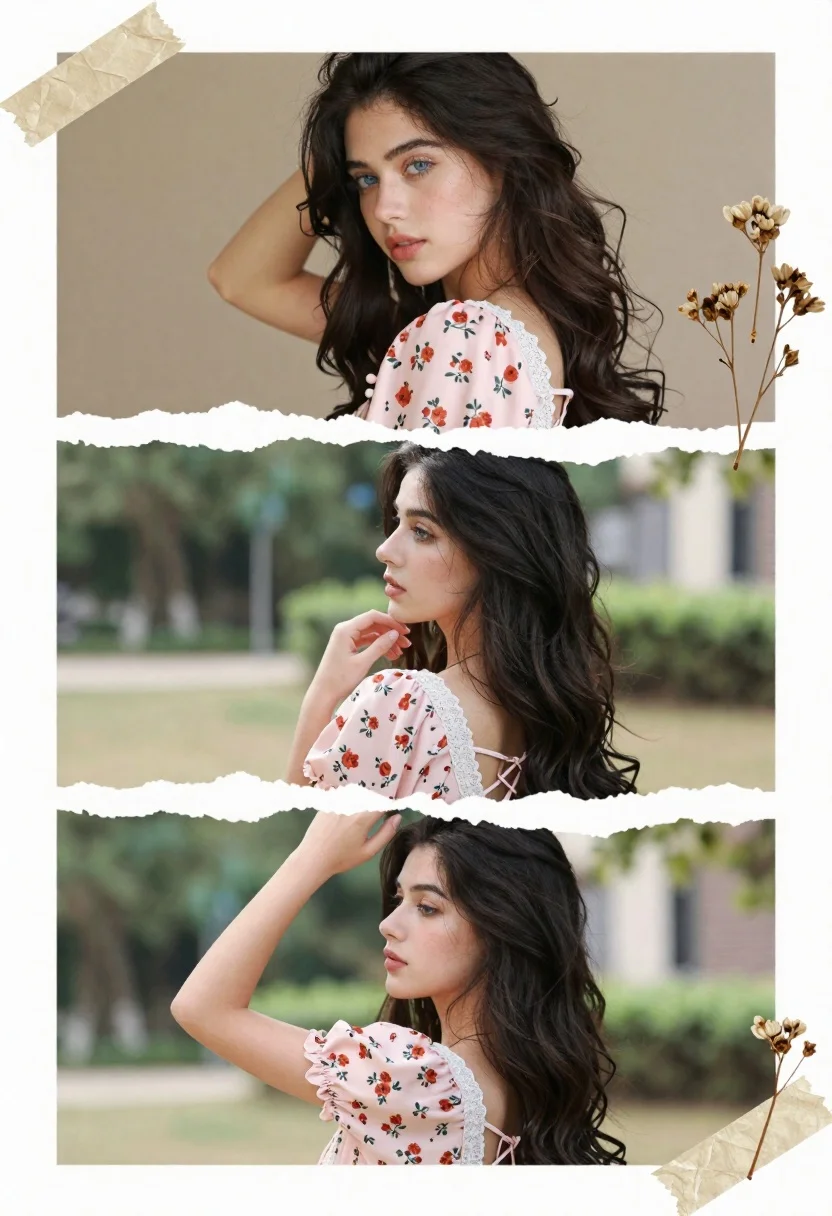
Collage portrait of young woman in pink floral blouse with dark hair
Prompt
A collage of three portrait shots featuring a young woman with long dark wavy hair and blue eyes wearing a pink floral blouse.

Subject: A young woman with long dark wavy hair and striking blue eyes, appearing in three different poses within a torn paper collage layout.

Clothing: She wears a light pink floral blouse with lace trim on the neckline and cuffs, featuring a square back with crisscross lacing details.

Action: In the top panel she looks at the camera with one hand behind her head; in the middle panel she is seen from the back looking away while touching her chin; in the bottom panel she looks to the side with one arm raised near her hair.

Environment: The background shifts between a plain beige wall in the top shot and an outdoor garden setting with greenery and soft sunlight in the lower panels.

Camera: Close-up framing focusing on the subject's face and upper body, utilizing a shallow depth of field to blur the background elements.

Lighting: Soft natural lighting creates gentle highlights on her skin and hair, casting subtle shadows that enhance the warm mood of the scene.

Style Details: The image features a scrapbook aesthetic with torn paper edges separating the panels, dried flower illustrations, and beige tape accents simulating a physical photo album.
Description
This prompt is useful for creating artistic personal profile collages, vintage-inspired mood boards, and editorial spreads mimicking found photography. The combination of 'torn paper edges' and 'scrapbook aesthetic' grounds the portraiture in a tangible, nostalgic medium, while the 'soft natural lighting' ensures that even the varied backgrounds—from beige wall to garden setting—maintain a cohesive, gentle illumination across all three panels.
Suggestions
- Change 'pink floral blouse' to 'cream lace blouse' for a more muted palette.
- Add 'Polaroid border effect' to enhance the physical photo album feel.
- Swap 'dried flower illustrations' for 'sepia ink sketches' for an aged look.
Category
Tags
Close UpFemalePortrait ShotRealistic
Date added
June 19, 2026
Added by
PromptDexter Team
Related Prompts
More prompts with similar categories and tags.
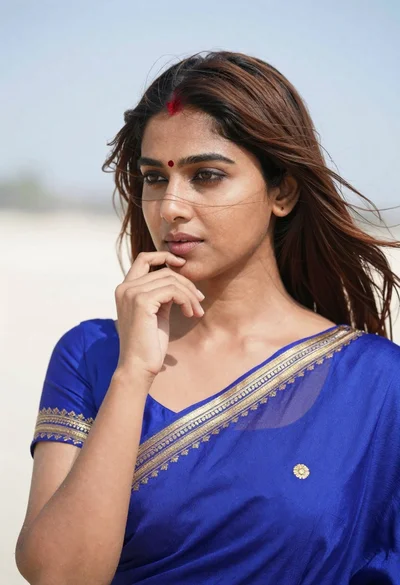
Close up portrait of young woman in blue saree outdoors
Close up portrait of smiling woman with dark wavy hair outdoors
Close up portrait of woman with dark hair touching ear wearing gold
Close up portrait of woman with red hair in floral dress
Portrait of young woman with blue eyes and blonde hair
Close up portrait of woman in white gown against soft studio backdrop
Close up portrait of woman with dark curly hair in champagne gown
Young woman with dark wavy hair wearing embroidered top indoors portrait
High contrast black and white close up of womans face
Close up portrait of smiling woman with dark hair resting head on