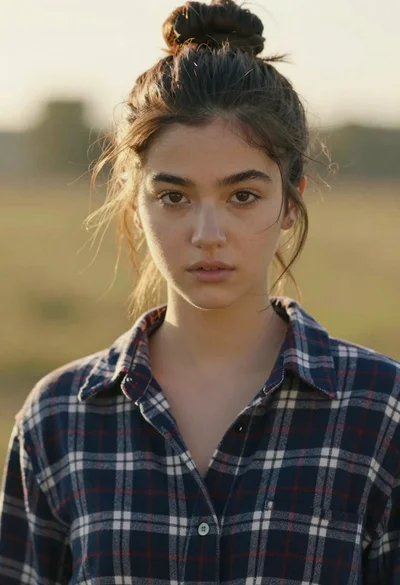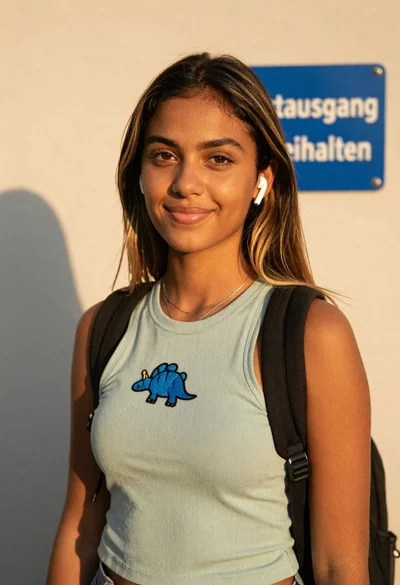

Close up portrait of smiling woman with dark wavy hair outdoors
Prompt
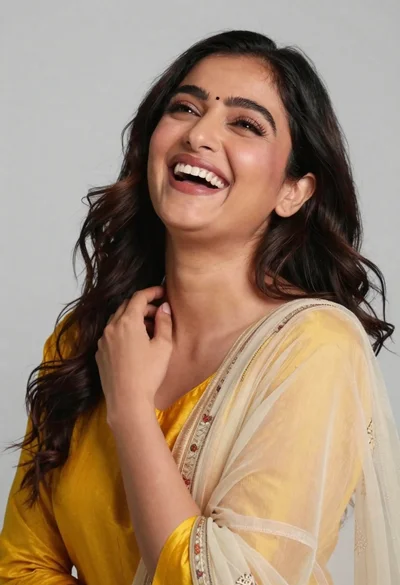
A close-up portrait of a smiling woman with dark wavy hair and warm skin tone.

Subject: A young woman with long dark brown wavy hair, expressive eyes looking slightly to the side, and a bright, toothy smile.

Clothing: She wears a simple white spaghetti strap top with delicate lace detailing along the neckline.

Action: Her right hand is raised near her head, gently holding a strand of hair against her cheek.

Environment: The background is a soft, out-of-focus light blue sky or open space, suggesting an outdoor setting.

Camera: A tight close-up shot with a shallow depth of field that blurs the background to emphasize the subject's face and expression.

Lighting: Soft natural daylight illuminates her face from the front-left, creating gentle highlights on her skin and hair while casting subtle shadows.

Style Details: The image has a warm, cinematic color grading with high detail in the skin texture and hair strands, resembling a professional portrait photography style.
Description
This prompt is useful for creating intimate lifestyle portraits, beauty editorials focusing on natural expression, and personal branding imagery. The combination of 'soft natural daylight' from the front-left and the 'shallow depth of field' ensures that the focus remains intensely on the subject's face and smile, while the 'light blue sky' background prevents visual competition with the detailed skin texture.
Suggestions
- Change 'white spaghetti strap top' to 'beige knit tank' for a more muted color palette.
- Add 'bokeh effect' to enhance the background blur further.
- Swap 'dark wavy hair' for 'curls catching sunlight' to emphasize movement.
Category
Tags
Brown SkinBrunetteCasual WearClose UpFemaleOutdoorsPortrait ShotRealistic
Date added
June 19, 2026
Added by
PromptDexter Team
Related Prompts
More prompts with similar categories and tags.
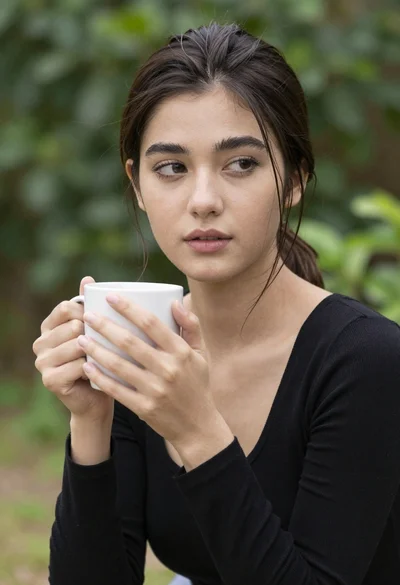
Close up portrait of young woman with dark hair holding white mug
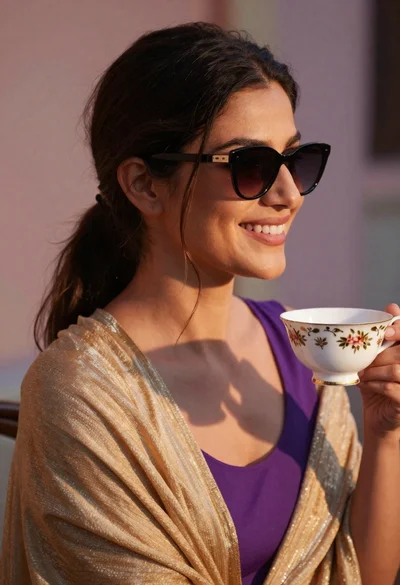
Smiling woman in gold shawl holding teacup outdoors at golden hour

Photorealistic portrait of woman in red gold armor holding shield studio shot

Smiling woman in red dress sitting in white macrame hanging chair
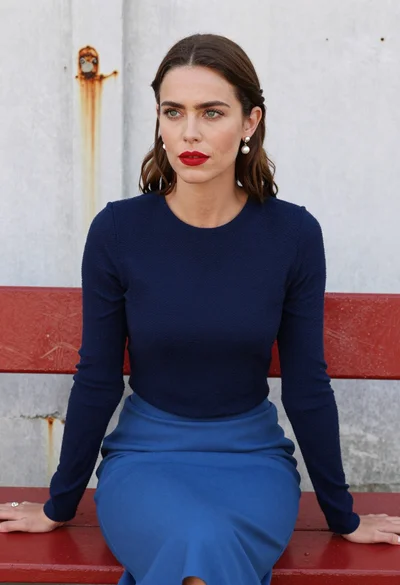
Woman with brown hair seated on red bench against weathered white wall
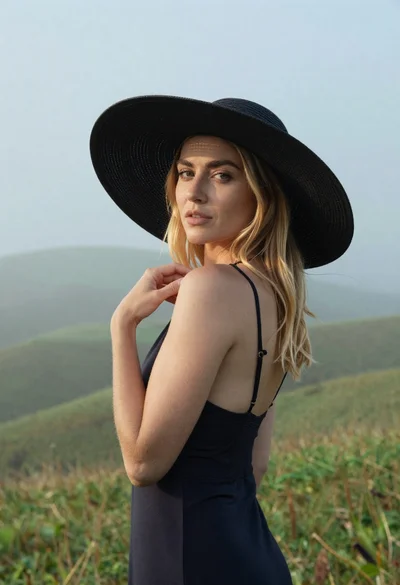
Blonde woman in black hat standing in misty green rolling hills

Young woman in olive saree leaning on railing outdoors during golden hour
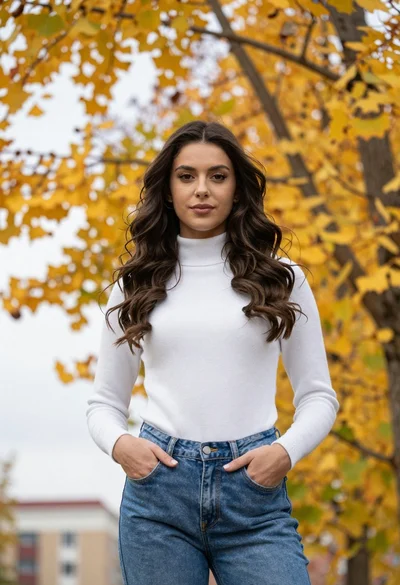
Young woman standing outdoors under autumn trees
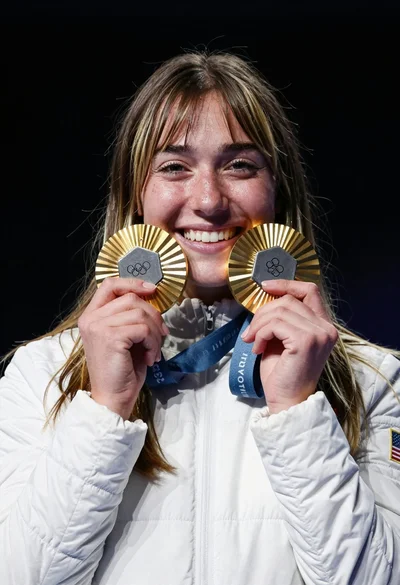
Joyful young woman holding gold medals against a solid black background
Joyful portrait of woman laughing in yellow top against grey studio background