
Confident bearded man in black tshirt standing against bookshelf in cozy study
Prompt
A confident man with a beard stands in a cozy study surrounded by bookshelves.

Subject: A fit man with dark wavy hair and a well-groomed beard looking directly at the camera with a serious expression.

Clothing: He wears a plain black crew-neck t-shirt and dark trousers, accessorized with a wristwatch on his left arm.

Action: He stands leaning casually against a wooden bookshelf with one hand resting near his hip while his other arm hangs by his side.

Environment: The setting is a warm library or study filled floor-to-ceiling wooden shelves packed with books, featuring a desk with a laptop, papers, and a globe in the background.

Camera: Shot at eye level with a medium framing that captures the subject from the waist up against the backdrop of the room.

Lighting: Soft natural light filters through a window behind him while a warm lamp on the desk casts a gentle glow to the left.

Style Details: The image features realistic skin textures, high detail in the book spines, and a cinematic color palette with rich wood tones.
Description
This prompt is useful for creating character portraits for novel covers, academic branding materials, or lifestyle blog content about intellectual pursuits. The combination of 'soft natural light' filtering from behind and the 'warm lamp on the desk' creates directional illumination that sculpts the subject's features while preventing harsh shadows, which grounds the portrait within the richly detailed environment suggested by the 'floor-to-ceiling wooden shelves'.
Suggestions
- Change 'plain black crew-neck t-shirt' to 'charcoal knit sweater' for more texture.
- Add 'bokeh effect on background books' to soften the depth of field.
- Swap 'globe in the background' for 'leather-bound journals' to refine the academic feel.
Category
Tags
Black HairCasual WearIndoorsMaleMedium ShotRealistic
Date added
June 26, 2026
Added by
PromptDexter Team
Related Prompts
More prompts with similar categories and tags.
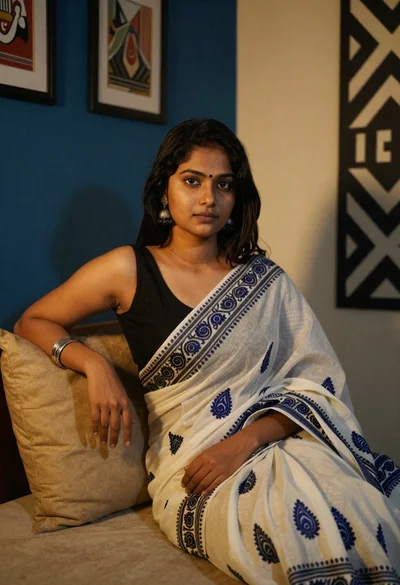
Young woman in white sari seated on bed in dimly lit bedroom

Handsome man with mug in a softly lit cafe

Young woman in floral dress seated indoors by a window with greenery

Woman with black hair leaning indoors by glass railing in bright modern

Young woman in black crop top and cream trousers indoors looking over

Medium close up portrait of young woman with dark curly hair indoors

Woman in black dress seated in dimly lit diner booth

Portrait of man in black jacket by reflective glass window