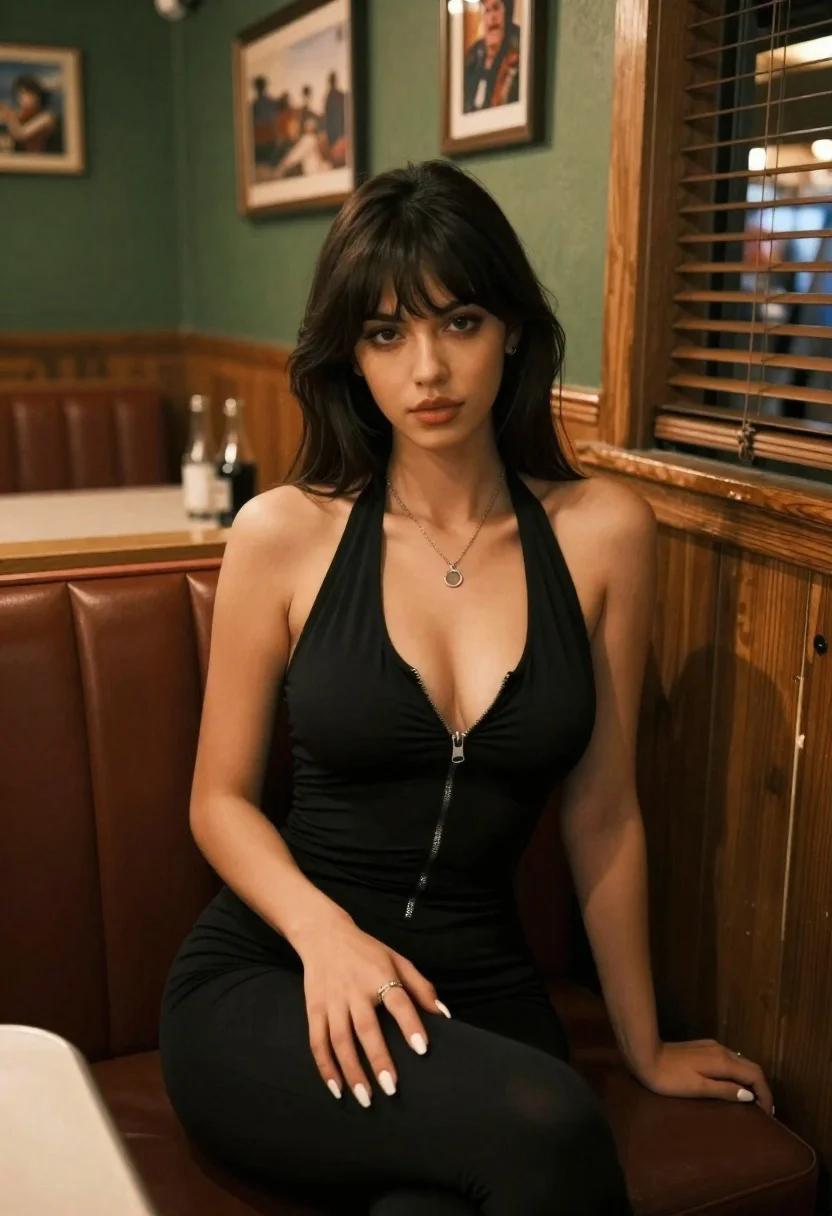
Woman in black dress seated in dimly lit diner booth
Prompt
Photorealistic portrait of a woman seated in a dimly lit diner booth

Subject: A young woman with long dark brown hair and bangs, fair skin tone, deep-set eyes gazing slightly upward, soft natural makeup.

Clothing: She wears a black halter-neck dress featuring a front zipper running down the chest, revealing cleavage, paired with matching pants or leggings.  Accessories include a silver pendant necklace resting on her collarbone and rings adorning her fingers; nails are painted white.

Action: Seated upright in a diner booth, one hand resting gently on her thigh while the other rests near the seat edge, conveying relaxed confidence.

Environment: The setting is an interior diner with green walls adorned by framed pictures above light wood wainscoting; wooden window frames and blinds appear to the right; ambient objects like glass bottles sit atop a nearby counter or table surface behind her.

Lighting: Warm indoor lighting casts soft highlights on her shoulders, face, arms, and hair while maintaining gentle shadows that emphasize form without harshness creating an intimate mood consistent with low-light restaurant environments.

Camera: Shot at eye level using a medium close-up framing; shallow depth of field blurs the background slightly to draw focus entirely onto the subject's presence within the space.
Description
This prompt is useful for creating cinematic character portraits, moody editorial spreads, and narrative scene illustrations set in vintage interiors. The combination of 'warm indoor lighting' with 'shallow depth of field' ensures that while the background details like the green walls remain present to ground the image, the focus remains tightly on the subject's expression and the texture of her black dress.
Suggestions
- Change 'dimly lit diner booth' to 'red velvet booth' for a richer color palette.
- Swap 'silver pendant necklace' for 'gold chunky bracelet' to alter the metallic accent.
- Adjust 'medium close-up framing' to 'waist up shot' to include more of the environment.
Category
Tags
Black HairBrown HairCasual WearFair SkinFemaleIndoorsMedium ShotPortrait ShotRealistic
Date added
June 19, 2026
Added by
PromptDexter Team
Related Prompts
More prompts with similar categories and tags.

Young woman with dark hair at wooden table in open air setting

Woman with black hair leaning indoors by glass railing in bright modern

Young girl smiling in messy bedroom with string lights

Medium close up portrait of young woman wearing black top and sunglasses
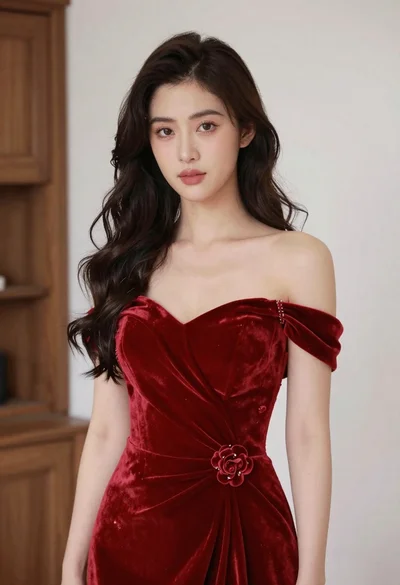
Young woman in red velvet gown standing indoors against white wall
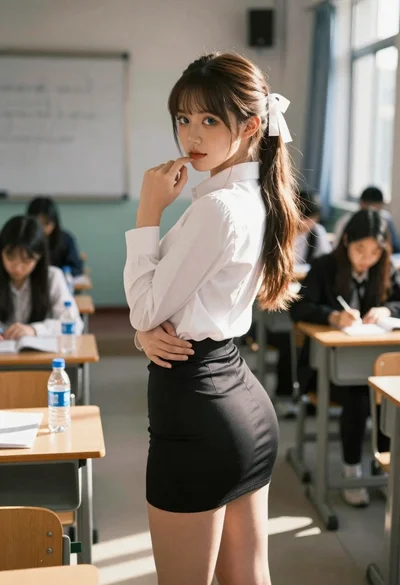
Young woman in classroom looking over shoulder at camera
Young woman with brown hair in modern bathroom holding strand of hair

Young woman seated on grey sofa against pink wall fashion portrait