Confident woman in black leather dress sitting on golden chair studio portrait
Prompt
A confident woman with long dark hair sits in a dramatic pose on a large, draped golden chair against a solid grey background.

Subject: A young woman with long wavy brown hair and dark nail polish, looking directly at the camera with a neutral expression.

Clothing: She wears a black leather jacket dress featuring a high collar, a deep front zipper, and a wide gold buckle belt.

Action: She sits with her legs crossed, one hand resting on the arm of the chair while the other touches her hair near her forehead.

Environment: The setting is a minimalist studio space with a plain grey backdrop and floor.

Camera: A medium shot captures the subject from the knees up, utilizing a direct eye-level angle to emphasize her presence.

Lighting: Soft studio lighting illuminates the scene evenly, creating gentle highlights on the shiny gold fabric and smooth skin tones without harsh shadows.

Style Details: The image features high-fashion editorial aesthetics with a focus on texture contrast between the matte leather and metallic gold materials.
Description
This prompt is useful for creating edgy magazine editorials, character concept art for film posters, and luxury brand lookbooks emphasizing material contrast. The combination of 'black leather jacket dress' against a 'draped golden chair' allows the model to focus on texture contrast between matte and metallic surfaces, while the 'soft studio lighting' ensures that the shine on the gold fabric is visible without creating distracting, harsh reflections.
Suggestions
- Change 'plain grey backdrop' to 'charcoal concrete wall' for more grit.
- Swap 'black leather jacket dress' for 'patent black vinyl mini-dress' for higher reflectivity.
- Adjust 'soft studio lighting' to 'hard directional key light' for dramatic shadows.
Category
Tags
Brown HairBrunetteCasual WearFemaleMedium ShotPortrait ShotRealisticStudio
Date added
June 19, 2026
Added by
PromptDexter Team
Related Prompts
More prompts with similar categories and tags.
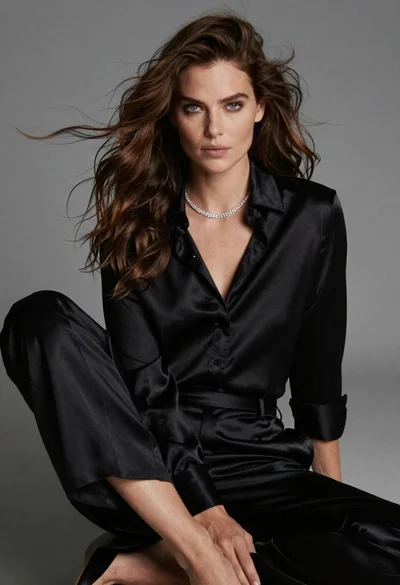
Fairskinned woman in black satin outfit seated for high fashion portrait
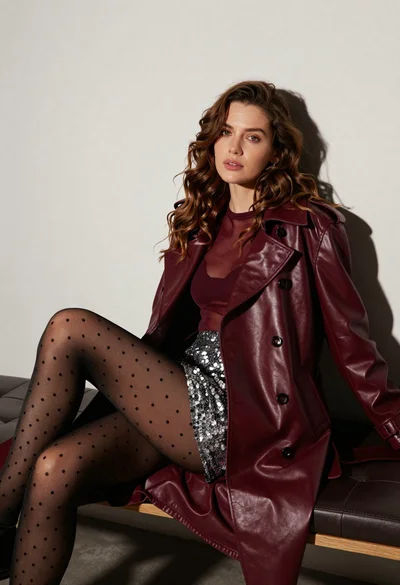
Stylish woman in burgundy coat seated on dark leather bench studio portrait
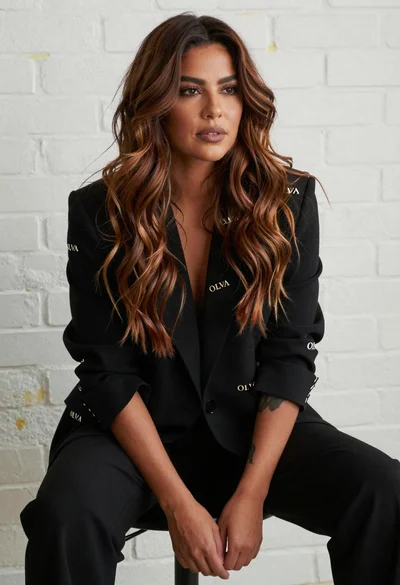
Poised woman in black blazer seated against white brick wall backdrop
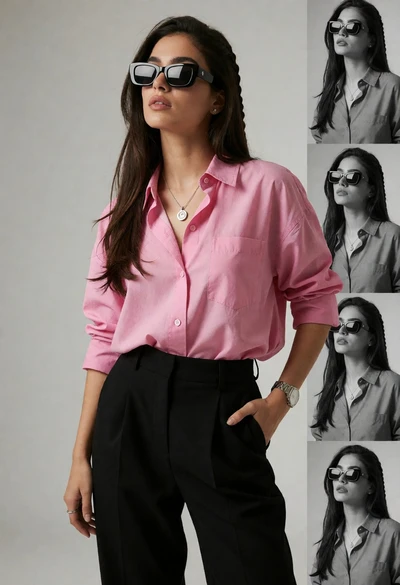
Stylish woman in pink shirt and black trousers against grey studio backdrop

Blonde woman in burgundy velvet gown holding flower in white studio

Woman seated on mid century chair wearing beige suit
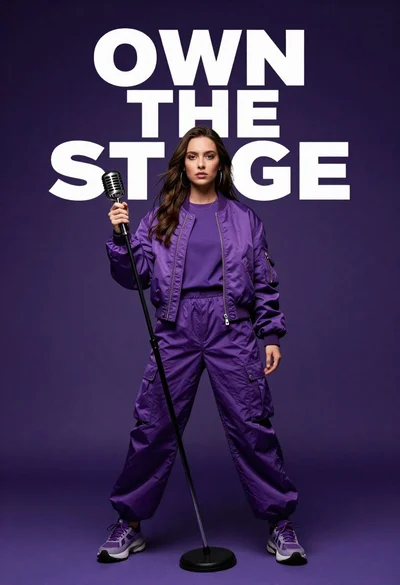
Singer in purple outfit with microphone against violet background

Blonde woman looking back over shoulder against white wall

Woman sitting gracefully indoors wearing yellow skirt and top

Fair skinned woman with red hair in brown satin dress against gray