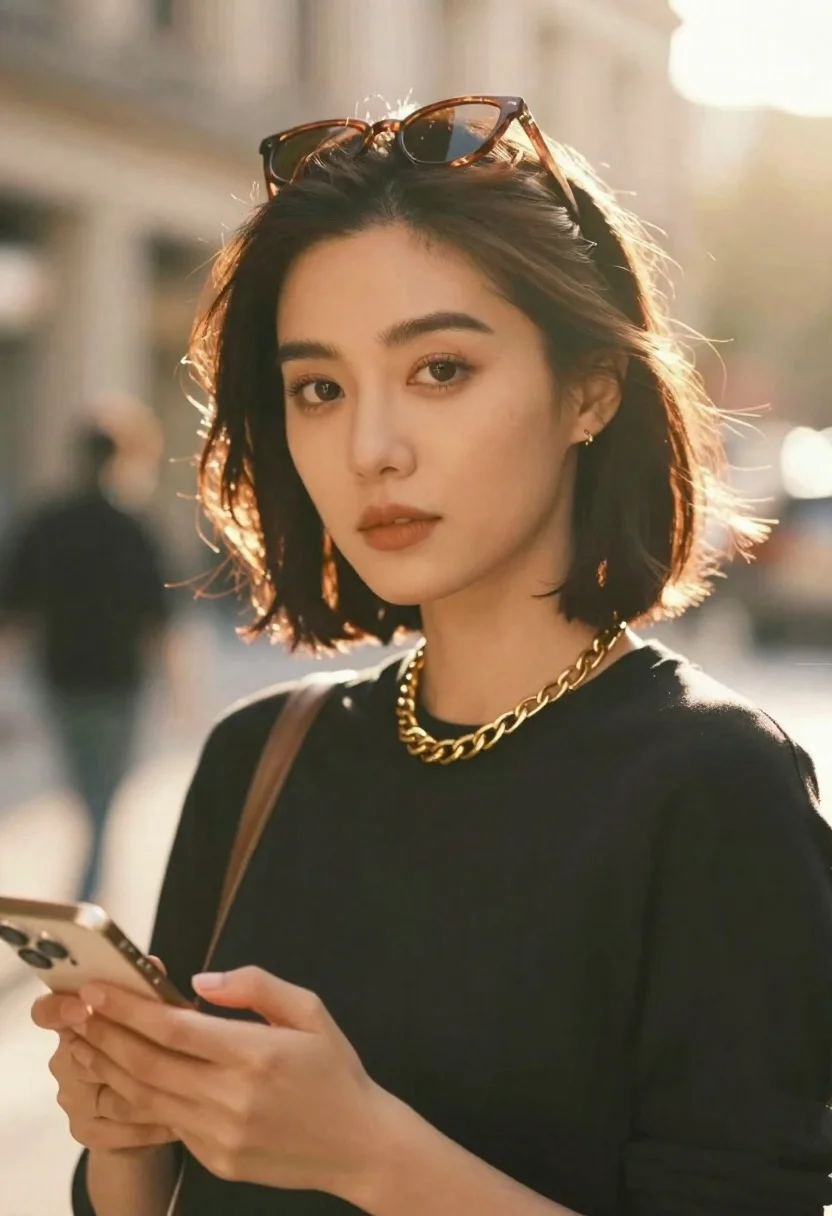
Confident woman with short dark hair holding smartphone in close up
Prompt
A confident woman with short dark hair gazes directly at the camera while holding a smartphone in her hand.

Subject: A woman with shoulder-length dark bobbed hair and warm brown eyes looking forward with a neutral expression.

Clothing: She wears a black long-sleeved top and a thick gold chain necklace with visible lettering on the front.

Action: She holds a gold-colored smartphone in her left hand, resting it against her torso, while sunglasses are perched on top of her head.

Environment: The background is a warm, sun-drenched interior space with soft bokeh highlights and a blurred reflection of the subject visible behind her.

Camera: Shot from a close-up perspective with a shallow depth of field that blurs the background to emphasize the subject's face and hair.

Lighting: Strong golden backlighting creates a glowing rim light around her hair and shoulders, casting a warm, cinematic mood across the scene.

Style Details: High-fashion photography aesthetic with soft focus, natural skin texture, and a dreamy, sunlit atmosphere.
Description
This prompt is useful for creating modern editorial portraits, lifestyle advertising featuring technology, and high-end beauty campaigns. The combination of 'strong golden backlighting' generating a glowing rim light and the 'shallow depth of field' ensures that the viewer's focus remains tightly on the subject's face and the visible lettering on the necklace, preventing the background bokeh from becoming distracting.
Suggestions
- Change 'black long-sleeved top' to 'silk turtleneck' for a more luxurious feel.
- Swap 'gold-colored smartphone' for 'matte black smartphone' to contrast with the gold jewelry.
- Adjust 'warm brown eyes' to 'piercing emerald eyes' for a stronger focal point.
Category
Tags
Casual WearClose UpDark SkinFemaleIndoorsRealistic
Date added
June 26, 2026
Added by
PromptDexter Team
Related Prompts
More prompts with similar categories and tags.
Close up portrait of woman with dark hair in beige armchair
Young woman with dark hair holding pastry in warmly lit room
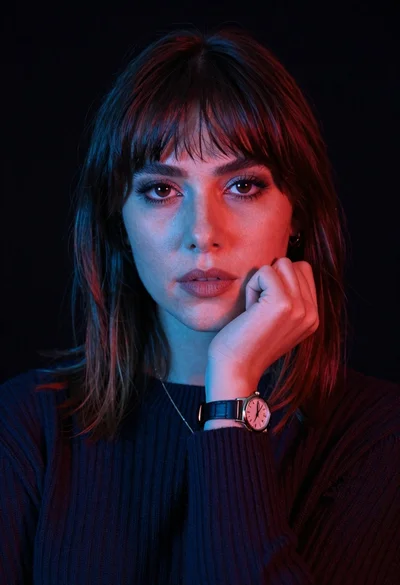
Closeup portrait of woman with fair skin and brown hair in dark
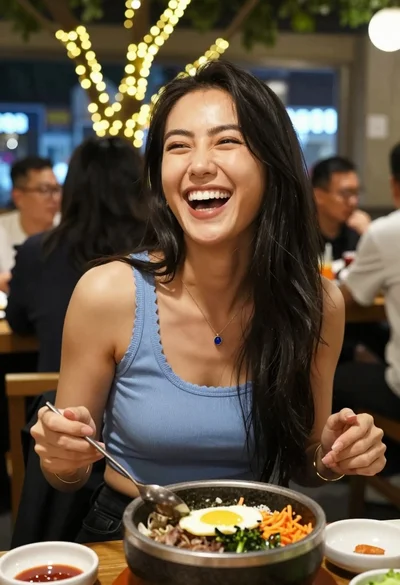
Joyful woman laughing at restaurant table with bibimbap in foreground
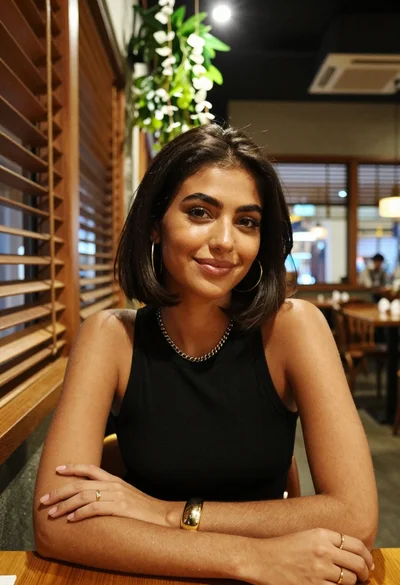
Medium close up of woman with dark bob in modern cafe setting

Close up portrait of woman in blue corduroy sweater studio setting
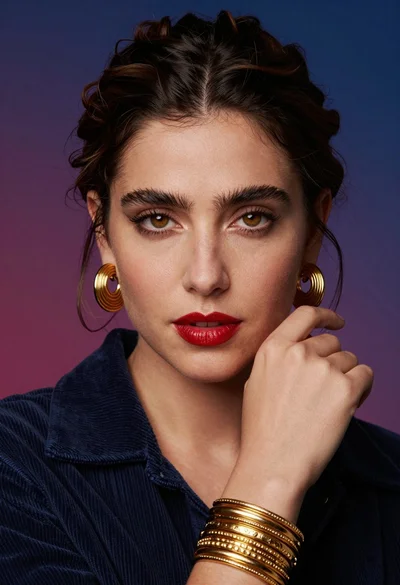
Close up portrait of woman with dark brown hair against blue magenta
High contrast black and white profile portrait of man and woman in