
Monochrome portrait of woman adjusting dark hair indoors with natural light
Prompt
A monochrome portrait of a woman with dark hair pulled back into a messy bun while she holds her hands to her head.

Subject: A young woman with a slender build and intense gaze looking directly at the camera. She has a small tattoo on her left upper arm and is wearing hoop earrings. Her hair is dark, slightly tousled, and gathered up in a casual style.

Clothing: She wears a light-colored ribbed tank top that fits snugly against her torso and high-waisted denim jeans with visible belt loops and stitching details.

Action: Her arms are raised above her head as she gathers or adjusts her hair into a bun. Her expression is serious and focused, with her mouth slightly open.

Environment: The setting appears to be an indoor room with a plain, light-colored wall in the background. A window frame is partially visible at the top left, suggesting natural light coming from that direction.

Camera: The shot is framed as a medium close-up focusing on the upper body and face, taken from a slightly low angle looking up at the subject.

Lighting: Soft, diffused lighting illuminates the scene from the front-left, creating gentle shadows that define her facial features and the texture of her clothing without harsh contrast.

Style Details: The image is rendered in high-contrast black and white with a grainy film aesthetic, emphasizing textures like skin and fabric while maintaining a moody, cinematic atmosphere.
Description
This prompt is useful for creating intimate editorial portraits, fine art photography studies, and mood pieces requiring subtle drama. The combination of 'soft, diffused lighting' with the 'grainy film aesthetic' ensures that skin textures and the details of the 'ribbed tank top' are visible without harsh highlights, which grounds the dramatic 'low angle' perspective in a tangible reality.
Suggestions
- Change 'messy bun' to 'loose braid' for a different hair texture.
- Swap 'light-colored ribbed tank top' for 'silk camisole' to alter the material reflectivity.
- Adjust 'soft, diffused lighting' to 'side window light' for more dramatic shadow play.
Category
Tags
B&wBrunetteCasual WearFemaleIndoorsLow AnglePortrait ShotRealistic
Date added
June 19, 2026
Added by
PromptDexter Team
Related Prompts
More prompts with similar categories and tags.
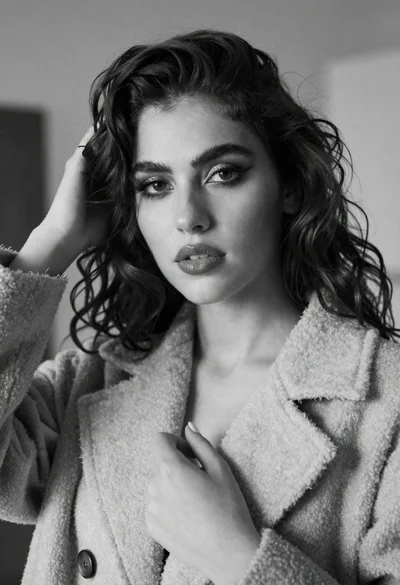
Close up black and white portrait of woman touching dark wavy hair
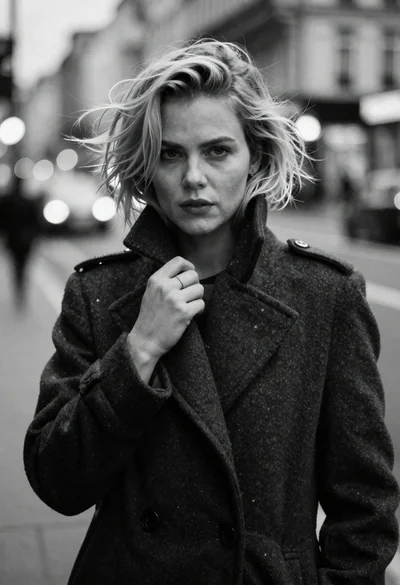
Monochrome portrait of blonde woman in wool coat on city street
Stylish woman at outdoor cafe table in paris
Black and white portrait of woman in studio
Confident young woman in plaid shirt posing against a light gray studio
Black and white portrait of woman on urban street at night
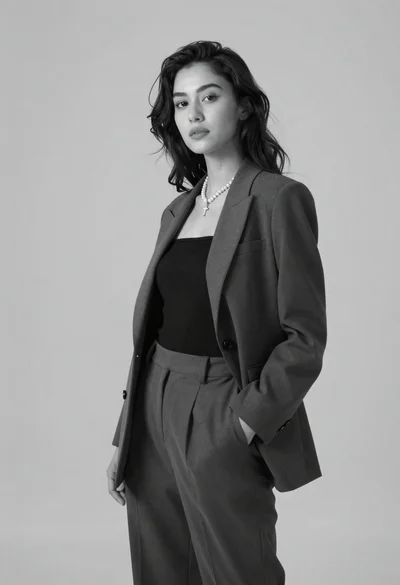
Black and white portrait of confident woman in blazer
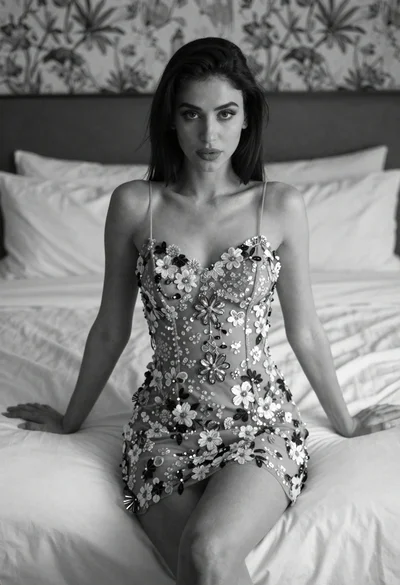
Woman in embroidered mini dress seated on bed in soft black and
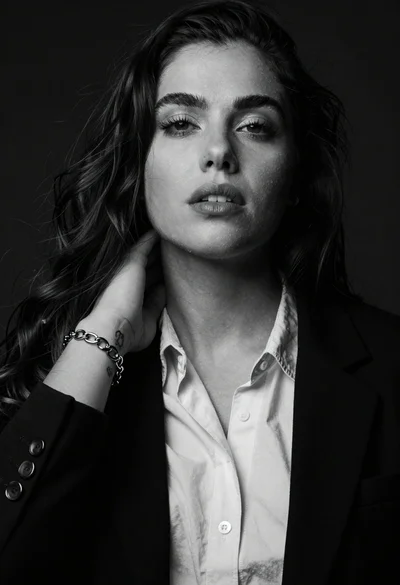
High contrast black and white studio portrait of woman with dark hair
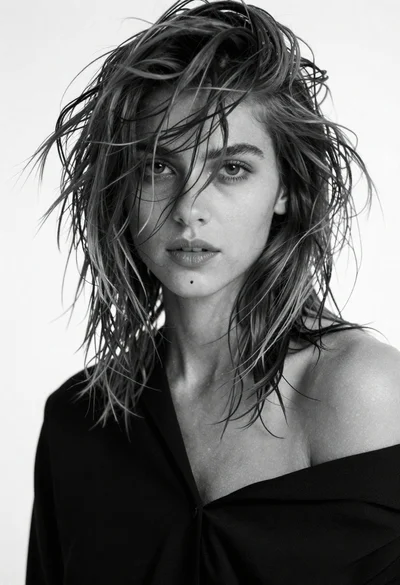
Black and white portrait of young woman with messy hair studio shot