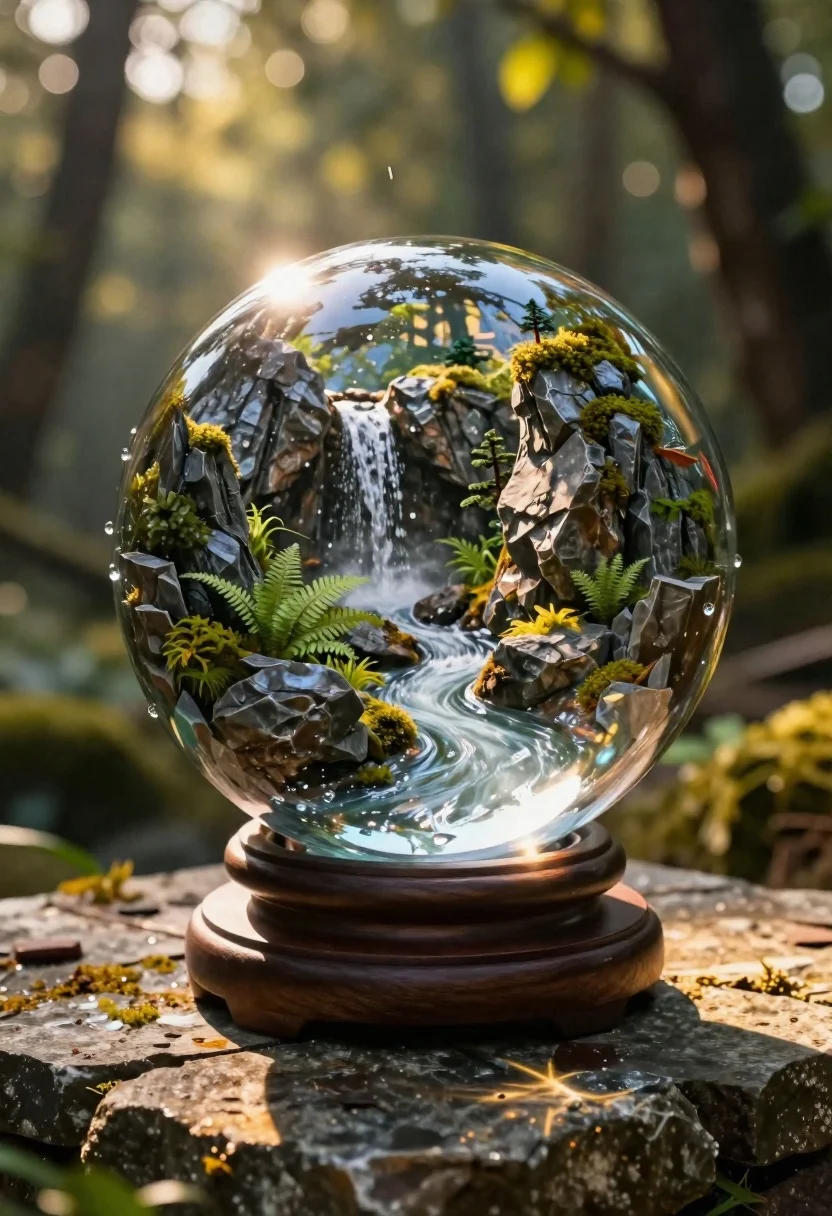
Crystal ball miniature landscape on stone outdoors
Prompt
A macro close-up of a large glass crystal ball resting on a dark wooden stand atop an ancient stone surface

Subject: A miniature fantasy landscape enclosed inside the sphere featuring jagged grey rock formations, lush green ferns and moss covering cliffsides, and tiny trees clinging to edges.

Action: Water cascades down as a small waterfall from the upper left toward a rushing stream flowing through the center of the micro-world.

Environment: The crystal ball sits outdoors in a forest setting with blurred tree trunks, leaves, and dappled sunlight filtering through branches in the background; bokeh light spots float softly around the edges.

Objects: A clear glass sphere mounted on a dark circular wooden base rests on rough-hewn stone tiles that reflect warm ambient light.

Lighting: Bright natural sunlight streams from above left casting sharp highlights across water surfaces and illuminating dust particles within the air while creating soft shadows inside the globe; golden hour glow warms surrounding stonework.

Style Details: Photorealistic rendering with high detail textures on rocks, plants, flowing water droplets, glass reflections showing forest canopy mirrored in curved surface of sphere.
Description
This prompt is useful for creating fantasy book covers, nature documentary concept art, and detailed product photography showcasing miniature worlds. The combination of 'macro close-up' framing with the specific lighting—'bright natural sunlight streams from above left casting sharp highlights across water surfaces'—ensures that both the internal detail of the landscape and the external environment are sharply defined without losing the magical quality suggested by the 'golden hour glow warms surrounding stonework'.
Suggestions
- Change 'jagged grey rock formations' to 'verdigris copper structures' for a different metallic feel.
- Swap 'lush green ferns' for 'deep purple velvet moss' to shift the color palette.
- Adjust 'dappled sunlight filtering through branches' to 'misty, overcast light' for a more subdued mood.
Category
Tags
ForestHigh AngleMacro ShotNatureOutdoors
Date added
June 19, 2026
Added by
PromptDexter Team
Related Prompts
More prompts with similar categories and tags.
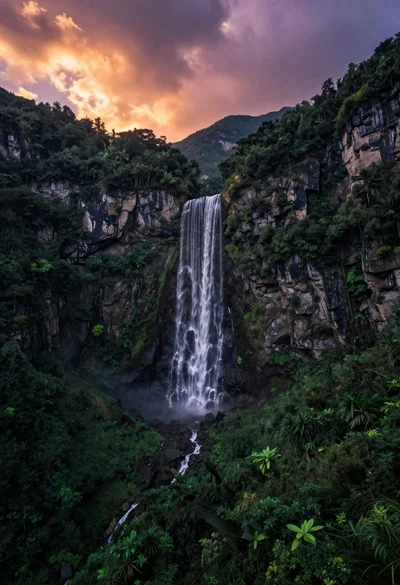
High angle wide shot of a majestic waterfall cascading into lush green
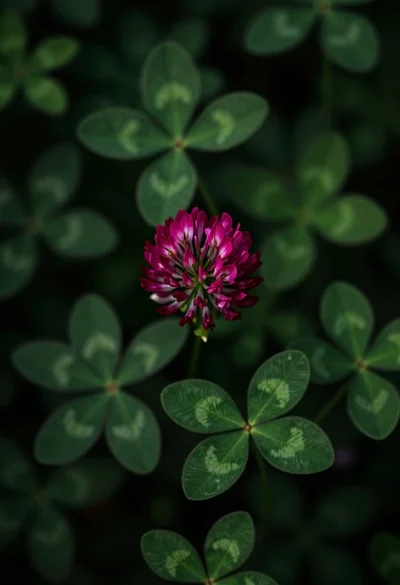
Close up view of vibrant magenta clover flowers in dense green foliage
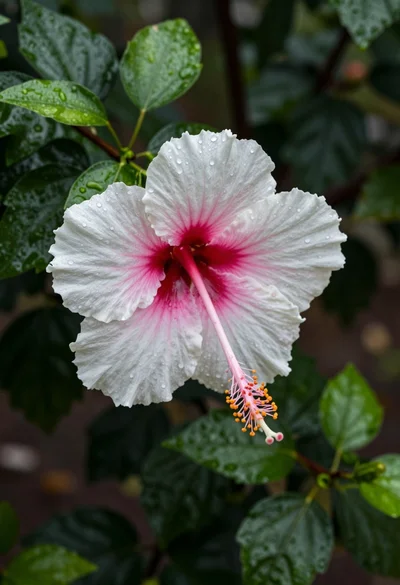
Close up photograph of hibiscus flower with raindrops on green foliage
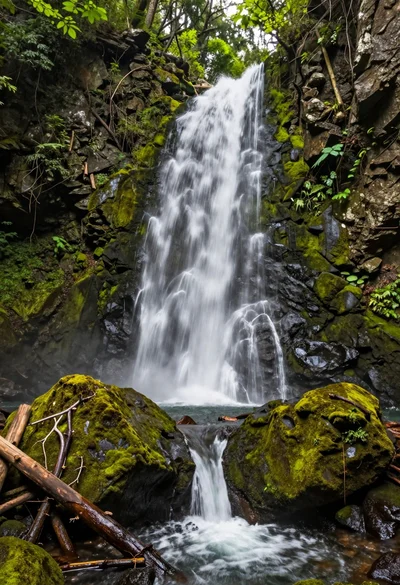
High angle view of a multi stream waterfall in a lush forest
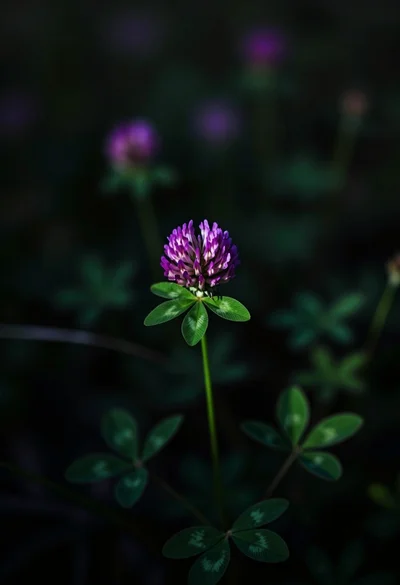
Close up photograph of vibrant purple clover flower on dark moody background
Sunlit white blossoms hanging delicately against a soft blue forest backdrop
Extreme close up macro shot of tiny green seedling sprouting from dark
Oil painting of lotus flowers on a misty pond