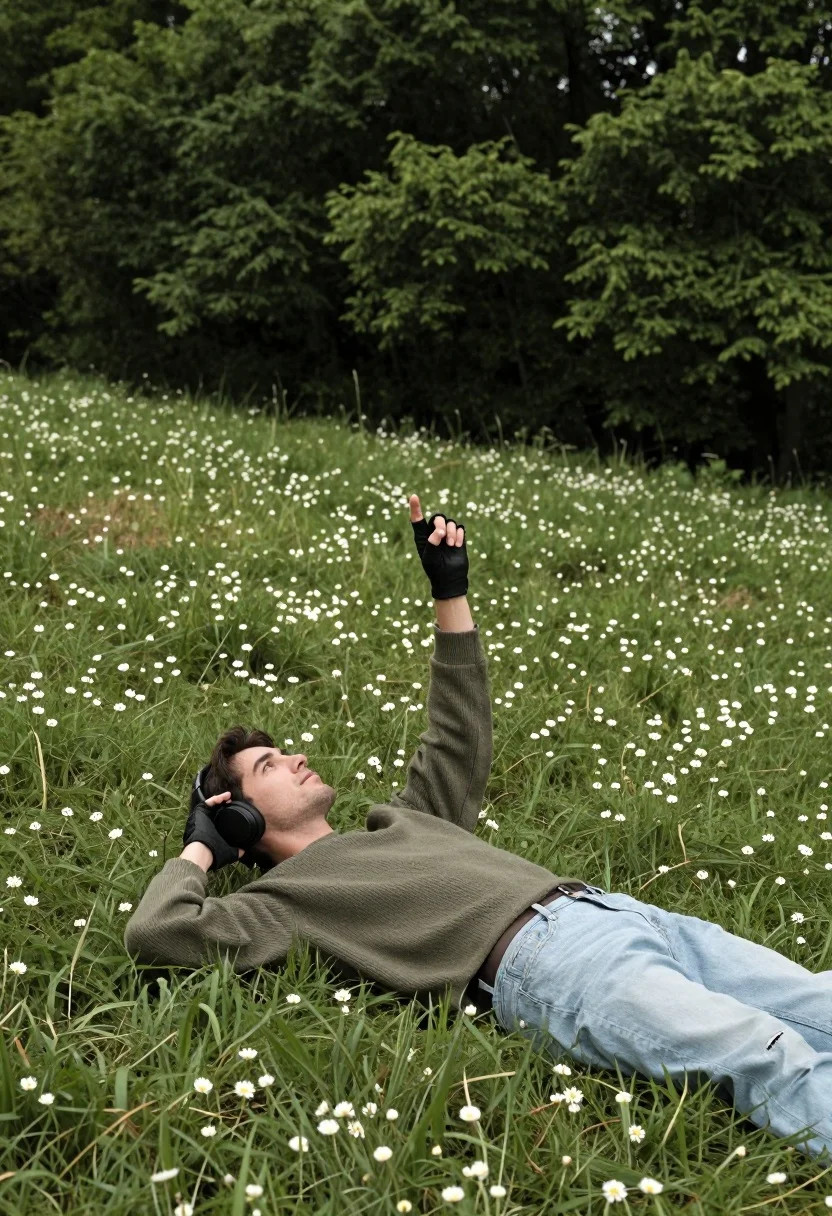
Man lying in grassy meadow pointing skyward with forest background
Prompt
A man lies on his back in a grassy meadow with a dense forest rising behind him.

Subject: A man is lying down on the grass, wearing large black headphones and looking upward with a relaxed expression.

Clothing: He wears a ribbed olive green sweater over a black shirt, light-colored jeans, black fingerless gloves, and dark sandals.

Action: His right arm is raised straight up with his index finger pointing toward the sky while he holds the side of his headphones with his left hand.

Environment: The setting is an open grassy hill dotted with small white flowers, backed by a steep slope covered in thick green trees.

Camera: The shot is taken from a high angle looking down at the subject, utilizing a shallow depth of field that keeps the man sharp while blurring the forest background.

Lighting: Soft natural daylight illuminates the scene evenly without harsh shadows, creating a calm and airy atmosphere.

Style Details: The image has a clean, high-resolution photography aesthetic with vibrant but muted natural colors.
Description
This prompt is useful for creating conceptual fine art prints, nature-inspired album covers, or editorial lifestyle shots emphasizing contemplation. The combination of 'high angle looking down' and the 'shallow depth of field' isolates the subject against the blurred forest background, ensuring the viewer focuses on the man's upward gaze and the specific details like the 'ribbed olive green sweater' rather than getting lost in environmental clutter.
Suggestions
- Change 'small white flowers' to 'wild blue lupines' for a stronger color accent.
- Swap 'soft natural daylight' for 'overcast diffused light' to minimize contrast.
- Adjust 'high angle looking down' to 'eye-level medium shot' to change the sense of power.
Category
Tags
ForestFull BodyHigh AngleMaleNatureOutdoorsRealistic
Date added
August 5, 2026
Added by
PromptDexter Team
Related Prompts
More prompts with similar categories and tags.
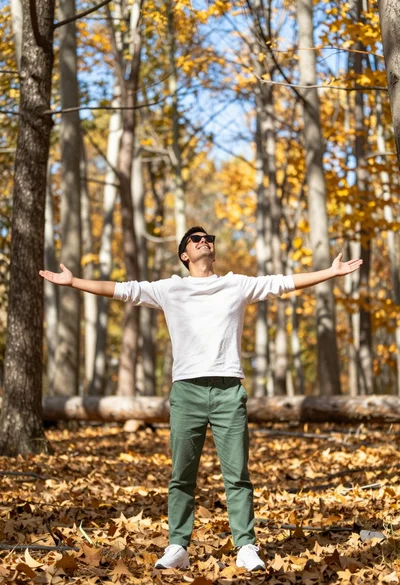
Man standing in sundrenched forest with arms outstretched showing joy
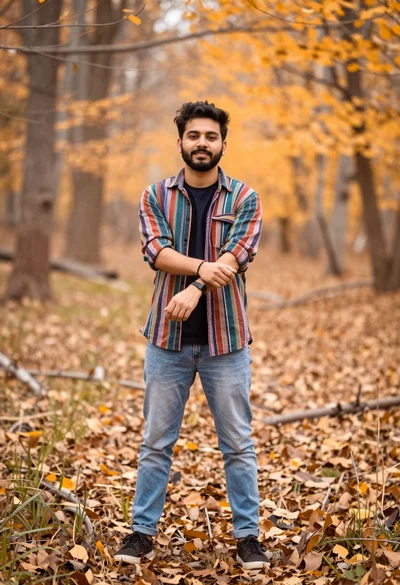
Young man in striped shirt standing in an autumnal forest clearing bokeh

Couple in white rowboat gazing at each other during vibrant sunset over
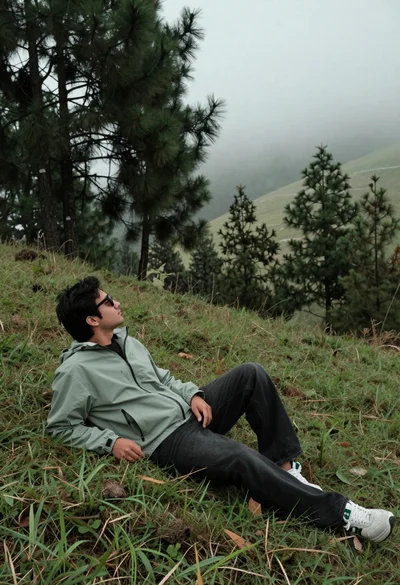
Man reclining on grassy hillside looking up at misty forest landscape
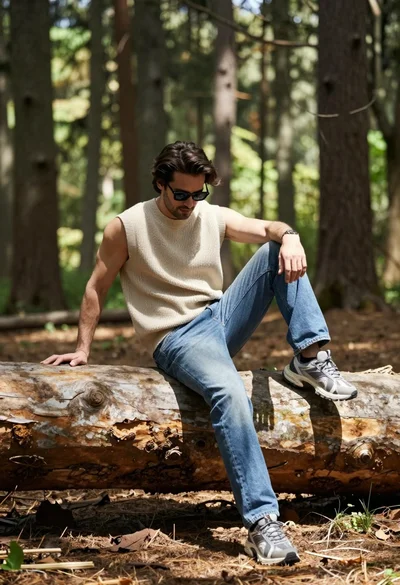
Man sitting casually on fallen log in sun dappled forest setting
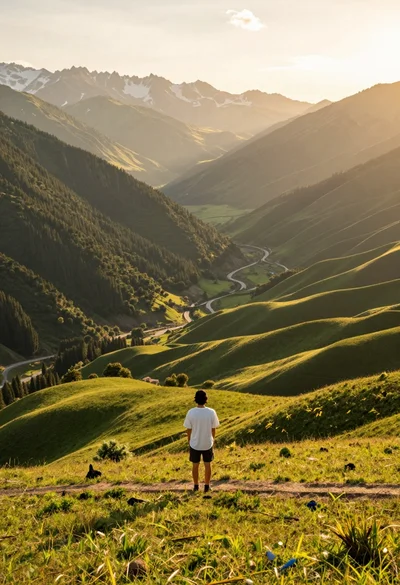
Solitary figure on grassy hill overlooking vast mountain valley at golden hour

Man sitting against tree trunk in forest with soft sunlight filtering through
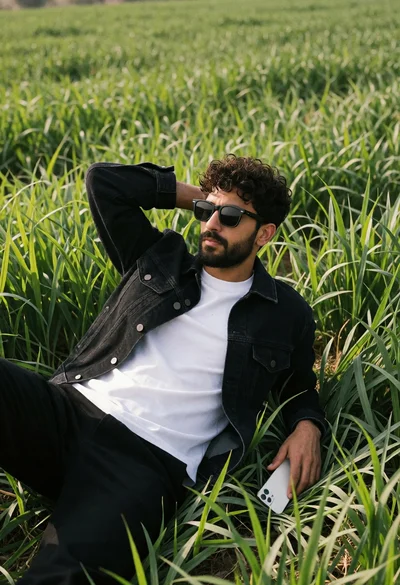
Man lying in tall vibrant green grass wearing black denim jacket
Overhead view of couple on green lawn surrounded by colorful flowers

Man reading book in tall green grass under warm golden sunlight