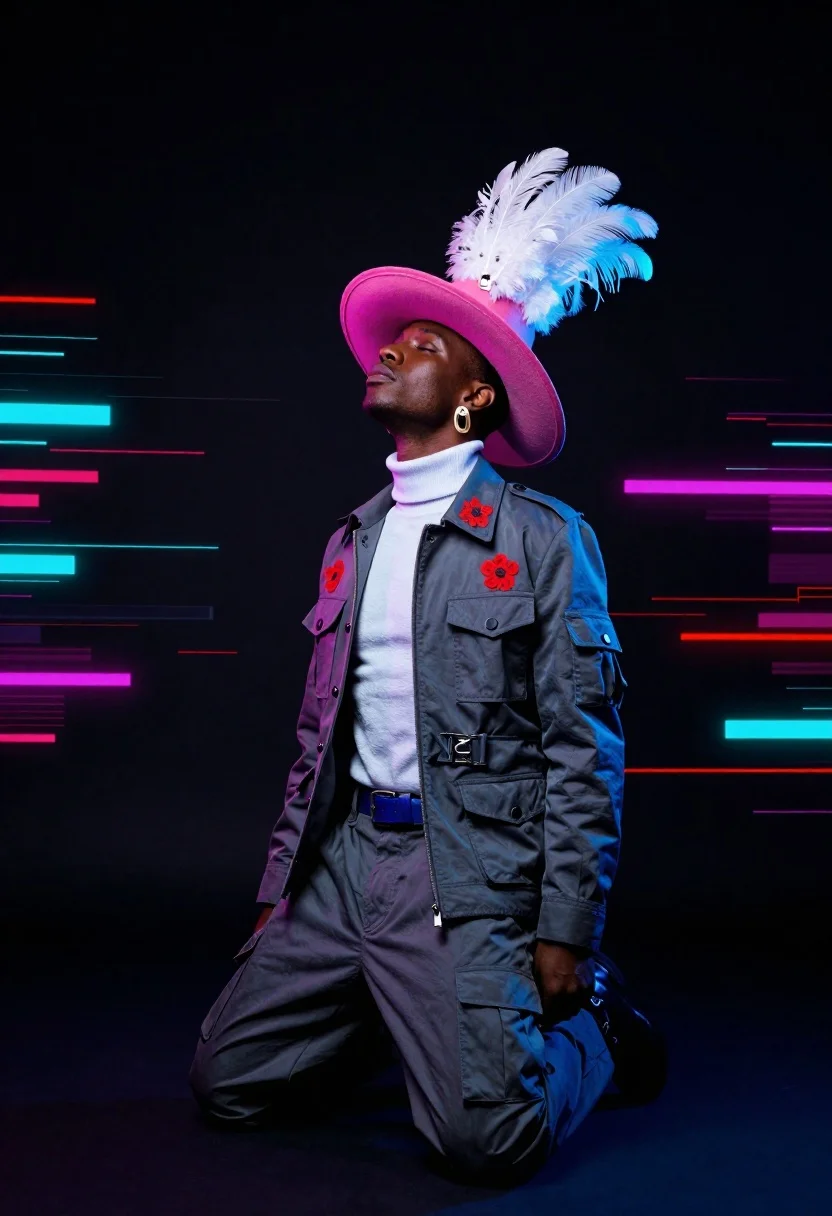
Dark skinned man kneeling in studio with neon glitch background
Prompt
A dramatic studio portrait of a dark-skinned model kneeling in an upward-facing pose against a deep black background

Subject: A Black male figure with short hair and large statement earrings, looking up towards the light with eyes closed

Clothing: Wearing a grey military-style jacket adorned with red floral pins on both chest pockets over a white turtleneck sweater and matching cargo trousers secured by a blue belt

Action: Kneeling with head tilted back in reverence or ecstasy while wearing large pink wide-brimmed hat topped with sculptural white feathers that glow against the dark backdrop

Environment: Set in an abstract digital void filled with streaking neon lines of red, cyan and magenta creating a high-tech glitch effect around him as if moving at great speed through data space

Lighting: Dramatic low-key lighting focused on face hat and upper torso while rest fades into darkness emphasizing silhouette form against glowing background elements.
Description
This prompt is useful for creating avant-garde album art, high-concept editorial spreads, and futuristic character portraits. The combination of 'dramatic low-key lighting' focused on the face and hat, contrasted with the 'streaking neon lines of red, cyan and magenta,' ensures that the subject remains grounded while the background suggests intense digital energy, preventing the figure from being lost in the abstract chaos.
Suggestions
- Change 'red floral pins' to 'gold enamel pins' for a more metallic accent.
- Swap 'large pink wide-brimmed hat' for 'structured black fedora' to tone down the color saturation.
- Adjust 'deep black background' to 'charcoal smoke backdrop' for a softer edge.
Category
Tags
Black HairDark SkinFull BodyLow AngleMalePortrait ShotRealisticStreetwearStudioUniform
Date added
June 19, 2026
Added by
PromptDexter Team
Related Prompts
More prompts with similar categories and tags.
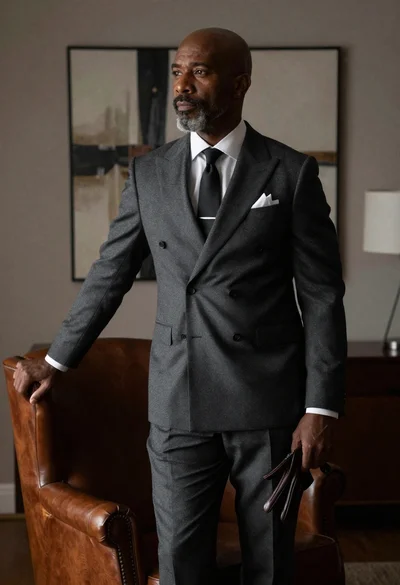
Bald man in charcoal suit by leather armchair
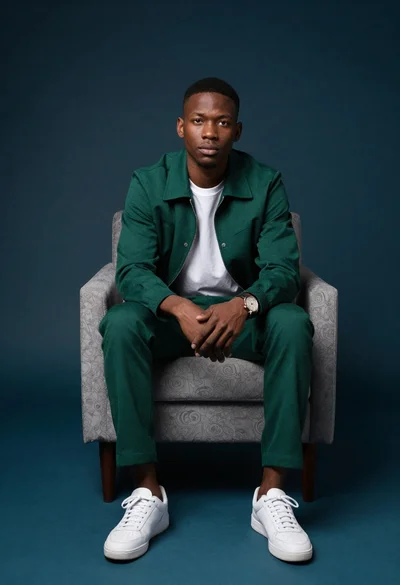
Young black man seated in armchair against teal background

Man in suit sitting on classic red car outdoors
Man with oscar statuette on a red carpet

Black man sitting on beanbag chair with wine glass
Man in monochrome suit with yellow accents studio portrait

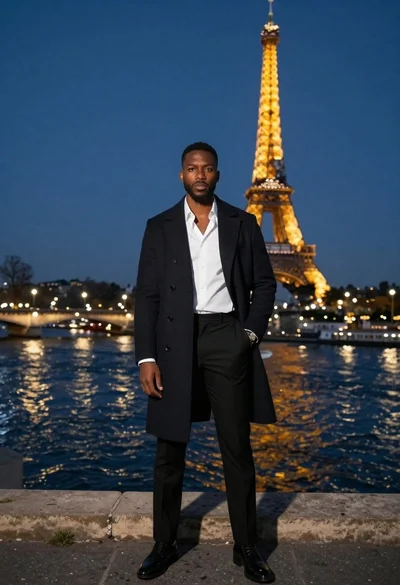
Stylish man on balcony overlooking eiffel tower at night
Black and white portrait of confident man in studio
