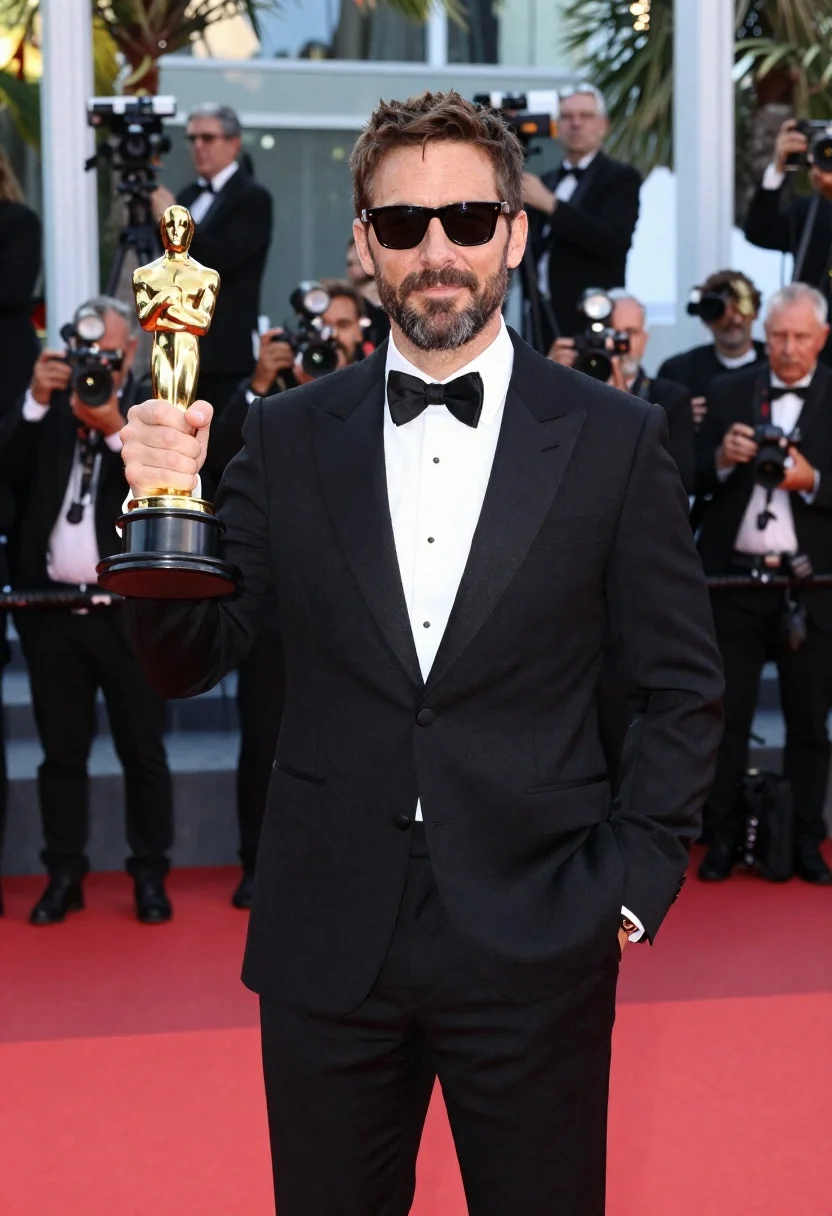
Man with oscar statuette on a red carpet
Prompt
A high-resolution portrait of a man in formal wear holding an Oscar statuette on a red carpet.

Subject: man with a short beard wearing dark sunglasses.

Clothing: black three-piece tuxedo with satin lapel, white dress shirt, and bow tie.

Action: standing confidently with one hand in his pocket while holding the golden award statue aloft in the other.

Environment: outdoor red carpet event at dusk or early evening with palm trees and modern glass architecture in the background.

Other Subjects: photographers capturing images from various angles behind him.

Objects: Oscar statuette.

Lighting: bright camera flash lighting illuminating the subject against the evening atmosphere.

Camera: high-resolution portrait framing focused sharply on the subject amid the red carpet setting.
Description
This prompt is useful for creating award show promotional materials, cinematic character portraits, and magazine feature spreads documenting success. The combination of 'bright camera flash lighting' against an 'evening atmosphere' creates a high-contrast drama that emphasizes the texture of the 'black three-piece tuxedo' while ensuring the golden statuette remains the sharp focal point despite the surrounding activity.
Suggestions
- Change 'dark sunglasses' to 'reflective aviator glasses' for a more dramatic look.
- Add 'bokeh background from flashing lights' to soften the environment.
- Swap 'palm trees' for 'modern skyscrapers' to emphasize the architecture.
Category
Tags
Black HairDark SkinFormal WearFull BodyMalePortrait ShotRealisticStudio
Date added
June 19, 2026
Added by
PromptDexter Team
Related Prompts
More prompts with similar categories and tags.
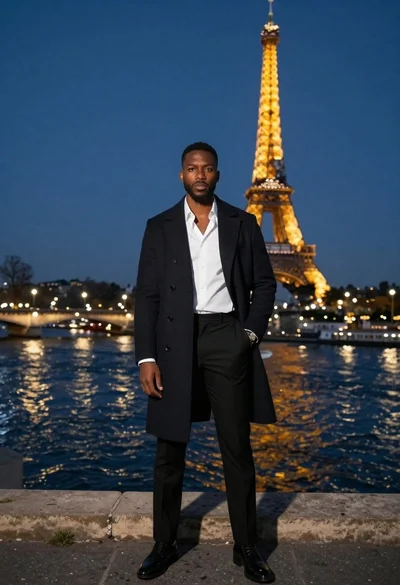
Stylish black man in overcoat against paris night skyline

Man in suit sitting in car at night
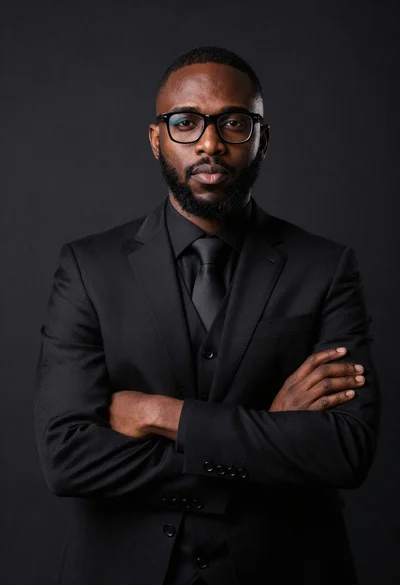
Studio portrait of confident black man in black suit
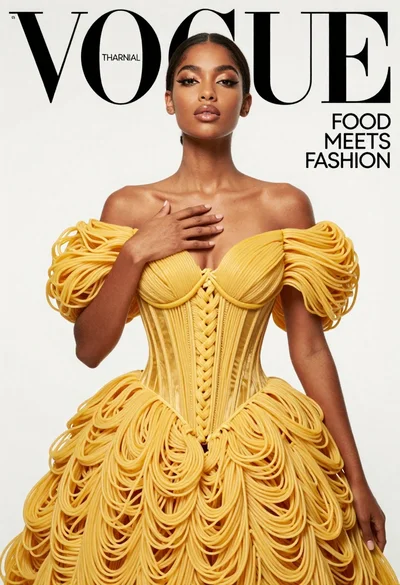
Elegant woman in noodle gown for fashion magazine cover
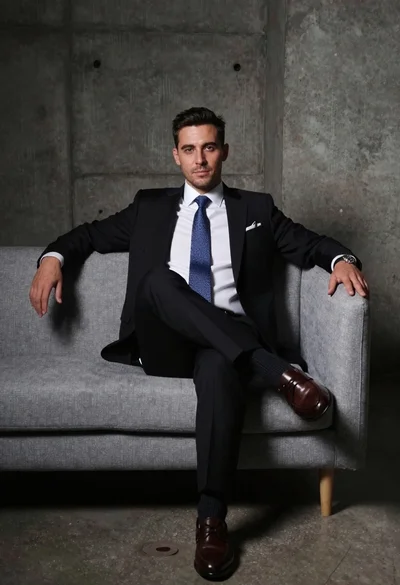
Man in black suit sitting on gray couch against concrete backdrop
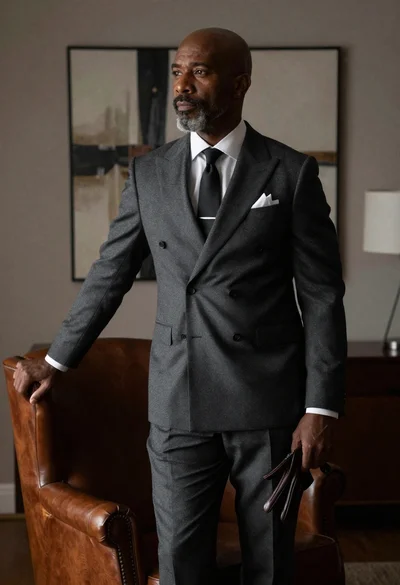
Bald man in charcoal suit by leather armchair
Young black man seated in armchair against teal background
Black and white studio portrait of a man sitting