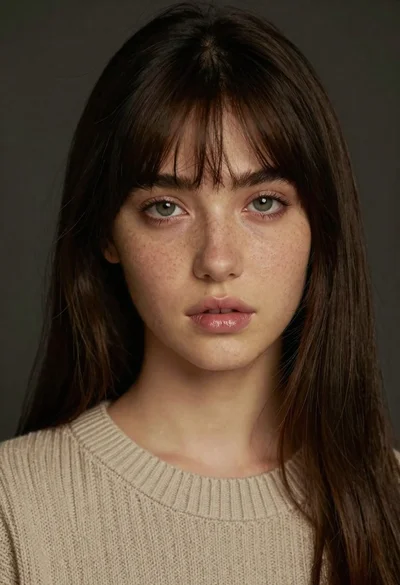
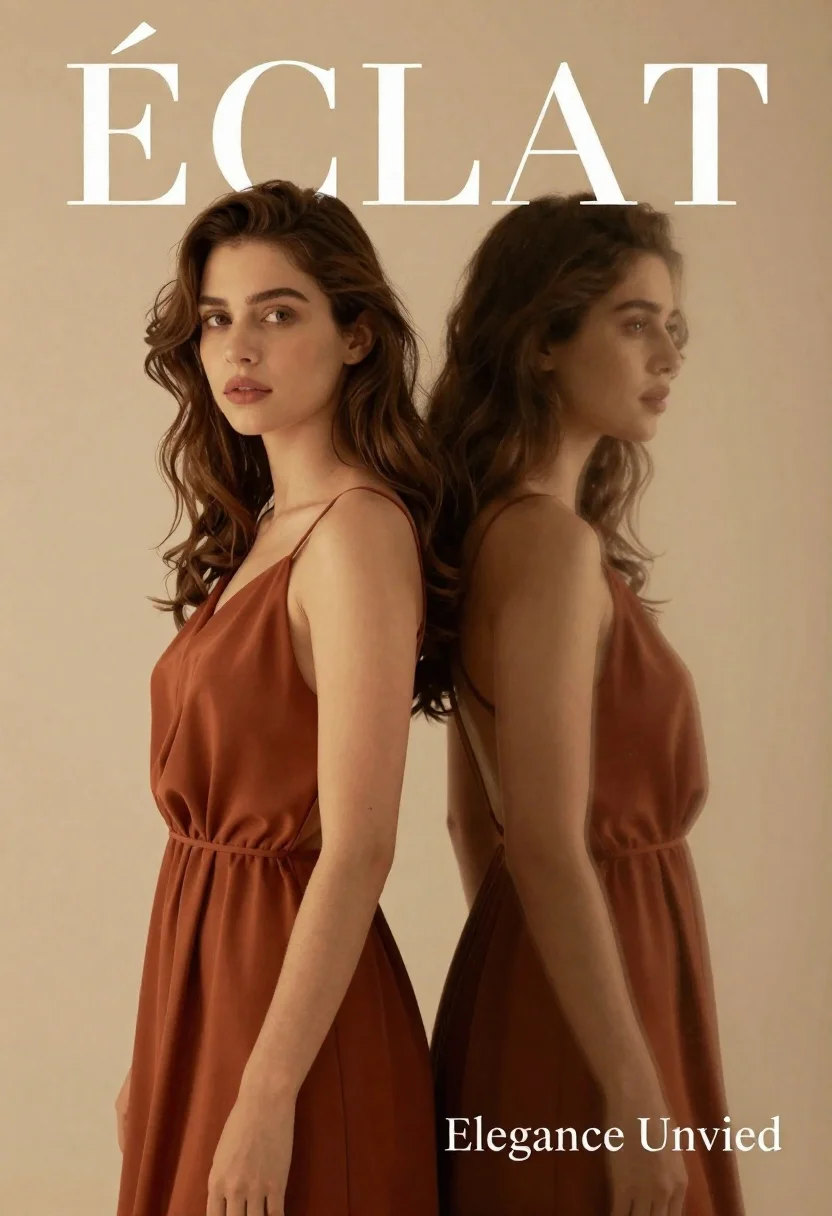
Dual portrait of woman in rust dress against beige studio background - AI Image Prompt
Creates dual portrait of woman in rust dress against beige studio background with editorial-grade styling, intentional framing, and a composed magazine-ready finish. Works best in Gemini, ChatGPT, Grok, Flux, Z-Image and other models that prefer natural language prompts.
Prompt
A dual-portrait composition featuring a woman with long wavy brown hair looking directly at the camera and her blurred profile reflection standing beside her against a warm beige background.

Subject: A young woman with long wavy brown hair, fair skin, and soft features gazing forward with a calm expression.
Second

Subject: A blurred silhouette of the same woman in profile facing right, creating a ghostly echo effect.

Clothing: Both figures wear matching sleeveless rust-colored dresses with draped fabric and thin straps.

Action: The main subject stands still facing forward while the secondary figure is captured in a side profile pose.

Environment: A minimalist studio setting with a solid warm beige background that provides a soft, neutral backdrop.

Lighting: Soft directional lighting illuminates the subjects from the front-left, casting gentle shadows and highlighting the texture of the fabric and skin.

Text/Graphics: Large serif text reading "ÉCLAT" in white and gold at the top, and smaller text reading "Elegance Unvied" at the bottom right.

Style Details: High-fashion editorial aesthetic with a shallow depth of field that blurs the secondary figure, warm color grading, and elegant typography.
Tags
Brown HairCasual WearFair SkinFemaleFull BodyPortrait ShotRealisticStudio
How to use
Generate a new image
- Copy the prompt and paste it into your preferred image model.
- Adjust details like subject, lighting, or style if needed.
- Generate and iterate to refine the result.
- Works best with models that support detailed natural language prompts, such as Gemini, Grok, ChatGPT, Flux, or Z-Image.
Edit your uploaded image
- Upload your image in a model like Gemini, Grok or ChatGPT.
- Paste the edit prompt into the text box and submit.
- Review the result, most edit prompts work out of the box.
- If needed, tweak the prompt and repeat until you get the desired output.
- Note: In our testing, Gemini and Grok tend to give better results for edits.
Related Prompts
More prompts with similar categories and tags.
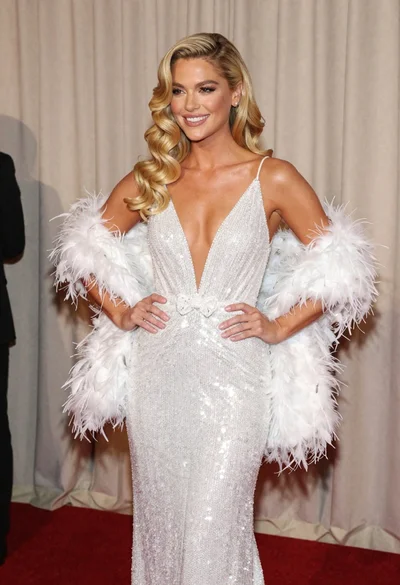
Glamorous blonde woman in white sequin gown holding feather boa indoors
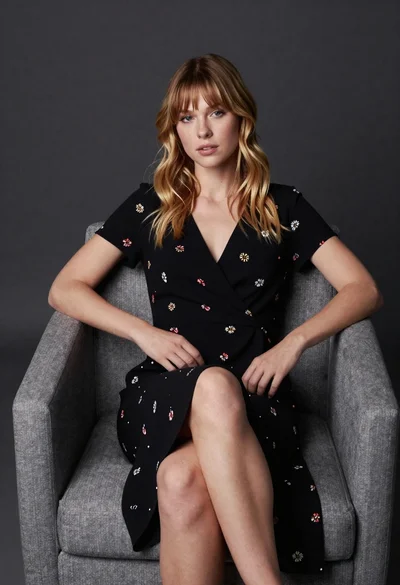
Young blonde woman in floral dress seated on grey armchair studio portrait

Woman seated on mid century chair wearing beige suit
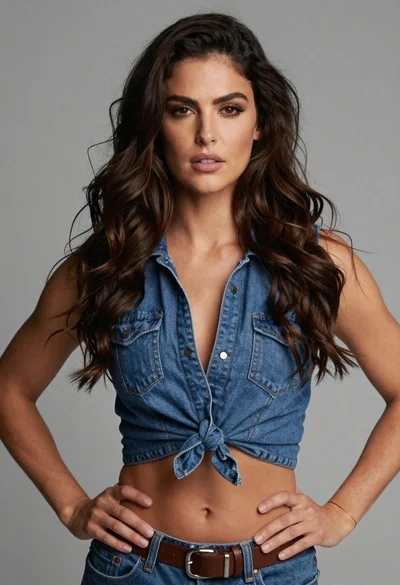
Medium close up of woman in denim crop top against gray studio
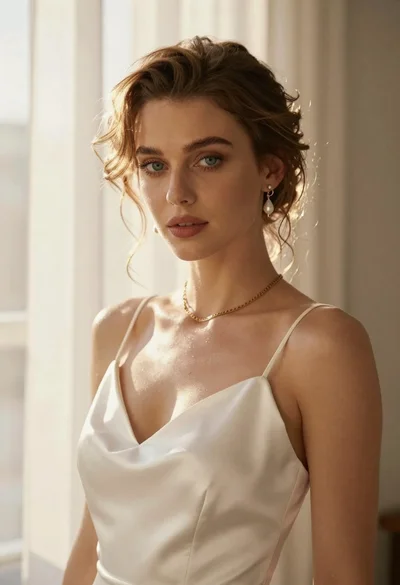
Portrait of woman in white satin dress near sheer curtains
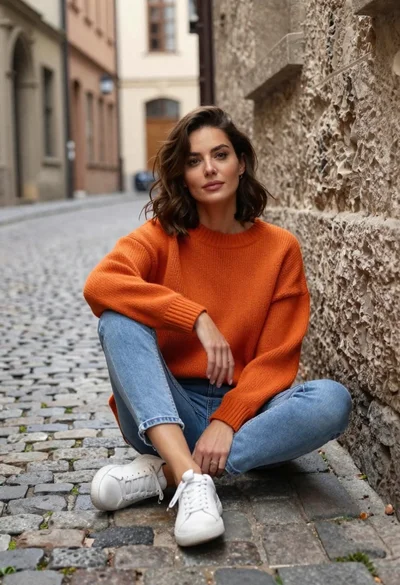
Woman sitting on cobblestone street in old european alley

Woman in rust gown posing on white step and repeat backdrop
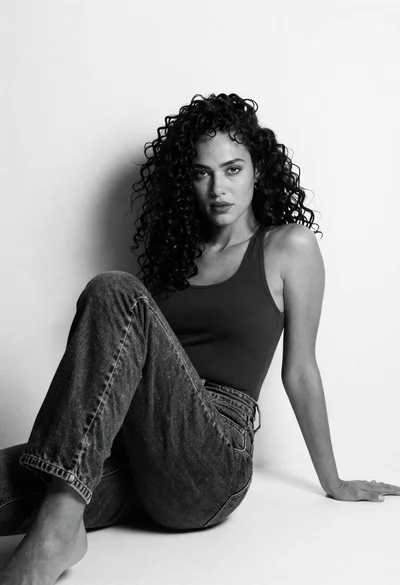
Black and white portrait of woman with curly hair against white wall
